
Samsung Internet for PC is Official: Everything You Need to Know
SammyGuru is reader-supported. We have affiliate and sponsored partnerships, so we may earn a commission when you buy through links on our site — at no extra cost to you. Learn more.
After more than a decade since its debut on mobile, Samsung Internet is officially coming to Windows PCs. Following a short-lived test release in late 2023, Samsung has now confirmed the browser’s comeback, this time for good. The launch represents a major step toward deeper integration between the Galaxy ecosystem and Windows devices.
Samsung Internet for PC is now available in beta in select markets
Starting today, a beta version of Samsung Internet for PC is available for users in Korea and the USA. A wider global rollout is planned for later, though Samsung hasn’t shared specific dates yet. The browser supports Windows 11 and Windows 10 (version 1809 or later), and even works on ARM-powered notebooks, such as Galaxy Books. You’ll find all download links below.
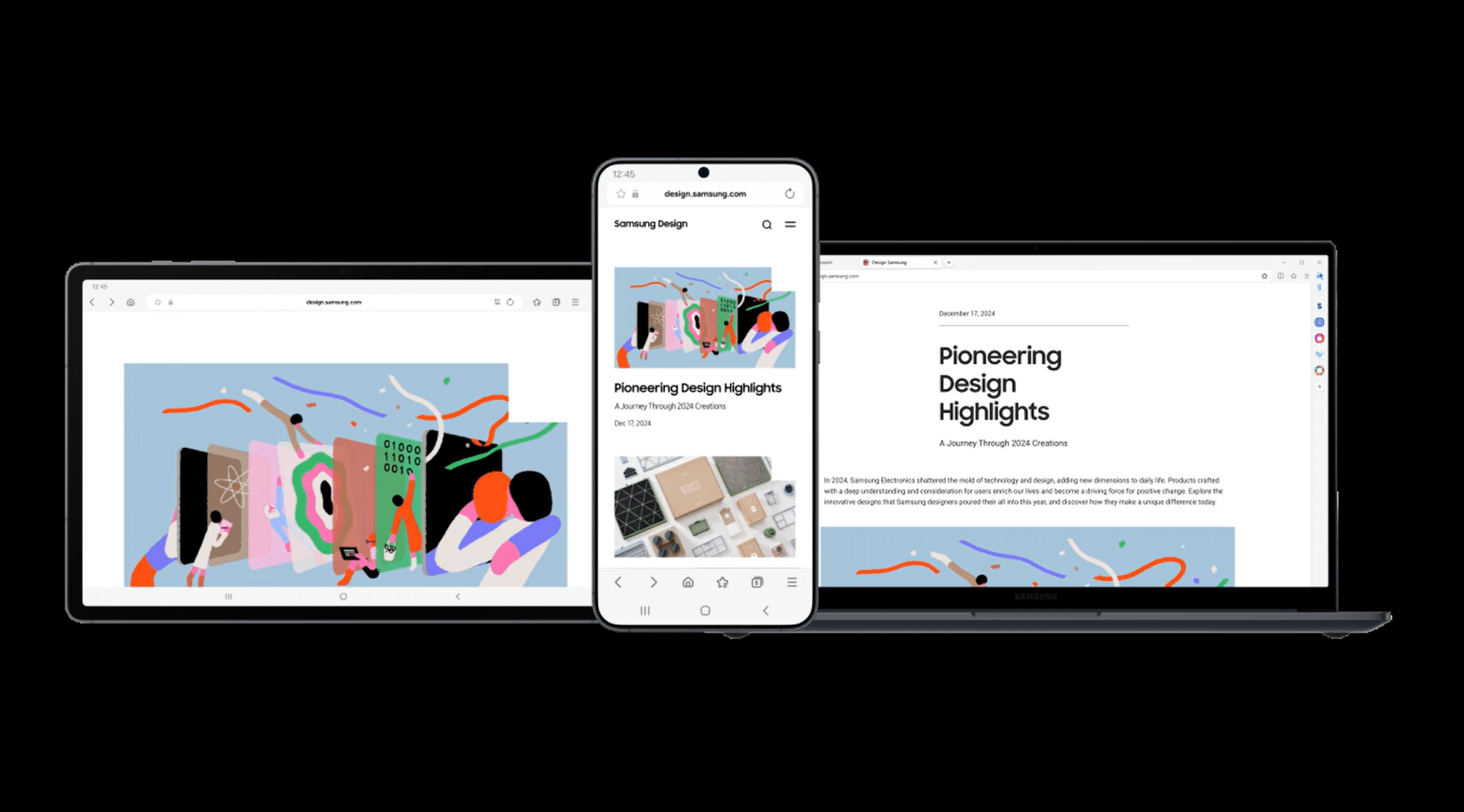
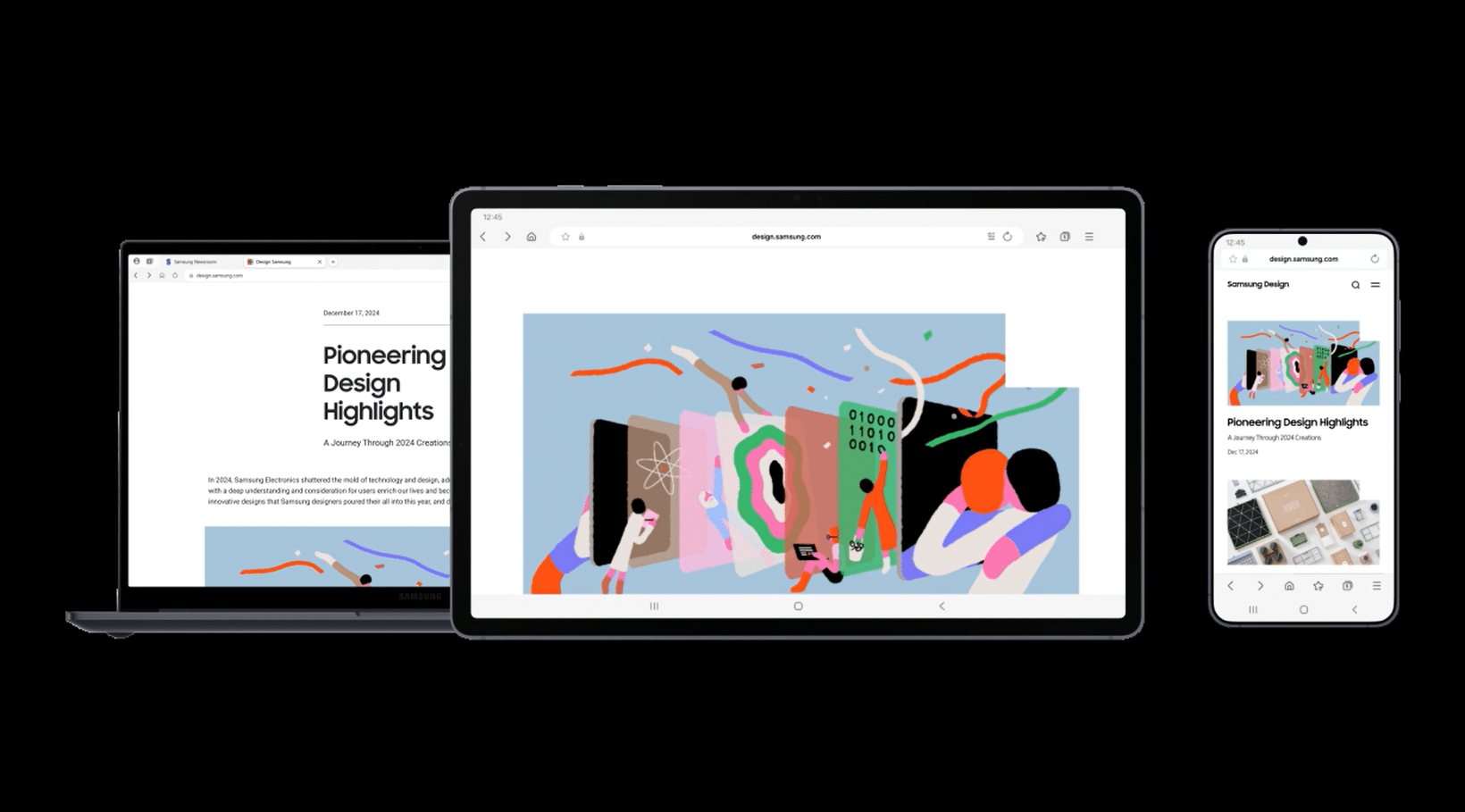
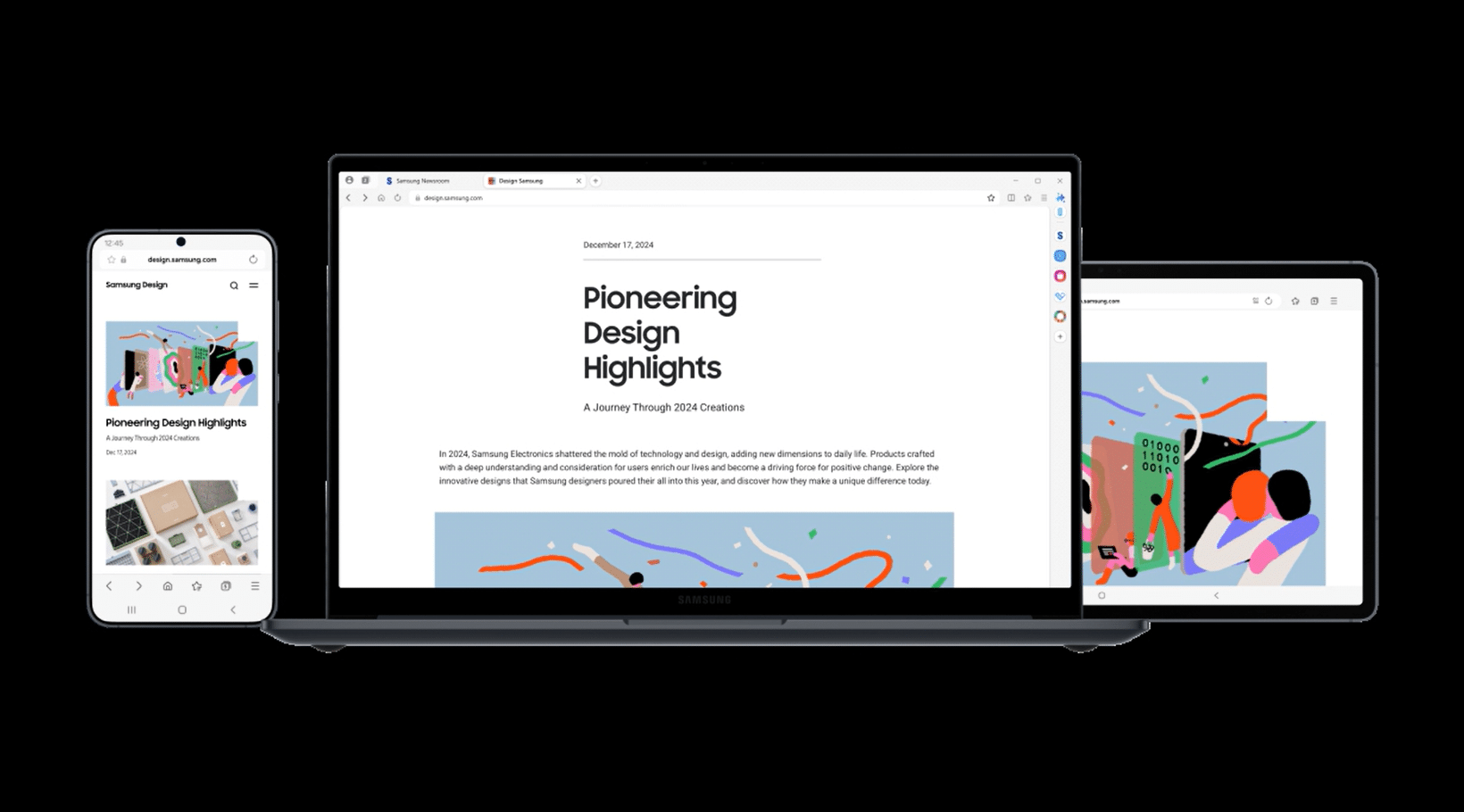
Like its Android counterpart, the PC version won’t be exclusive to Samsung hardware. It is a Chromium-based browser, and anyone with a compatible Windows system can install and use it. This allows more people to experience the same feature-rich browsing environment that they have enjoyed on mobile for years on bigger screens.
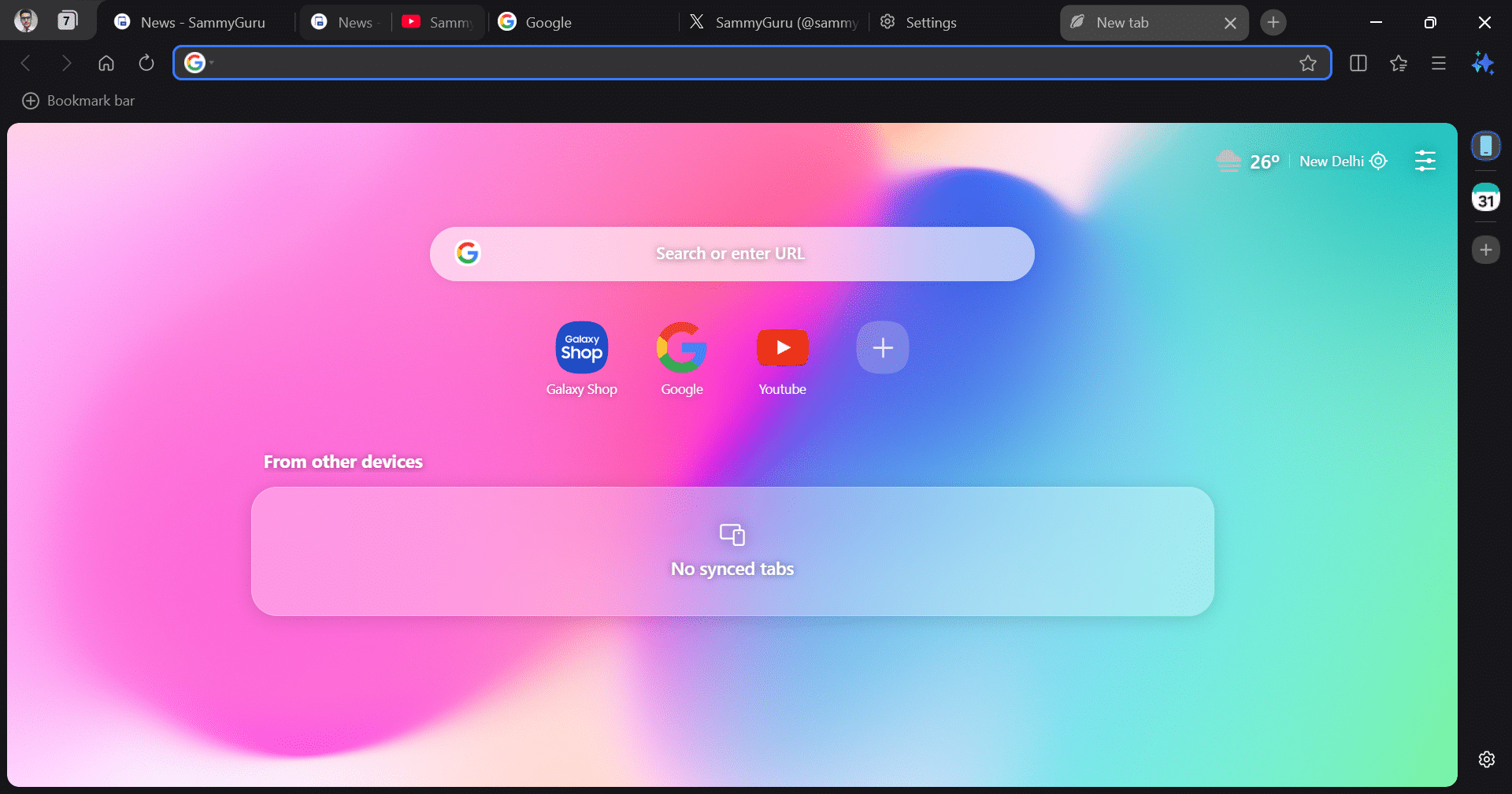
Speaking of features, Samsung Internet for PC retains many of the mobile app’s most-loved features. Unsurprisingly, the interface is quite heavily One UI-themed. Samsung aims to unify the experience across its products, even bringing One UI to TVs and home appliances. We’ve listed some of the key features of Samsung Internet for PC below:
- Smart anti-tracking to block cookies and web trackers.
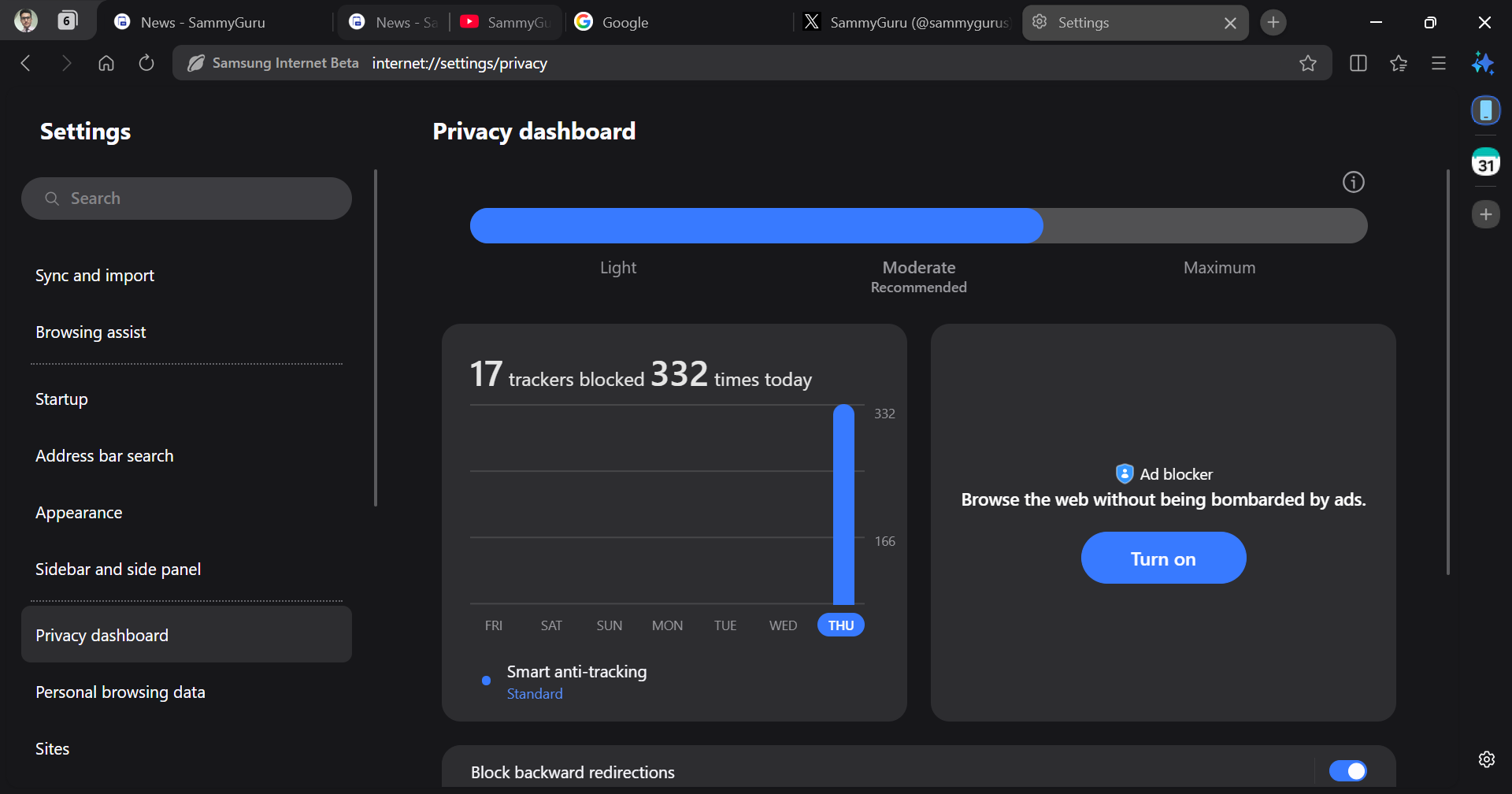
- A Privacy Dashboard that displays how many trackers were blocked daily and lets you control pop-ups and other interruptions.
- Secret Mode, Samsung’s equivalent of incognito browsing.
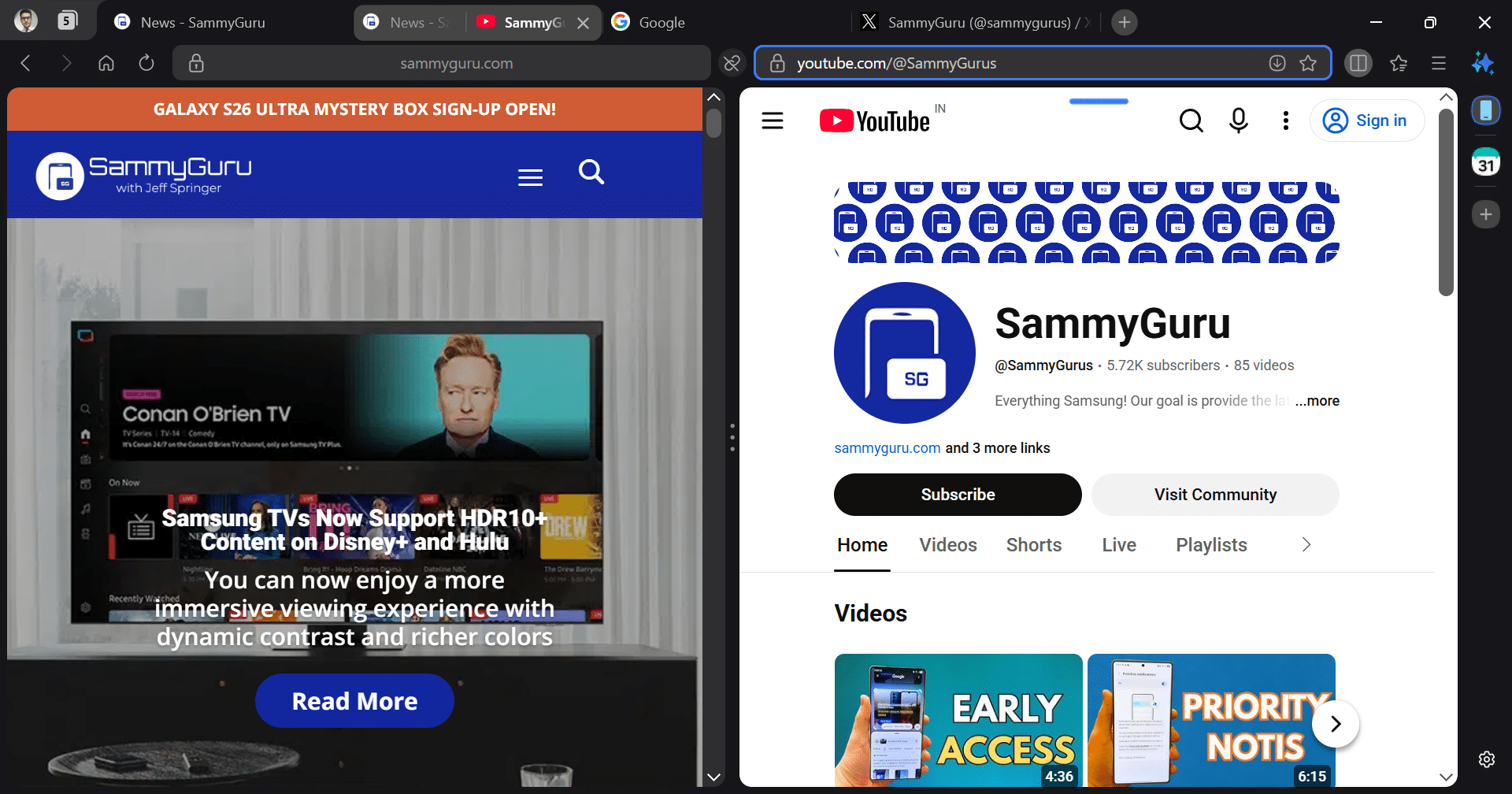
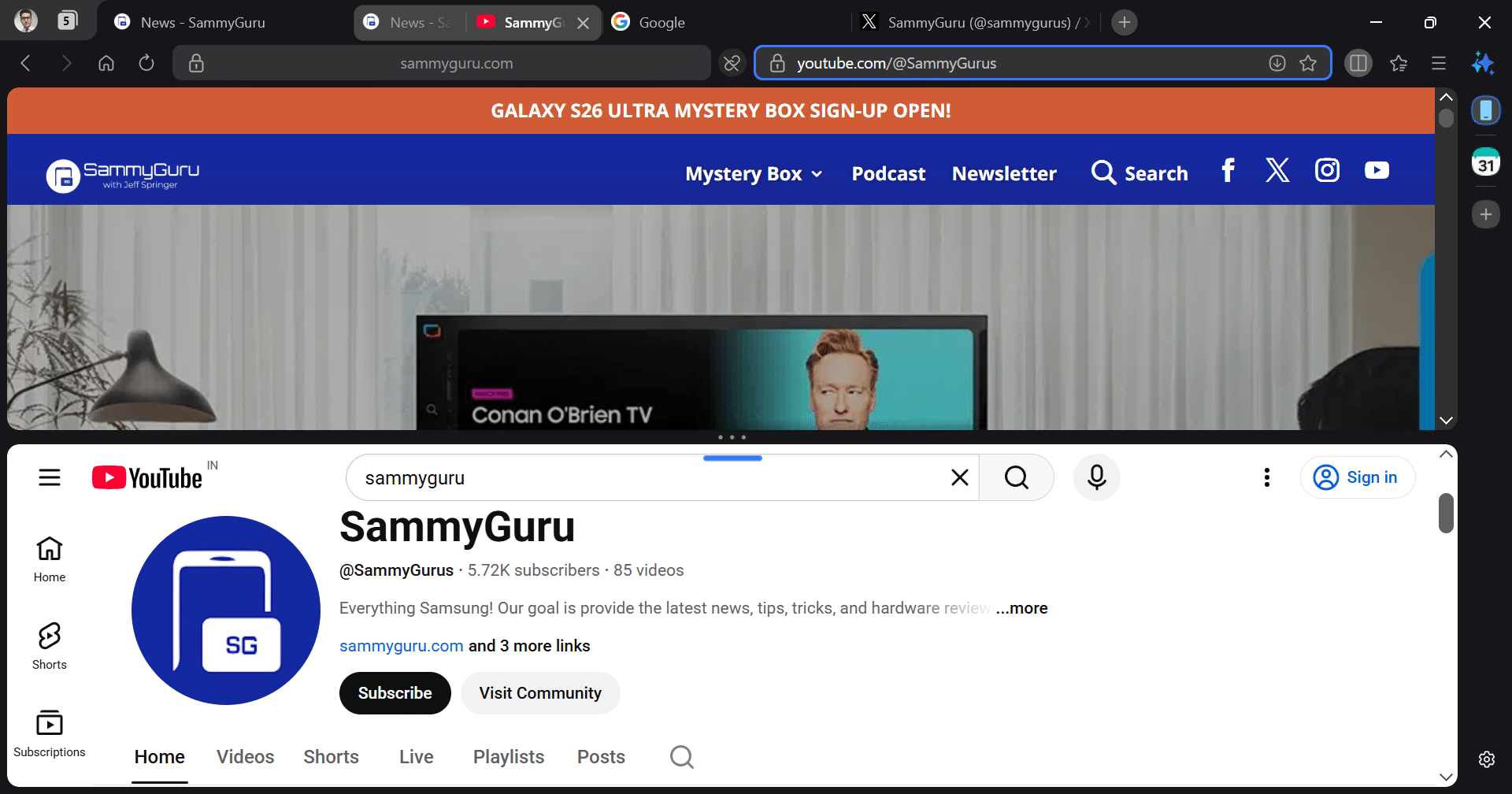
- Split View, which allows two websites to be opened side by side or in a top-and-bottom layout — similar to Galaxy’s Multi Window multitasking.
- Dark Mode that can automatically adapt to your system settings.
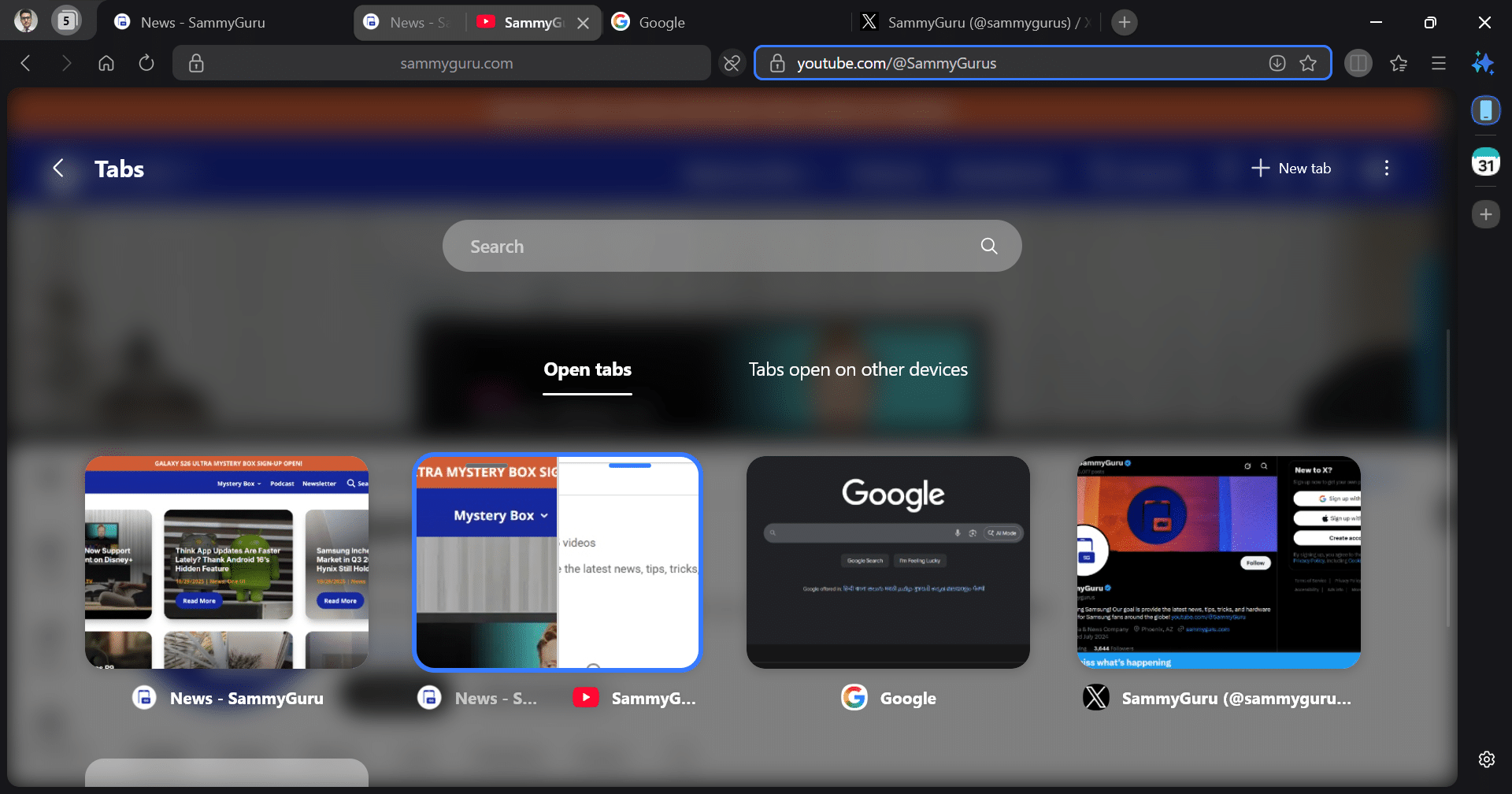
- Sidebar for quick access to bookmarks, tabs, calendar, and tools.
- Samsung Cloud allows you to sync your browsing history, tabs, and passwords across other devices using the same Samsung account.
- Samsung Pass to autofill saved login information.
- Continue browsing between phone and PC, picking up exactly where you left off.
- Support for Chrome extensions, which makes the transition from other browsers smoother.
Galaxy AI comes to your browser
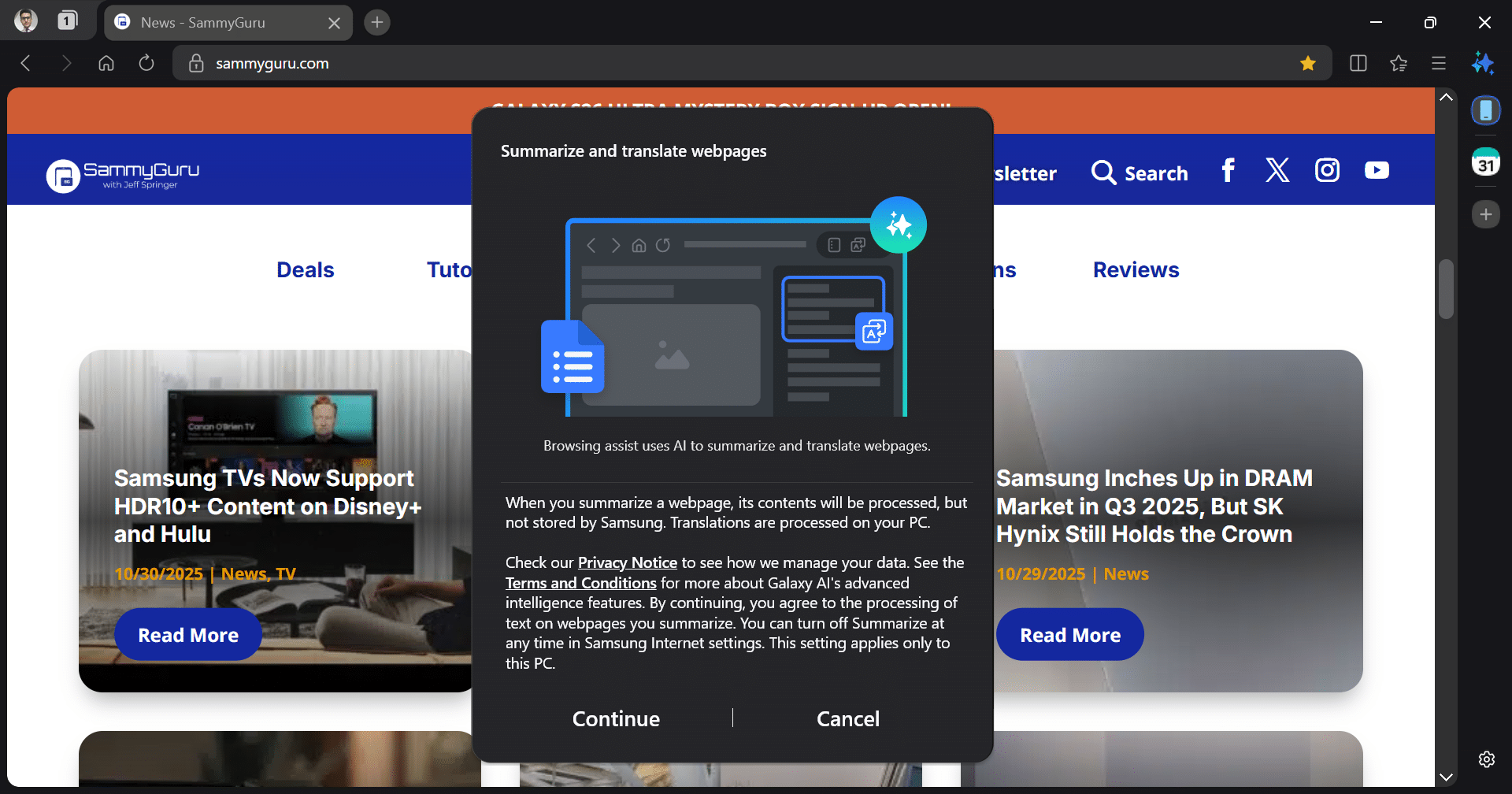
The biggest new addition is Galaxy AI integration through Browsing Assist. This tool can summarize or translate web pages in multiple languages, helping users quickly grasp content without leaving the page. Samsung says the feature will continue to evolve, leveraging Galaxy AI’s cloud and on-device capabilities for smarter, faster assistance.
Despite being the first beta version, Samsung Internet for PC is already a polished, feature-rich browser. It feels instantly familiar to anyone who’s used the Android version. The layout is clean, performance is stable, and the addition of AI and cross-device sync makes it stand out among competitors.
Limited initial availability, but wider launch planned
At launch, Samsung Internet for PC is available only in South Korea and the USA. Interested users can download the beta version through the official link shared by Samsung. To participate in the beta program, you need to sign up for the Samsung Developer Portal with a Samsung Account registered in the said two countries.
For those outside these regions, you must manually download executable files through third-party sources. You can download the x64 version here and the ARM version here (via SamMobile). Once installed, the browser walks you through a familiar setup process. Sign in with your Samsung account to enable data sync, import bookmarks from other browsers, and you’re all set.
Samsung Internet for PC can be a game-changer for users who live within the Galaxy ecosystem. Even for other Android users who prefer Samsung Internet, this release bridges the gap between their phones and computers. With a full release expected in the coming months, Samsung Internet could quickly become a serious alternative to Chrome or Edge. Stay tuned!

Written by
Sumit AdhikariSumit, a life-long Samsung user, is passionate about technology and has been professionally writing on tech since 2017. He’s a mathematics graduate by education and enjoys teaching basic mathematics tricks to school kids in his spare time. Sumit believes in artificial intelligence and dreams of a fully open, intelligent and connected world.

Follow us on Google Discover & set us as a preferred source in Google News
Share this Post
___________________________


New Blog Posts
___________________________

First Set of Pixel 11 Pro XL Renders Are Here
Pixel 11 Pro XL CAD renders show minimal design changes

Is Samsung Preparing One UI 8.5 Beta for Galaxy Z Fold 5 and Flip 5?
Samsung may launch a One UI 8.5 beta program for its 2023 foldables

Galaxy S25 One UI 8.5 Beta May Run Longer Than Expected
Galaxy S25 series’ One UI 8.5 beta may stretch to 10 rounds







