
Samsung to Fix Theme Park Color Issue with Upcoming Update
SammyGuru is reader-supported. We have affiliate and sponsored partnerships, so we may earn a commission when you buy through links on our site — at no extra cost to you. Learn more.
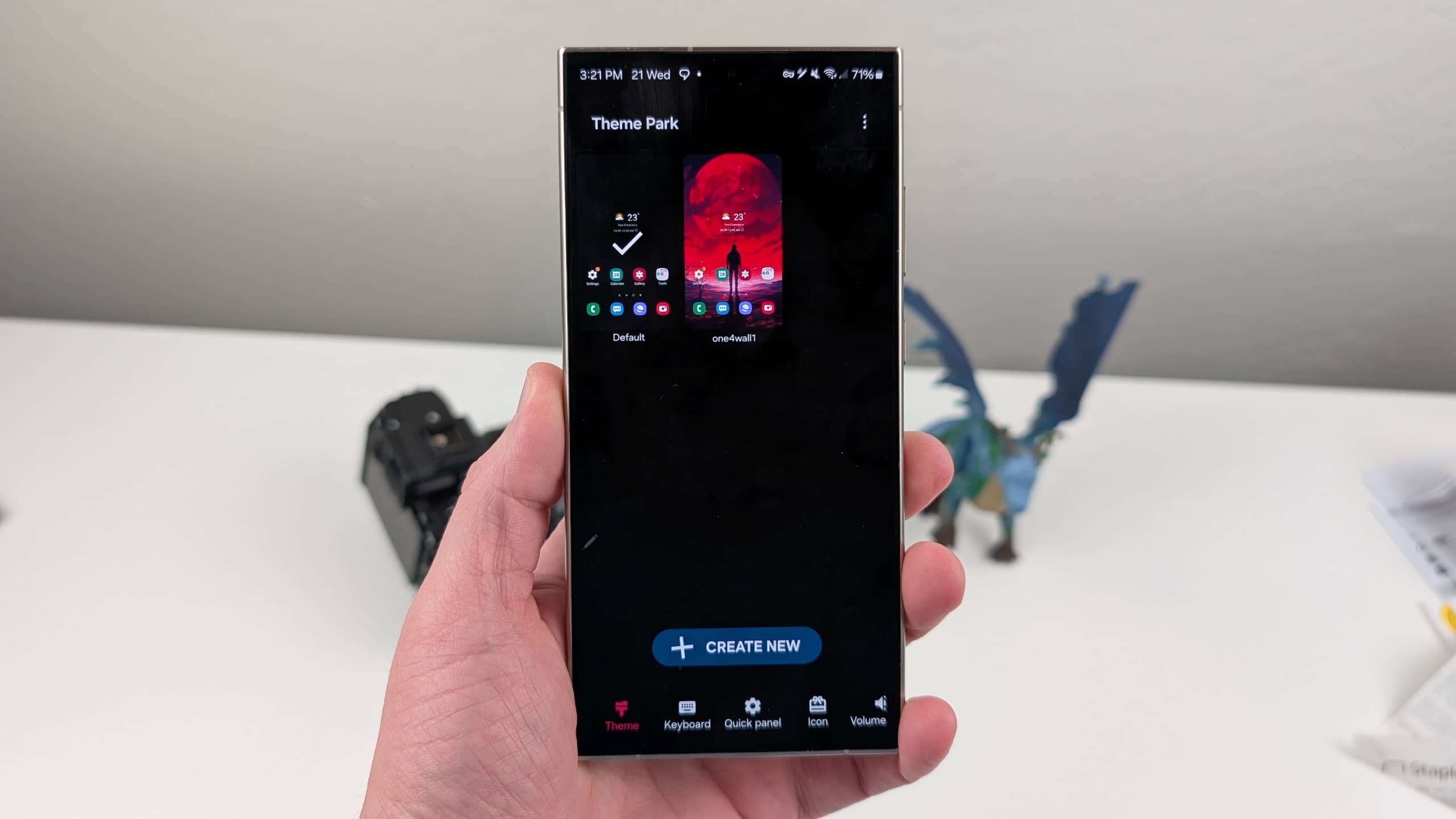
If you use Good Lock’s Theme Park module to create custom themes and icons, you might notice a weird bug. Several users have recently confirmed that the bug disables the erase button’s functionality when they try to remove color codes. Thankfully, Samsung is aware of the issue and is currently working on the fix.
Theme Park bug prevents deleting color codes, fix incoming
Theme Park is a popular module in Samsung’s Good Lock suite that lets users create their own themes. When you use a background image, the app automatically determines matching colors, though you can adjust them as per your choice. On top of that, the module lets you customize the keyboard colors, key cap images, icon colors, and even the quick panel.
It looks like the recent Theme Park update introduced a bug that blocks users from fine-tuning their themes with exact colors. In a community post, an affected user wrote, “When I press the erase button, the code doesn’t get erased, and theㅣkeeps moving to the left.” This means the erase button can not delete the color code, preventing you from setting the exact color during theme setup.
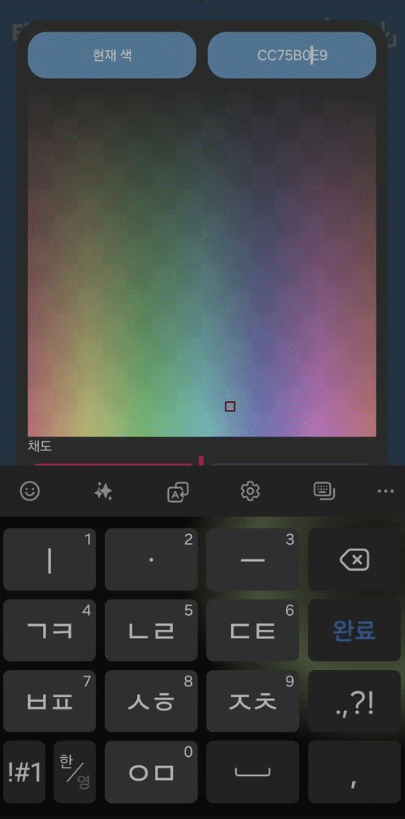
For users who rely on Theme Park to personalize their Galaxy experience, this bug can be quite frustrating. Thankfully, a community moderator has confirmed the issue and promised to fix it in the next Theme Park app update. While the moderator did not share an exact software release date, Samsung usually fixes such issues within a few days or weeks.
Keep an eye on Good Lock’s plugin tab — the company may roll out a new update at any time. Once available, just tap the update icon to install it and restore full functionality. Meanwhile, you can still customize your theme, but if the bug triggers, you will be unable to set your preferred colors. We will let you know when Samsung pushes a new update for the Home Up module.

Written by
Binay KonwarBinay Konwar started his blogging journey in 2014 and has since written plenty of tech articles. At present, he is working as a News Writer at SammyGuru, covering everything about Samsung. He holds a Master's degree in Mathematics, but his real passion lies in tech and writing. In his free time, he enjoys playing chess and watching movies.

Follow us on Google Discover & set us as a preferred source in Google News
Share this Post
___________________________


New Blog Posts
___________________________

First Set of Pixel 11 Pro XL Renders Are Here
Pixel 11 Pro XL CAD renders show minimal design changes

Is Samsung Preparing One UI 8.5 Beta for Galaxy Z Fold 5 and Flip 5?
Samsung may launch a One UI 8.5 beta program for its 2023 foldables

Galaxy S25 One UI 8.5 Beta May Run Longer Than Expected
Galaxy S25 series’ One UI 8.5 beta may stretch to 10 rounds







