
Theme Park Update Adds New Icon Effects, Edge Touch Gains One UI 8 Support
SammyGuru is reader-supported. We have affiliate and sponsored partnerships, so we may earn a commission when you buy through links on our site — at no extra cost to you. Learn more.
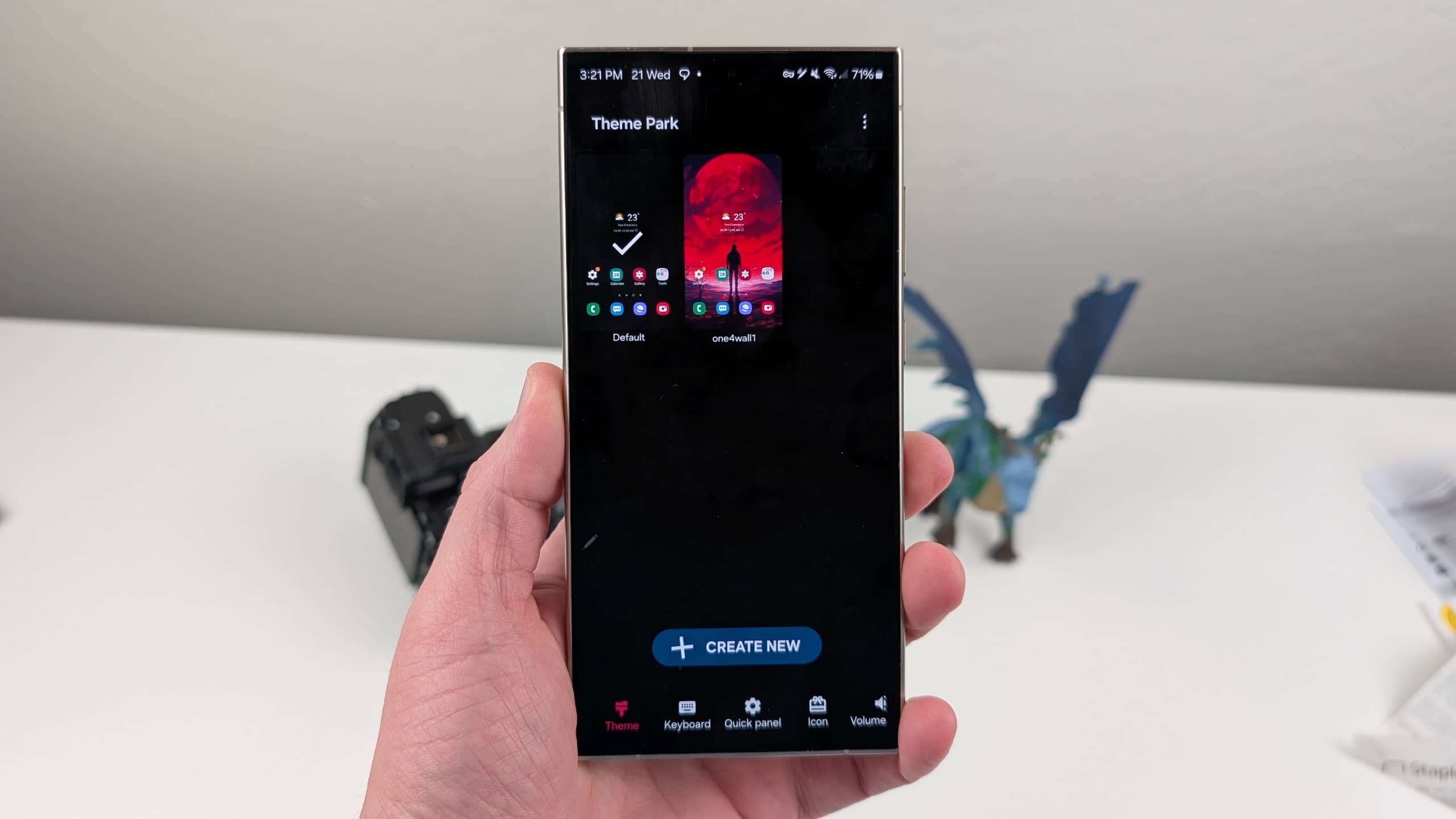
Samsung has released new updates for two more Good Lock modules: Theme Park and Edge Touch. These updates address bugs for enhanced compatibility with One UI 8. Additionally, Theme Park adds some creative tools that theme enthusiasts will appreciate.
Theme Park and Edge Touch updated as Samsung refines Good Lock for One UI 8
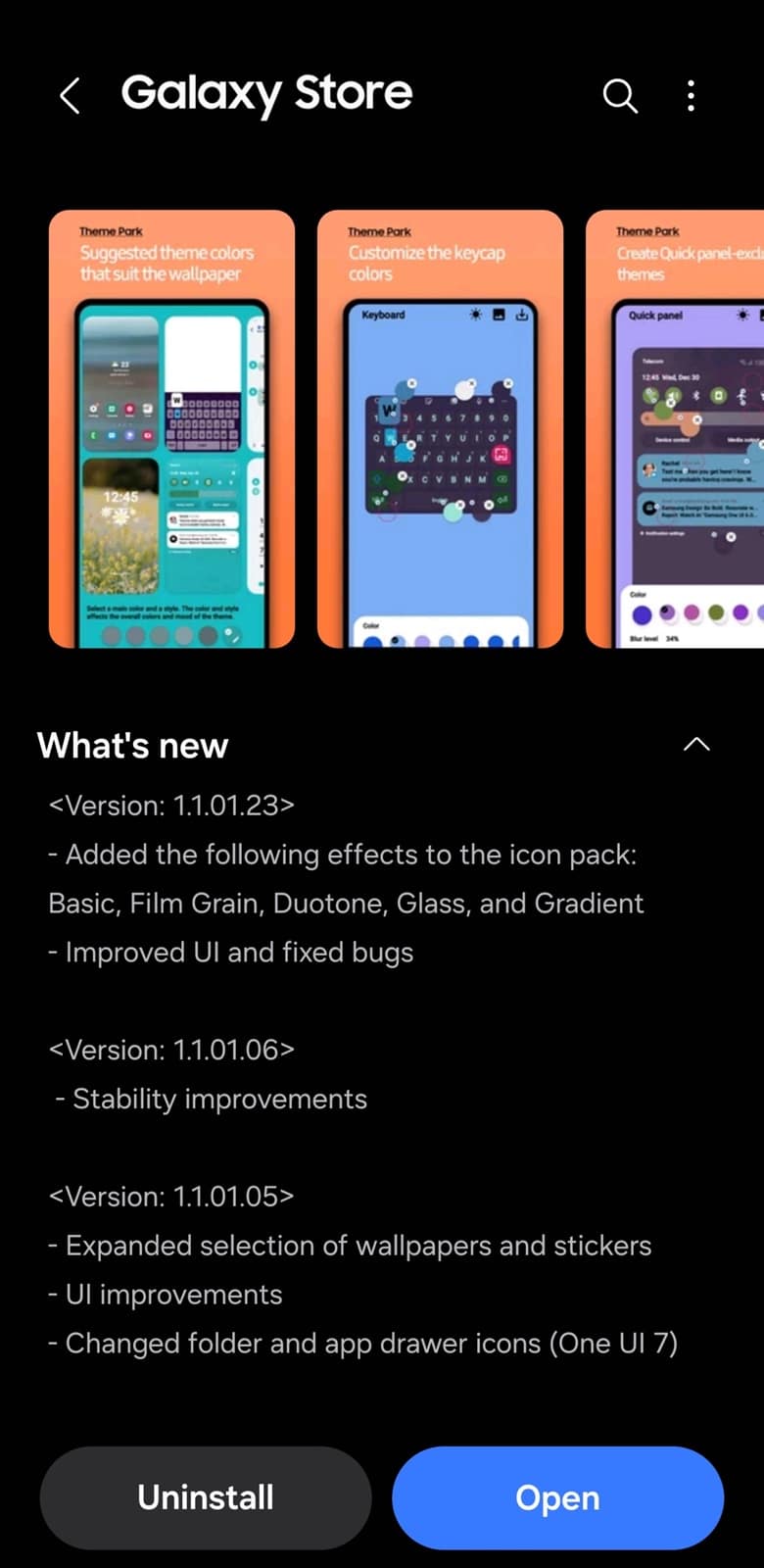
The latest update for Theme Park (version 1.1.01.23) introduces a slightly refreshed user interface and minor bug fixes for a smoother customization experience. More notably, Samsung has added five new effects for icons: Basic, Film Grain, Duotone, Glass, and Gradient (thanks, @theordysm). These effects allow users to give their custom app icons a fresh look, from subtle textures to bold color changes and translucent glass-like finishes.
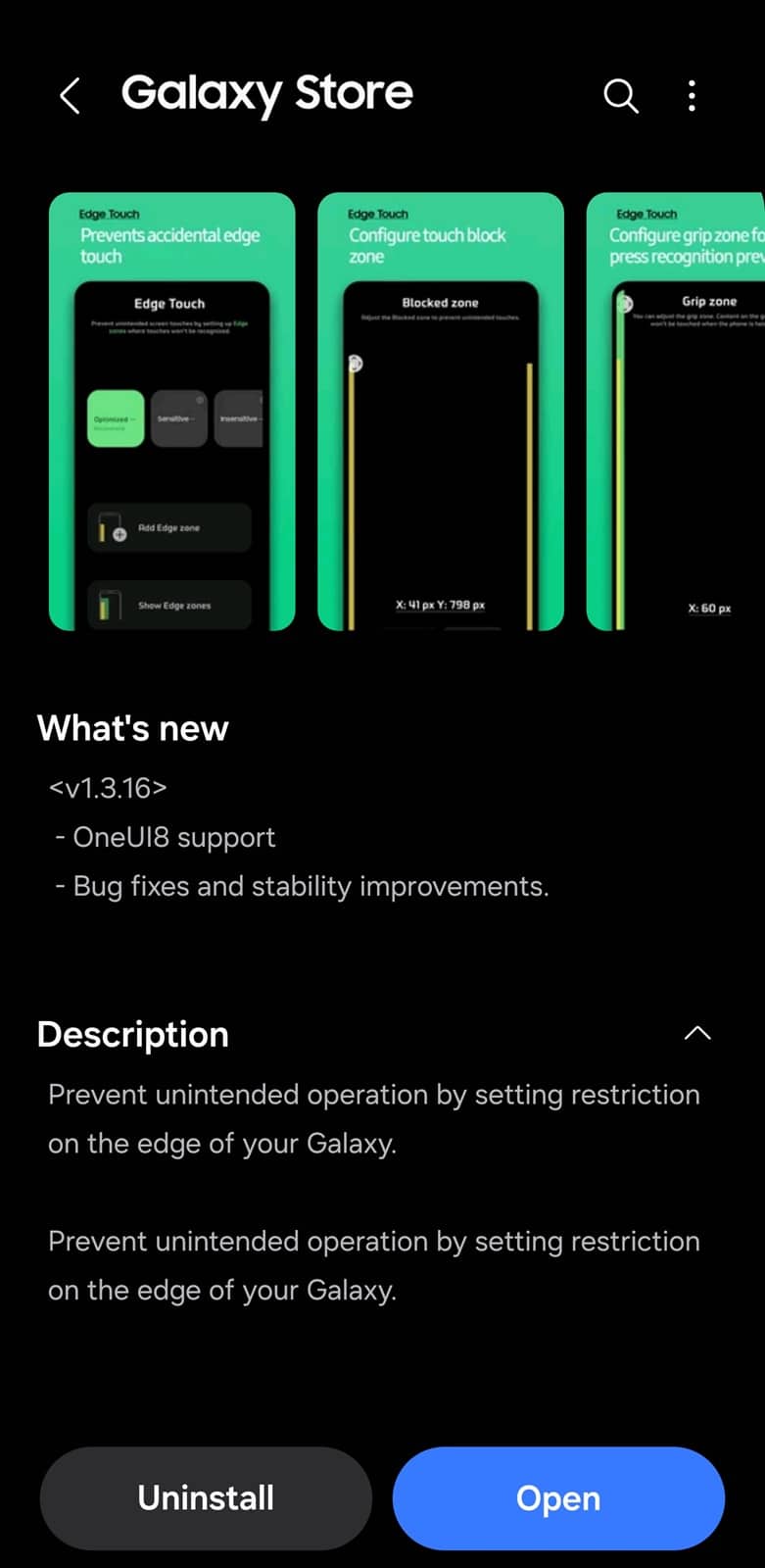
Edge Touch’s new update comes with version 1.3.16, introducing One UI 8 support. Samsung also claims bug fixes and stability improvements, so users enjoy a seamless experience when setting up “edge zones.” For the uninitiated, this Good Lock module lets you specify edge zones to prevent unintended screen touches. The device doesn’t recognize touches in the specified zones.
While Theme Park continues to be a popular tool for users who want deeper control over their phone’s aesthetic, including icons, themes, and wallpapers, Edge Touch gives you that extra level of customization. These updates enhance the user experience on One UI 8. As usual, Samsung is pushing the new versions to compatible devices through the Galaxy Store. You can also update models directly through the Good Lock app.
Samsung should soon begin a stable rollout of One UI 8 for eligible devices. Debuted with the new foldables last week, this Android 16-based update is already available in beta for the Galaxy S25 series. It’s unclear if the company plans beta programs for more devices or if it will jump straight to the stable version. We will keep you posted.

Written by
Sumit AdhikariSumit, a life-long Samsung user, is passionate about technology and has been professionally writing on tech since 2017. He’s a mathematics graduate by education and enjoys teaching basic mathematics tricks to school kids in his spare time. Sumit believes in artificial intelligence and dreams of a fully open, intelligent and connected world.

Follow us on Google Discover & set us as a preferred source in Google News
Share this Post
___________________________


New Blog Posts
___________________________

First Set of Pixel 11 Pro XL Renders Are Here
Pixel 11 Pro XL CAD renders show minimal design changes

Is Samsung Preparing One UI 8.5 Beta for Galaxy Z Fold 5 and Flip 5?
Samsung may launch a One UI 8.5 beta program for its 2023 foldables

Galaxy S25 One UI 8.5 Beta May Run Longer Than Expected
Galaxy S25 series’ One UI 8.5 beta may stretch to 10 rounds







