
Gemini Android App Now Lets You Identify Music with Song Search
SammyGuru is reader-supported. We have affiliate and sponsored partnerships, so we may earn a commission when you buy through links on our site — at no extra cost to you. Learn more.
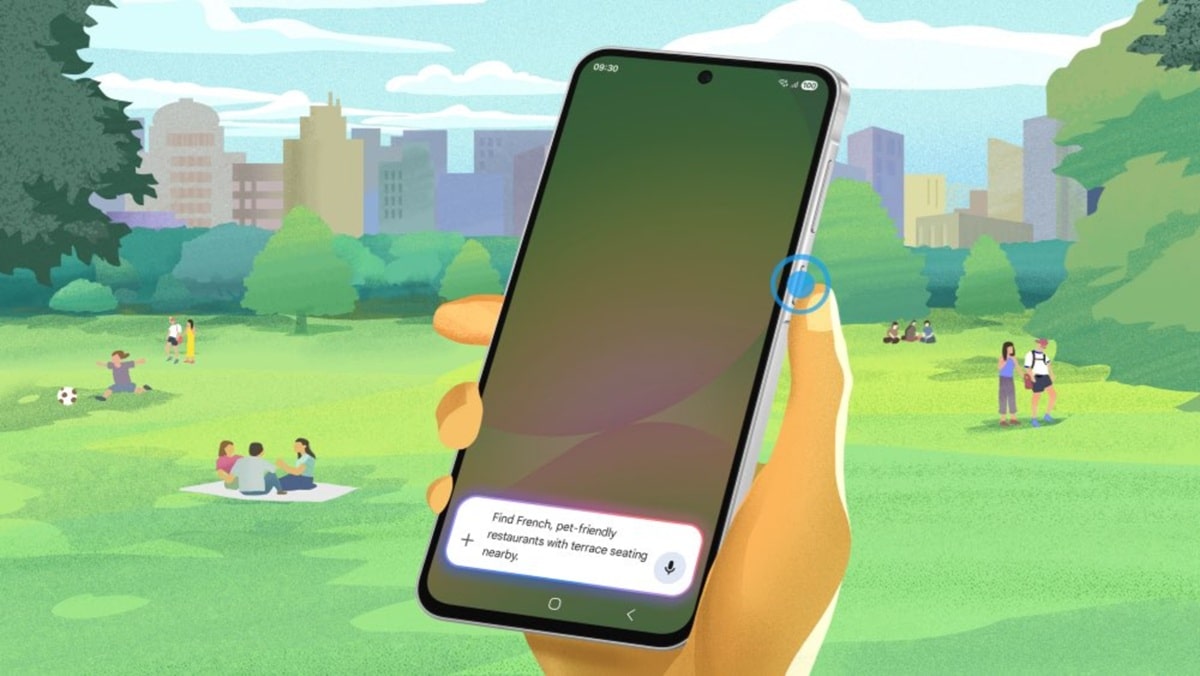
Gemini can now identify what song is playing nearby with help from Google Search. Since Google has integrated this capability into its Gemini Android app, Galaxy users should now be able to use voice commands like “What song is this?” to identify songs. This will launch Song Search, with results showing up on the Google app.
Gemini can now recognize songs like Google Assistant
Up until now, you could use Google Assistant to identify a song by simply humming the tune. It leverages a machine learning algorithm to help identify potential song matches. However, when it came to Google’s AI chatbot, Gemini, it wouldn’t listen to music when asked — instead, it directed you to use a separate music recognition app. This was a major disadvantage of Gemini compared to Google Assistant for those trying to identify songs playing around them.
Now that Google is gearing up to replace its Google Assistant in favor of Gemini later this year, it is gradually implementing popular features to the AI chatbot. As spotted by 9to5Google, Google recently introduced the ability to identify music through the Gemini app on Android. It uses Google app’s Song Search feature, meaning it’s not fully built into Gemini.
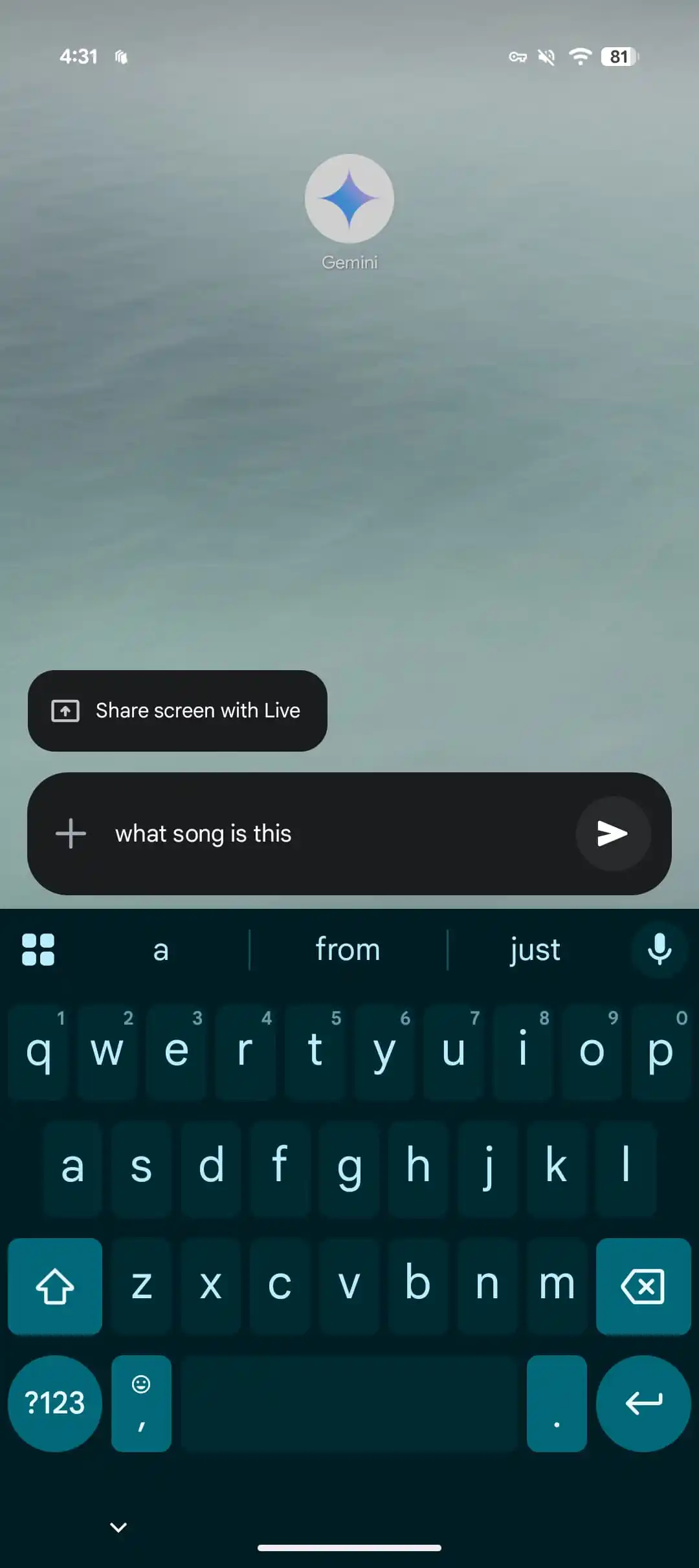
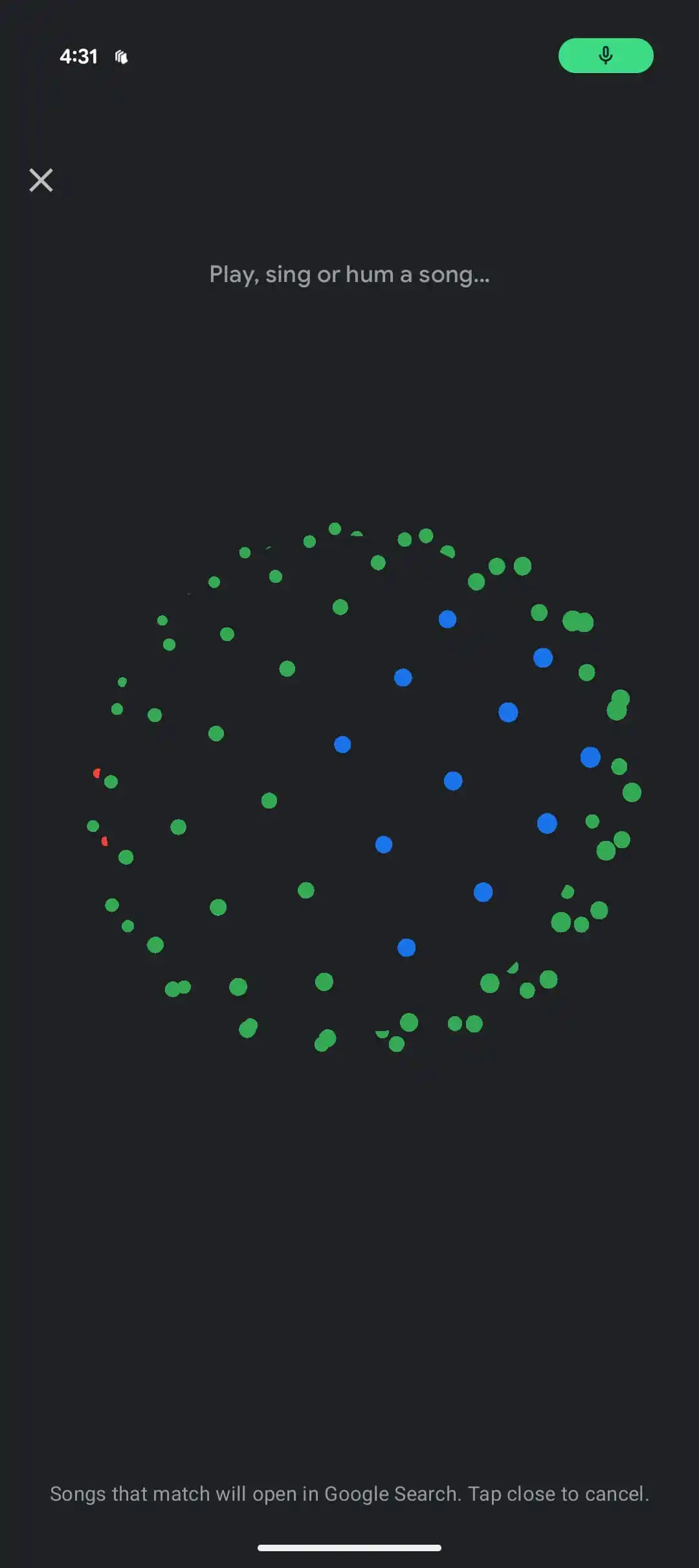
When you ask about a song to Gemini, it opens a full-screen window with a pulsating sphere while it listens. Once the algorithm finds a match, the result opens in the Google app. A message at the bottom reads, “Songs that match will open in Google Search. Tap close to cancel.” Note that this feature only works on Android at the moment, though it should hit iOS devices in the coming weeks.
It’s great to see that Gemini is evolving quickly. Google recently expanded Gemini’s capabilities with video upload support, allowing you to upload videos for analysis. On top of that, it introduced a scheduled actions feature, which lets you automate tasks for personalized updates at specific times.

Written by
Binay KonwarBinay Konwar started his blogging journey in 2014 and has since written plenty of tech articles. At present, he is working as a News Writer at SammyGuru, covering everything about Samsung. He holds a Master's degree in Mathematics, but his real passion lies in tech and writing. In his free time, he enjoys playing chess and watching movies.

Follow us on Google Discover & set us as a preferred source in Google News
Share this Post
___________________________


New Blog Posts
___________________________

First Set of Pixel 11 Pro XL Renders Are Here
Pixel 11 Pro XL CAD renders show minimal design changes

Is Samsung Preparing One UI 8.5 Beta for Galaxy Z Fold 5 and Flip 5?
Samsung may launch a One UI 8.5 beta program for its 2023 foldables

Galaxy S25 One UI 8.5 Beta May Run Longer Than Expected
Galaxy S25 series’ One UI 8.5 beta may stretch to 10 rounds







