
Gemini Can Now Automate Your Tasks with Scheduled Actions
SammyGuru is reader-supported. We have affiliate and sponsored partnerships, so we may earn a commission when you buy through links on our site — at no extra cost to you. Learn more.
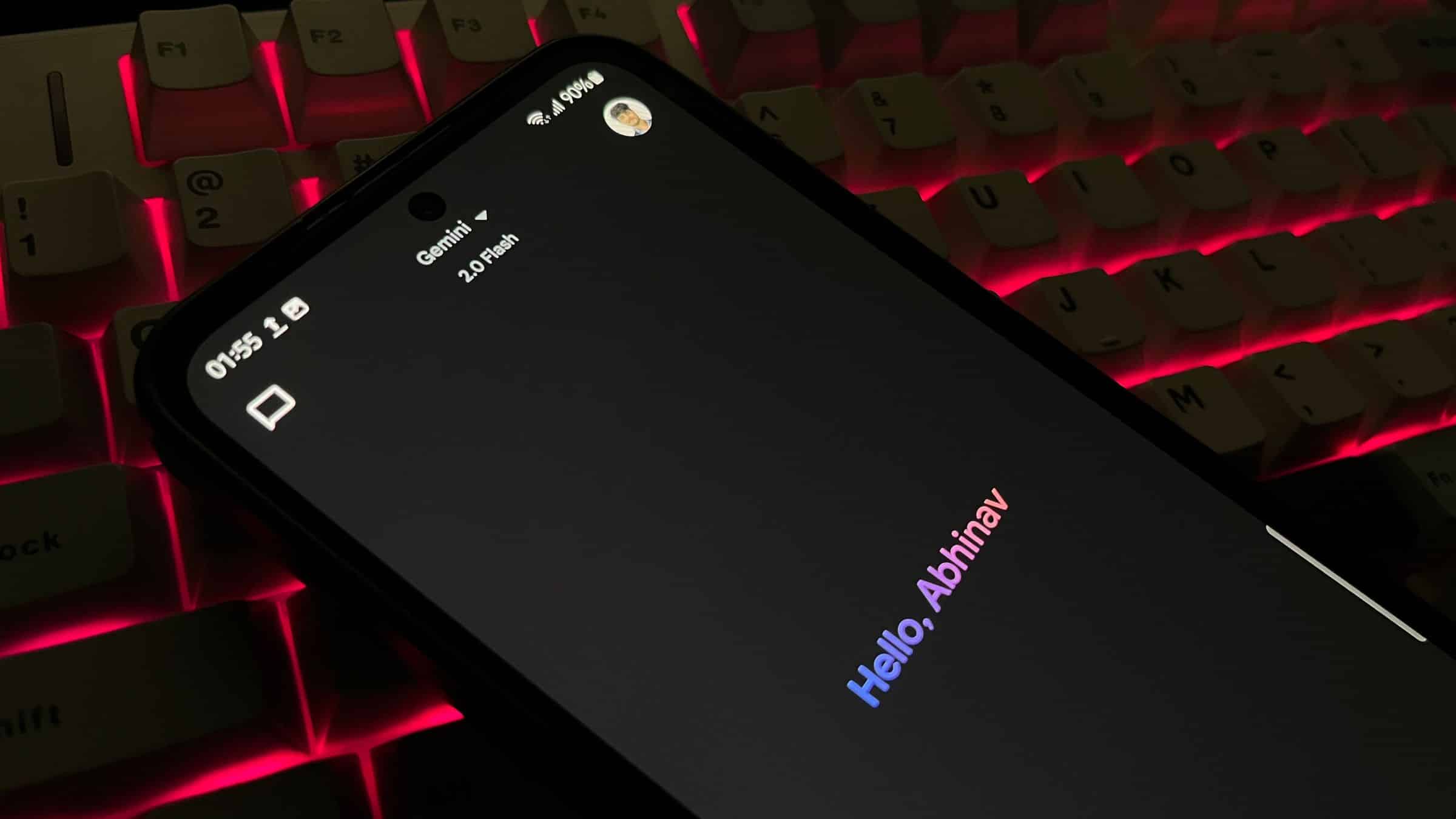
Google has enhanced Gemini’s AI capabilities even further with the introduction of the scheduled actions feature. This feature lets you automate tasks for personalized updates at specific times, making daily life more convenient. However, there’s a catch — this functionality is only available with a Google AI Pro or Ultra subscription and qualifying Google Workspace business and education plans.
Gemini app gets smarter with scheduled actions
Until now, Gemini only worked on user demand, meaning users had to type in a query to get responses in real-time. Thanks to Google’s efforts in advancing its AI model, users can now plan tasks with scheduled actions in the Gemini app. You won’t need to re-enter the same prompt every time.
In its blog post, Google wrote, “The Gemini app is getting more personal, proactive, and powerful”. The company said that scheduled actions have been designed to proactively handle tasks. With this capability, you can simplify routine tasks or receive personalized updates directly from Gemini.
For example, just ask Gemini to perform a task at a specific date and time, or turn any prompt into a repeating task. Once done, you can view and manage automated tasks through the scheduled actions section within the app’s settings. Google also shared some practical uses of scheduled actions. You can wake up with a summary of your calendar and unread emails, get weekly blog ideas, receive updates on your favorite sports team, and more.
If you want to try out this feature, make sure you are running the latest version of the Gemini app and you are a subscriber of either Google AI Pro or Google AI Ultra. To check if the scheduled actions are available on your Gemini app, tap on the profile icon in the top-right corner and see if it is showing within the menu. While this feature is currently available only to premium users, we expect Google to make it available to all users in the future.

Written by
Binay KonwarBinay Konwar started his blogging journey in 2014 and has since written plenty of tech articles. At present, he is working as a News Writer at SammyGuru, covering everything about Samsung. He holds a Master's degree in Mathematics, but his real passion lies in tech and writing. In his free time, he enjoys playing chess and watching movies.

Follow us on Google Discover & set us as a preferred source in Google News
Share this Post
___________________________


New Blog Posts
___________________________

First Set of Pixel 11 Pro XL Renders Are Here
Pixel 11 Pro XL CAD renders show minimal design changes

Is Samsung Preparing One UI 8.5 Beta for Galaxy Z Fold 5 and Flip 5?
Samsung may launch a One UI 8.5 beta program for its 2023 foldables

Galaxy S25 One UI 8.5 Beta May Run Longer Than Expected
Galaxy S25 series’ One UI 8.5 beta may stretch to 10 rounds







