
Unleash Your Samsung Galaxy Tab’s Full Potential
SammyGuru is reader-supported. We have affiliate and sponsored partnerships, so we may earn a commission when you buy through links on our site — at no extra cost to you. Learn more.
Samsung’s Galaxy Tab reigns as the most popular Android tablet. Yet Samsung’s default settings hold back its full potential. Thankfully, you can fix that right now. Get ready to supercharge your Galaxy Tab experience.
Enhance Your Media Consumption
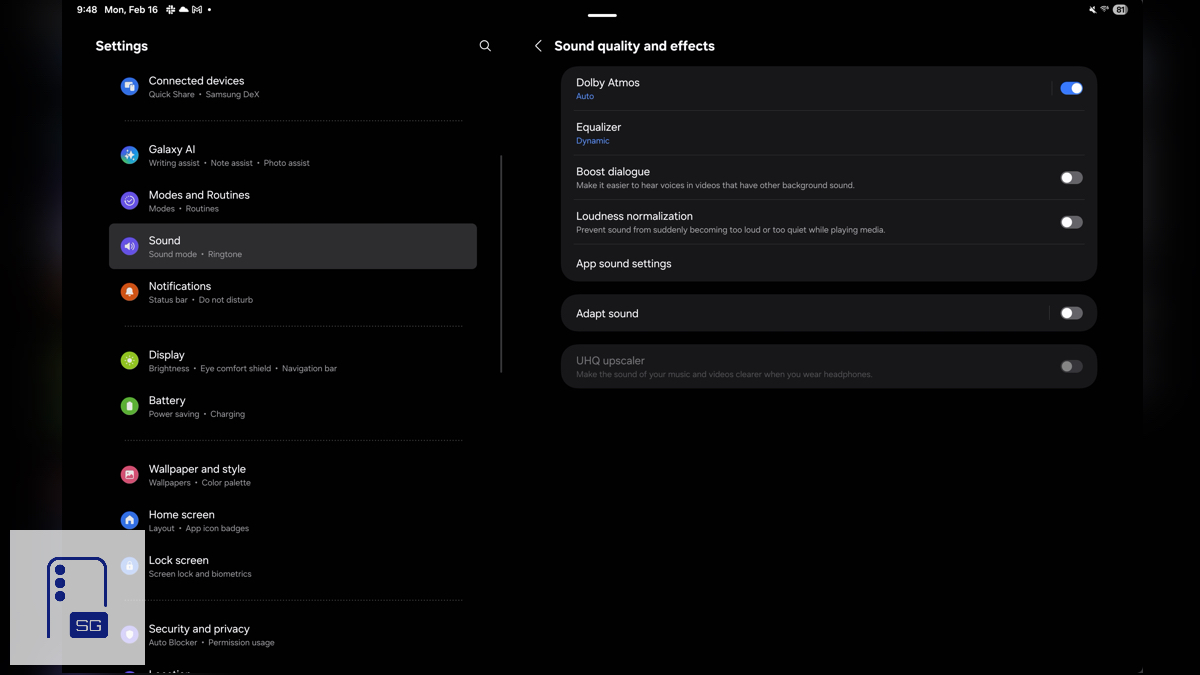
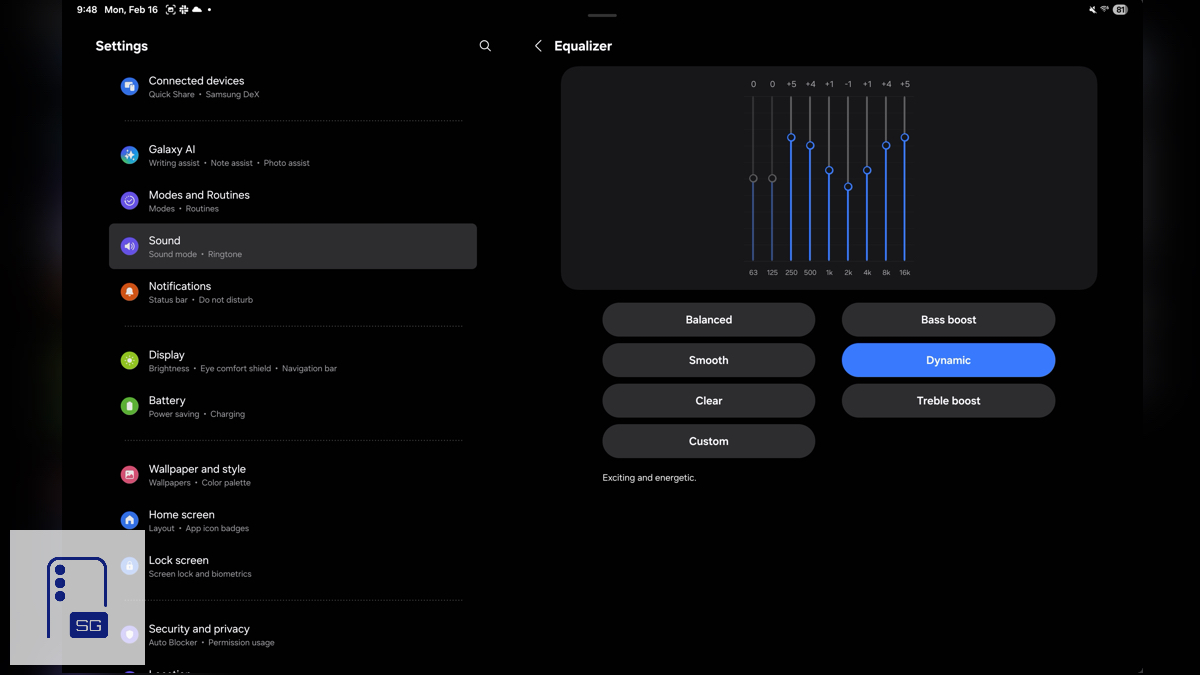
If you’re like me and own a Galaxy Tab S Ultra, you’ve probably noticed the speakers feel a bit lacking. A powerful setting sits disabled by default. Dive into Settings, tap “Sound”, then select “Sound quality and effects”. Enable “Dolby Atmos” and choose an Equalizer preset; I personally love Dynamic. Create your own custom EQ if you prefer. Skip “Loudness Normalization”; in my tests, it dulls the enhancements we just enabled.
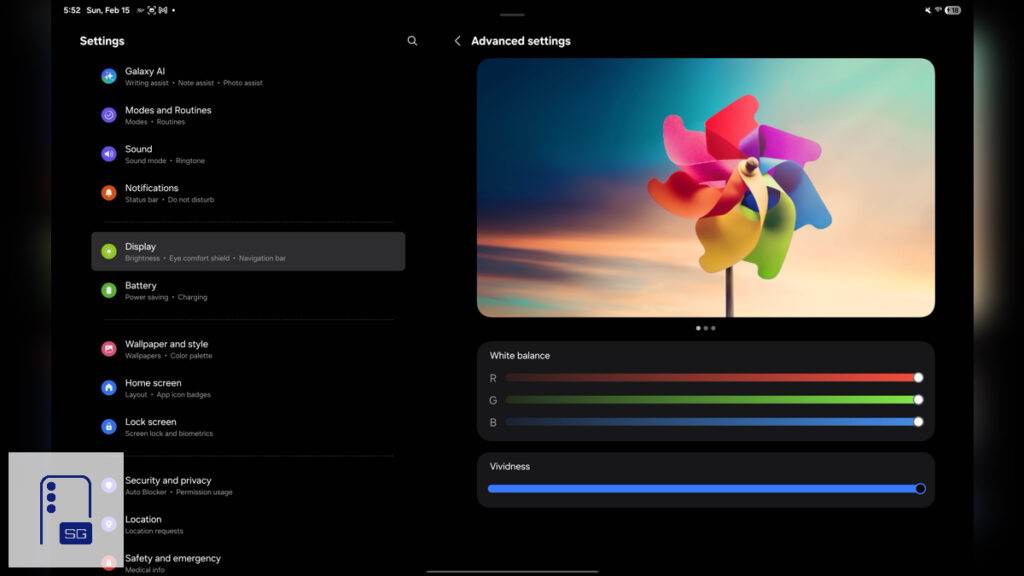
We all devour content on our tablets, Netflix, YouTube, or endless scrolling on X. Make sure you have the best viewing experience possible. While you’re already in Settings, tap “Display”, then “Screen Mode”. In here, you can pick what you prefer. Vivid or Natural, I always choose Vivid on my Galaxy devices and crank it to the highest level. Now your favorite YouTubers and TV shows pop with punchier colors, or stay natural if you prefer.
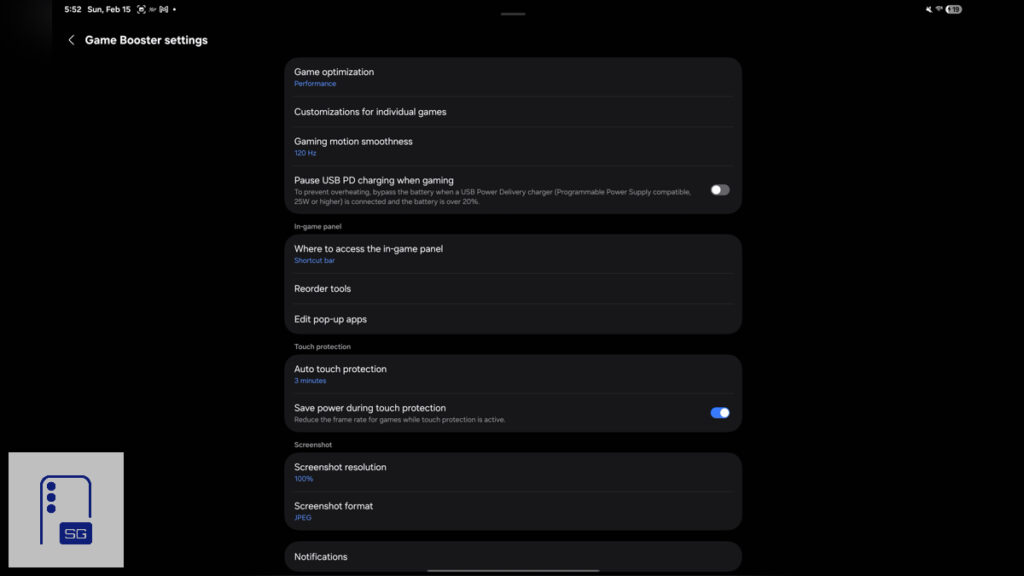
Mobile gamers, your Galaxy Tab isn’t like your typical Galaxy smartphone. Launch Game Launcher, tap the three dots top-right, then select “Game Booster”. Tap “Game optimization” and choose “Performance”. Now your games will run smoother. The battery and thermal threshold on the Galaxy Tab are much larger than those of a Galaxy smartphone. Enjoy the improved gaming experience.
Reclaim Usable Screen Space
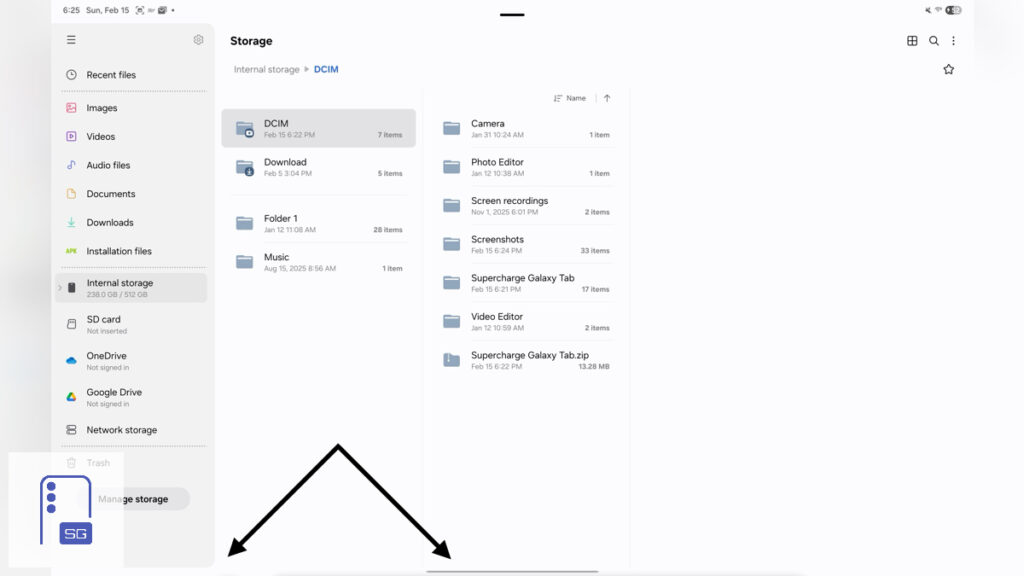
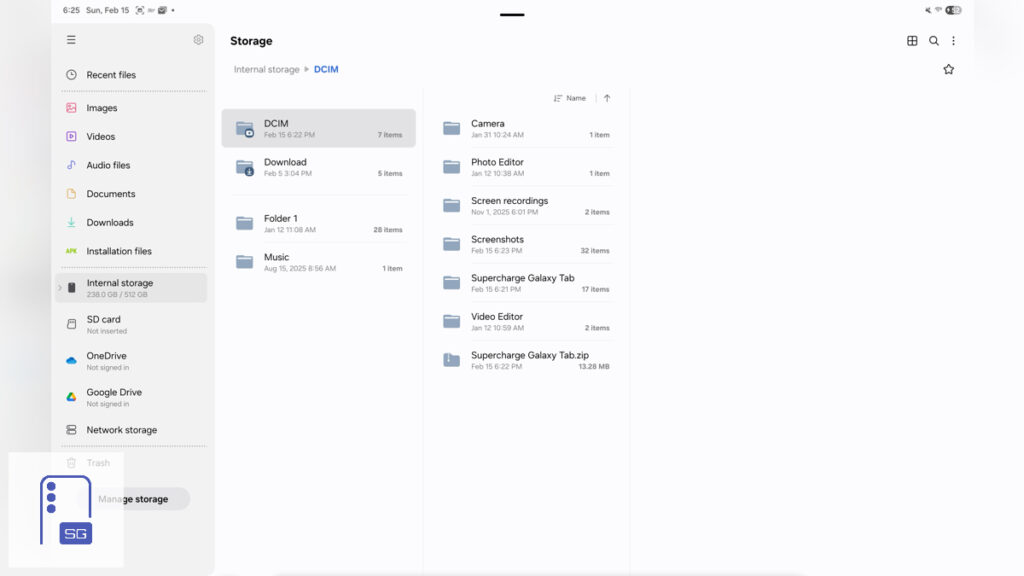
One thing that always bugs me about One UI is wasted screen real estate. The navigation gesture hint isn’t fully transparent. But we can fix that easily.
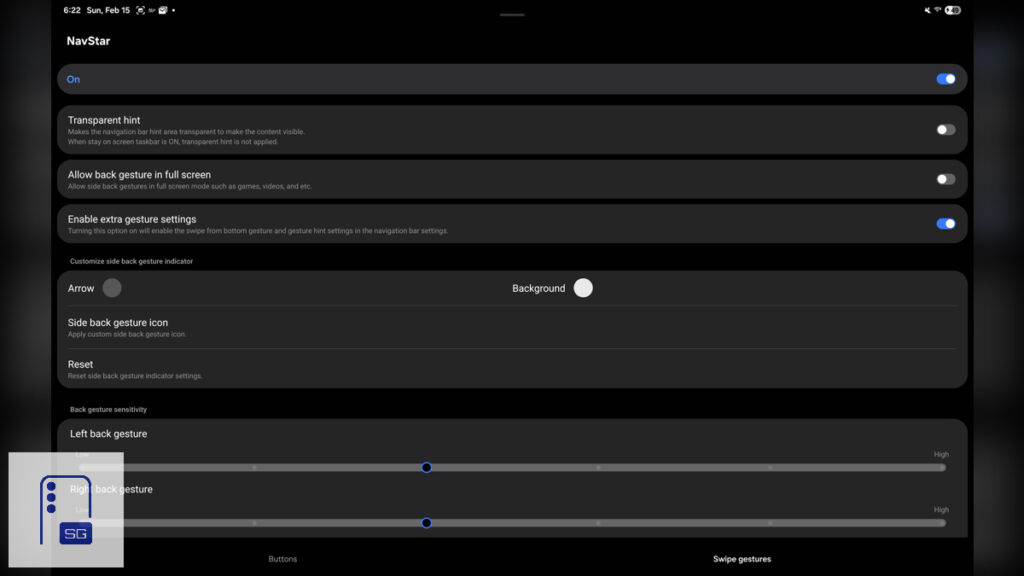
Head to the Galaxy Store and install Good Lock, then install NavStar. Within it, enable “Extra gesture settings”. Now go into Settings, tap “Display”, then “Navigation Bar”, choose the “Swipe Gestures”, and then disable the “Gesture hint”.
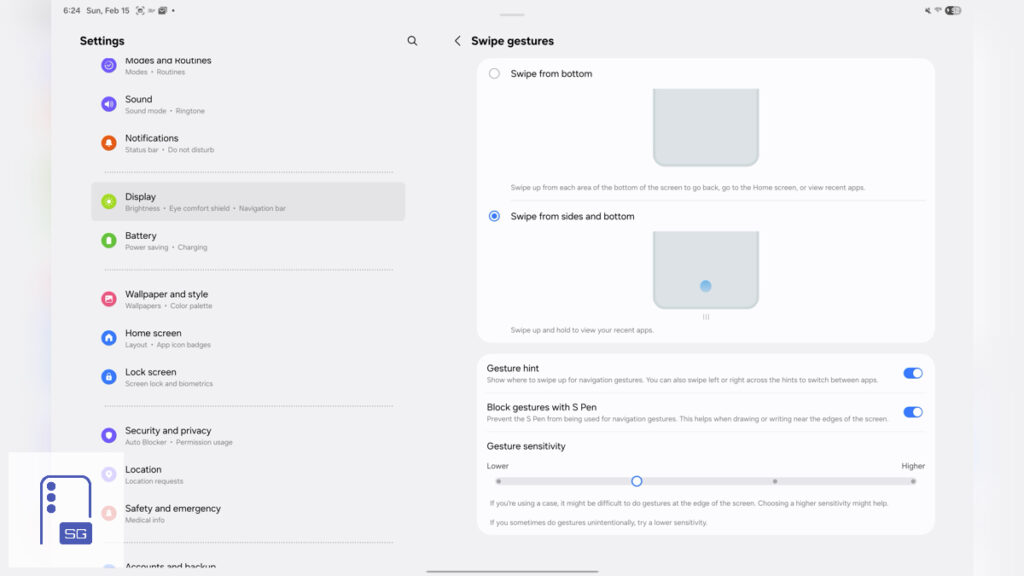
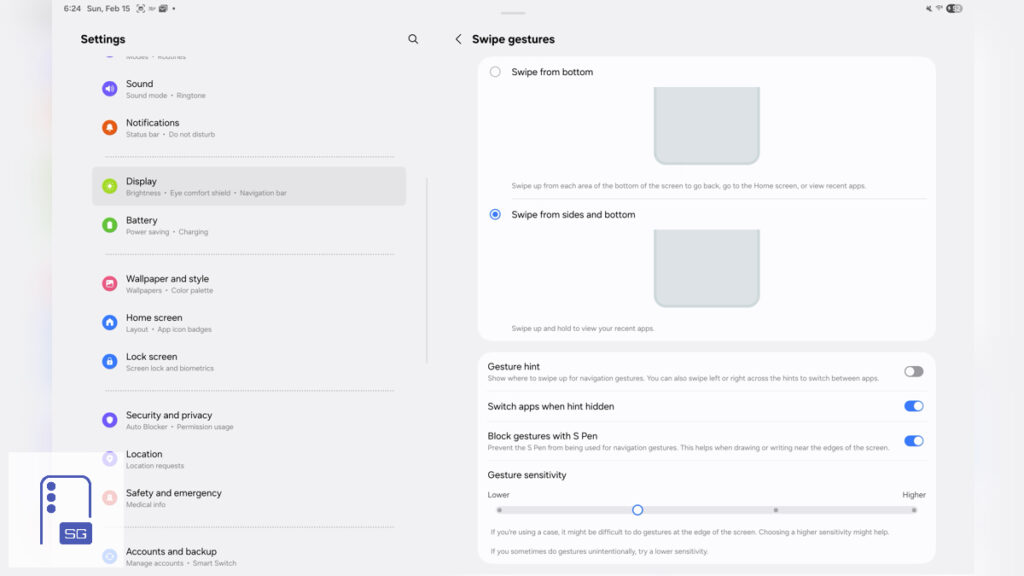
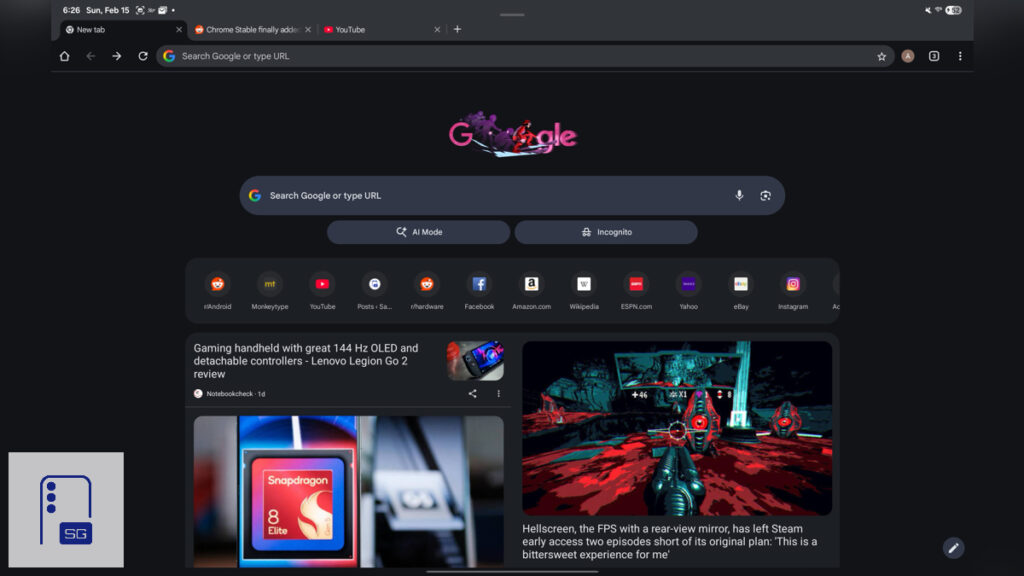
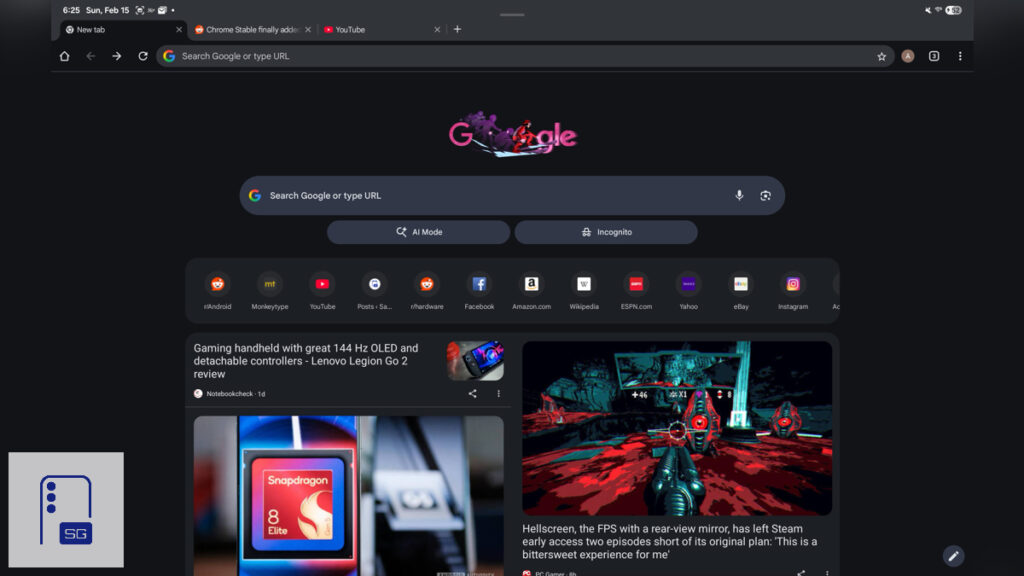
It may seem minor, but you reclaim valuable viewable screen real estate. The navigation gesture hint hides less in My Files; One UI conceals it well. In Google Chrome, though, it’s obvious
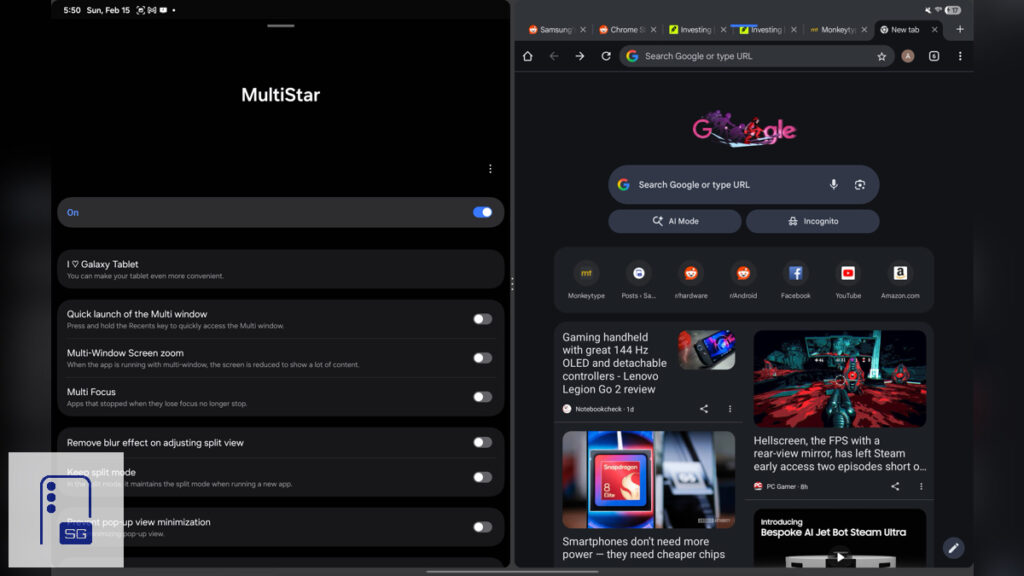
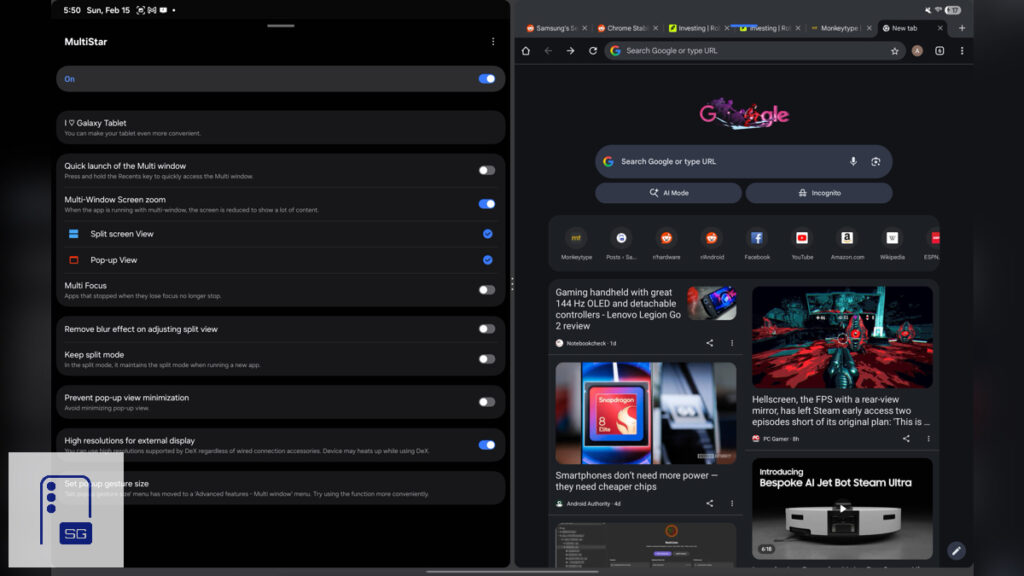
While you’re in Good Lock, install the MultiStar module. It can increase the amount of content in split-screen and multi-window modes. Tap “Multi-Window Screen zoom”, then enable it for both “Split screen View” and “Pop-up View”. You now see way more inside every app.
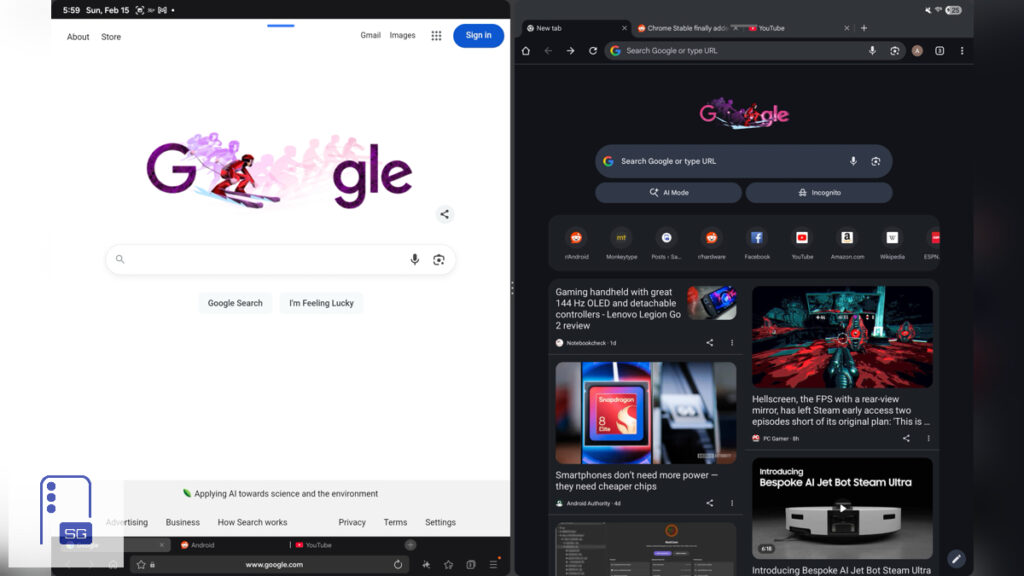
Use Samsung Internet and enable the bottom address bar; Chrome doesn’t have this option on the Galaxy Tab. So if you’re using Split View mode, the Multi Window toolbar sits on top of the tabs, which you could accidentally press.
Boost Your Productivity
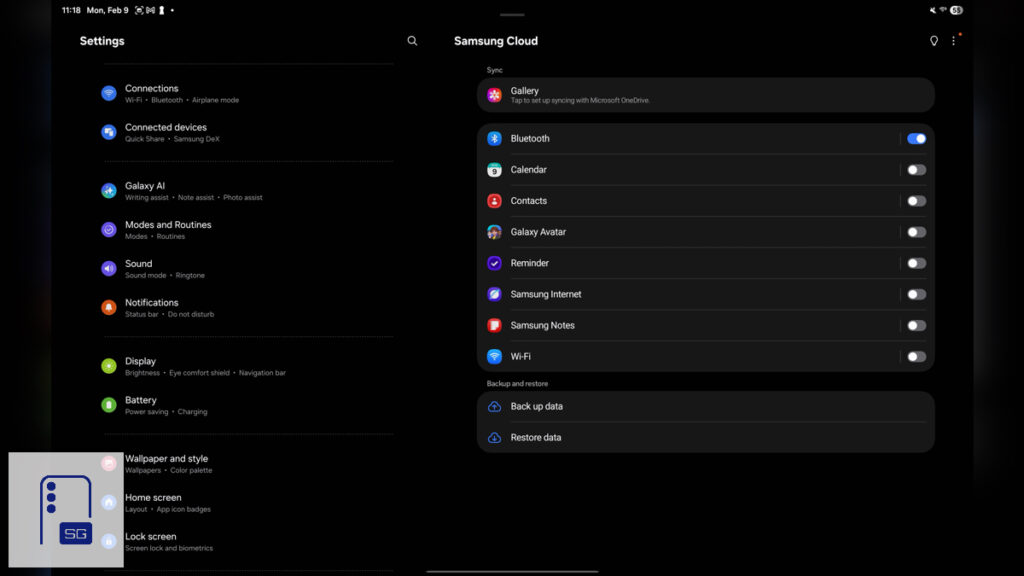
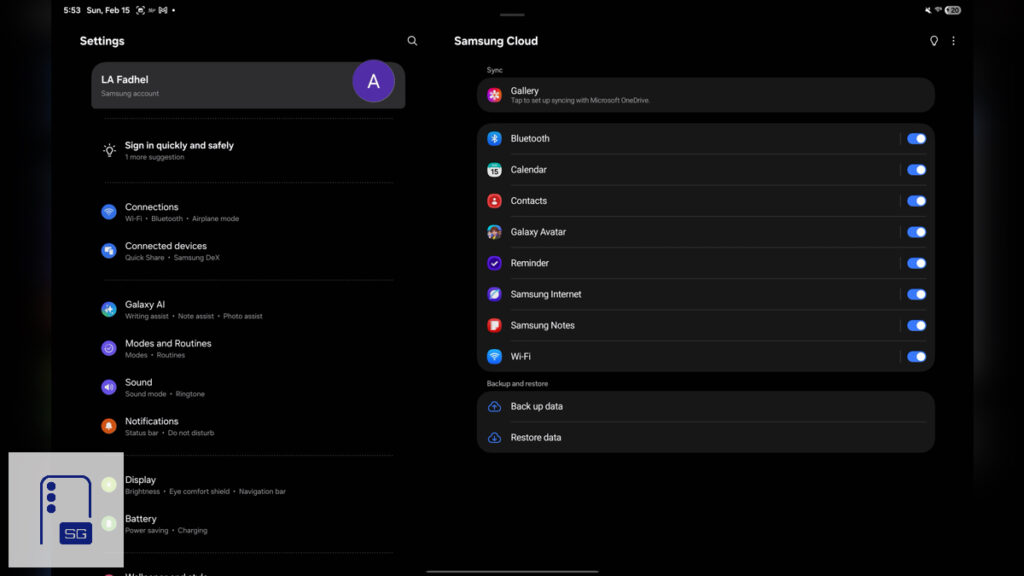
Samsung Cloud is possibly the most important tweak. By default, Samsung disables it for the majority of apps. Tap your Samsung Account, then “Samsung Cloud”, and enable syncing for every available app. Nobody wants to lose every note they’ve created just because backups weren’t enabled.
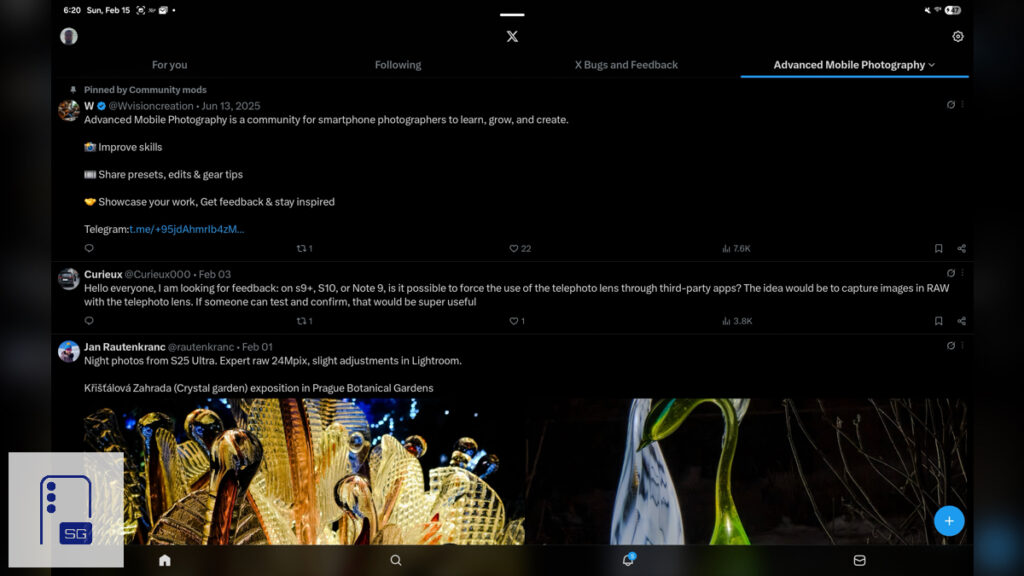
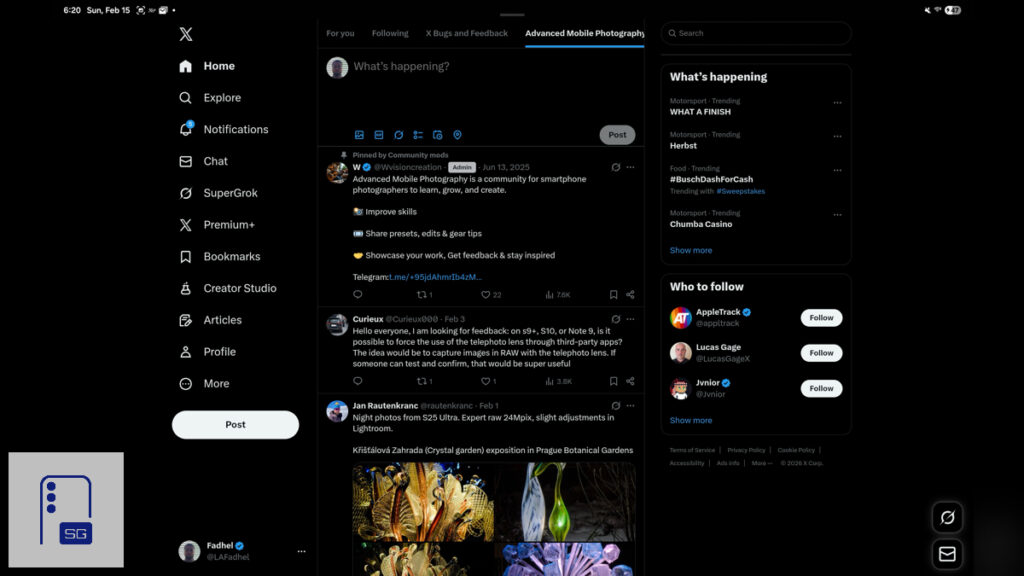
Don’t settle for Play Store apps alone; X is a clear example. The stock X app merely enlarges a phone layout on your big screen. Install the web version instead for the true desktop experience.
In Chrome: visit X.com, tap the three dots top-right, select “Add to Home screen”, then “Install”. Samsung Internet simplifies it further. At X.com, tap the download icon in the address bar and add it straight to your apps screen. You now enjoy the full desktop experience.
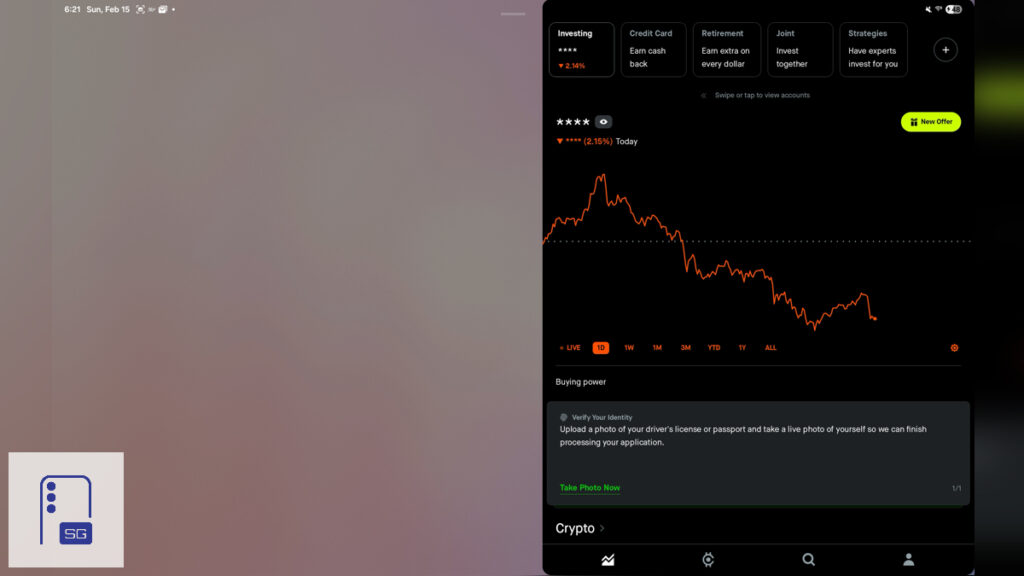
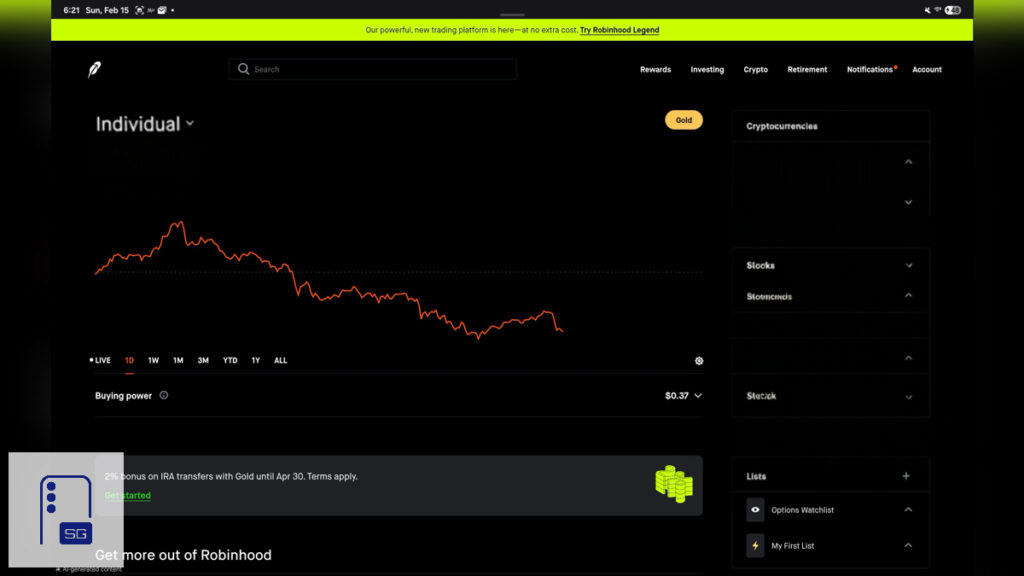
Some apps don’t have the enlarged state, such as Robinhood. It doesn’t have a Web App either, so in this instance. It’s best to just utilize the browser.
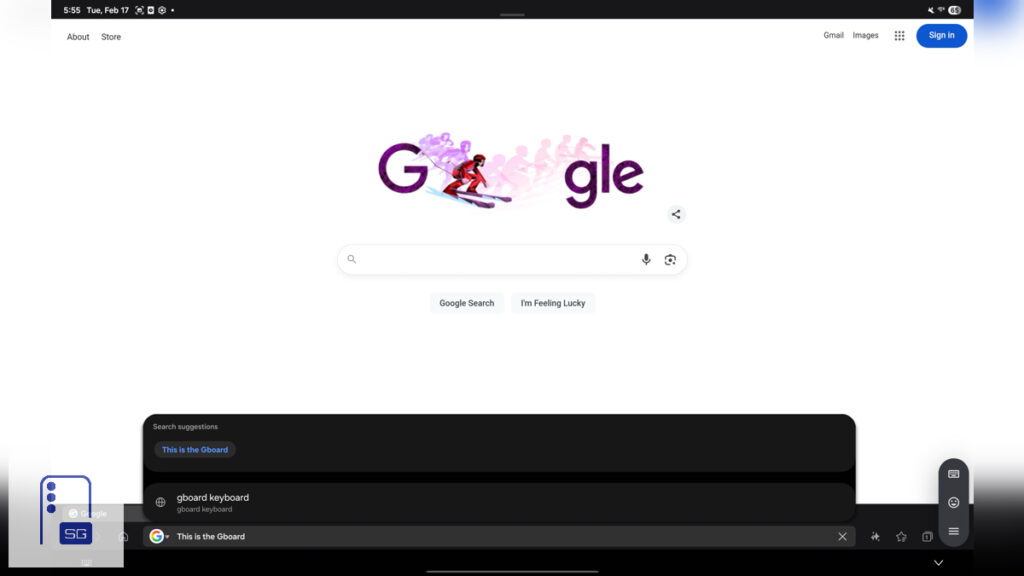
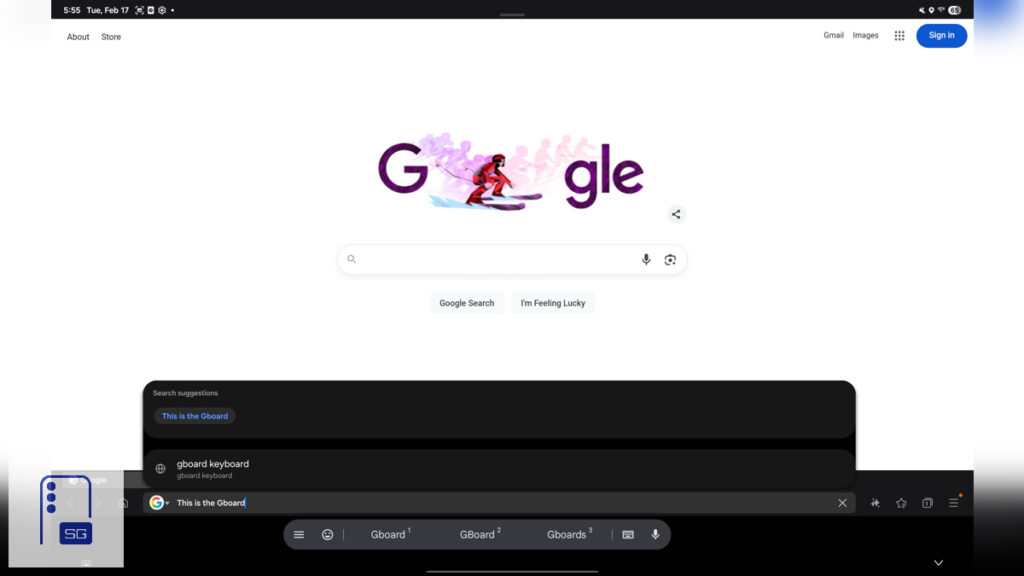
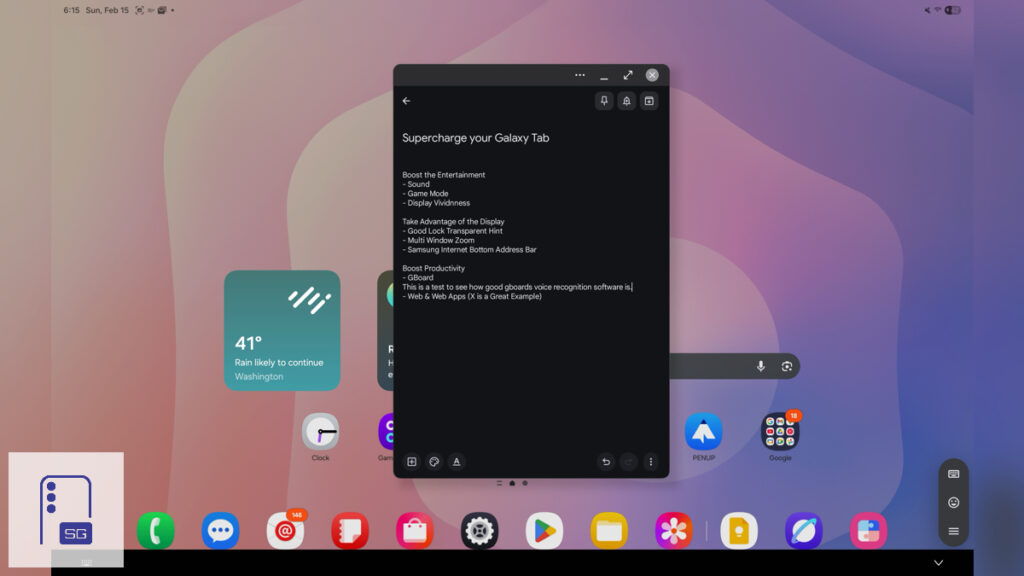
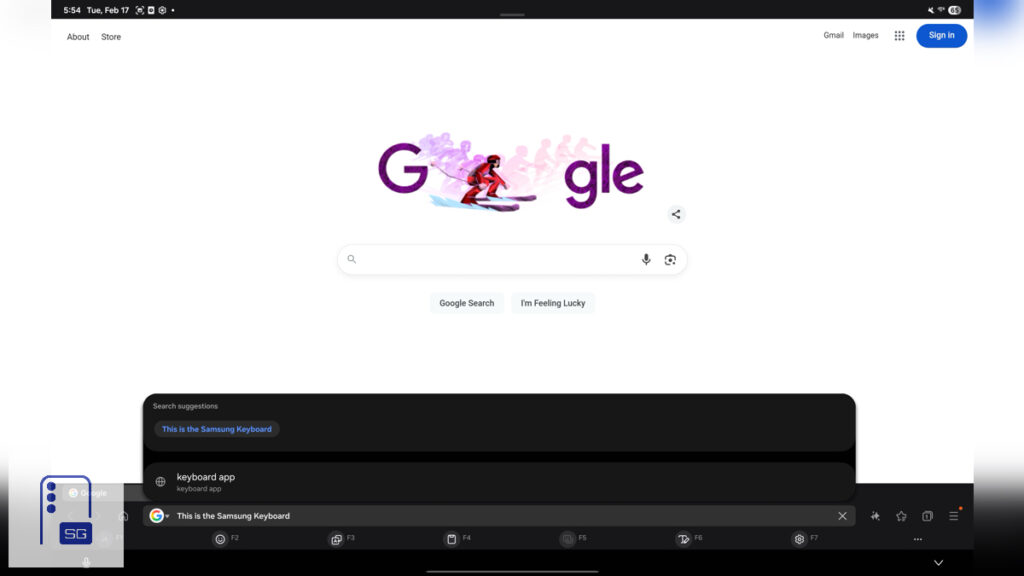
This ranks as my most impactful personal upgrade: GBoard. It delivers superior autocorrect, precise voice dictation, and a compact toolbar that reclaims precious screen real estate. Plus, the hardware keyboard gains. Samsung Keyboard blocks quick word deletion with Ctrl + ←, but GBoard nails it.
Enjoy Your Supercharged Galaxy Tab
Congratulations! You’ve unlocked your Galaxy Tab’s full potential. From richer audio and vivid visuals to buttery-smooth gaming, reclaimed screen space, and even desktop-like experiences. Your Galaxy Tab is now ready to go.


Follow us on Google Discover & set us as a preferred source in Google News
Share this Post
___________________________


New Blog Posts
___________________________

First Set of Pixel 11 Pro XL Renders Are Here
Pixel 11 Pro XL CAD renders show minimal design changes

Is Samsung Preparing One UI 8.5 Beta for Galaxy Z Fold 5 and Flip 5?
Samsung may launch a One UI 8.5 beta program for its 2023 foldables

Galaxy S25 One UI 8.5 Beta May Run Longer Than Expected
Galaxy S25 series’ One UI 8.5 beta may stretch to 10 rounds







