
Galaxy Tab S11 Ultra Requires Pro-Level Accessories
SammyGuru is reader-supported. We have affiliate and sponsored partnerships, so we may earn a commission when you buy through links on our site — at no extra cost to you. Learn more.
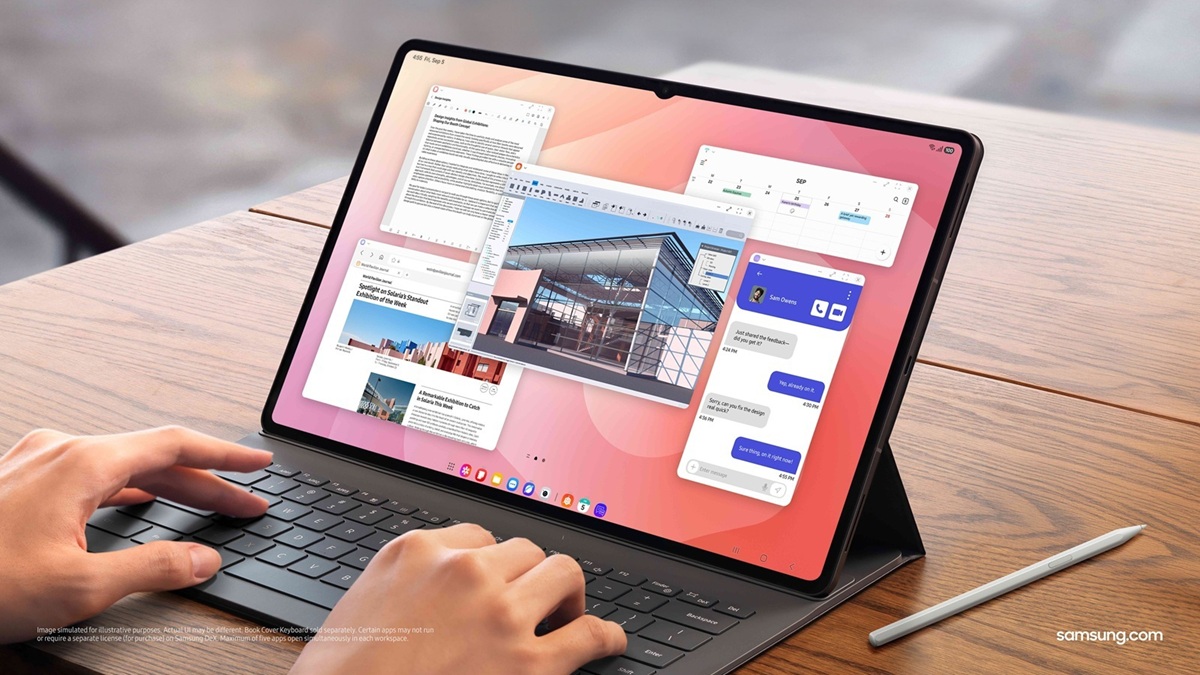
The Galaxy Tab S11 Ultra has been out for some time, but we’ve yet to see peripherals or accessories that take full advantage of it. We still haven’t heard anything about the Pro Keyboard for the Tab S11 Ultra, and it certainly doesn’t help that the S Pen has lost out on Bluetooth functionality. All of this is a problem, a big one.
It’s been over three years since the Galaxy Tab S8 Ultra was revealed, and I’ve purchased nearly everything Samsung has to offer since then. Still, I find myself gravitating back to the iPad Pro. We’re still stuck in the same dilemma: One UI for Galaxy Tab has improved, but the accessories have stagnated.
The Book Cover Keyboard is just Okay
The Book Cover Keyboard for the Tab S8 Ultra was enough to get the job done; it’s best used on a solid surface. At $350, the drawbacks held more weight. If you pre-ordered as I did, the keyboard came as a free gift, softening the blow.
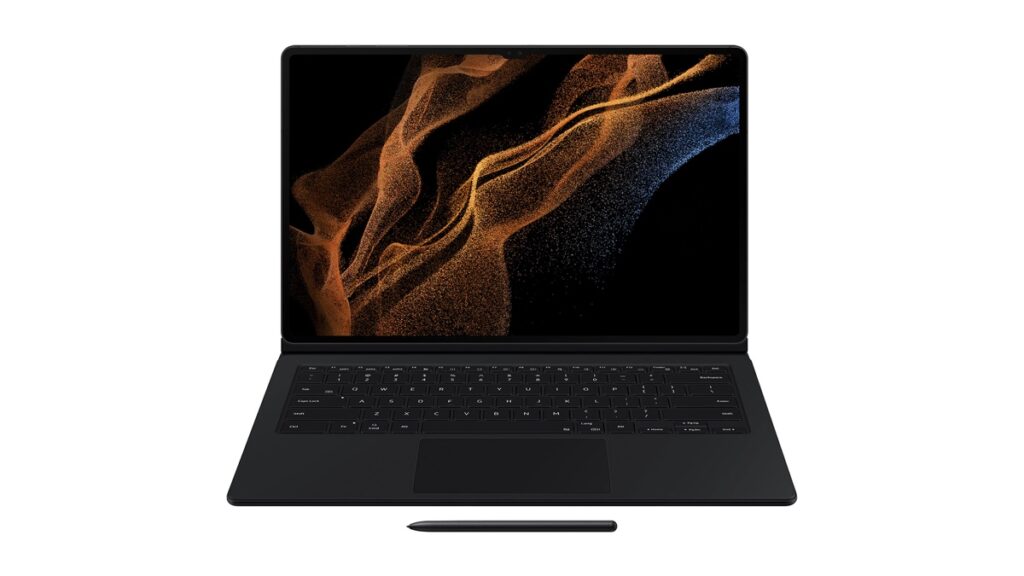
When it comes to build quality, it felt like cheap rubber. The kickstand would deform after some time, and the corners would flare outwards, unable to lie flat. The keyboard portion felt flimsy and lacked any rigidity. If you were to attempt to use it on your lap. Merely resting your hands on the wrist rest would trigger the track pad’s physical click.
The next iteration for the Galaxy Tab S9 Ultra and Galaxy Tab S10 Ultra significantly improved the materials; it held up better than the Galaxy Tab S8 Ultra’s keyboard. The keys had better travel, feel, and an improved tactile click.
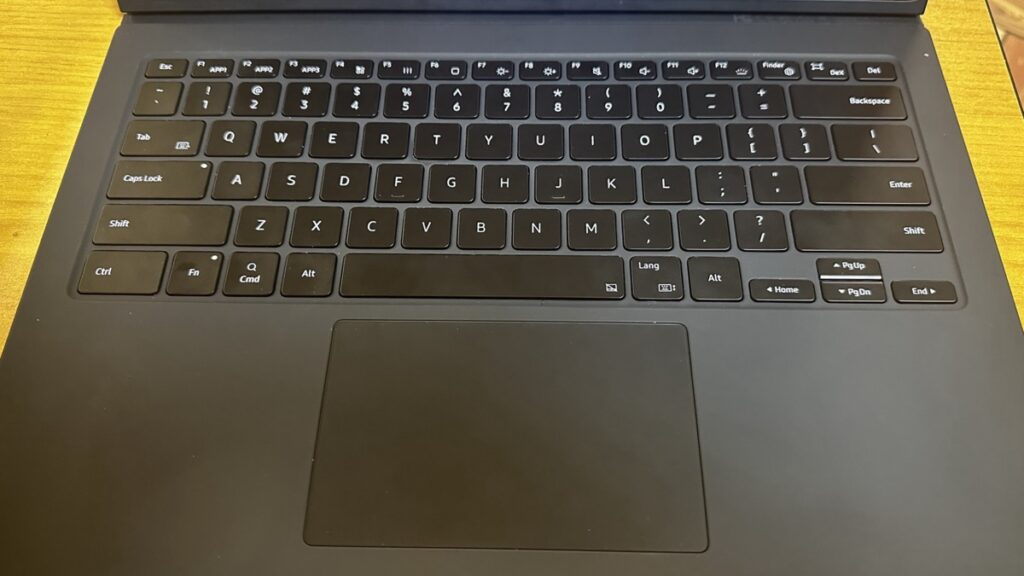
The rigidity of the keyboard section also improved, as the touch pad’s physical click wouldn’t activate as easily. Android Digest’s video (5:10 timestamp) does a proper job at visualizing the cons of the Galaxy Tab S8 Ultra’s keyboard, along with the improvements of the Galaxy Tab S9 Ultra’s keyboard.
Book Cover Keyboard Slim
Compared to the Book Cover Keyboard, the Book Cover Keyboard Slim for the Galaxy Tab S9 Ultra offers a better typing experience since it is usable on your lap. When Samsung released the Galaxy Tab S10 Ultra, they dropped a white version of the Book Cover Keyboard and a Book Cover Keyboard Slim. The main difference was the AI Key.
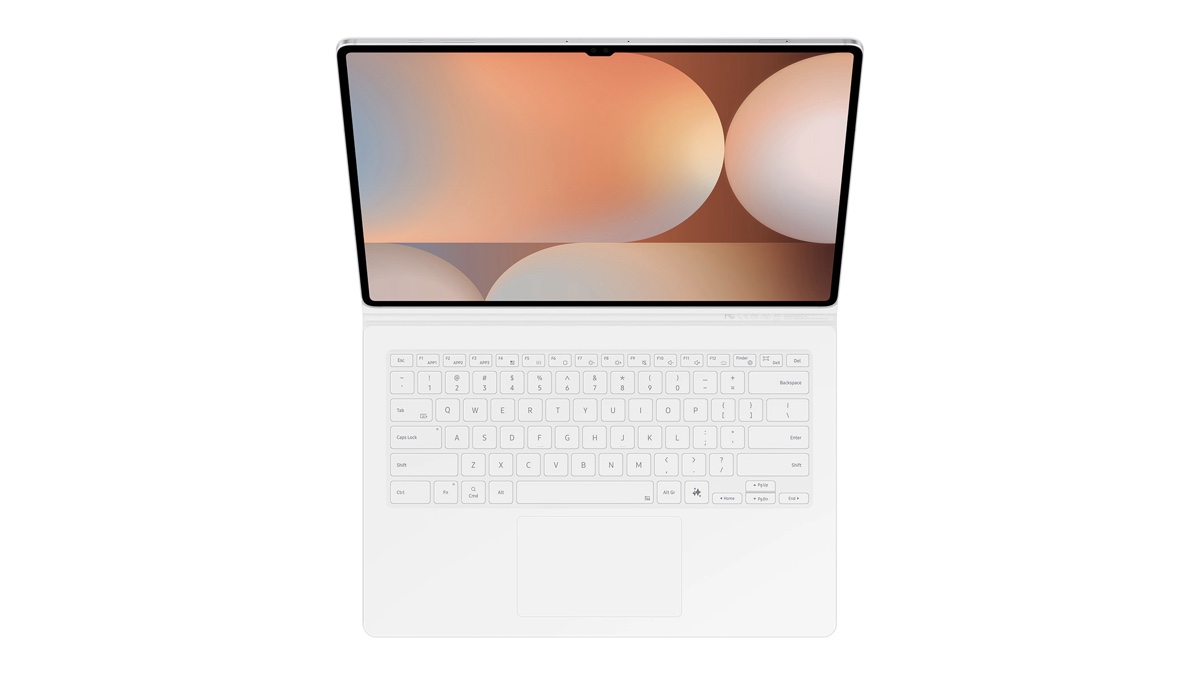
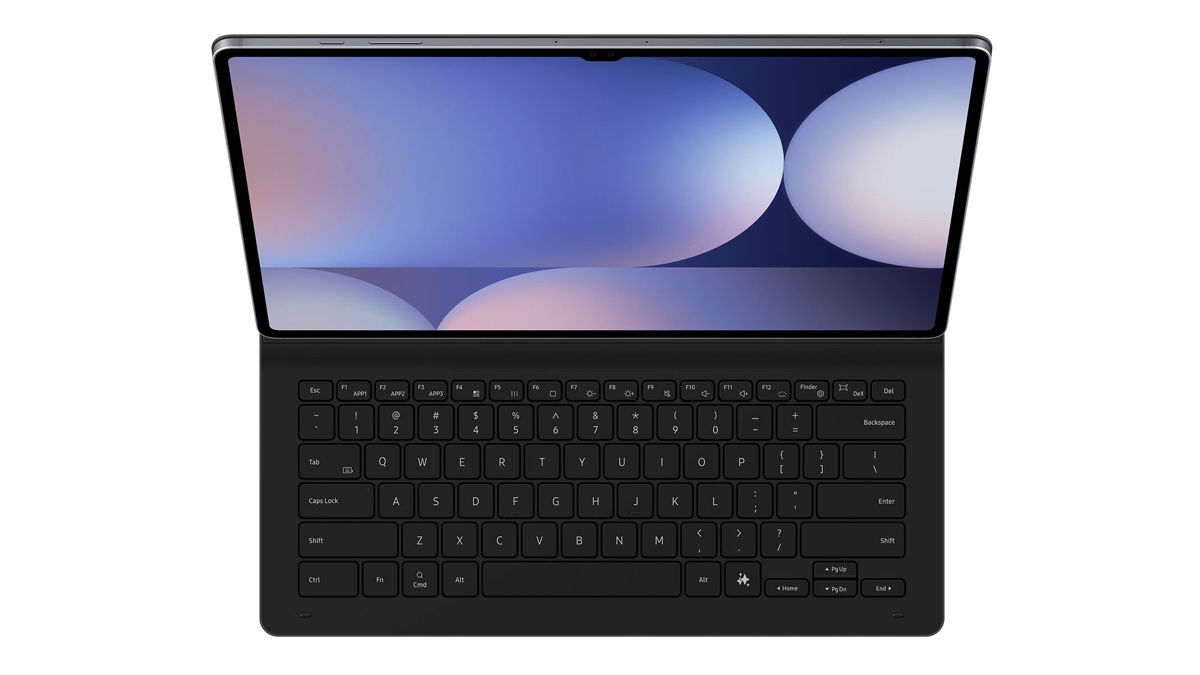
Although you can use it on your lap, the weight of the Galaxy Tab S9 Ultra would cause it to tip back if not properly set up. This later improved as Samsung managed to shave off weight with each iteration.
- Galaxy Tab S9 Ultra: 732 Grams
- Galaxy Tab S10 Ultra: 718 Grams (~2%)
- Galaxy Tab S11 Ultra: 692 Grams (~6%)
On paper, it may not seem like much. But holding the Tab S11 Ultra with one hand is a lot easier than the Tab S9 Ultra; the difference feels a lot more than just 6%. On top of the reduction in weight, Galaxy Tab S11 Ultra has a different style connector on its Book Cover Keyboard Slim.
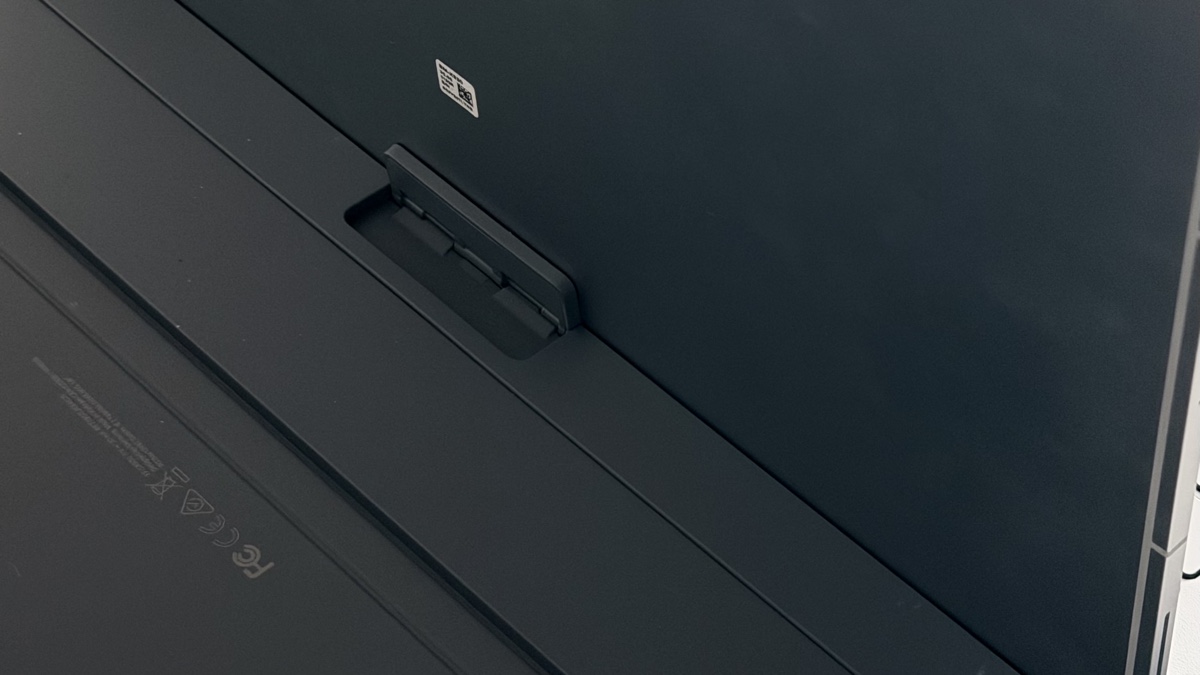
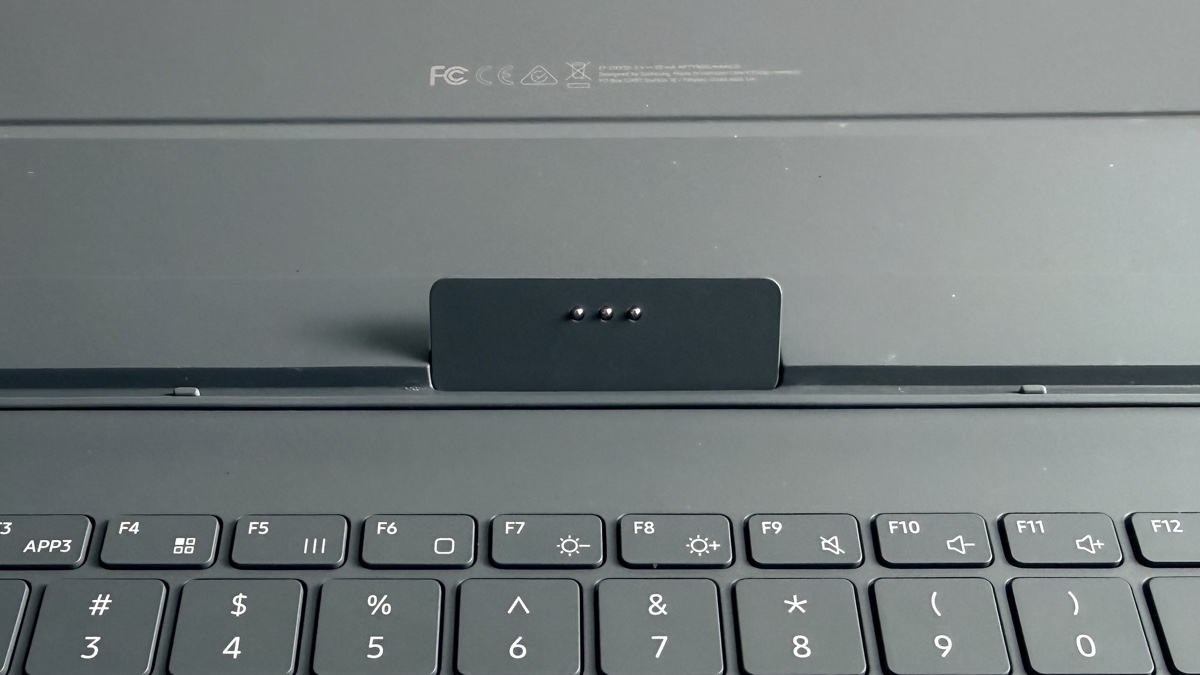
There is a small amount of resistance when the connector is propped up against the Galaxy Tab. Combined with the reduction in weight, it’s less likely to fall back like the Galaxy Tab S9 Ultra.
The Software for the Keyboard needs Improvement
The trackpad feels like a replica of my finger; it isn’t consistent across apps. Selecting and dragging text behaves differently between Samsung Notes and Google Docs; Docs allows you to double-click text, but you’ll click and hold to grab it. Samsung Notes requires you to click and hold, release, and then click and hold to grab the text. We need a 1:1 experience similar to Windows.
There’s almost a half-second delay with the trackpad that doesn’t exist when using a Bluetooth mouse. It isn’t consistent; sometimes it’s less or more. I’ve had a ton of misclicks just from this issue alone. I don’t understand how a wireless connection has a better response compared to a wired connection.
Apple and OnePlus offer Pro-Level Accessories
Apple unveiled the Magic Keyboard for the iPad Pro in 2020, a floating design that is reminiscent of a traditional laptop. It provided an extra USB-C port, albeit it was just for charging. It frees up the USB-C port on the iPad for data transfer.
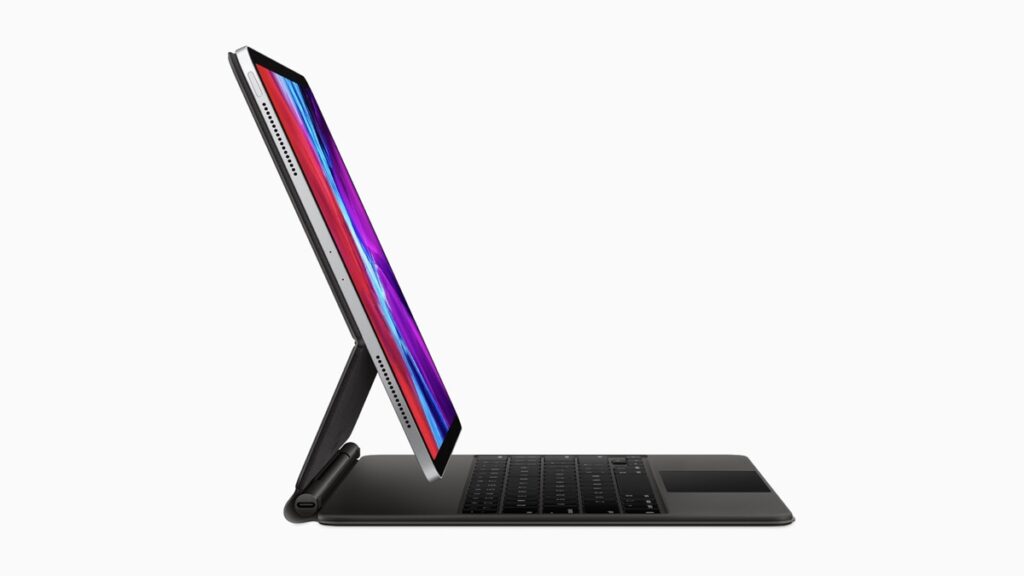
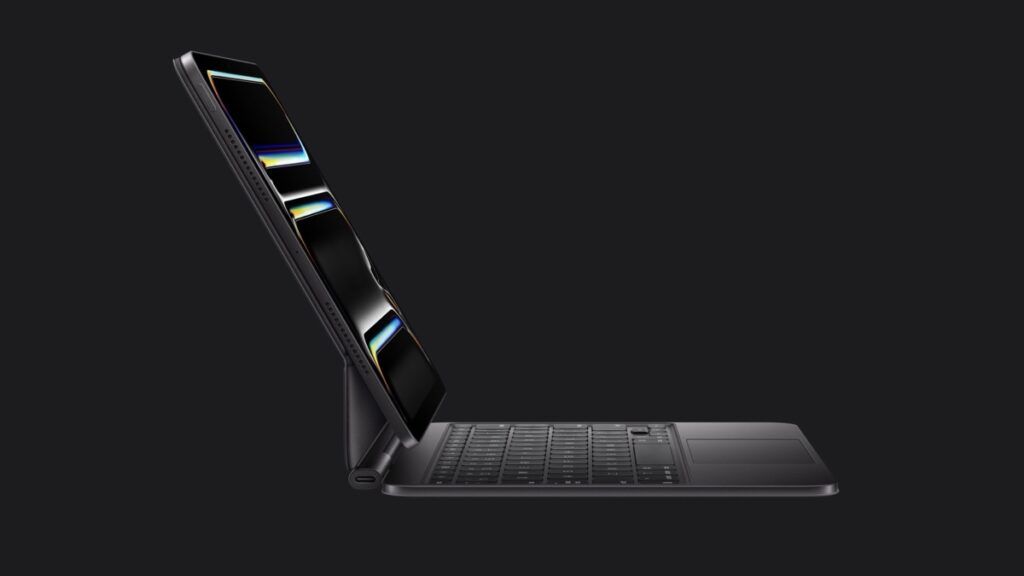
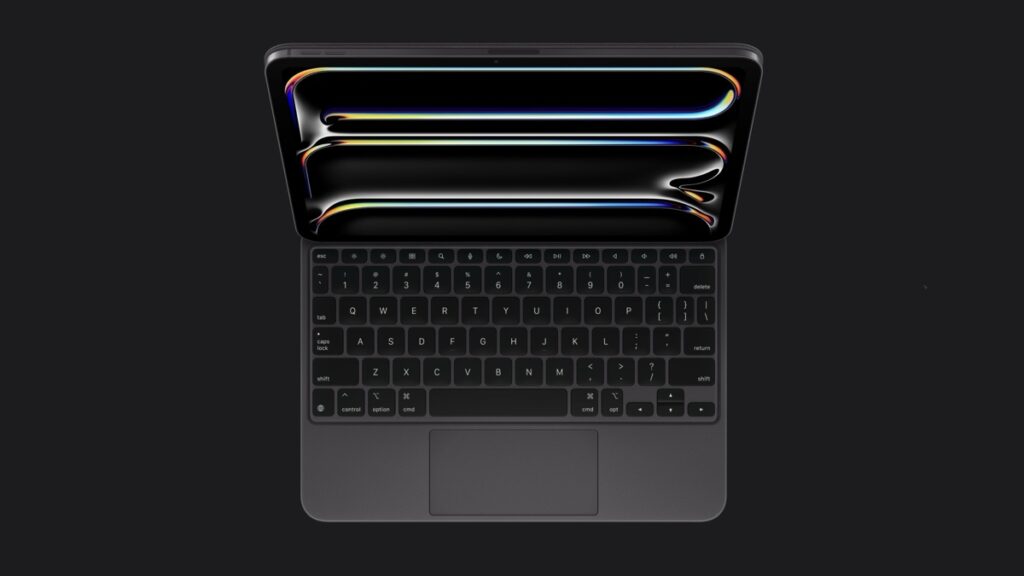
Apple went even further with the Magic Keyboard for the iPad Pro M4 in 2024. They provided a haptic trackpad, a function row, and a metal interior frame. We gained more functionality and premium materials, more in line with what the MacBooks have to offer.
OnePlus is one of the few Android companies that provides a premium tablet experience for the hardware. The OnePlus Pad 3 Smart Keyboard went above and beyond. It was a pogo pin-style connection, but when disconnected, it still worked wirelessly. It was usable on your lap, with enough pressure on the palm rests, the touch pad would click, though it was nowhere near the same degree. Unfortunately, it’s no longer available for my region.
If you want to read my full thoughts on the OnePlus Pad 3, Smart Keyboard, and the Stylo 2. You can click here for the link.
We need Pro Level Accessories
The Galaxy Tab S11 Ultra costs $1,199, so Samsung should stop with the half-measures. We need the Pro Keyboard to reflect the premium nature of the Galaxy Tab S11 Ultra. It’s the perfect opportunity to return a missing product from the Galaxy Book 6 lineup.
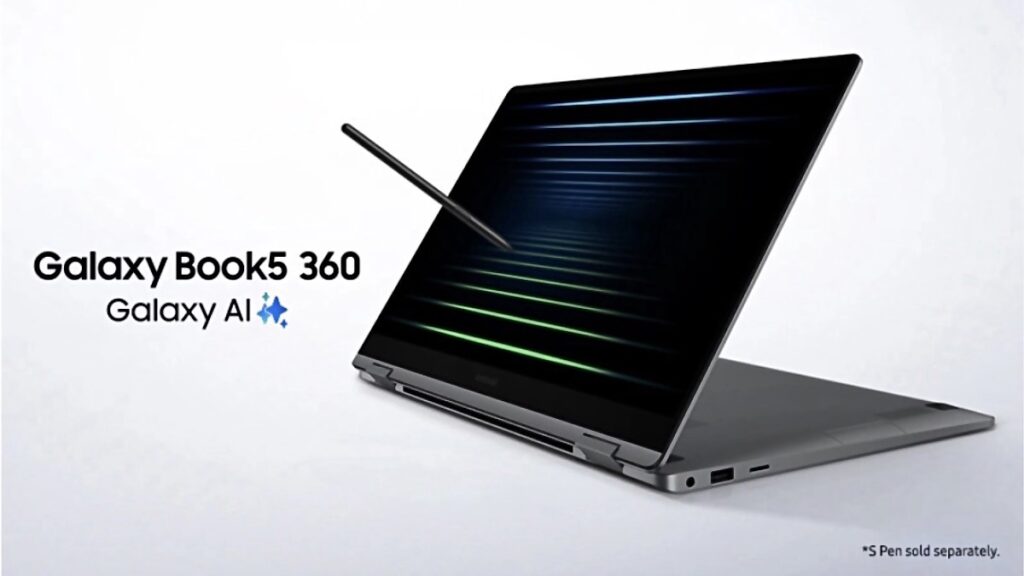
The Galaxy Book 6 series no longer offers the Book 360 model, and the Galaxy Tab S11 Ultra perfectly fills this void. We could see it become more in line with what the Book 6 series has to offer. The Pro Keyboard could add:
- Floating / Hinge-Based Design
- Aluminum Frame
- USB-C Charging Port
- S Pen Charging Station / S Pen Holder
- Haptic Trackpad
- Battery for Bluetooth and Weight Distribution
If the upcoming Pro Keyboard for the Galaxy Tab S11 Ultra is similar to this, it doesn’t have to have a USB-C port or a battery for a wireless mode. It would greatly improve the experience for those who treat their Galaxy Tab like a PC. Pairing this with a new S Pen Pro, it would give back to those who fully utilize the S Pen.
Samsung stated that not many people used the Bluetooth controls for the S Pen on Galaxy S Ultra devices. I’d be more than willing to purchase a premium S Pen with additional features, including:
- Haptic Controls & Feedback
- Bluetooth Controls
- Find My
It may seem like I’m nitpicking, but I want to see Samsung’s tablets evolve. They were the ones who continued to develop solutions for their tablets when none existed from Google, and are now actively improving Android for tablets. The Galaxy Tab S11 Ultra has untapped potential; it’s perfect for artists and as a notebook. However, as a device with the “Ultra” branding, it’s still a long way off.


Follow us on Google Discover & set us as a preferred source in Google News
Share this Post
___________________________


New Blog Posts
___________________________

First Set of Pixel 11 Pro XL Renders Are Here
Pixel 11 Pro XL CAD renders show minimal design changes

Is Samsung Preparing One UI 8.5 Beta for Galaxy Z Fold 5 and Flip 5?
Samsung may launch a One UI 8.5 beta program for its 2023 foldables

Galaxy S25 One UI 8.5 Beta May Run Longer Than Expected
Galaxy S25 series’ One UI 8.5 beta may stretch to 10 rounds







