
Samsung Introduces Powerful New Security Features in One UI 8
SammyGuru is reader-supported. We have affiliate and sponsored partnerships, so we may earn a commission when you buy through links on our site — at no extra cost to you. Learn more.
A day before Unpacked, Samsung announced a bunch of system-level security innovations set to debut with One UI 8. The company unveiled Knox Enhanced Encrypted Protection and quantum-resistant Secure Wi-Fi, as well as enhancements for existing security tools. The Korean firm will push these security features to all eligible Galaxy smartphones and tablets with One UI 8.
Samsung brings advanced security tools to Galaxy users with One UI 8
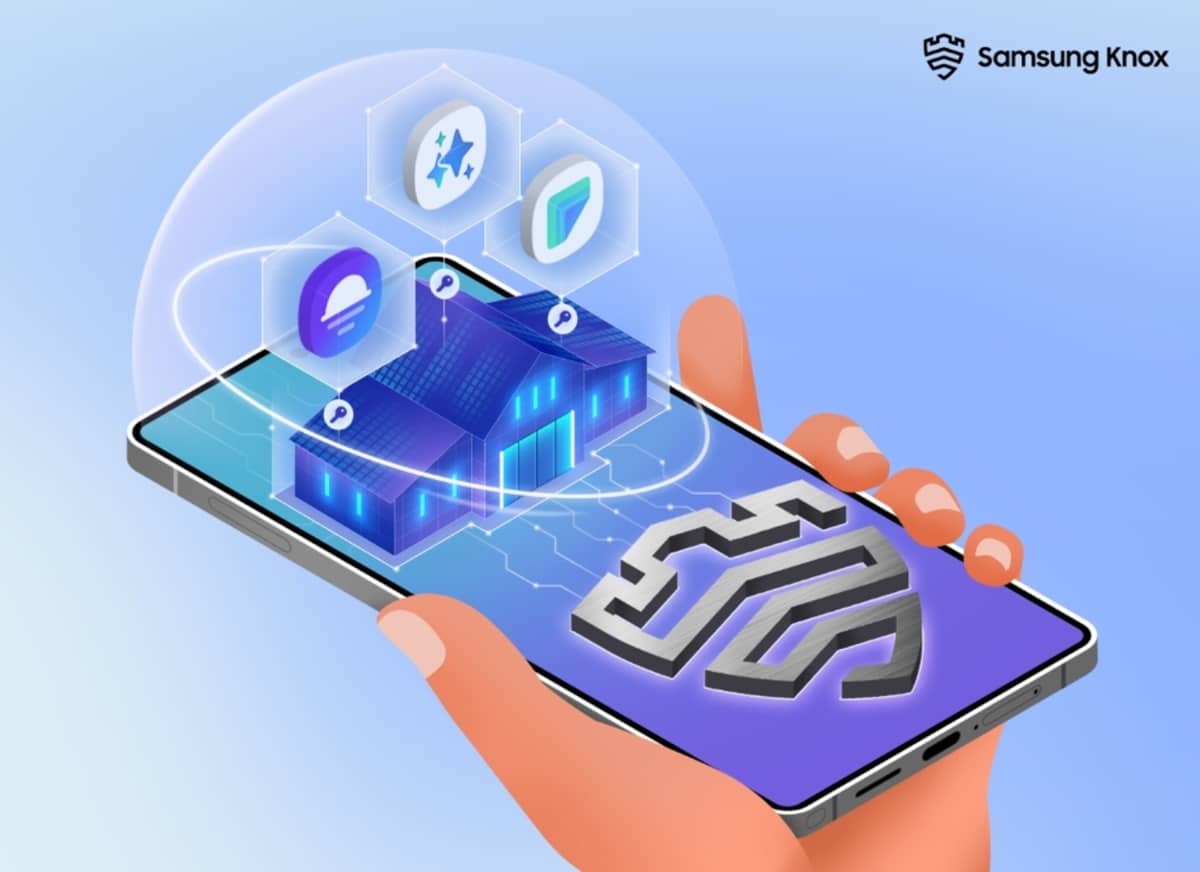
Samsung offers a robust security system to protect its Galaxy users against different threats, with its Knox platform at eh core of everything. With One UI 8, the company introduces Knox Enhanced Encrypted Protection (KEEP) to protect AI-powered features on Galaxy devices. It creates encrypted spaces for each app, ensuring that apps can only access their own data.
KEEP works with Personal Data Engine (PDE) to secure a user’s personal insights, such as routines and preferences. Furthermore, it protects Now Brief, Smart Suggestions, and other on-device features that rely on user-specific inputs.
For quantum-safe security, Samsung announced post-quantum cryptography for secure Wi-Fi connections. This upgrade strengthens network protection against emerging threats in the era of quantum computing. Secure Wi-Fi includes a host of powerful privacy features, such as Auto Protect, Enhanced Privacy Protection (EPP), and Protection Activity.
Auto Protect automatically activates in public places while EPP encrypts internet traffic and routes it through multiple layers. Likewise, Protection Activity lets you see the list of protected apps and networks as well as the amount of data encrypted over time.
Samsung’s improved Knox Matrix platform in One UI 8 now provides greater transparency and control for users beyond just stronger security. If the system detects any serious security risk, you will be automatically signed out of the Samsung Account. This will disconnect cloud-connected services and prevent threats from spreading. Moreover, you will receive notifications across connected Galaxy devices, allowing you to review the issue and take action through the Security Status page.
Apart from the latest innovations, Samsung strengthens several core security protections in One UI 8. For instance, Knox Vault stores sensitive credentials, such as passwords, PINs, and biometrics, in a separate secure part of the device. Auto Blocker helps block unauthorized app installs to mitigate risks from potential zero-click threats. Enhanced Theft Protection ensures your personal data is protected in situations like robbery.

Written by
Binay KonwarBinay Konwar started his blogging journey in 2014 and has since written plenty of tech articles. At present, he is working as a News Writer at SammyGuru, covering everything about Samsung. He holds a Master's degree in Mathematics, but his real passion lies in tech and writing. In his free time, he enjoys playing chess and watching movies.

Follow us on Google Discover & set us as a preferred source in Google News
Share this Post
___________________________


New Blog Posts
___________________________

First Set of Pixel 11 Pro XL Renders Are Here
Pixel 11 Pro XL CAD renders show minimal design changes

Is Samsung Preparing One UI 8.5 Beta for Galaxy Z Fold 5 and Flip 5?
Samsung may launch a One UI 8.5 beta program for its 2023 foldables

Galaxy S25 One UI 8.5 Beta May Run Longer Than Expected
Galaxy S25 series’ One UI 8.5 beta may stretch to 10 rounds







