
Samsung Improves Good Lock and Personal Data Intelligence with Latest Updates
SammyGuru is reader-supported. We have affiliate and sponsored partnerships, so we may earn a commission when you buy through links on our site — at no extra cost to you. Learn more.
Samsung has released updates for its Good Lock and Personal Data Intelligence app. The updates to the former make some changes to the interface, while the latter brings improvements to Now Brief. The company should push the new versions to all eligible Galaxy users globally in the coming weeks.
Here’s what’s new in the latest versions of Good Lock and Personal Data Intelligence apps
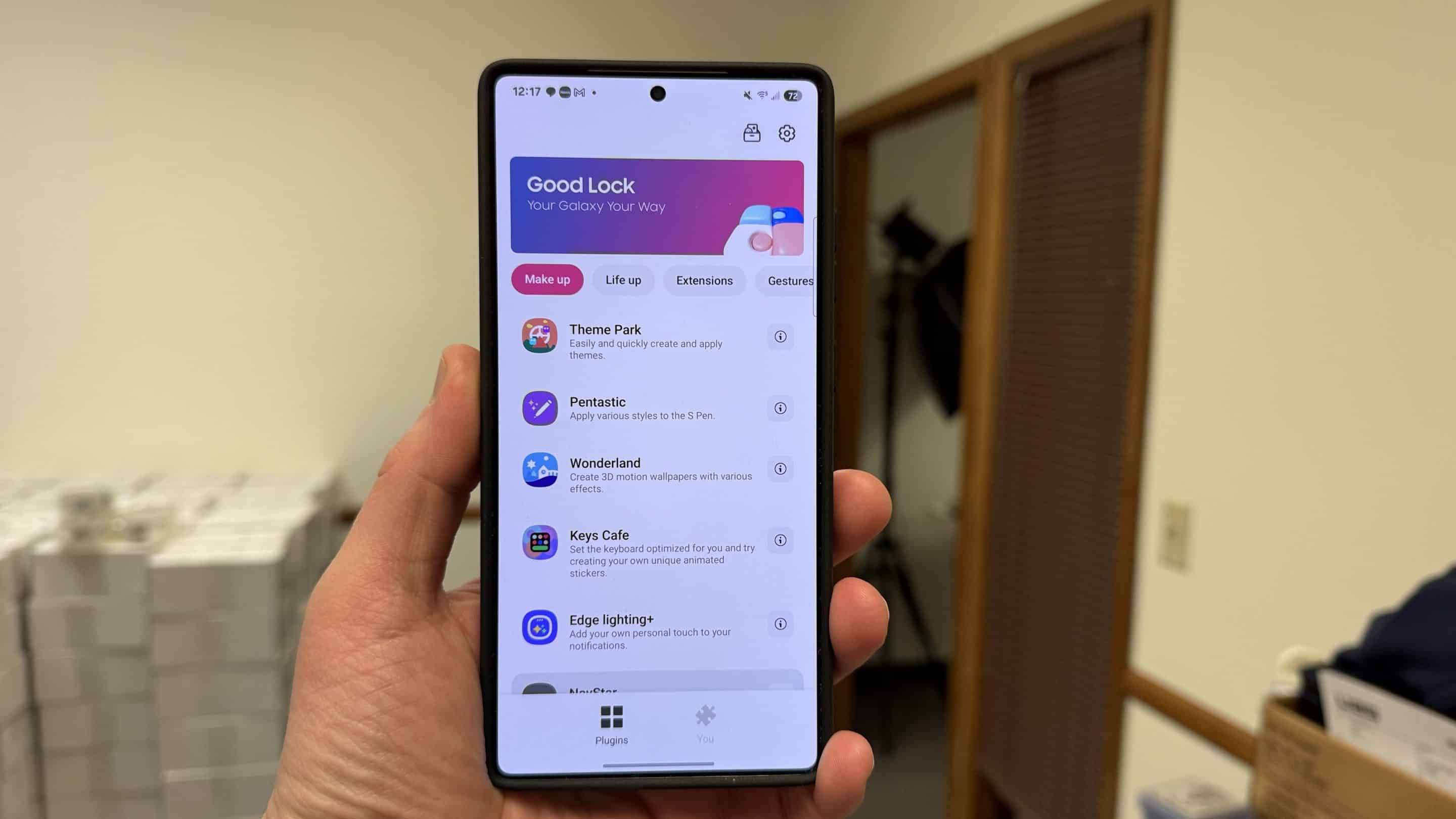
Samsung’s Good Lock is a suite of apps for Galaxy devices that allows users to personalize the experience. It offers a bunch of modules for personalizing the home screen, lock screen, quick panel, navigation bar, camera settings, and more. For example, the Home Up module lets you customize the home screen, while QuickStar allows users to personalize the quick panel.
While the company regularly updates each module separately, Good Lock as a whole also receives updates to improve the user experience. Now, the latest version 3.0.14.1 brings a host of useful improvements and fixes. The “What’s New” section now shows only the changes included in the current update for the module. This makes it easier for users to see what the company has stored in the latest build.
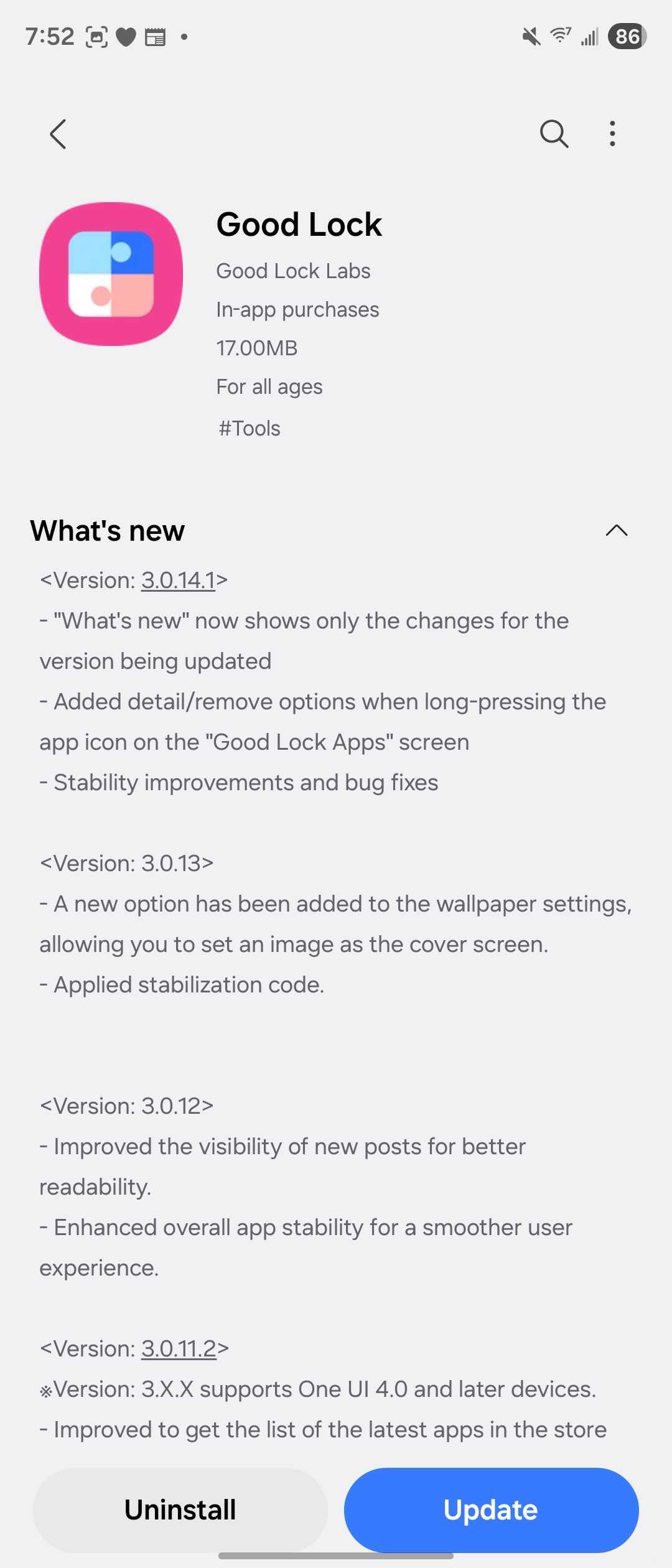
Furthermore, long-pressing an app icon on the Good Lock apps screen now shows detail/ remove options. The update also includes bug fixes and stability enhancements to offer a smoother and more reliable experience. So, if you want all these improvements, you should update Good Lock to the latest version.
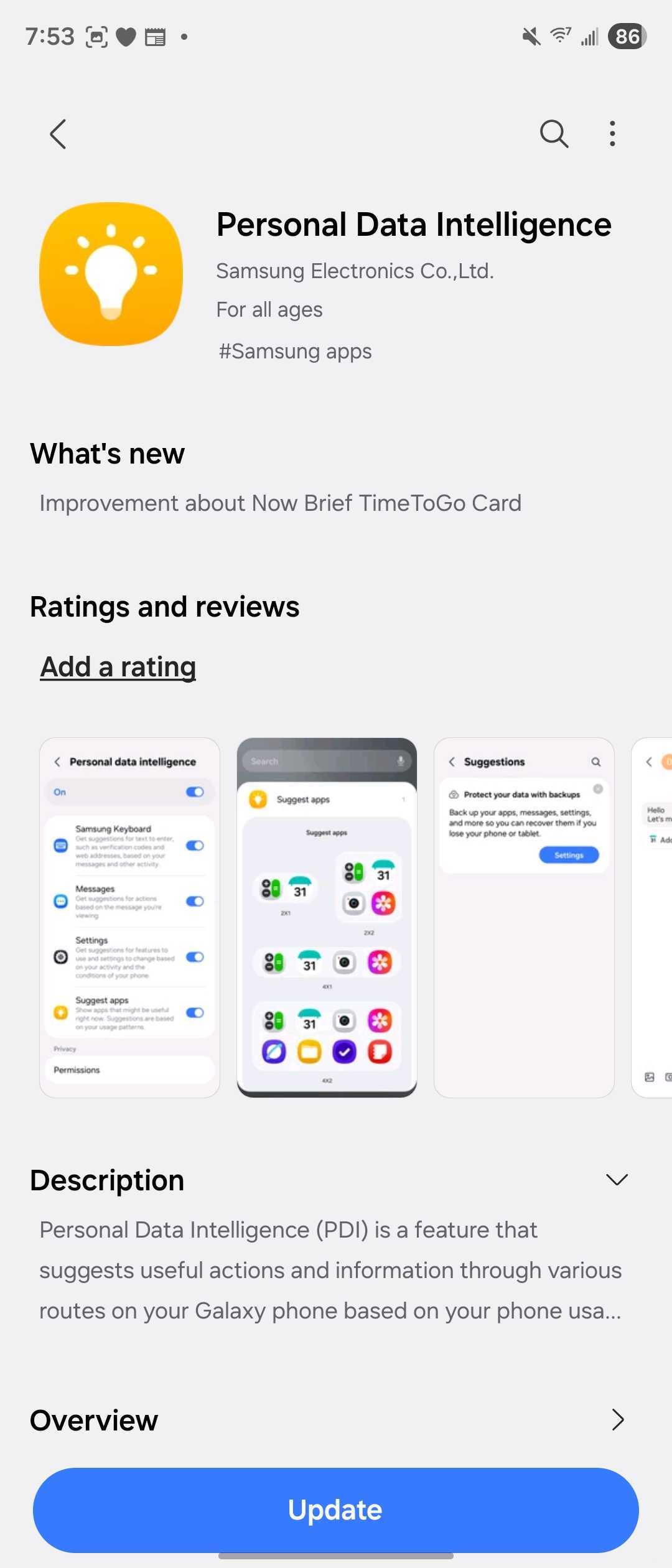
Meanwhile, Samsung has updated its Personal Data Intelligence app to version 7.1.02.0. The release notes mention that it brings improvement to the Now Brief TimeToGo card. For the uninitiated, Now Brief provides personalized summaries of selected content throughout the day. So after updating to the latest version, you can expect a more refined Now Brief experience.
To check for updates for both apps, first open the Galaxy Store app > go to Menu > Updates. Note that you may not see the new versions on your device right away, as Samsung usually rolls out updates in phases. If that’s the case, you should wait a few days.

Written by
Binay KonwarBinay Konwar started his blogging journey in 2014 and has since written plenty of tech articles. At present, he is working as a News Writer at SammyGuru, covering everything about Samsung. He holds a Master's degree in Mathematics, but his real passion lies in tech and writing. In his free time, he enjoys playing chess and watching movies.

Follow us on Google Discover & set us as a preferred source in Google News
Share this Post
___________________________


New Blog Posts
___________________________

First Set of Pixel 11 Pro XL Renders Are Here
Pixel 11 Pro XL CAD renders show minimal design changes

Is Samsung Preparing One UI 8.5 Beta for Galaxy Z Fold 5 and Flip 5?
Samsung may launch a One UI 8.5 beta program for its 2023 foldables

Galaxy S25 One UI 8.5 Beta May Run Longer Than Expected
Galaxy S25 series’ One UI 8.5 beta may stretch to 10 rounds







