
Samsung Galaxy Devices Can Now Broadcast Audio to Sony Headphones
SammyGuru is reader-supported. We have affiliate and sponsored partnerships, so we may earn a commission when you buy through links on our site — at no extra cost to you. Learn more.
If your Samsung Galaxy devices support Auracast, you can now broadcast audio to Sony’s premium noise-canceling wireless headphones. The Japanese company recently rolled out firmware updates to its select headphones, bringing this ability. The update also introduces Google’s Gemini Live AI assistant support for a smarter user experience.
Auracast support arrives on Sony headphones for Bluetooth LE Audio Android devices
A few weeks ago, Google confirmed that it would bring LE Audio Auracast support to Sony headphones. However, the company did not mention which devices would receive the support. Now, Sony has confirmed that its WF-1000XM5 earbuds and WH-1000XM6 over-ear headphones support the latest Bluetooth technology.
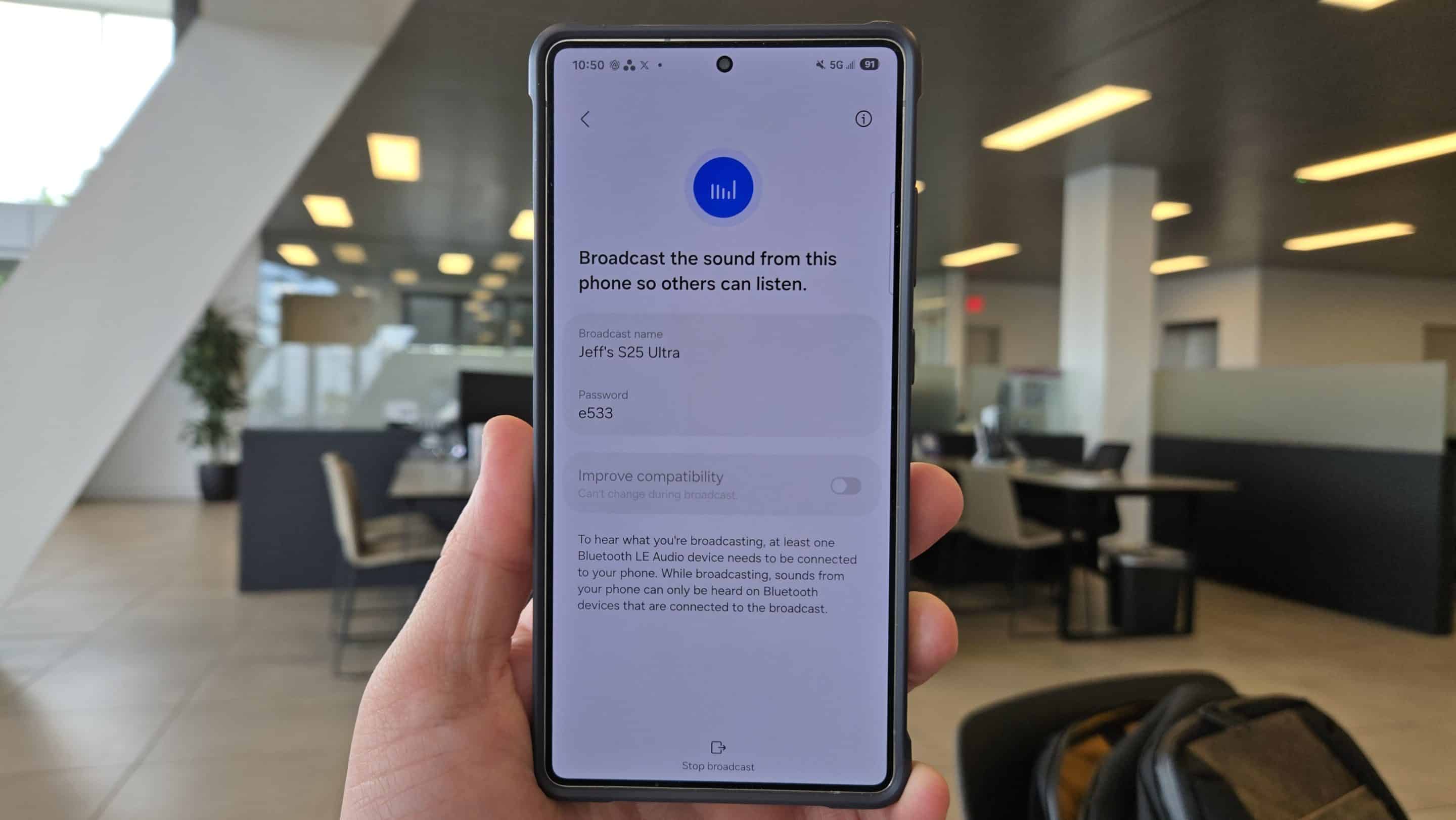
In the release notes (via TheVerge), Sony mentioned that the latest update adds Audio Sharing with Fast Pair to these headphones. That means when broadcasting audio from your Galaxy device, Sony’s headphones can connect alongside other LE Audio headphones. For the uninitiated, Auracast is a Bluetooth LE Audio feature that lets you share your phone’s audio with nearby listening devices.
For example, if your friend uses either of the Sony headphones, you can share the same song or podcast with them in real time. Furthermore, Auracast allows you to create a private broadcast for a larger group. Audiences with compatible listening devices can join the broadcast by scanning a QR code or using Google Fast Pair, a feature that connects Bluetooth accessories.
To update the Sony headphone, you need to open the Sound Connect app on a connected Android device. If the update is available, the app will display “The latest audio device software is available”. Finally, press the START to begin the update process. Note that Audio Sharing will only work if you re-pair your headphones with your Galaxy device.
In addition to support for Bluetooth LE Audio, both wearables integrate Google’s Gemini Live, allowing you to chat with AI through your headphones.

Written by
Binay KonwarBinay Konwar started his blogging journey in 2014 and has since written plenty of tech articles. At present, he is working as a News Writer at SammyGuru, covering everything about Samsung. He holds a Master's degree in Mathematics, but his real passion lies in tech and writing. In his free time, he enjoys playing chess and watching movies.

Follow us on Google Discover & set us as a preferred source in Google News
Share this Post
___________________________


New Blog Posts
___________________________

First Set of Pixel 11 Pro XL Renders Are Here
Pixel 11 Pro XL CAD renders show minimal design changes

Is Samsung Preparing One UI 8.5 Beta for Galaxy Z Fold 5 and Flip 5?
Samsung may launch a One UI 8.5 beta program for its 2023 foldables

Galaxy S25 One UI 8.5 Beta May Run Longer Than Expected
Galaxy S25 series’ One UI 8.5 beta may stretch to 10 rounds







