
Hidden Gems in Samsung Expert RAW (3) — Astrophoto and Astroportrait
SammyGuru is reader-supported. We have affiliate and sponsored partnerships, so we may earn a commission when you buy through links on our site — at no extra cost to you. Learn more.
Samsung’s Astro modes inside Expert RAW are pretty powerful. Astrophoto & Astroportrait are not AI sky replacement or dramatic “night filters” designed to impress at first glance. What Samsung is doing here is closer to computational astrophotography, adapted carefully to the limits of a smartphone sensor. These modes don’t promise magic. They document reality, and that’s exactly why they deserve more attention.
Astrophoto captures the night sky as it really is
Astrophoto within Samsung Expert RAW is designed for tripod use and extended capture sessions. Instead of relying on a single long exposure, the camera records many shorter exposures over time and merges them intelligently.
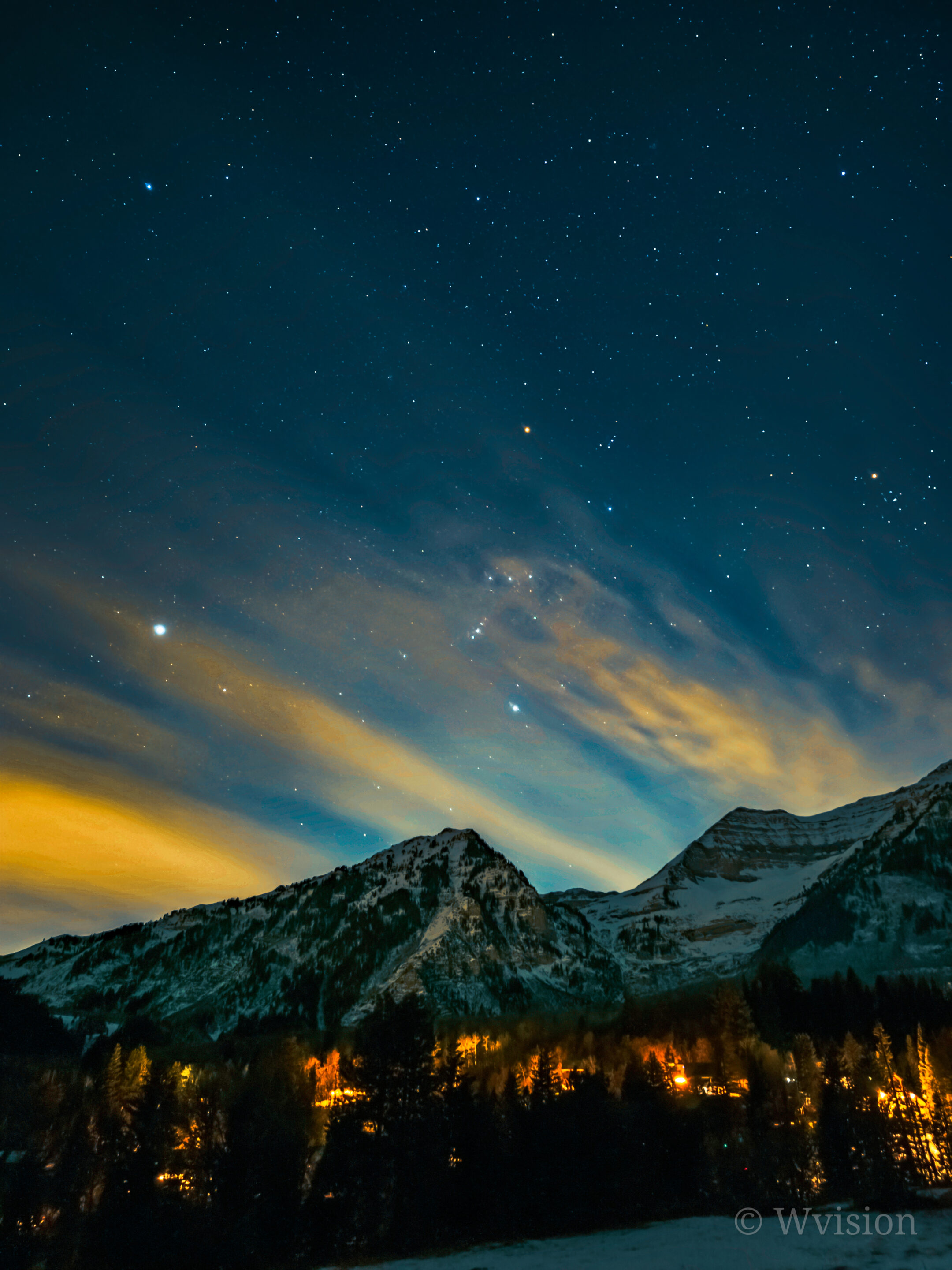
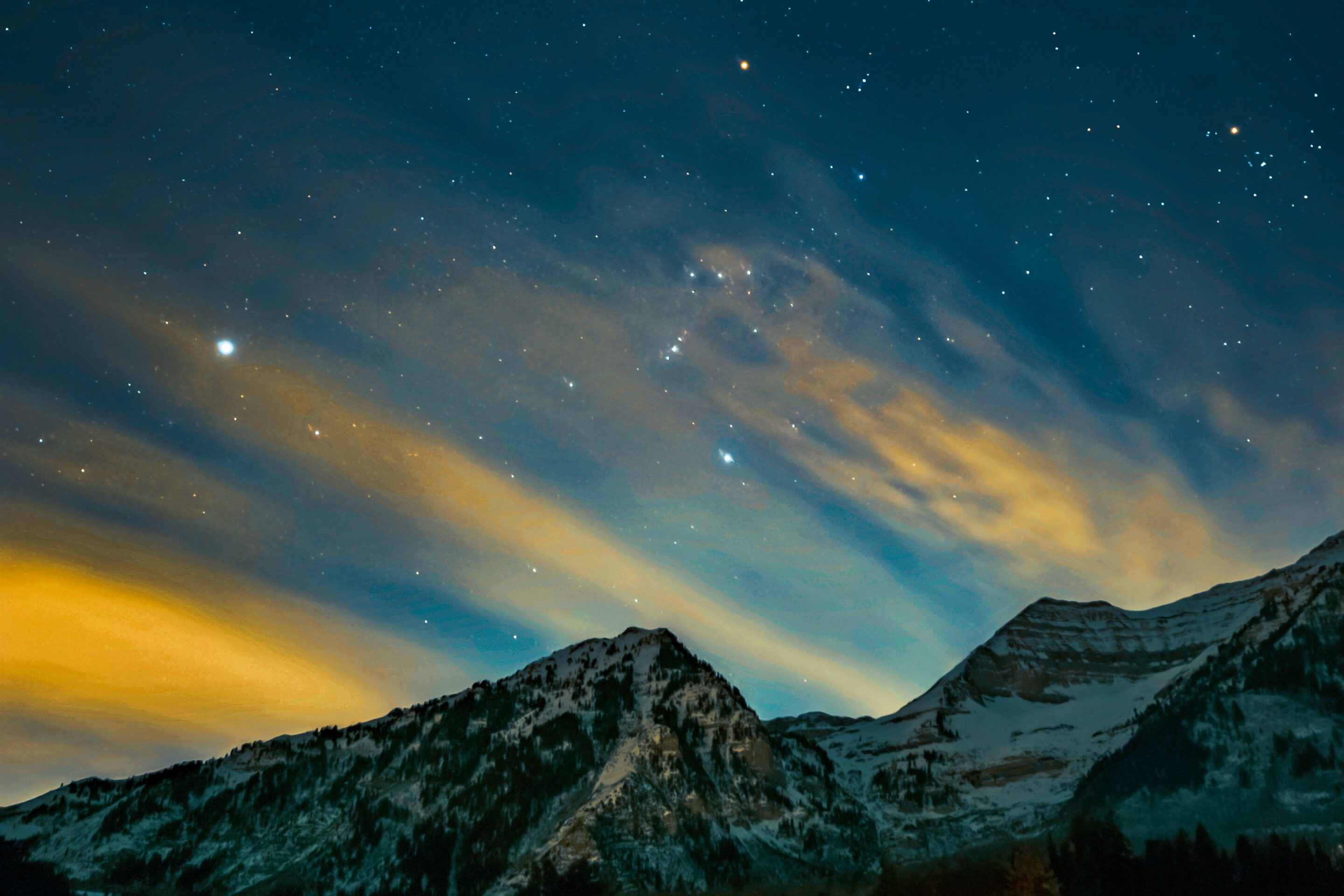
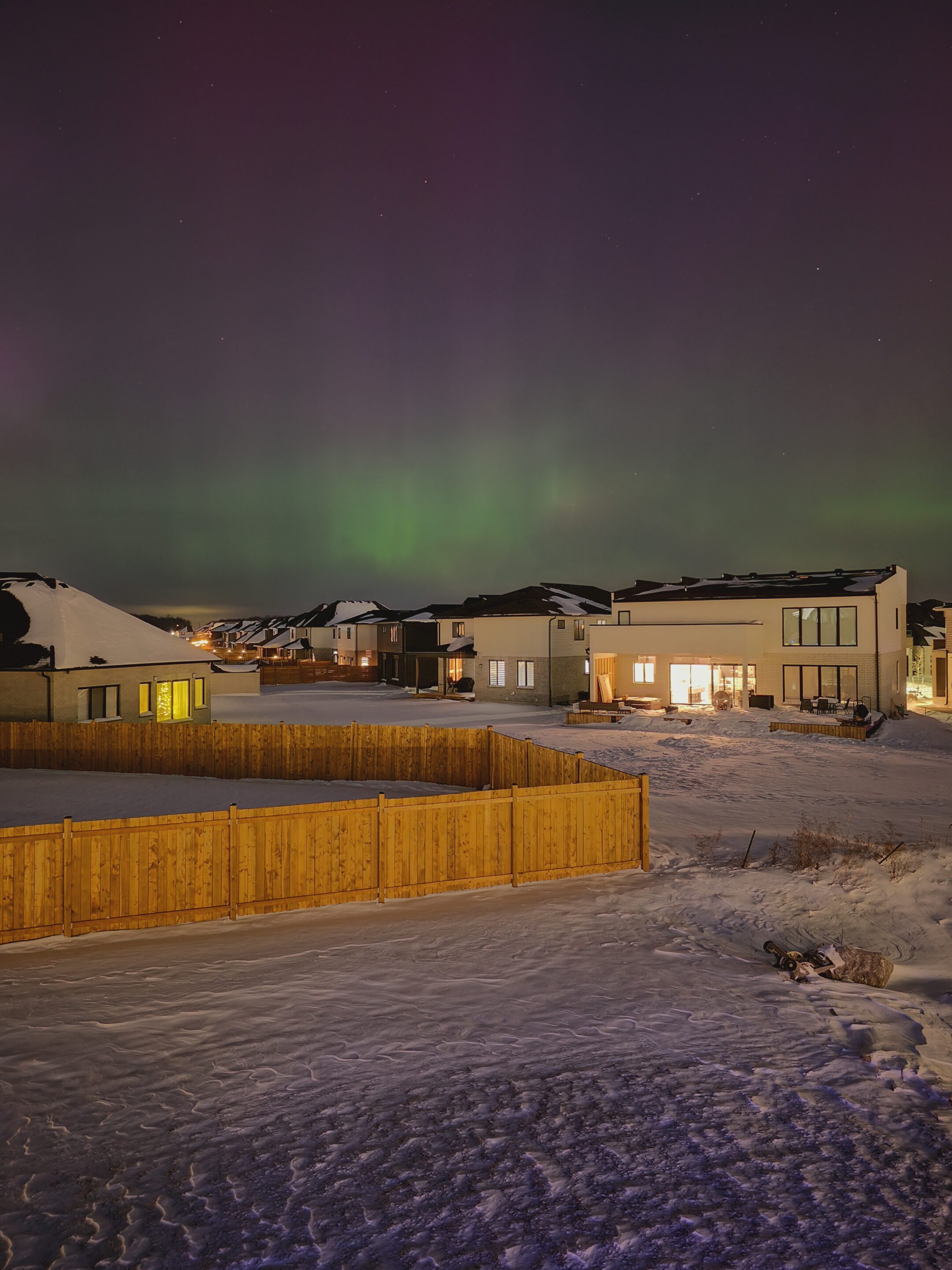
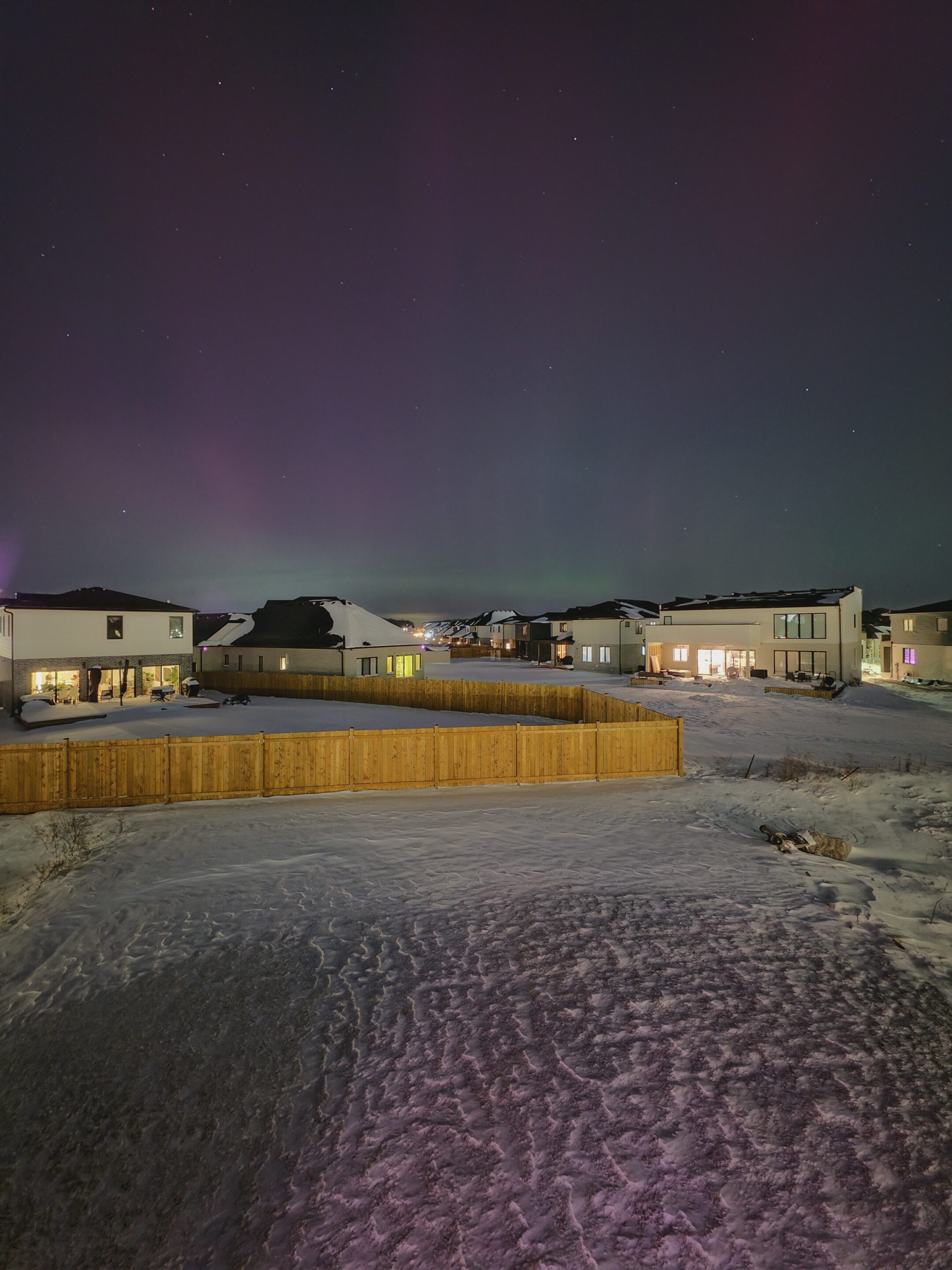
Astrophoto taken by X/@HBrauntech, edited by X/@Wvisioncreation
This approach improves signal quality while avoiding blown highlights and uncontrolled star trails. Frame alignment is based on star movement rather than the foreground, compensating for Earth’s rotation so stars remain sharp even during multi-minute captures. (Pro tip: Turn on location to get accurate star alignment)
Noise reduction is applied selectively to the sky, not globally. The goal isn’t aggressive smoothing, but preservation of faint stars, Milky Way structure, and subtle color differences between stars. These details are often lost in conventional night modes.
Importantly, Samsung avoids fake enhancement. No stars are added. No Milky Way is pasted into the frame. If light pollution is strong or clouds move through, the final image reflects that reality. Sometimes that means fewer stars, and that honesty is the point.
-
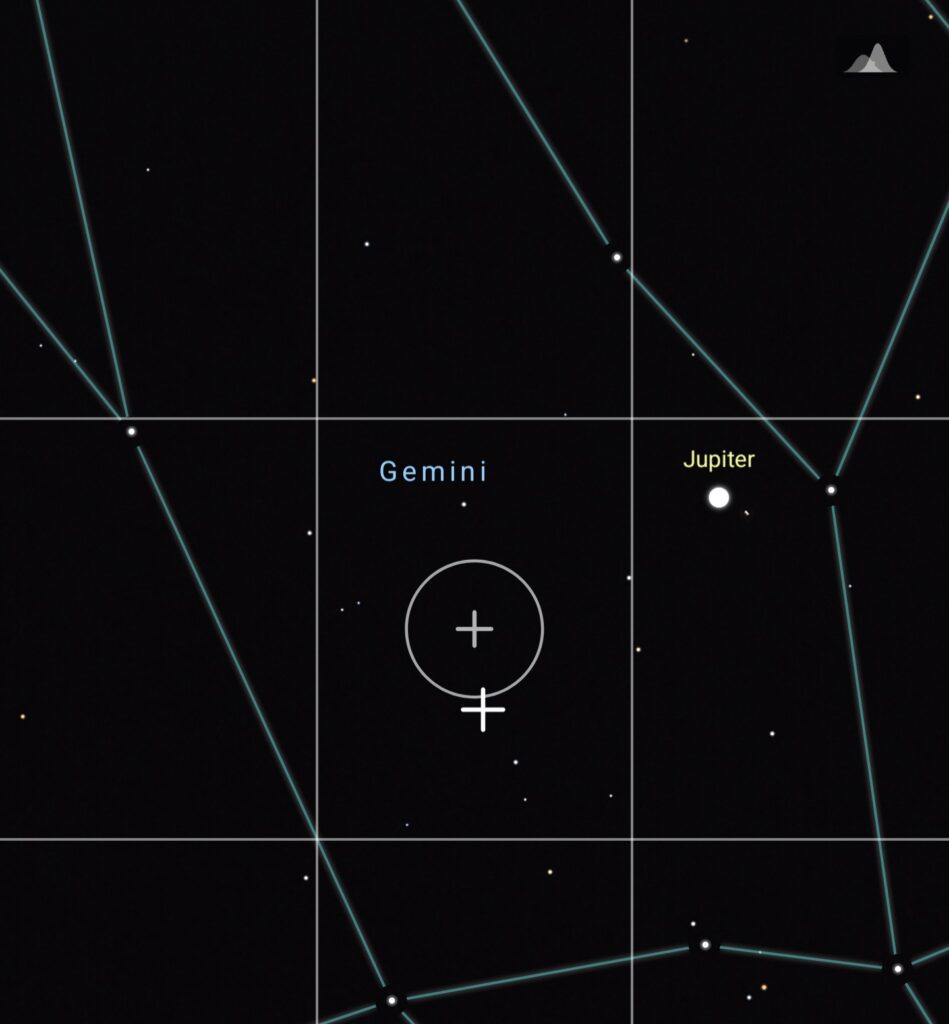
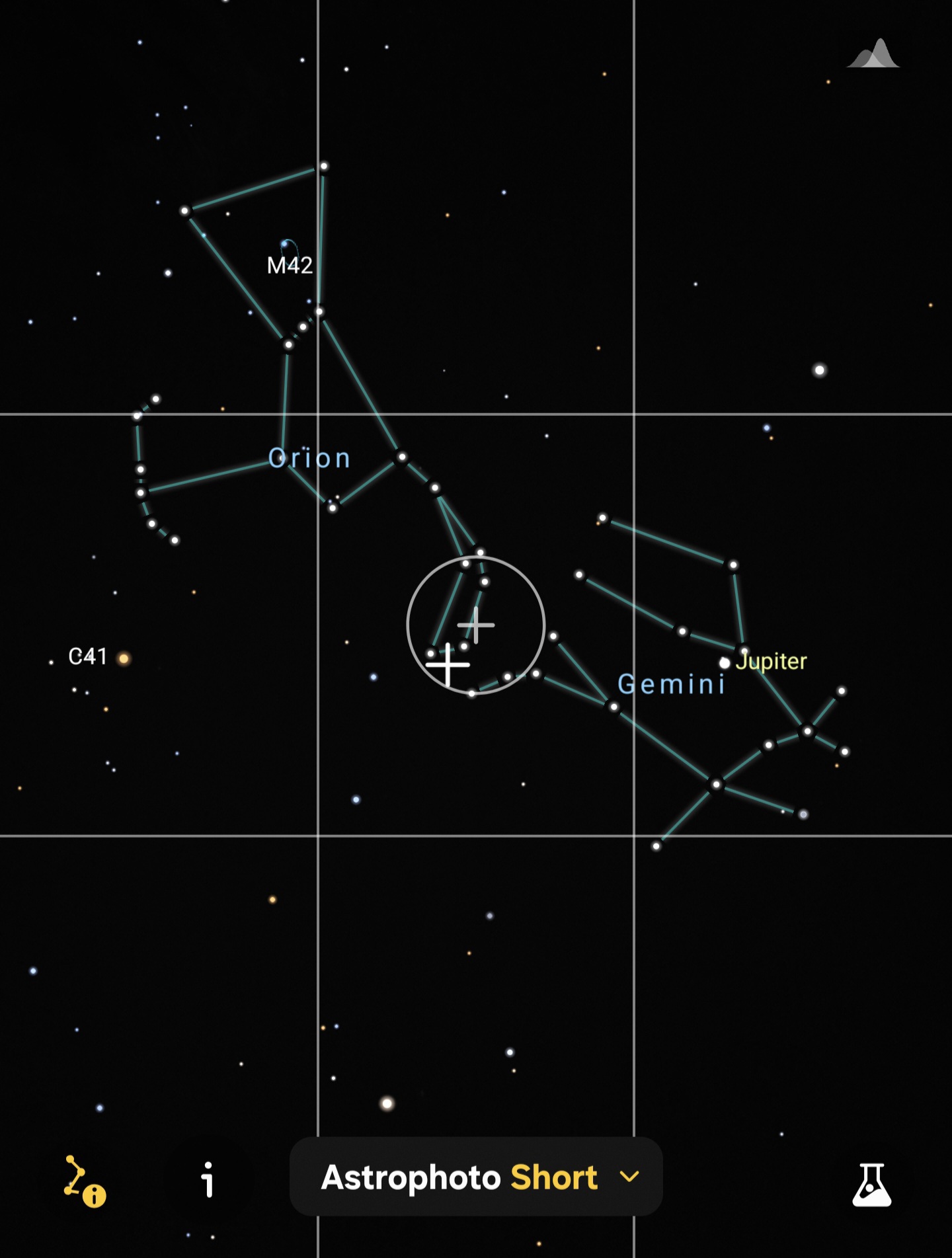
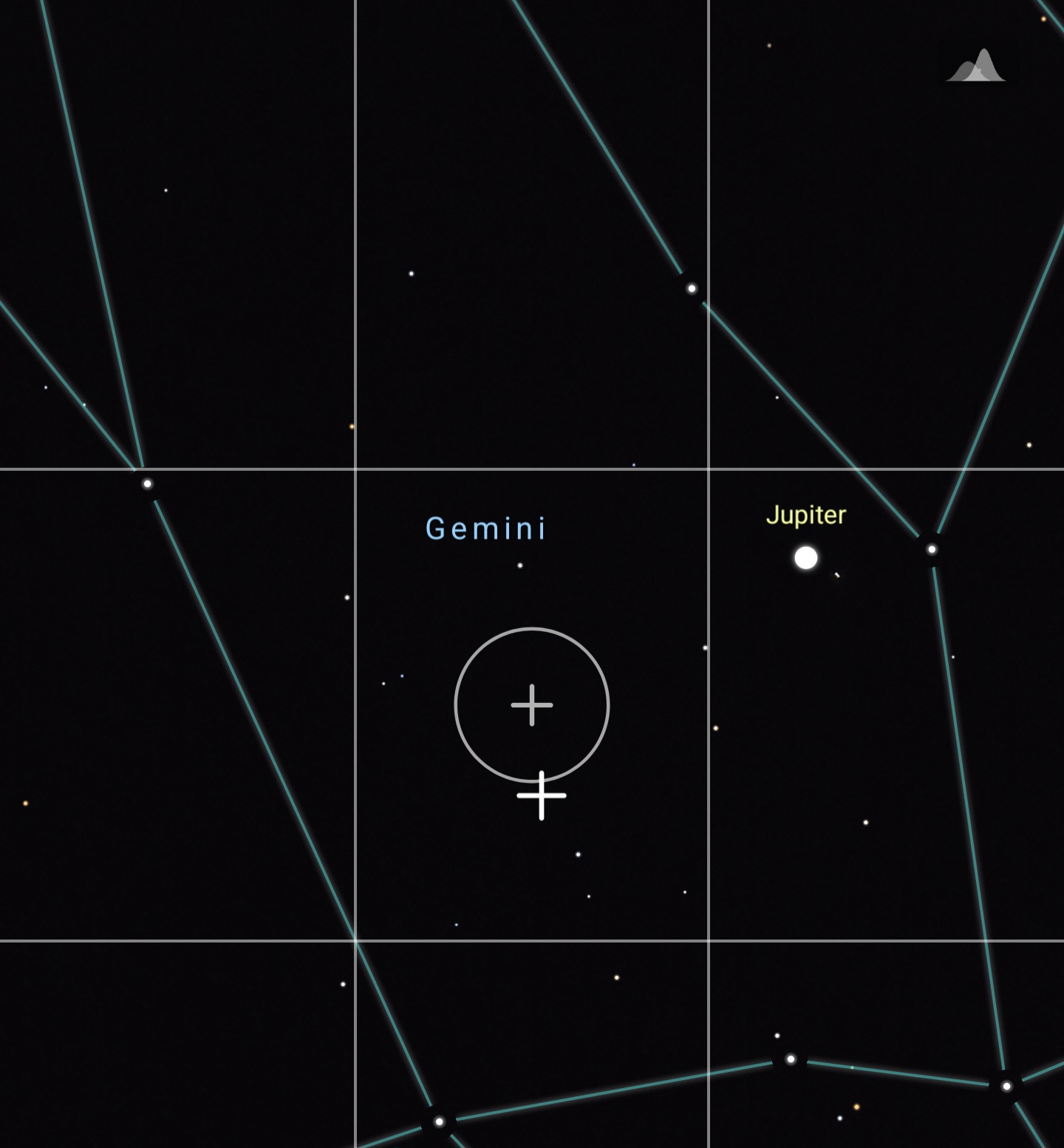
- Viewfinder Jupiter at 5x
-
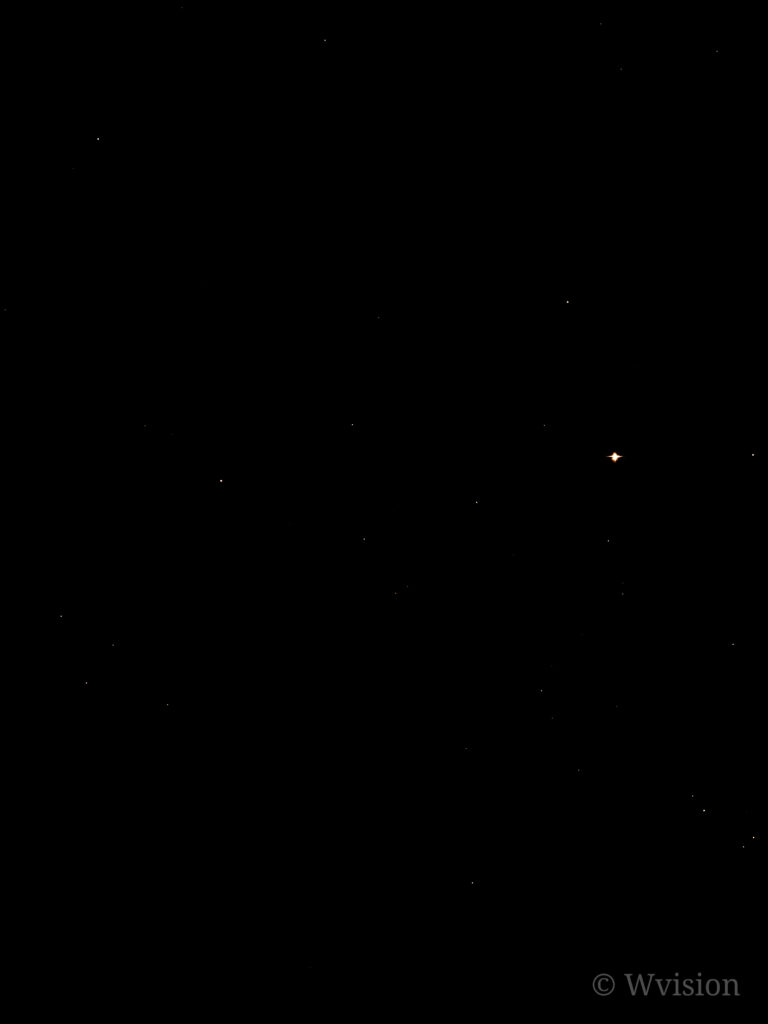
- Astrophoto 5x output in city light and air pollution
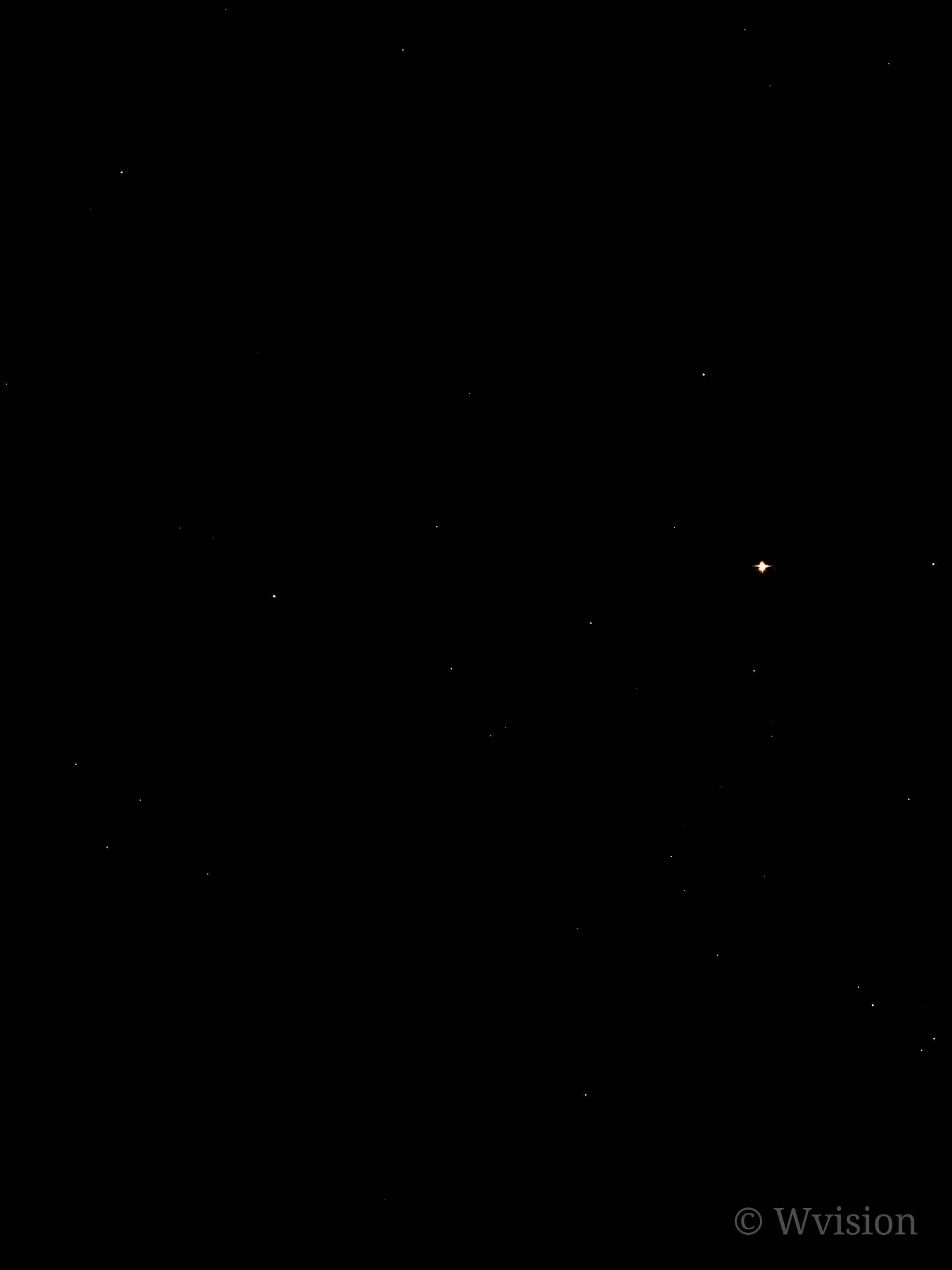
This is why results vary, and why Samsung Expert RAW Astro modes don’t guarantee a dramatic sky. Light pollution, moon phase, atmospheric clarity, and temperature all matter. Astrophoto records what’s actually there, not what you wish was there.
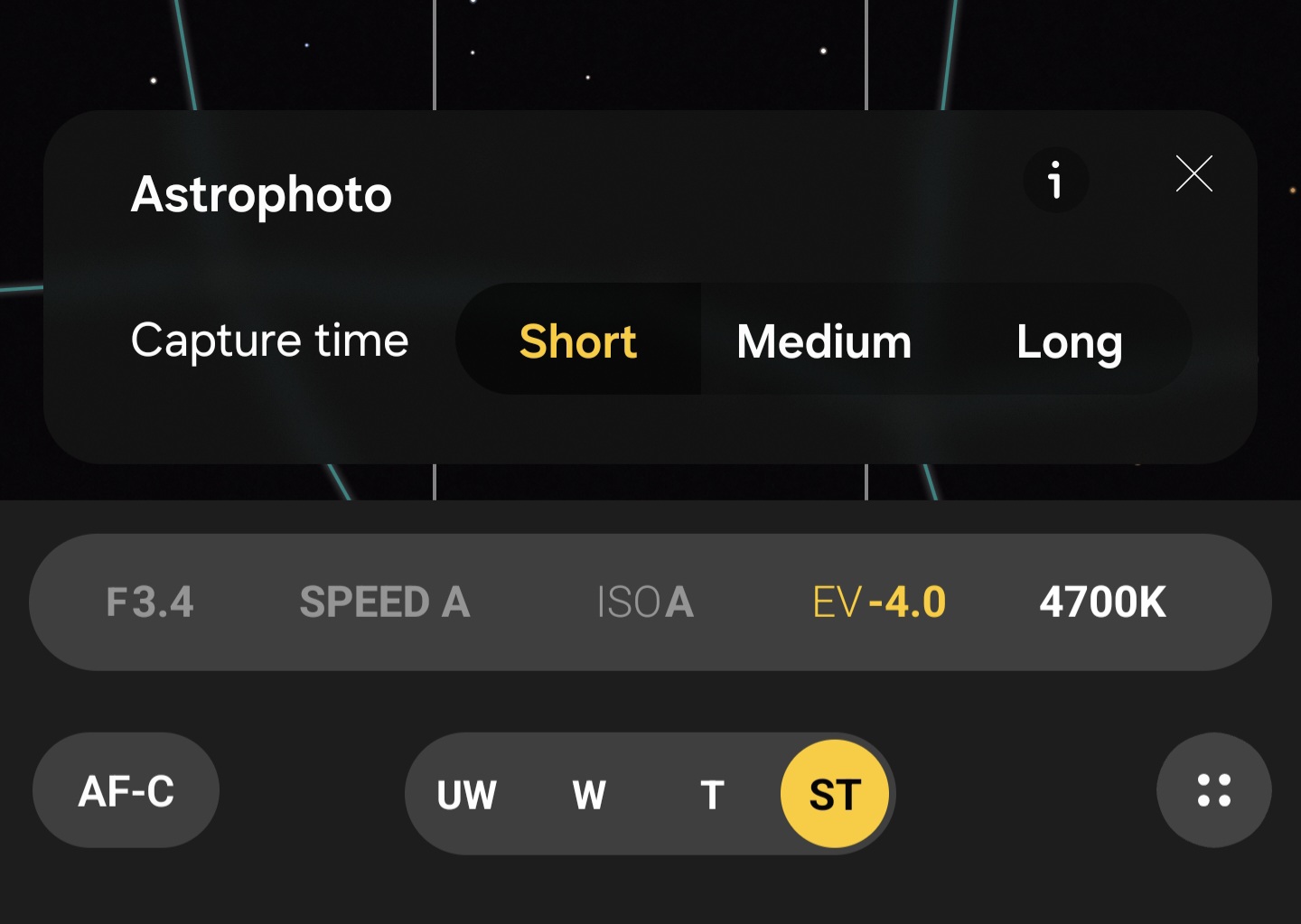
One detail many users miss is exposure control. Samsung doesn’t expose exact capture times like 4, 7, or 10 minutes. Instead, the interface offers Short, Medium, and Long options. These don’t map to fixed durations. They adjust how aggressively frames are stacked and how long the total capture session runs, based on sky brightness and detected noise levels. The camera decides when it has gathered enough usable data.
Astroportrait — People and Stars in One Frame
Astroportrait is part of the same Samsung Expert RAW Astro modes system, not a separate feature. Technically, it’s far more complex than Astrophoto alone. This mode attempts something challenging even for dedicated cameras: exposing a person and the night sky correctly in a single frame.
Samsung uses a dual-exposure approach. Short exposures capture the subject to avoid motion blur, while the sky is recorded through long, stacked exposures. Portrait detection and depth mapping allow the system to process subject and background separately, applying different noise reduction and contrast strategies without flattening the image.
How Astroportrait actually works (and why movement matters)
Astroportrait is often misunderstood as a “stay frozen for minutes” mode. In reality, it’s smarter than that and more demanding at the same time.
The capture begins with a brief foreground exposure, usually accompanied by a short screen flash. This moment locks in the subject. Once that initial capture is done, the person does not need to remain in the frame. They can step away while the camera continues capturing the night sky in the background through long-exposure stacking.
This detail matters. No one can realistically stand still for several minutes. Samsung clearly designed Astro Portrait around this limitation, separating human capture from sky capture instead of forcing both into a single impossible exposure.
Crucially, the sky behind the subject remains real. If the sky is dull, it stays dull. No Milky Way is inserted. No stars are exaggerated. What you get depends entirely on conditions — light, pollution, air clarity, stability, and timing. That realism comes with constraints. Wind, camera shake, or movement during the initial foreground capture can break the blend.
This isn’t a casual walk-and-shoot mode. It rewards intention, patience, and understanding of the scene. Astroportrait isn’t trying to impress instantly. It’s trying to stay honest. And this single design choice, allowing the subject to move after capture, is why Samsung’s Expert RAW Astro modes feel closer to real astrophotography than typical “night portrait” tricks.
When everything aligns, the result feels natural: a person grounded in a real night environment, not cut out and pasted onto a dramatic backdrop.
Why Expert RAW Matters
Samsung Expert RAW Astro modes benefit enormously from RAW output. Instead of heavily processed JPEGs, you get linear RAW data with controlled noise handling and preserved star color information.
This flexibility matters. You can increase contrast without destroying faint stars. White balance adjustments don’t collapse the sky. Editing remains forgiving rather than fragile, unlike standard night modes, which struggle the moment you touch a slider.
In both Astrophoto and Astroportrait, users can manually adjust metering, exposure compensation (EV), and white balance, keeping night scenes realistic instead of artificially bright. Push exposure too far and stars wash out; incorrect white balance can turn city skies unnaturally blue or green.
Expert RAW also includes Zebra patterns and False Color, tools rarely found in smartphone photography. They help identify blown highlights and manage exposure more precisely, protecting faint star detail instead of leaving everything to the algorithm.
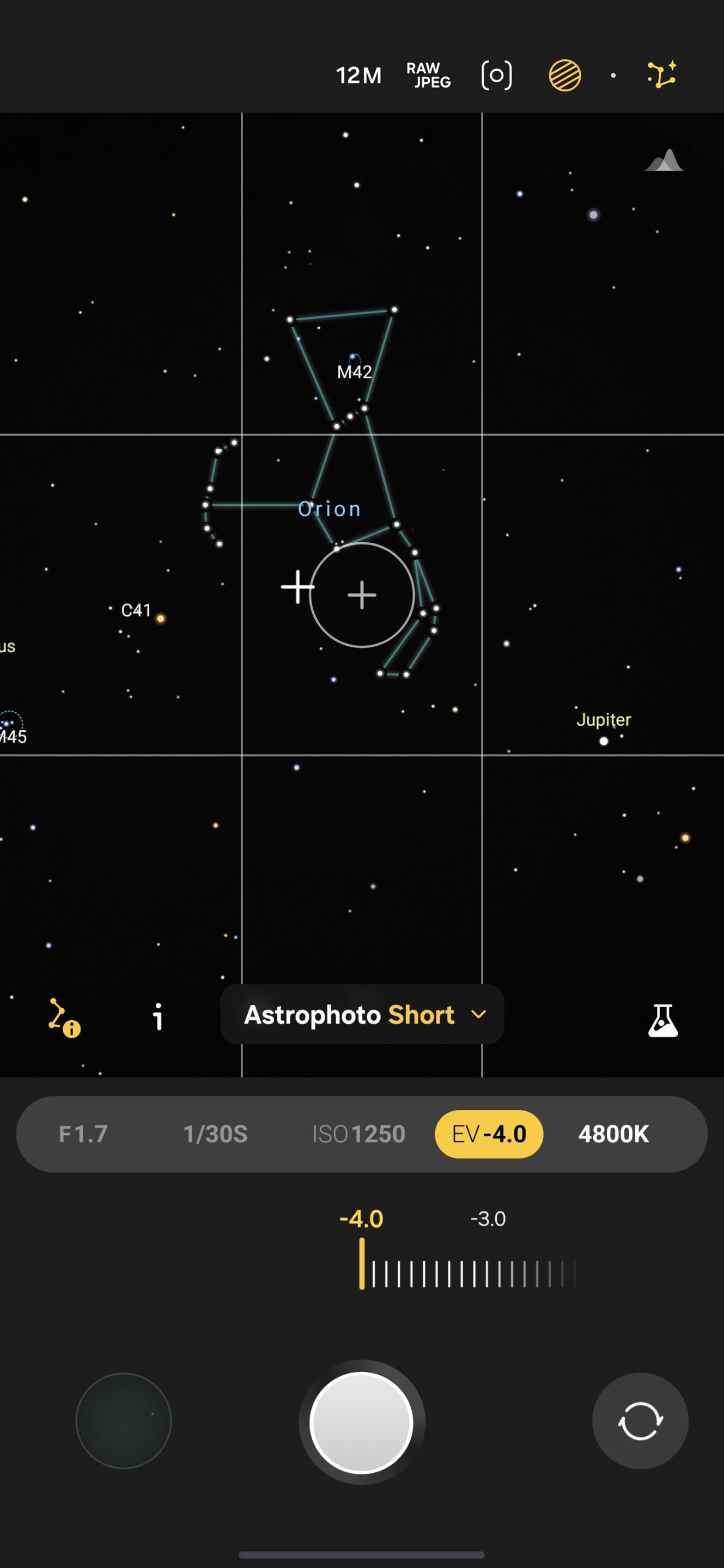
These controls make one thing clear: Samsung’s Astro modes aren’t automated tricks. They expect users to observe, adjust, and understand the scene.
Getting the Best Results
A tripod is essential. Avoid full moon nights, turn off nearby lights, and keep subjects still for seconds when using Astroportrait. Cooler environments help reduce sensor noise, and restrained editing goes a long way — stars don’t respond well to aggressive adjustments.
Samsung rarely explains these modes properly, but Samsung Expert RAW Astro modes (Astrophoto & Astroportrait) are among the most honest night photography tools available on any smartphone. They don’t fake drama or guarantee spectacle. They reward patience, conditions, and technique. And that’s exactly why the results feel special.
Want to know more about Expert RAW’s capabilities? You can also read:


Follow us on Google Discover & set us as a preferred source in Google News
Share this Post
___________________________


New Blog Posts
___________________________

First Set of Pixel 11 Pro XL Renders Are Here
Pixel 11 Pro XL CAD renders show minimal design changes

Is Samsung Preparing One UI 8.5 Beta for Galaxy Z Fold 5 and Flip 5?
Samsung may launch a One UI 8.5 beta program for its 2023 foldables

Galaxy S25 One UI 8.5 Beta May Run Longer Than Expected
Galaxy S25 series’ One UI 8.5 beta may stretch to 10 rounds







