
Hidden Gems in Samsung Expert RAW (2) — Digital ND
SammyGuru is reader-supported. We have affiliate and sponsored partnerships, so we may earn a commission when you buy through links on our site — at no extra cost to you. Learn more.
In this article
In Episode Two of the “Hidden Gems in Samsung Expert RAW” series, we are focusing on Digital ND, another highly underrated and misunderstood tool. Episode One was about Multi Exposure.
Instead of relying on a physical ND filter, Samsung uses computational stacking. The camera captures multiple frames over time and averages exposure data to simulate long-exposure behavior while protecting highlights.
The result is the ability to introduce motion blur in bright conditions without blowing out the scene. Most users associate Digital ND only with smoothing water or clouds. In reality, it’s far more flexible than that, and far more powerful when used intentionally.
Disclaimer: All photos in this article were captured handheld using Digital ND. For the cleanest results, maximum detail, and smoother motion rendering, using a tripod will always deliver even better outcomes.
How Digital ND actually works
Digital ND works by spreading exposure across time rather than blocking light. The camera captures multiple frames, averages exposure data, suppresses noise through temporal stacking, and controls highlight clipping. This is computational ND, not optical. You’re not reducing incoming light, but you’re redistributing exposure information.
That distinction matters because it explains both Digital ND’s strengths and its limitations. Stability helps, but this approach also allows Digital ND to do things that physical filters simply can’t.
Shutter Speed & ND Range — Know the limits
In Expert RAW, Digital ND supports shutter speeds from 1/6s up to 4s, with ND strength ranging from ND2 to ND4096. Crucially, this isn’t a locked effect mode. You still have full manual control over ISO, shutter speed, white balance, EV, and metering. That makes Digital ND a real exposure tool, not a gimmick. Understanding these limits is key, though. Once you do, Digital ND becomes predictable and reliable rather than hit-or-miss.
The obvious use case — Motion Blur in Day and Night
Digital ND shines in classic long-exposure scenarios. It works beautifully for smoothing water, showing cloud movement, removing moving people from busy scenes, or creating motion contrast in bright daylight where long exposures would normally be impossible.
With the right ND strength, highlights remain intact while motion flows naturally through the frame. Freezing the static elements first, then letting motion move through the scene using Digital ND, already makes this feature valuable on its own.
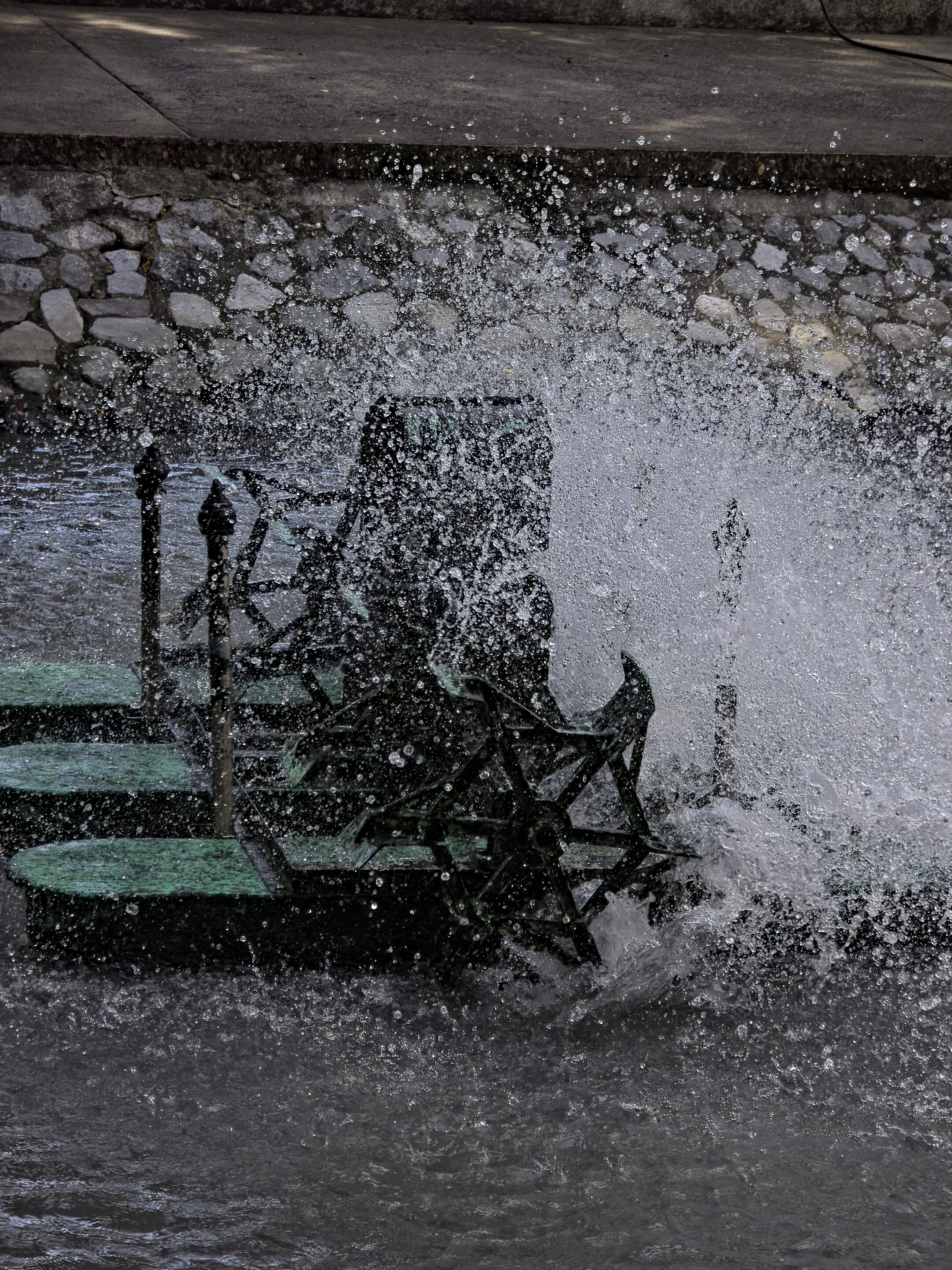
Galaxy S25 Ultra 5x Freezing the moment

Galaxy S25 Ultra 5x ND Long-exposure
But this is only the surface.
The overlooked use case — Clean RAW With Near-Zero Noise
This is where most users miss Digital ND’s real strength. Digital ND isn’t just about motion. It can also be used as a noise-control and dynamic-range tool when used deliberately.

ND 5x Galaxy S24 Ultra

3x ND S24 Ultra
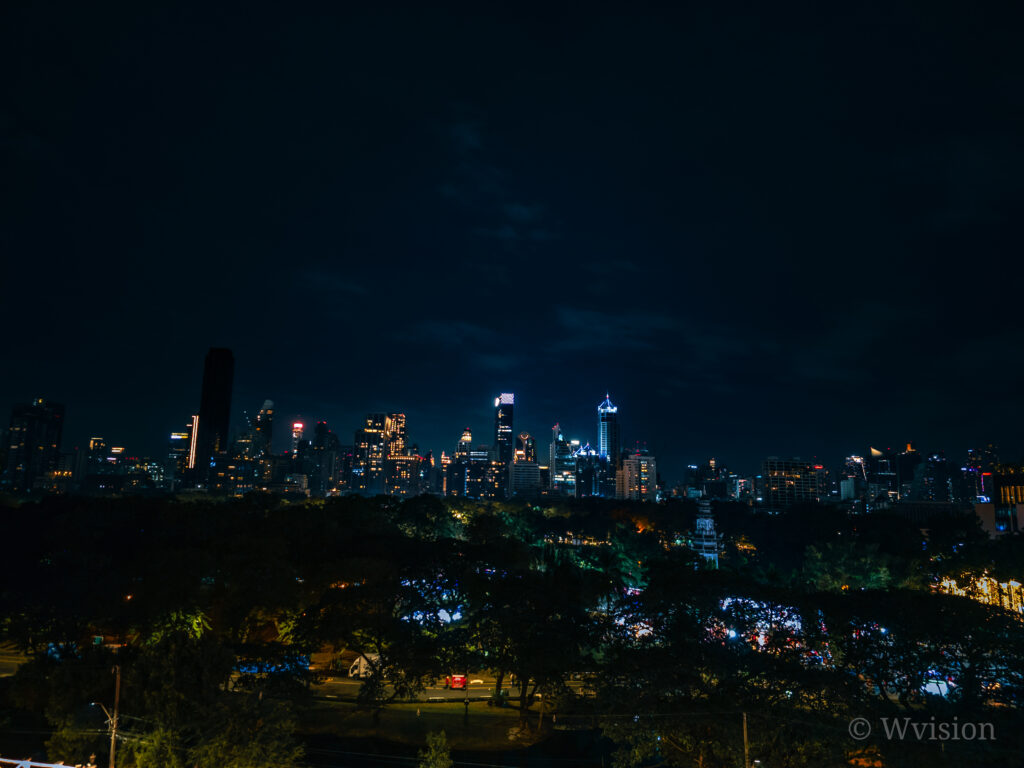
1x ND Galaxy S24 Ultra
By shooting at an effective exposure around 1/6s, manually adjusting ISO, and tuning ND strength carefully, you can lift shadows aggressively while keeping highlights under control — producing extremely clean RAW files with very natural tonal transitions.
This works especially well indoors and in mixed lighting. It’s also surprisingly effective on older models like the Galaxy S24 Ultra, where Expert RAW can sometimes push processing too hard in difficult scenes.

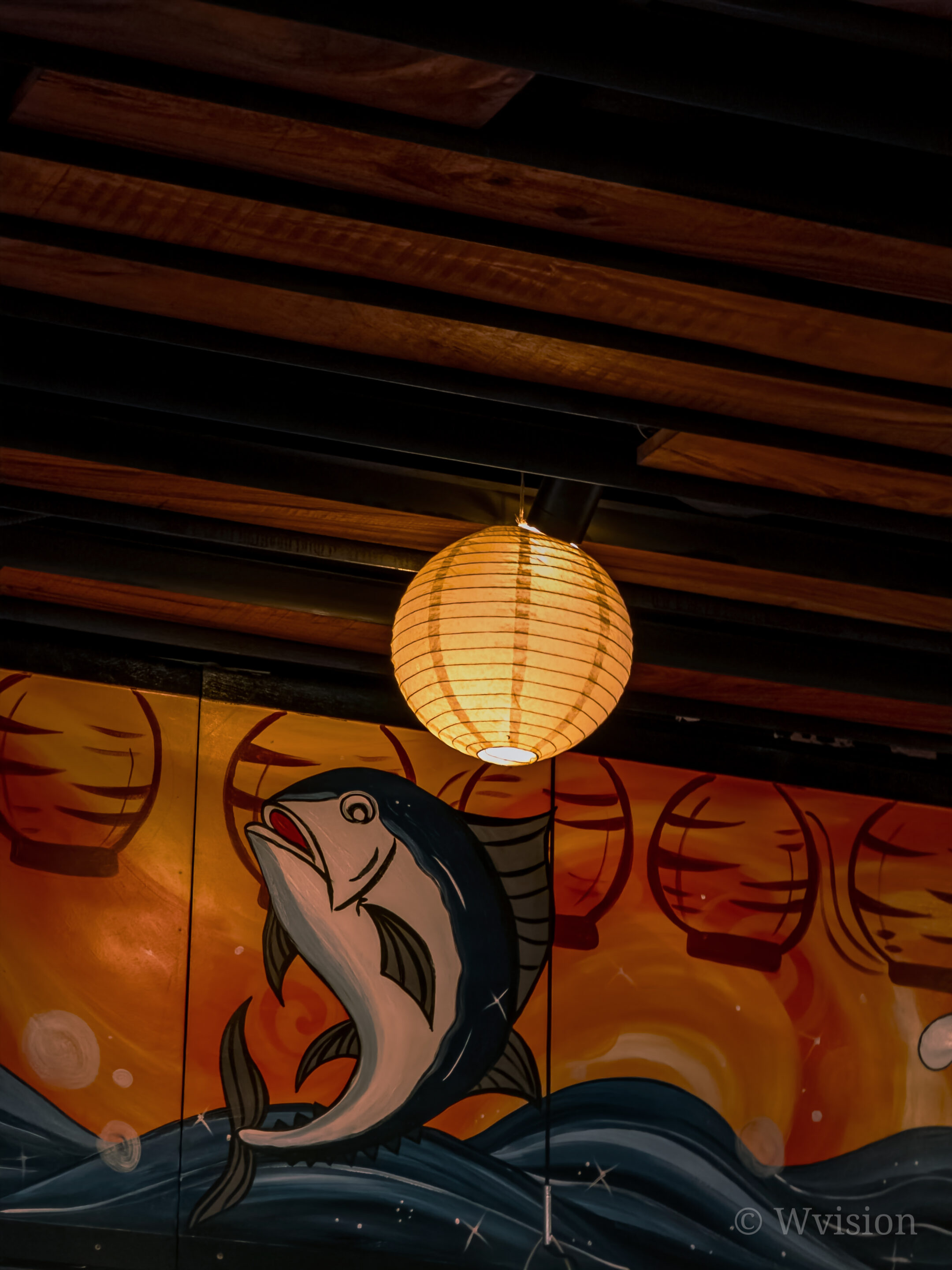


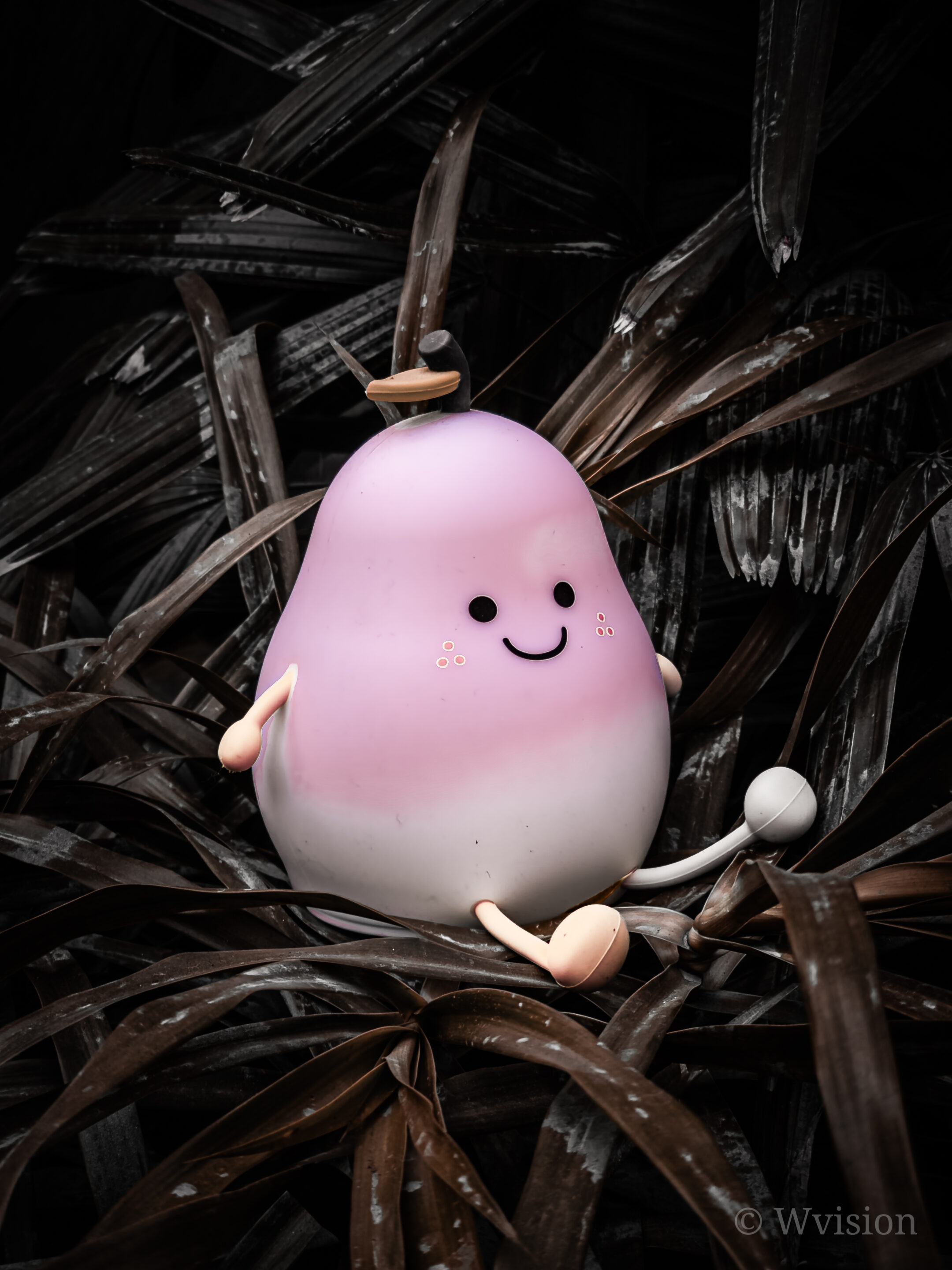
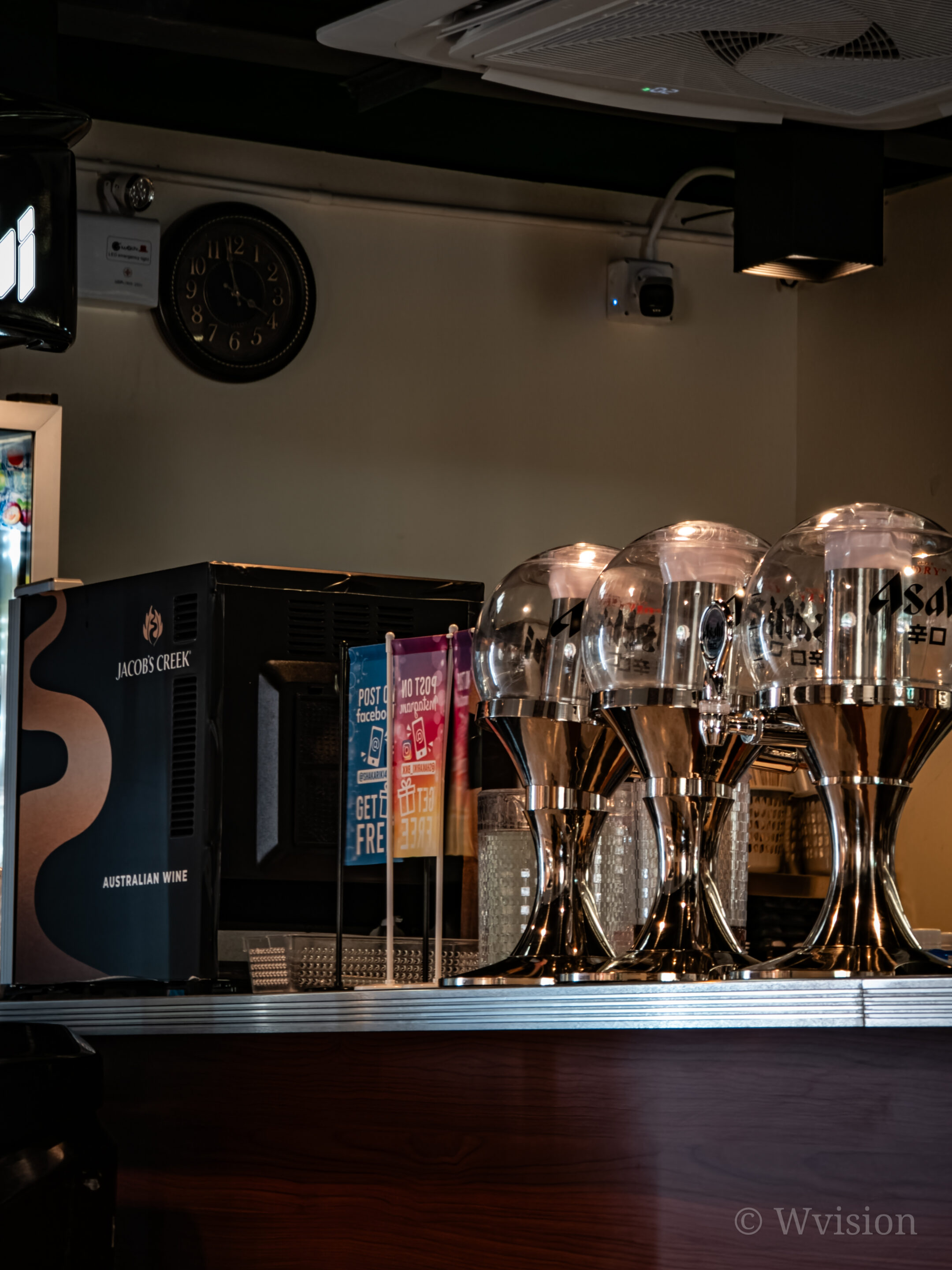
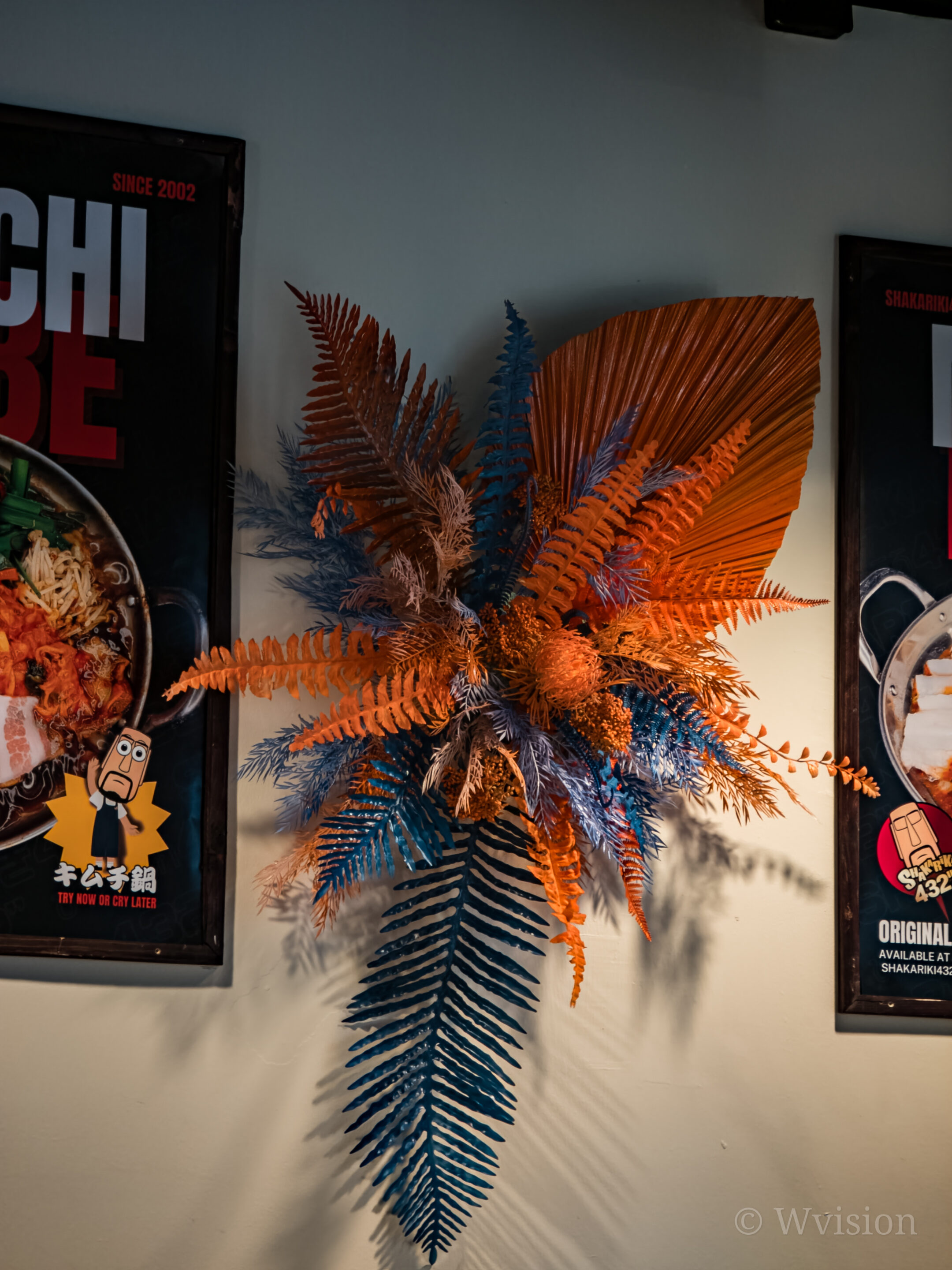

The Galaxy S25 Ultra improves processing consistency, but Digital ND still delivers a more controlled, artistic result when used this way. Indoor shots captured with Digital ND show cleaner shadows and smoother transitions — behaving closer to a computational exposure stabilizer than a simple motion tool.
Fireworks — where Digital ND becomes art
One of the most impressive use cases for Digital ND is fireworks photography.
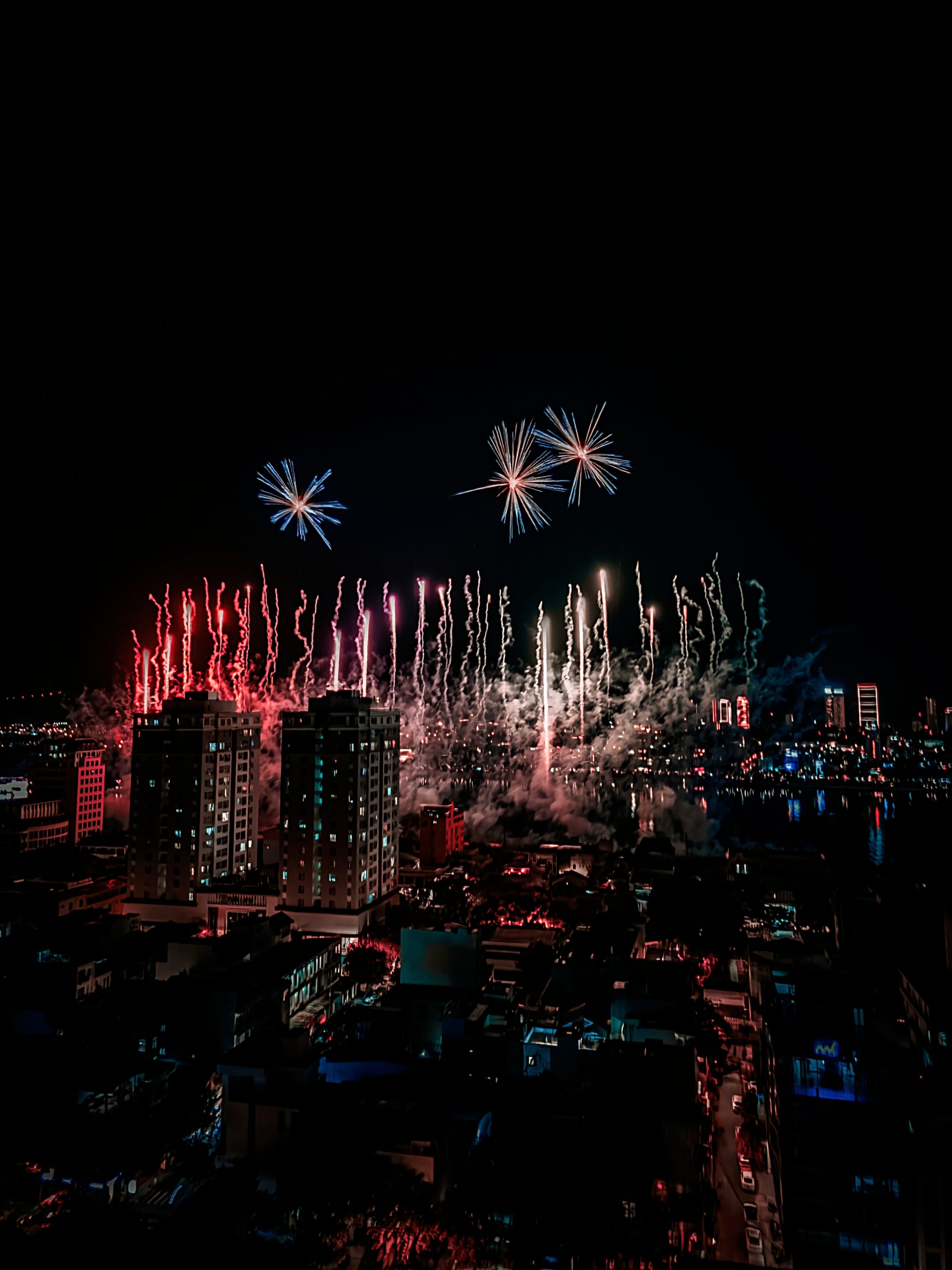
Fireworks ND Galaxy S25 Ultra

Fireworks ND Galaxy S25 Ultra
With Digital ND enabled, an exposure around 1–2 seconds, and ND strength adjusted to ambient light, you get smooth firework trails, controlled highlights, excellent dynamic range, and a cinematic look instead of blown-out bursts. This is where Digital ND stops feeling technical and starts feeling creative — turning chaotic light into intentional motion.
Lens support & zoom flexibility
Digital ND works reliably across 1×, 3×, and 5× lenses, and remains usable up to 20× digital zoom. That flexibility makes it suitable for both wide environmental shots and more compressed scenes where dynamic range and tonal control matter more than motion itself.
Because Digital ND is computational, stability matters. A tripod delivers the cleanest results, especially at longer shutter speeds. That said, with steady hands, shorter exposures are surprisingly usable — particularly when the goal is dynamic-range control rather than dramatic motion blur.
Perfection isn’t required. Intention is.
Why Digital ND deserves more attention
Digital ND isn’t a gimmick or a novelty mode. It’s a computational ND filter. Used properly, it becomes a motion-control tool, a noise-reduction tool, a dynamic-range tool, and a genuinely creative tool — all in one. Samsung doesn’t explain this. Most reviews ignore it. But once you understand how it works, Digital ND reveals itself as one of Expert RAW’s most powerful hidden gems.
Stay tuned for Episode Three of the series,


Follow us on Google Discover & set us as a preferred source in Google News
Share this Post
___________________________


New Blog Posts
___________________________

First Set of Pixel 11 Pro XL Renders Are Here
Pixel 11 Pro XL CAD renders show minimal design changes

Is Samsung Preparing One UI 8.5 Beta for Galaxy Z Fold 5 and Flip 5?
Samsung may launch a One UI 8.5 beta program for its 2023 foldables

Galaxy S25 One UI 8.5 Beta May Run Longer Than Expected
Galaxy S25 series’ One UI 8.5 beta may stretch to 10 rounds







