
How to Apply Samsung’s New Glass Icon Effect with Theme Park
SammyGuru is reader-supported. We have affiliate and sponsored partnerships, so we may earn a commission when you buy through links on our site — at no extra cost to you. Learn more.
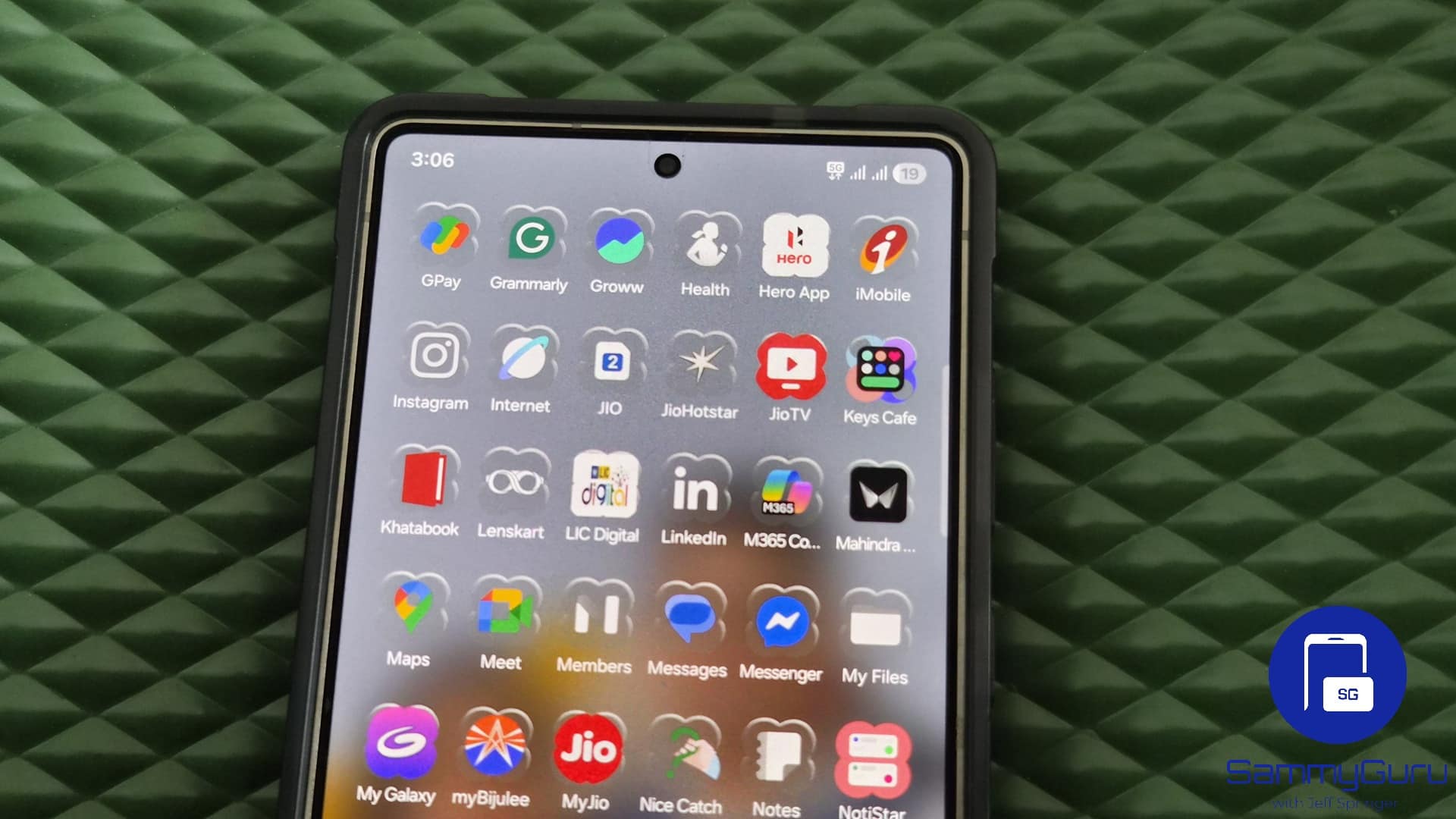
Samsung delivered a visual treat to Galaxy users with a recent update for Theme Park. Version 1.1.01.23 of this Good Lock module introduces a gorgeous Glass icon effect that dynamically adapts to your app icons. It’s one of the five new icon effects in the new Theme Park.
Set up the Glass icon effect on your Galaxy smartphone using Theme Park
While Apple’s Liquid Glass design is still being fine-tuned, Samsung’s new Glass Icon effect is already impressing Galaxy users with its flexibility and ease of setup. It gives your icons a polished, semi-transparent look that reflects light and color from the wallpaper behind them, creating a cohesive and modern visual style. What’s even better is that it works on both Samsung and third-party app icons. Here’s how to set it up:
- Update Theme Park to the latest version and launch it
- Go to the Icon tab in the bottom navigation bar
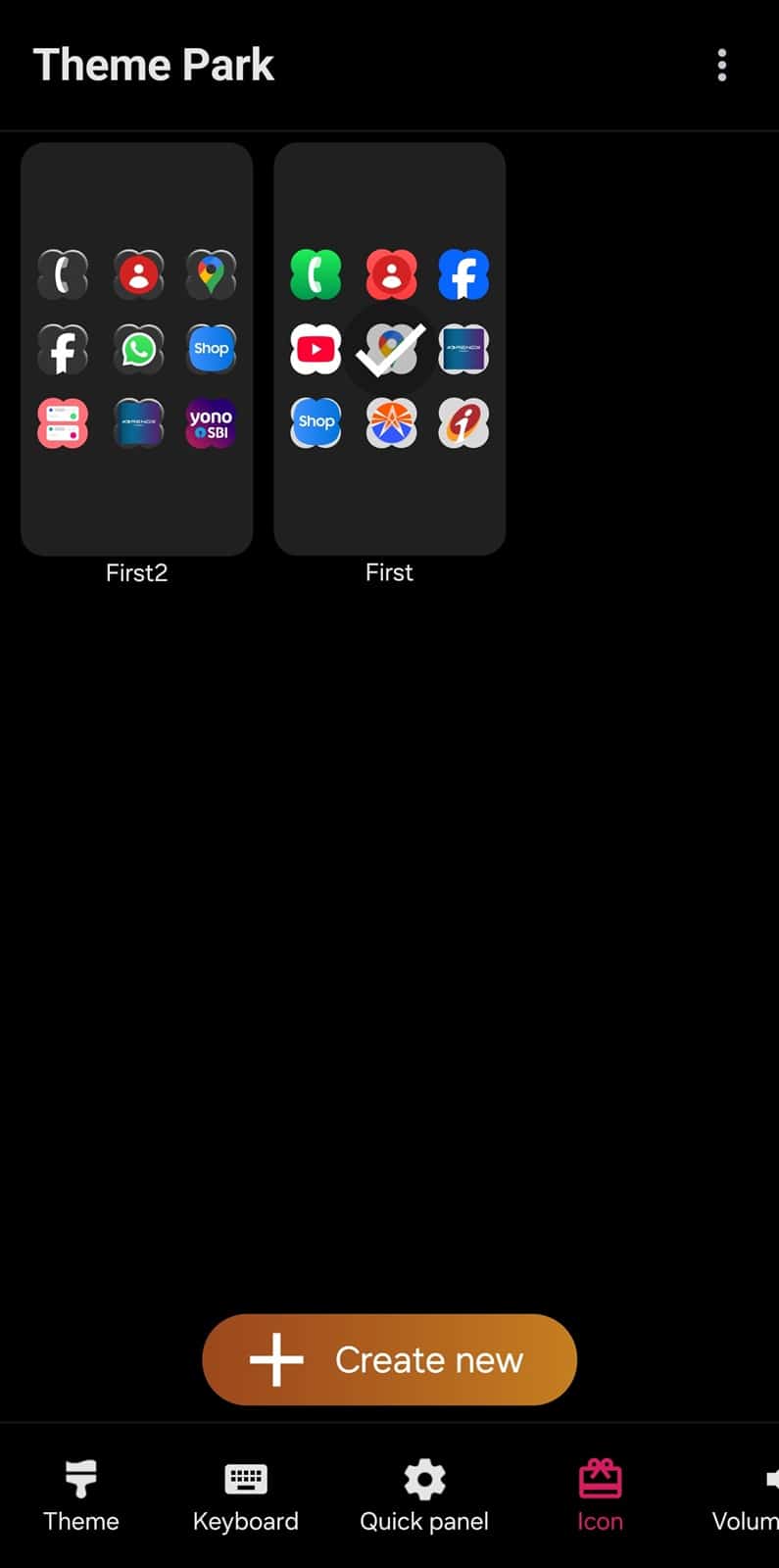
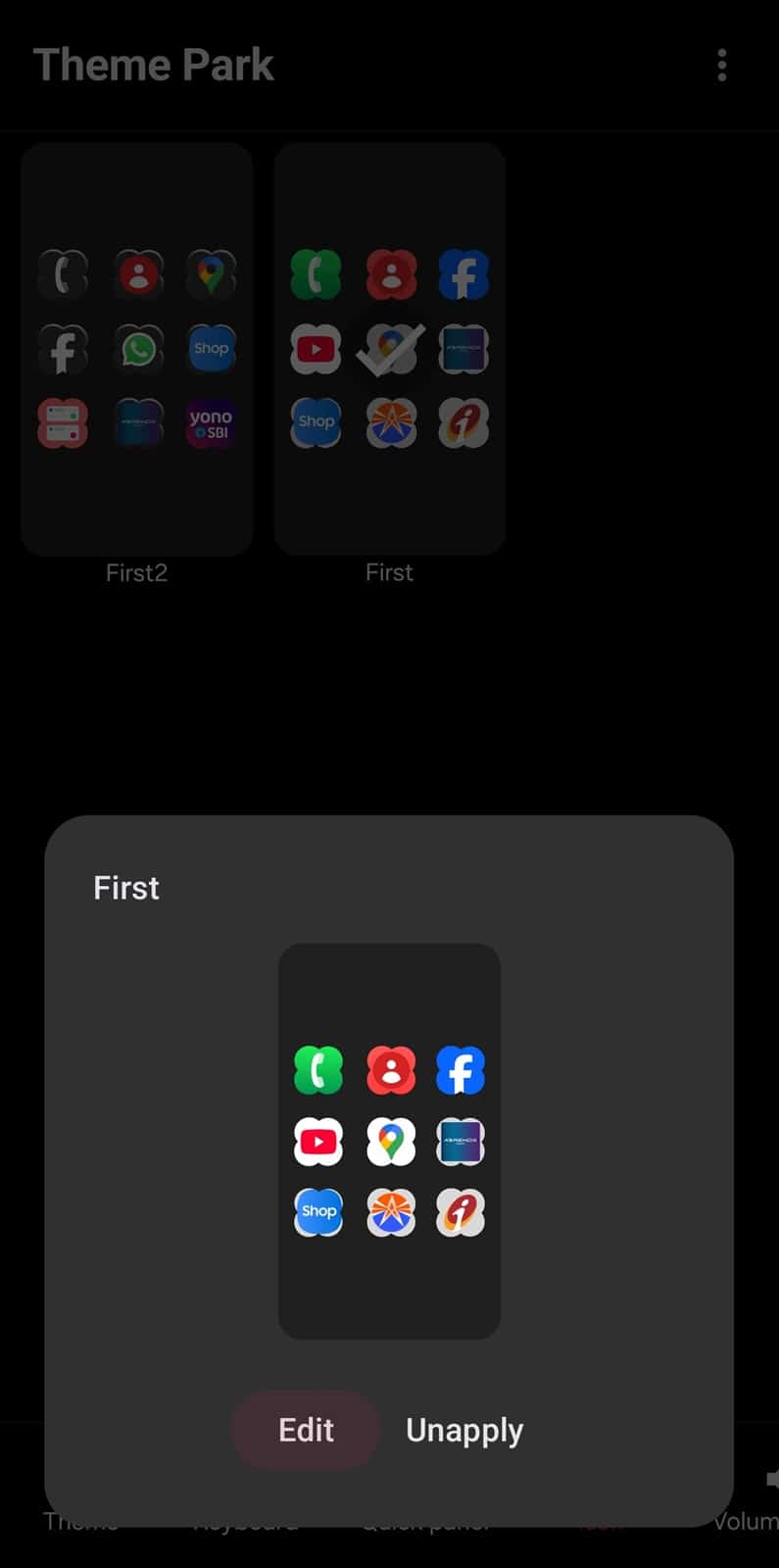
- You’ll see your existing/default icon packs — you can add a glass effect to an existing pack or create a new one
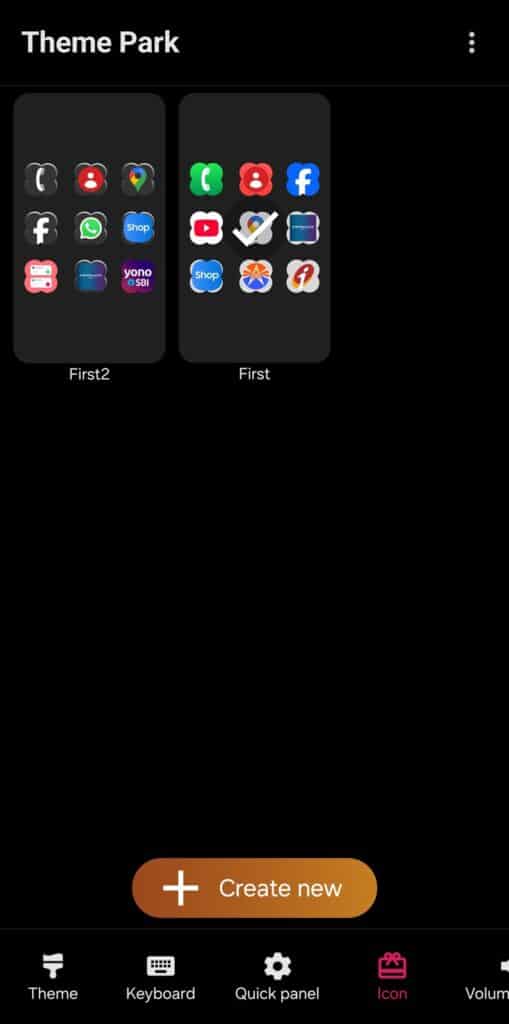
- To create a new icon pack, click Create new at the bottom. Read this guide on how to create and enable custom icon packs on Galaxy devices using Theme Park
- To edit an existing pack, select it and click Edit
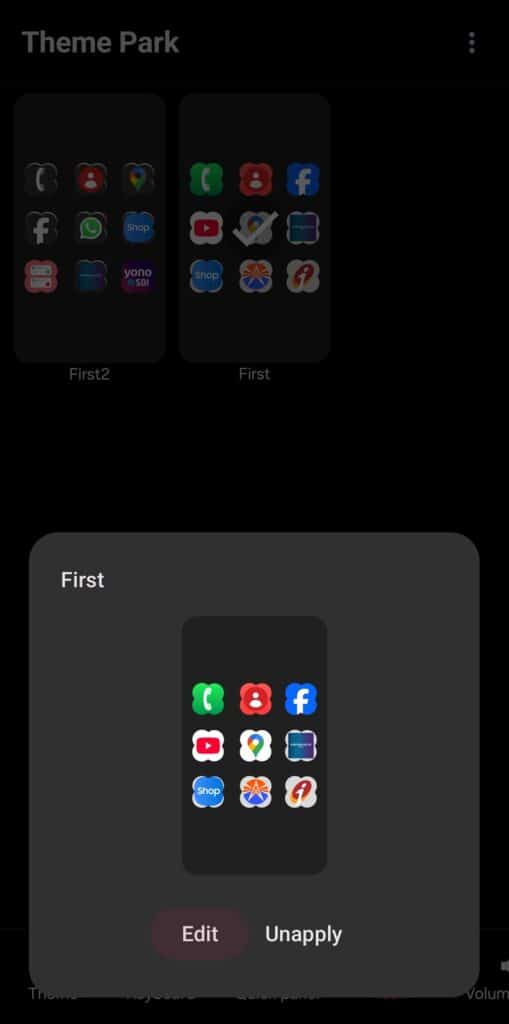
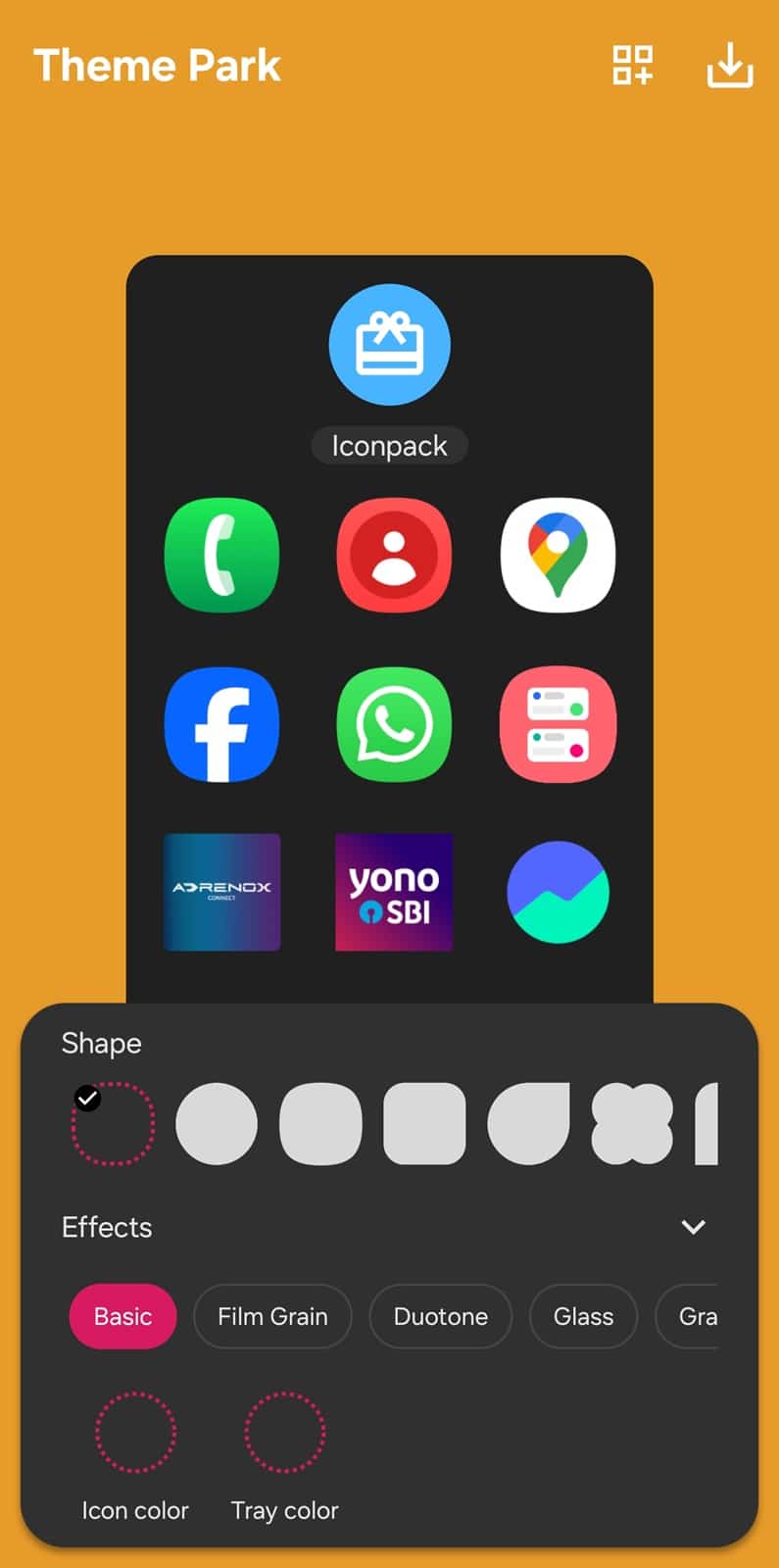
- Whether you are editing an existing icon pack or creating a new one, you will land on the same editor page below — tap on Effects to expand it
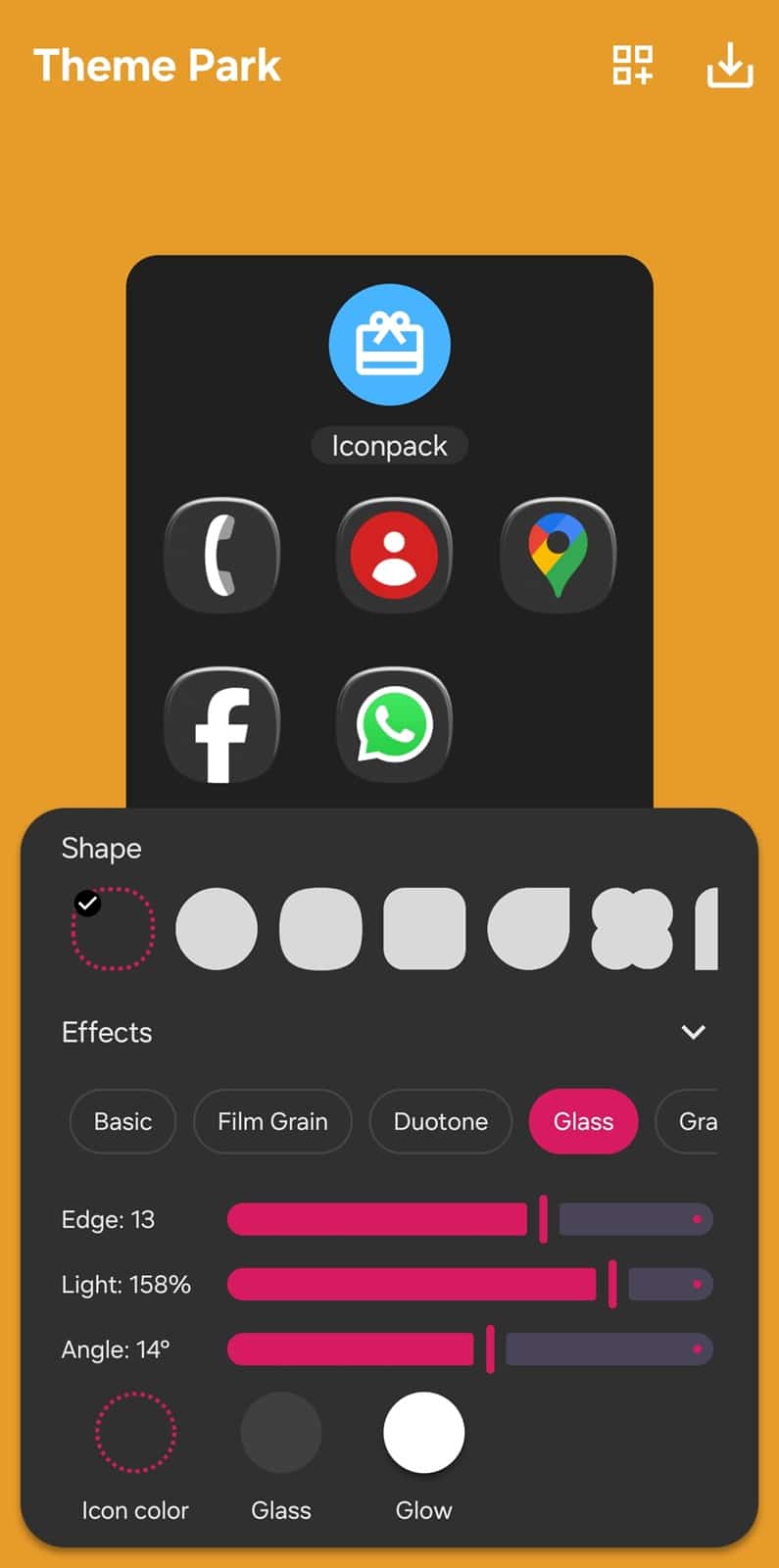
- Now, select the Glass effect and adjust the Edge, Light, and Angle sliders according to your liking. You can also customize the icon color, glass hue, and glow, with a real-time preview of your customizations
-
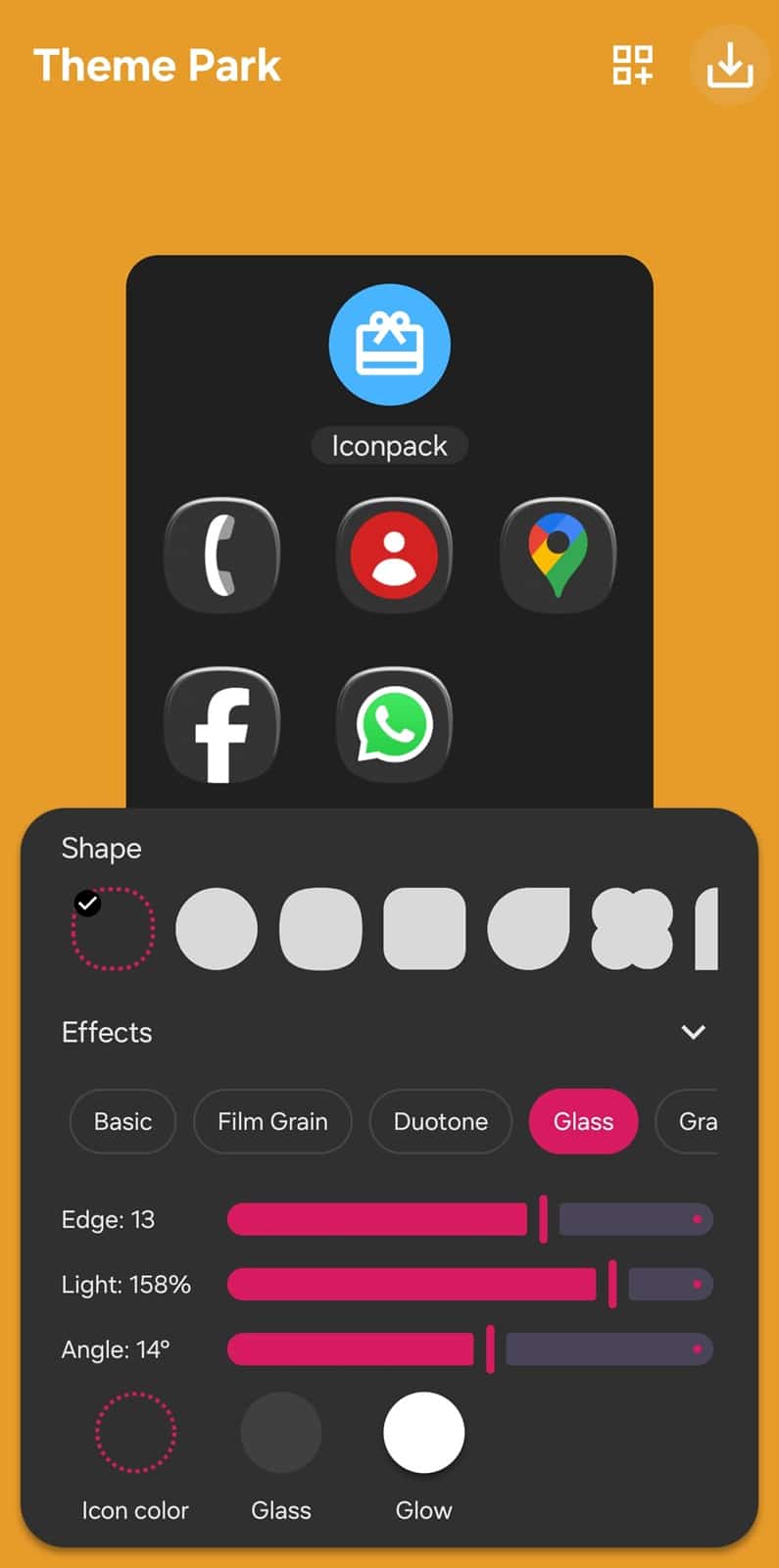
- When ready, tap the Save/Download button in the top right corner
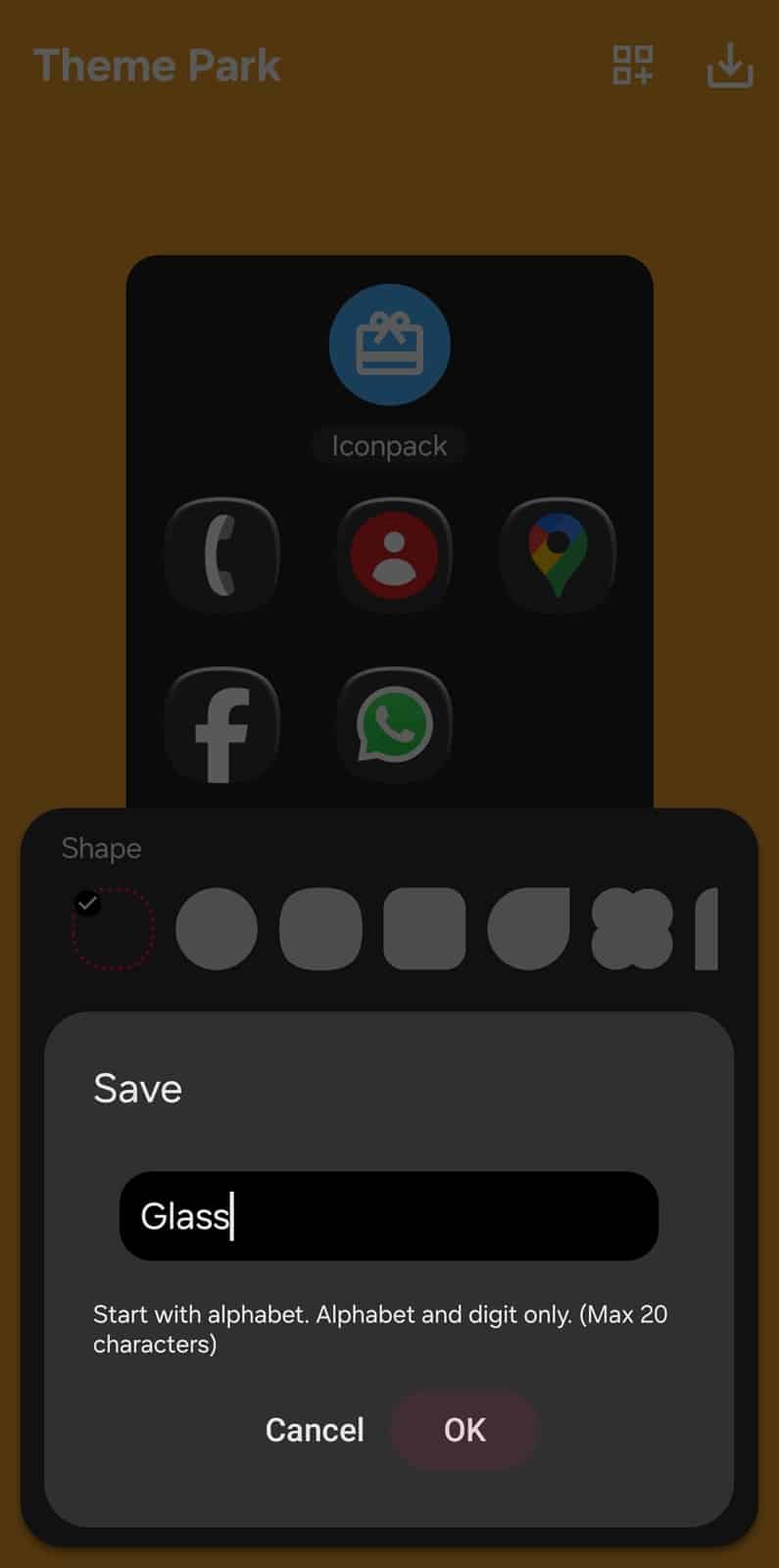
- Name your new icon pack and click OK to save it
- You will return to the main Icon tab — select the newly created/edited icon pack and tap Apply
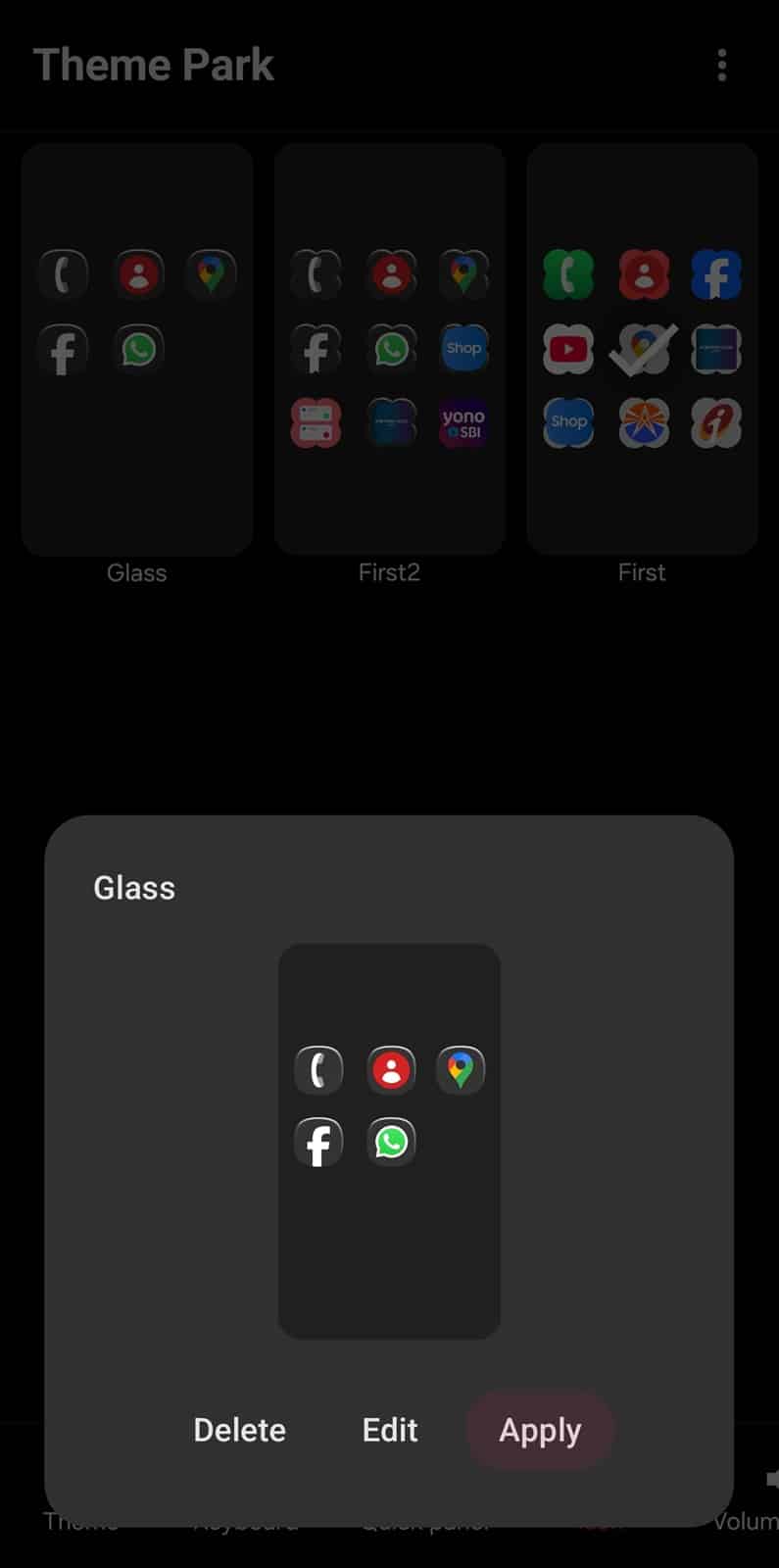
Boom! Your Galaxy phone now looks fresh with a glass effect on app icons. Unlike Apple’s Liquid Glass, which is baked into iOS 26 and still undergoing tweaks based on visibility concerns, Samsung’s glass icon effect comes via an app update, not a full OS upgrade. That means no waiting around for a system update — just install the latest version of Theme Park and start customizing.

Written by
Sumit AdhikariSumit, a life-long Samsung user, is passionate about technology and has been professionally writing on tech since 2017. He’s a mathematics graduate by education and enjoys teaching basic mathematics tricks to school kids in his spare time. Sumit believes in artificial intelligence and dreams of a fully open, intelligent and connected world.

Follow us on Google Discover & set us as a preferred source in Google News
Share this Post
___________________________


New Blog Posts
___________________________

First Set of Pixel 11 Pro XL Renders Are Here
Pixel 11 Pro XL CAD renders show minimal design changes

Is Samsung Preparing One UI 8.5 Beta for Galaxy Z Fold 5 and Flip 5?
Samsung may launch a One UI 8.5 beta program for its 2023 foldables

Galaxy S25 One UI 8.5 Beta May Run Longer Than Expected
Galaxy S25 series’ One UI 8.5 beta may stretch to 10 rounds







