
Home Up Now Ready for Galaxy Z TriFold and Likely One UI 8.5 Too
SammyGuru is reader-supported. We have affiliate and sponsored partnerships, so we may earn a commission when you buy through links on our site — at no extra cost to you. Learn more.
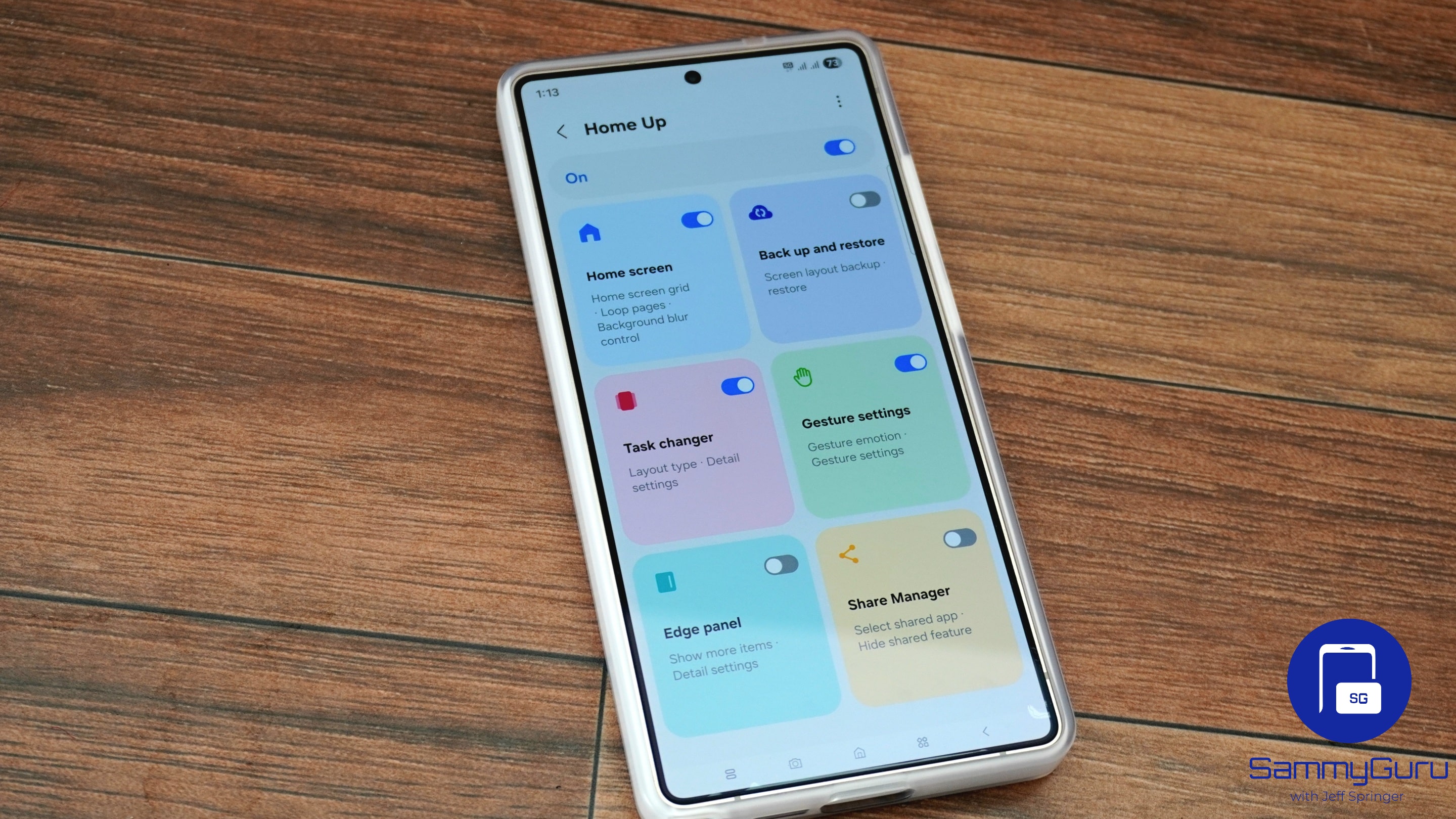
Samsung has pushed a new update for its Home Up module with version 17.0.00.54. The update brings support for home screen customizations on the Galaxy Z TriFold, along with bug fixes for the DIY Home feature. It is currently rolling out worldwide for devices running One UI 8, though it may be compatible with the upcoming One UI 8.5 as well.
Samsung updates the Home Up to improve the Galaxy Z TriFold experience
Part of the Good Lock app, Home Up lets you personalize the home screens of your Galaxy device beyond standard layouts. Thanks to the DIY Home feature, you can freely resize and reposition apps, widgets, and folders to create a home screen that reflects your unique style. Furthermore, you can place stickers over app icons to hide them, making them into shortcuts that launch the hidden apps. Previously, this feature had a bug, but the latest update has fixed it.
Meanwhile, this update is also important for the Galaxy Z TriFold, scheduled to hit stores in South Korea on December 12. The device features a large 10-inch main display that folds twice with two hinges. It then transforms from a standard smartphone into a tablet-like screen. The company appears to have made Home Up fully compatible with this new form factor. This will ensure apps, widgets, and layouts adjust correctly in multiple folding states.
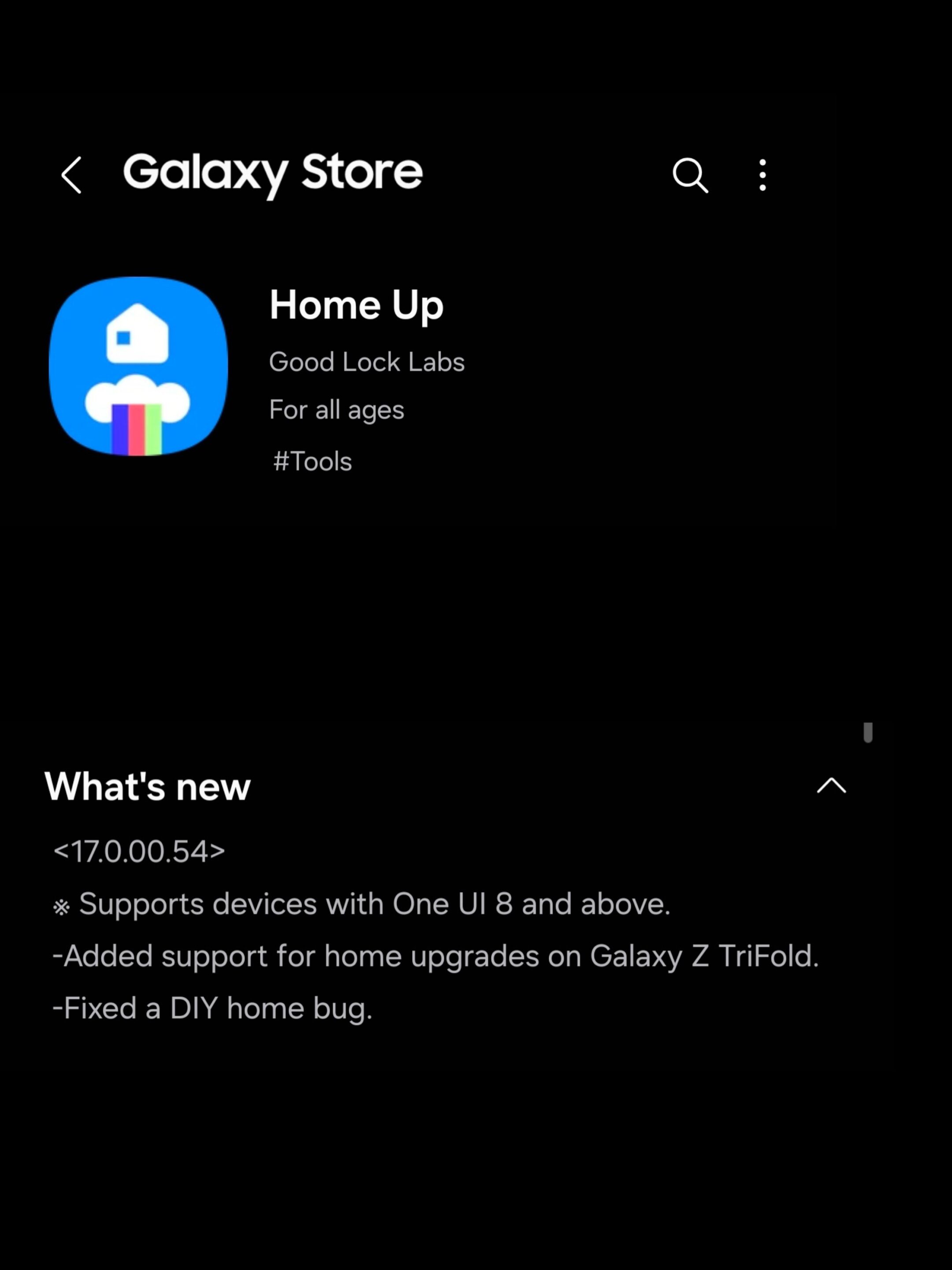
In addition, Home Up appears to gain support for the upcoming One UI 8.5. The module’s latest update release notes mention, “Supports devices with One UI 8 and above.” This comes as Samsung is reportedly gearing up for the beta release next week, suggesting that the module is ready for beta testers. This means testers can expect access to Home Up’s full range of features without encountering bugs.
If you are interested in customizing your home screens, you can update the Home Up through the Good Lock app. Moreover, keep an eye on the latest build in the Galaxy Store via the hamburger menu > Updates.

Written by
Binay KonwarBinay Konwar started his blogging journey in 2014 and has since written plenty of tech articles. At present, he is working as a News Writer at SammyGuru, covering everything about Samsung. He holds a Master's degree in Mathematics, but his real passion lies in tech and writing. In his free time, he enjoys playing chess and watching movies.

Follow us on Google Discover & set us as a preferred source in Google News
Share this Post
___________________________


New Blog Posts
___________________________

First Set of Pixel 11 Pro XL Renders Are Here
Pixel 11 Pro XL CAD renders show minimal design changes

Is Samsung Preparing One UI 8.5 Beta for Galaxy Z Fold 5 and Flip 5?
Samsung may launch a One UI 8.5 beta program for its 2023 foldables

Galaxy S25 One UI 8.5 Beta May Run Longer Than Expected
Galaxy S25 series’ One UI 8.5 beta may stretch to 10 rounds







