
Google’s Quick Share May Soon Open Samsung Cloud Links Directly
SammyGuru is reader-supported. We have affiliate and sponsored partnerships, so we may earn a commission when you buy through links on our site — at no extra cost to you. Learn more.
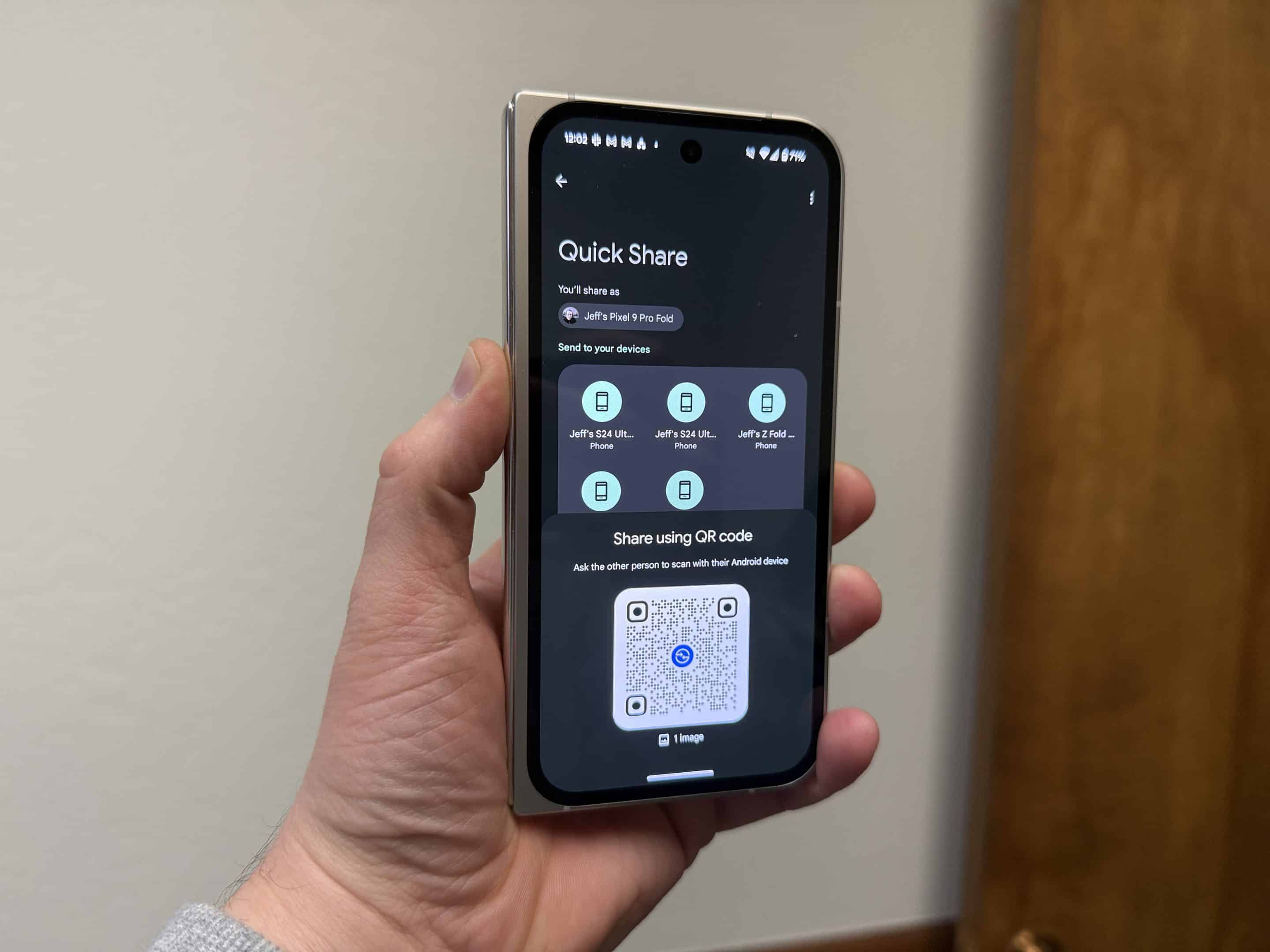
Sharing files between Android phones is getting better, but it’s not always smooth sailing, especially when the phones come from different OEMs. A common hiccup happens when someone with a Samsung phone shares a file using a download link via Quick Share. Currently, that link usually opens in a web browser, which isn’t the most user-friendly experience. Thankfully, Google is working to fix the issue.
Google’s Quick Share will soon work better with Samsung file links across devices
Android Authority reports that in Google Play Services beta v25.23.30, Google’s Quick Share is being updated to handle Samsung file links directly. This means that when someone taps a link to a file shared from a Samsung phone, it will open in the Quick Share app instead of a browser. It’s by no means a revolutionary update, but it definitely helps make the process more seamless.
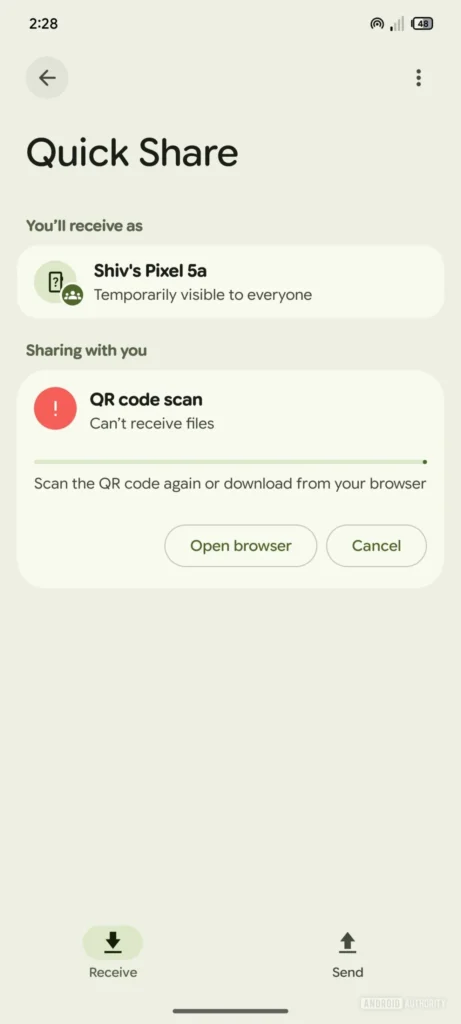
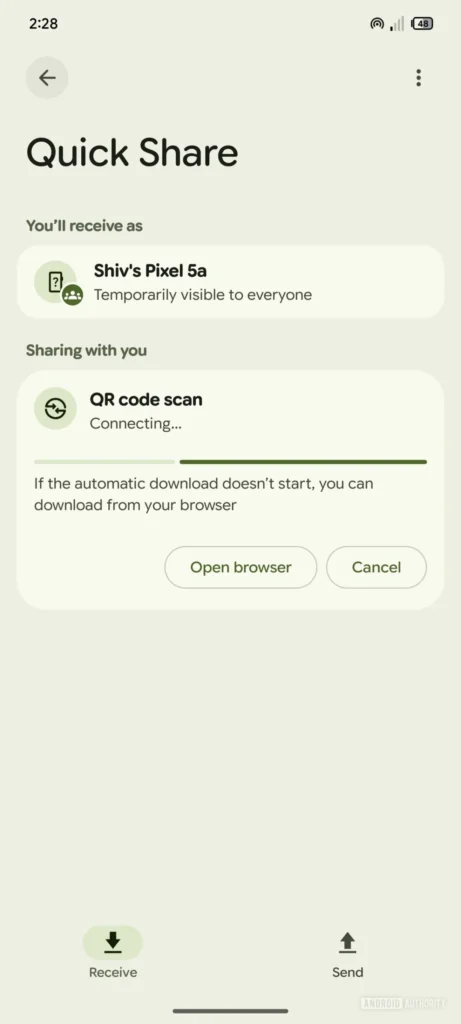
Samsung lets users upload files to the cloud and share them with a link. These files stay online for 48 hours. With this new feature, Quick Share will detect when you tap one of those links and open it inside the app. It will also start the download automatically, showing a loading bar. If the download doesn’t start, there’s still a button to open the link in a browser.
Right now, the feature is still being tested and isn’t fully functional. Some parts of the app show incorrect text, like saying “QR code scan” even though you’re not scanning anything. But even at this early stage, the feature shows promise.
This change will make sharing files between Android phones easier and more consistent, no matter which brand you’re using. It removes the need to switch between apps and makes the whole process smoother. There’s no word yet on when the update will fully roll out, but given the early signs, it shouldn’t be too long.

Written by
Abhinav AnandAbhinav Anand is the News Editor at SammyGuru and a technology journalist based in New Delhi. Before joining SammyGuru, he contributed to numerous outlets, including Android Headlines, ExtremeTech, The Mac Observer, Financial Express, Economic Times, iGeeksBlog, KnowTechie, PhonesWiki, SlashGear, and more. You can reach him at abhinav@sammyguru.com.

Follow us on Google Discover & set us as a preferred source in Google News
Share this Post
___________________________


New Blog Posts
___________________________

First Set of Pixel 11 Pro XL Renders Are Here
Pixel 11 Pro XL CAD renders show minimal design changes

Is Samsung Preparing One UI 8.5 Beta for Galaxy Z Fold 5 and Flip 5?
Samsung may launch a One UI 8.5 beta program for its 2023 foldables

Galaxy S25 One UI 8.5 Beta May Run Longer Than Expected
Galaxy S25 series’ One UI 8.5 beta may stretch to 10 rounds







