
Galaxy Z TriFold Has a Quirky App Continuity Limitation
SammyGuru is reader-supported. We have affiliate and sponsored partnerships, so we may earn a commission when you buy through links on our site — at no extra cost to you. Learn more.
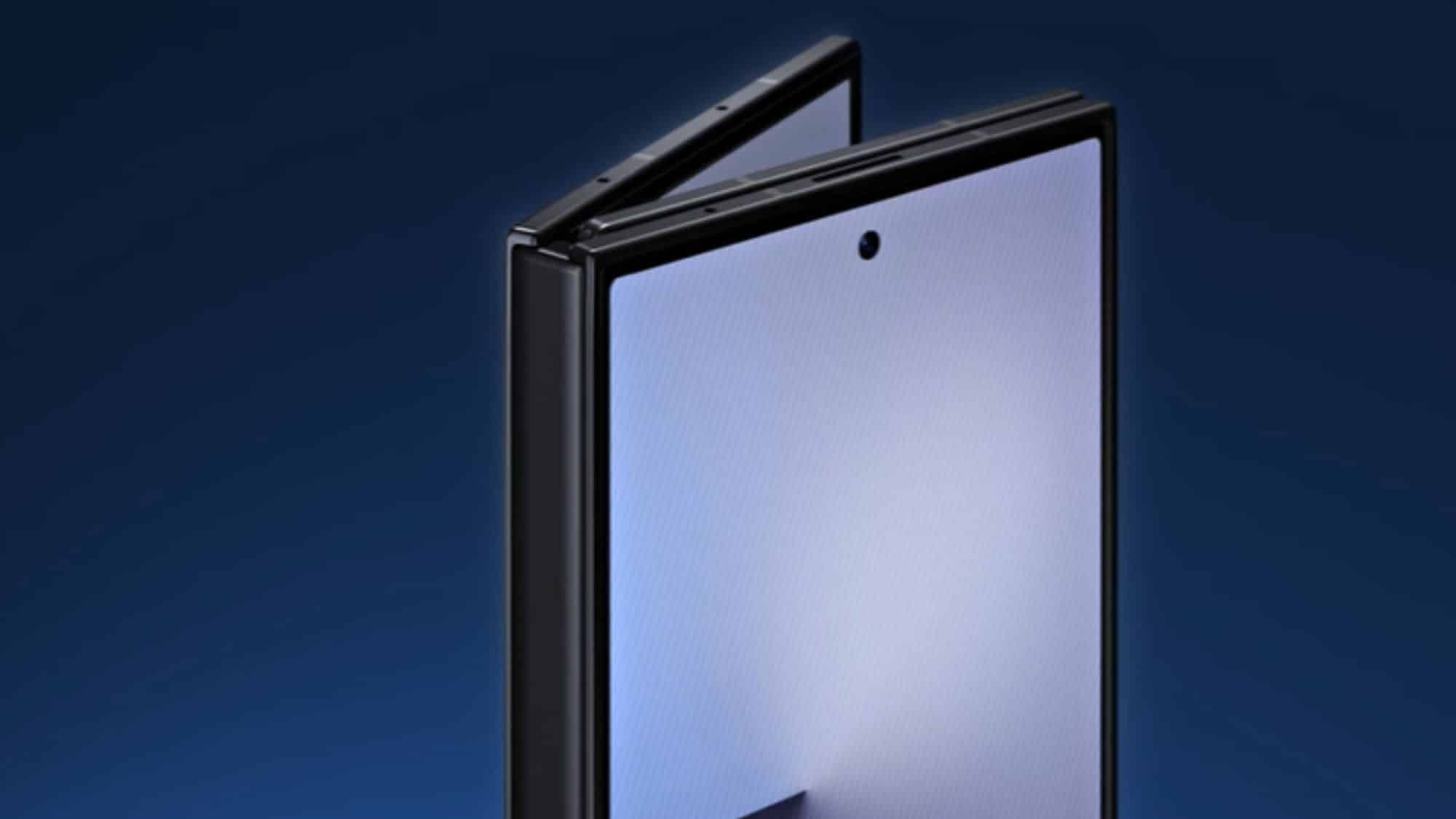
Samsung’s Galaxy Z TriFold takes the foldable experience to the next level with its unique two-fold design. The phone features an outer cover display and a large inner main screen that unfolds into a tablet-like device. However, when you enable App Continuity to semalessly transition apps to the main display, screenshots on the cover screen drop to a lower resolution. There’s an interesting reason for that, so let’s discuss.
Galaxy Z TriFold doesn’t capture full-resolution cover screen screenshots with App Continuity
For the uninitiated, App Continuity is a feature that lets an app you’re using on the cover screen continue on the main screen when you unfold the phone. This makes the foldable experience seamless as you can jump from quick tasks on the outer display to a tablet-like layout. On foldable phones like the Galaxy Z Fold 7, this feature works without major limitations.
However, with the Galaxy Z TriFold, things work a little differently. The TriFold has a more complex folding mechanism, with two hinges and three screen sections. This creates a problem with App Continuity (you can enable it via Settings > Display > Continue apps on main screen). Samsung mentions that the “resolution of cover screen screenshots will be reduced while using this feature.”
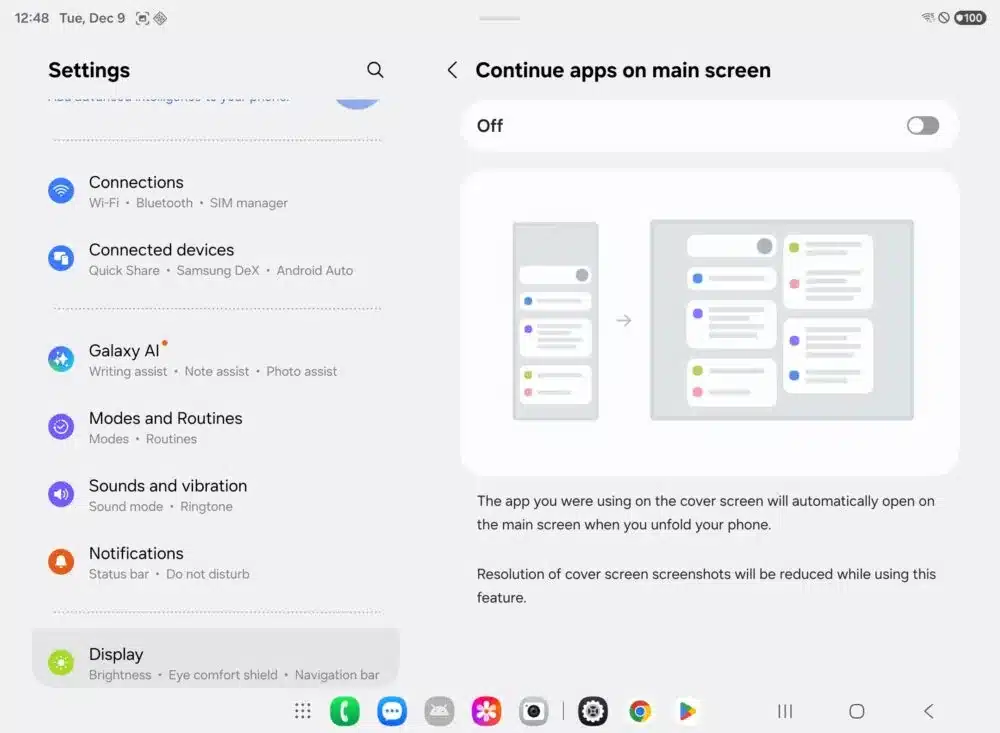
The reason behind this limitation (via Android Authority) is how Android handles screen scaling and pixel density. Developers use a system called density-independent pixels (dp) to ensure that buttons, text, and other elements show up the same physical size across devices with different resolutions. However, images work differently — developers include multiple versions of each image so they match screens with different pixel densities.
However, on the Galaxy Z TriFold, both the cover screen and the main screen have different pixel densities. As a result, Samsung lowers the TriFold’s cover screen resolution from 1080×2520 to 822×1918 when App Continuity is on. There’s a built-in upscaler that stretches the image back to the full 1080×2520 display for sharpness. However, the raw screenshot file is captured at a lower resolution. A quirky limitation, but nothing major.

Written by
Binay KonwarBinay Konwar started his blogging journey in 2014 and has since written plenty of tech articles. At present, he is working as a News Writer at SammyGuru, covering everything about Samsung. He holds a Master's degree in Mathematics, but his real passion lies in tech and writing. In his free time, he enjoys playing chess and watching movies.

Follow us on Google Discover & set us as a preferred source in Google News
Share this Post
___________________________


New Blog Posts
___________________________

First Set of Pixel 11 Pro XL Renders Are Here
Pixel 11 Pro XL CAD renders show minimal design changes

Is Samsung Preparing One UI 8.5 Beta for Galaxy Z Fold 5 and Flip 5?
Samsung may launch a One UI 8.5 beta program for its 2023 foldables

Galaxy S25 One UI 8.5 Beta May Run Longer Than Expected
Galaxy S25 series’ One UI 8.5 beta may stretch to 10 rounds







