
How Many Years of Updates Will Galaxy S26 Series Get?
SammyGuru is reader-supported. We have affiliate and sponsored partnerships, so we may earn a commission when you buy through links on our site — at no extra cost to you. Learn more.
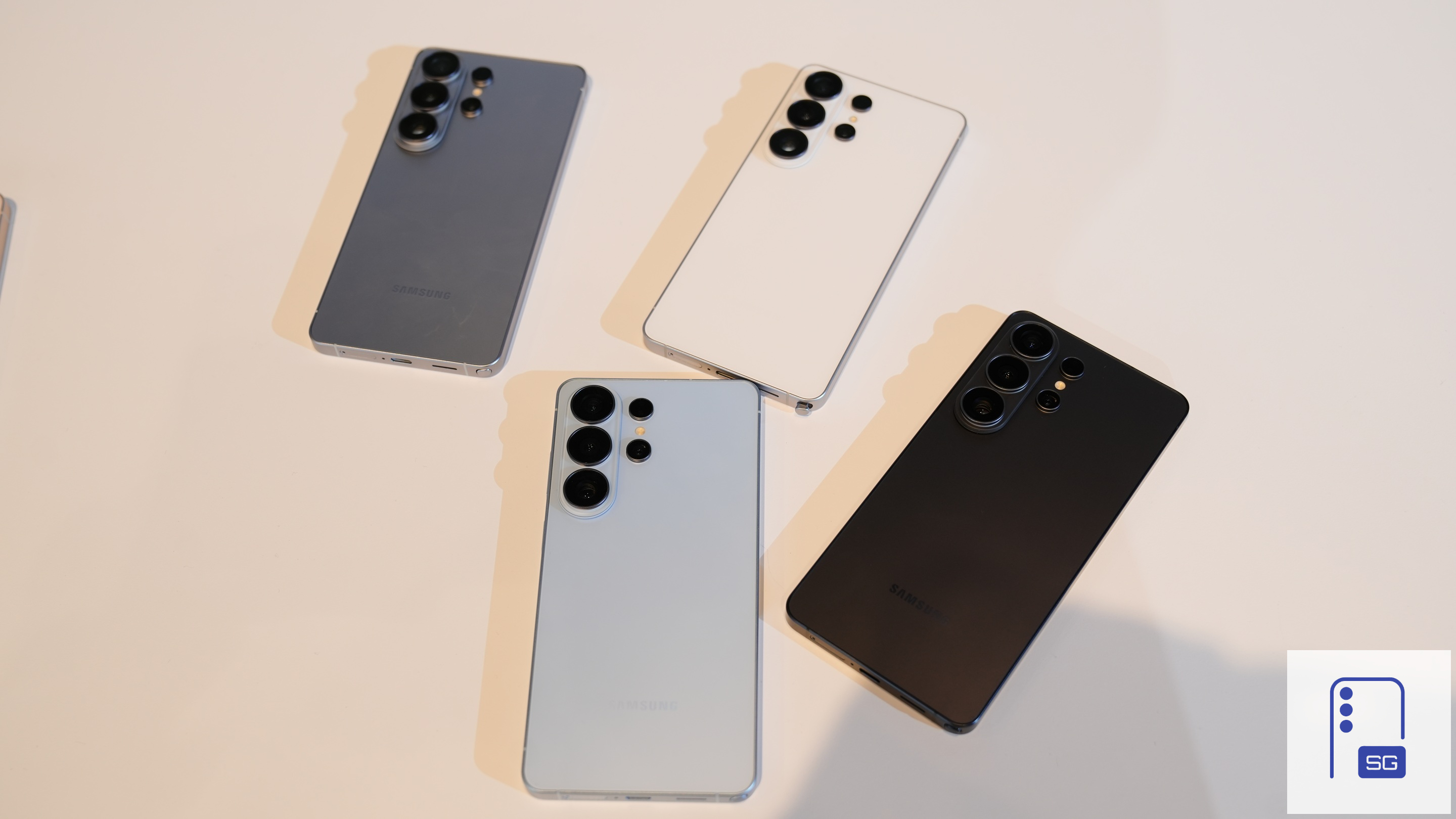
After months of waiting, Samsung has finally launched the Galaxy S26 series. Not much has changed from last year in terms of the models, and Samsung is back with its classic trio. These include the Galaxy S26, the Galaxy S26+, and the Galaxy S26 Ultra.
If you’re buying any of these (and getting our mystery box), you may want to know how long your Galaxy S26 series phone will be supported. In other words, how many updates will your Galaxy S26 receive?
Galaxy S26 series will receive seven years of updates
When it comes to software support, Samsung leads the way in the Android space. The company has been offering seven years of updates for its flagship series since the Galaxy S24 Ultra, and that commitment continues. The latest Galaxy S26, Galaxy S26+, and Galaxy S26 Ultra also come with seven years of updates.
What that means is they should receive Android updates up to Android 23, along with One UI 15 (they ship with Android 16-based One UI 8.5). These updates are expected to roll out around 2032 or 2033.
This is a solid lifespan when you are investing in a smartphone. Seven years of updates also means seven years of security patches. With each major update, typically released once a year, users can expect new features, although not all features may remain supported as the hardware ages.
Nonetheless, with long-term support, you can expect top-notch performance from your Galaxy S26 for years to come. Regular feature overhauls and security patches ensure smooth functioning for several years. If you plan to buy, pre-orders are now live in most global markets.
Pre-order the Galaxy S26 series through our Mystery Box program to receive a bundle of free gifts. Each box includes 65W GaN charger, USB-C wired earbuds, case, screen protector, desktop stand, cleaning kit, screen protector, and a few extra surprises. Shipping is on us (US only). Fill out this verification form to claim your box. Open the link in Chrome, Samsung Internet, or any web browser (not in the Shop Samsung app) to avoid errors.

Written by
Abhinav AnandAbhinav Anand is the News Editor at SammyGuru and a technology journalist based in New Delhi. Before joining SammyGuru, he contributed to numerous outlets, including Android Headlines, ExtremeTech, The Mac Observer, Financial Express, Economic Times, iGeeksBlog, KnowTechie, PhonesWiki, SlashGear, and more. You can reach him at abhinav@sammyguru.com.

Follow us on Google Discover & set us as a preferred source in Google News
Share this Post
___________________________


New Blog Posts
___________________________

First Set of Pixel 11 Pro XL Renders Are Here
Pixel 11 Pro XL CAD renders show minimal design changes

Is Samsung Preparing One UI 8.5 Beta for Galaxy Z Fold 5 and Flip 5?
Samsung may launch a One UI 8.5 beta program for its 2023 foldables

Galaxy S25 One UI 8.5 Beta May Run Longer Than Expected
Galaxy S25 series’ One UI 8.5 beta may stretch to 10 rounds







