
Samsung Refined the Camera App in One UI 8.5 — Nothing More
SammyGuru is reader-supported. We have affiliate and sponsored partnerships, so we may earn a commission when you buy through links on our site — at no extra cost to you. Learn more.
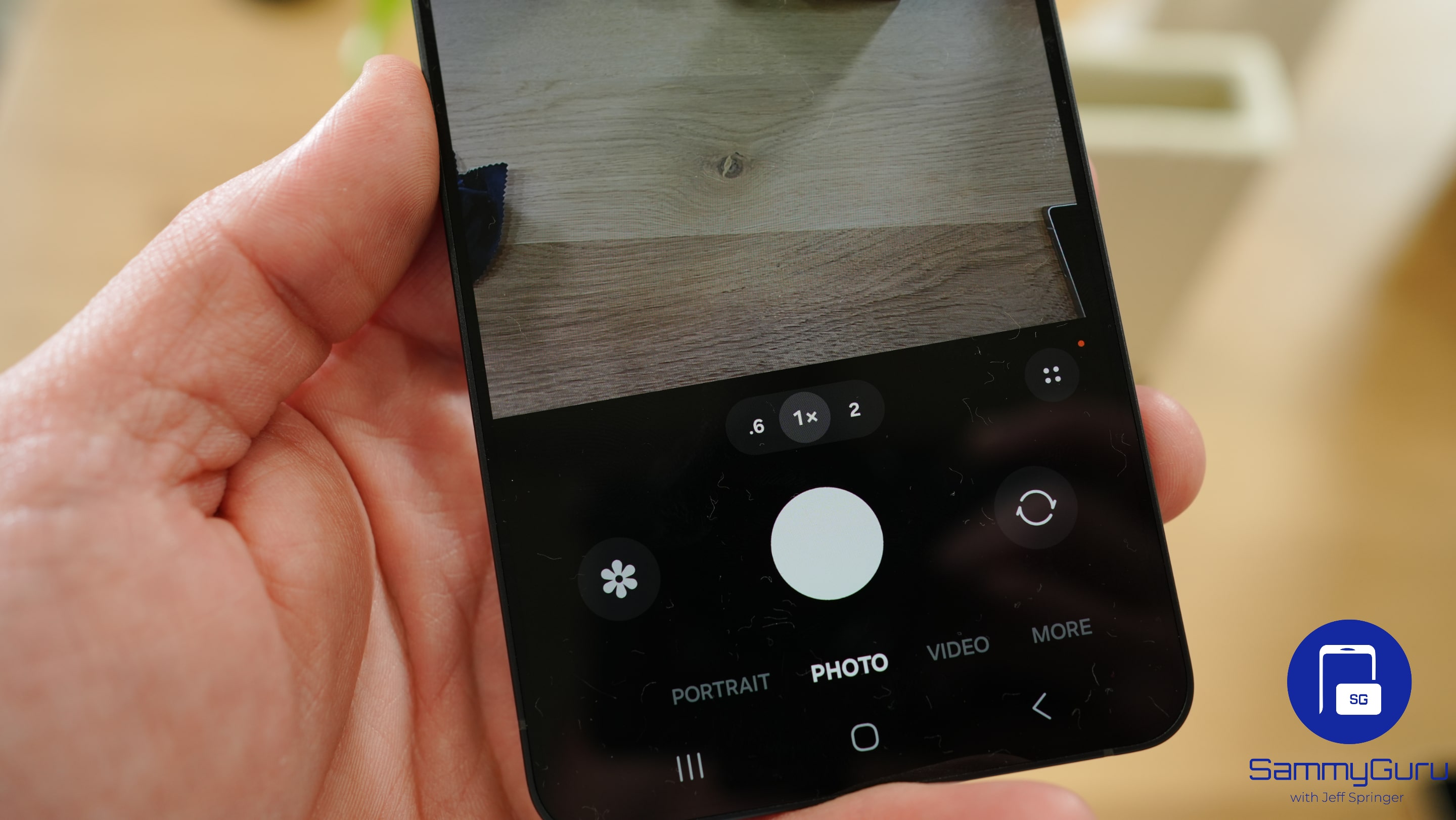
Samsung’s One UI 8.5 Beta recently sparked a wave of concern after Single Take and Dual Recording features disappeared from the camera app. While both features are now back via Camera Assistant, some chatter claimed the change nearly ruined the camera experience. That narrative, however, misses the point. Samsung never planned to remove these features. The shift was intentional, aimed at streamlining the camera interface rather than cutting functionality.
Single Take and Dual Recording remain fully functional in One UI 8.5
The initial One UI 8.5 beta release removed Single Take and Dual Recording features from the camera app’s More tab. While it never appeared that Samsung was cutting these features permanently, the change did trigger concern among some users. Thankfully, the company reinstated both tools with Beta 2, relocating them to Camera Assistant.
Now, to use Single Take and Dual Recording, users first need to enable them from Camera Assistant, a Good Lock module designed to give users deeper control over how the camera app behaves. Once toggled on, both features reappear in the More tab of the main camera app, exactly where users expect them. The setup adds a couple of extra steps, but it’s a one-time process. After that, the features remain readily accessible, just as before.
By shifting less frequently used features like Single Take and Dual Recording into Camera Assistant, Samsung gives users the choice. Those who rely on these modes can enable them with a toggle, while others can enjoy a cleaner, more streamlined More menu. That’s not a downgrade. It’s customization.
Calling this approach a threat to the camera experience ignores Samsung’s long-standing philosophy of offering optional depth rather than forcing complexity on every user. The features still exist, they work exactly as before, and they’re only a few taps away. In fact, Camera Assistant in One UI 8.5 expands user control even further, adding options like manual autofocus and exposure during video recording, customizable focus peaking, saved Pro mode presets, and a cleaner shooting interface.
It’s also worth noting that this change aligns perfectly with how Samsung has been evolving One UI: powerful by default, but configurable for those who want more. Good Lock has always been the place where Samsung experiments with modular control, and One UI 8.5 simply extends that idea to the camera. So no, the company didn’t almost mess up the camera app in One UI 8.5. It refined it.

Written by
Sumit AdhikariSumit, a life-long Samsung user, is passionate about technology and has been professionally writing on tech since 2017. He’s a mathematics graduate by education and enjoys teaching basic mathematics tricks to school kids in his spare time. Sumit believes in artificial intelligence and dreams of a fully open, intelligent and connected world.

Follow us on Google Discover & set us as a preferred source in Google News
Share this Post
___________________________


New Blog Posts
___________________________

First Set of Pixel 11 Pro XL Renders Are Here
Pixel 11 Pro XL CAD renders show minimal design changes

Is Samsung Preparing One UI 8.5 Beta for Galaxy Z Fold 5 and Flip 5?
Samsung may launch a One UI 8.5 beta program for its 2023 foldables

Galaxy S25 One UI 8.5 Beta May Run Longer Than Expected
Galaxy S25 series’ One UI 8.5 beta may stretch to 10 rounds







