
Here’s Every New Feature in One UI 8.5’s Camera Assistant
SammyGuru is reader-supported. We have affiliate and sponsored partnerships, so we may earn a commission when you buy through links on our site — at no extra cost to you. Learn more.
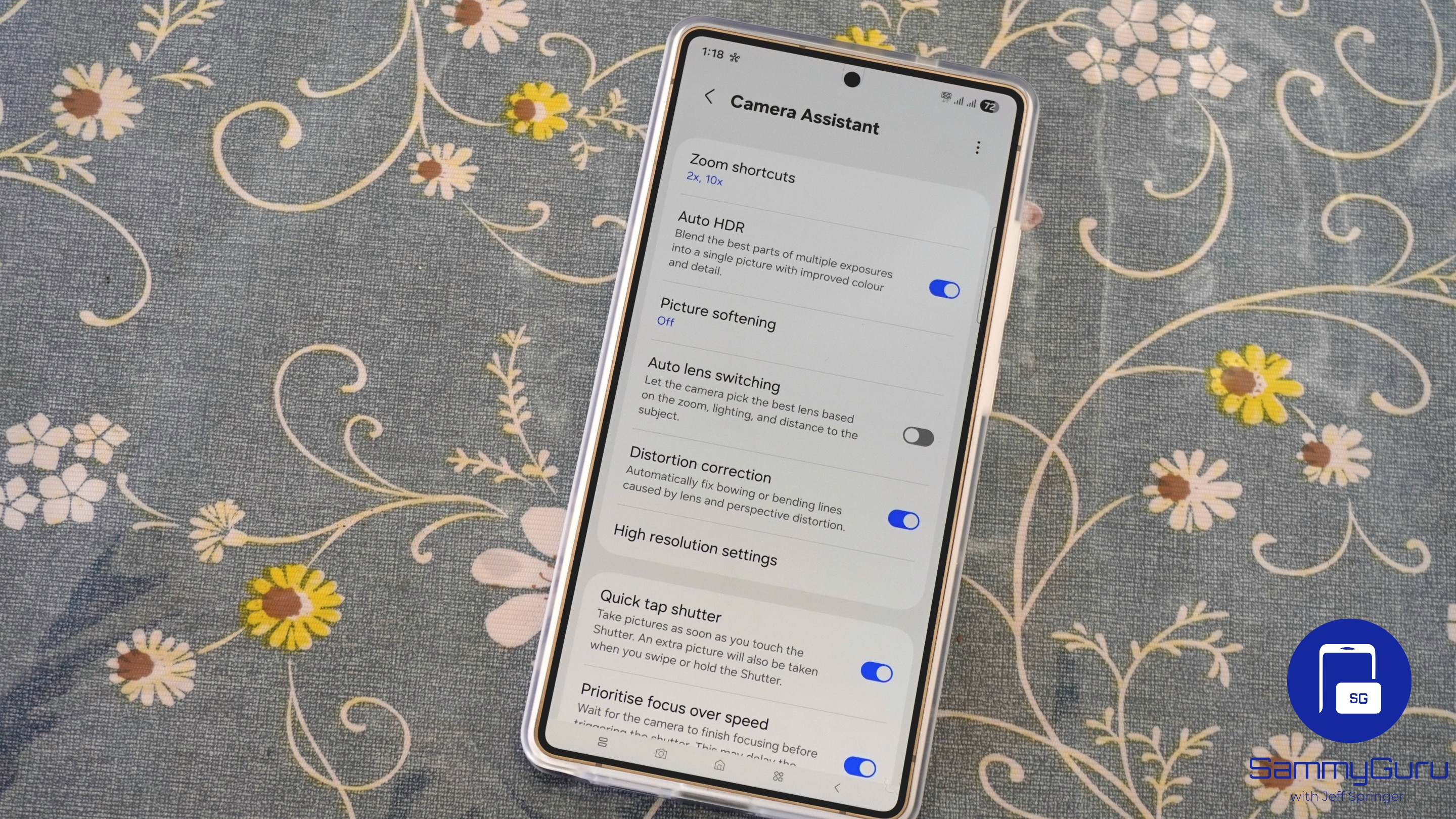
Some of us have been eagerly awaiting Camera Assistant’s big One UI 8.5 update, and it has finally arrived. Well, sort of, unless Samsung still has a few tricks up its sleeve. Either way, let’s dive into some of the major new features it brings.
Create presets for Pro mode
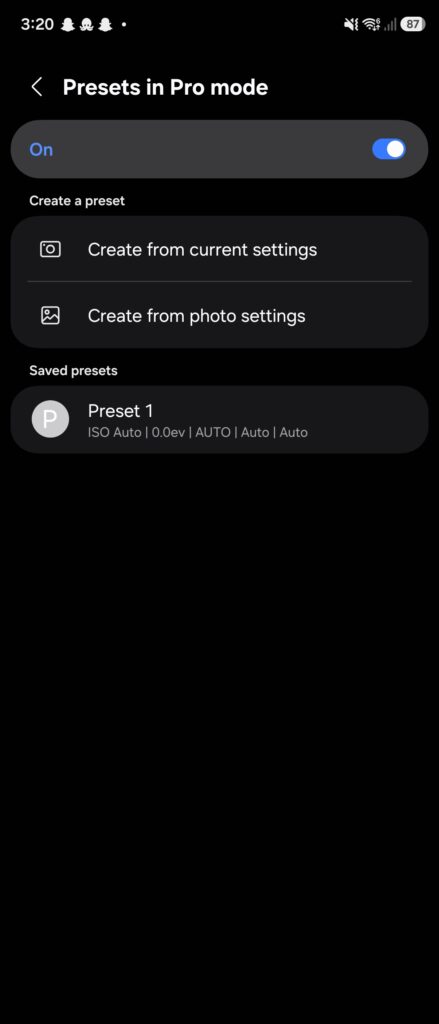
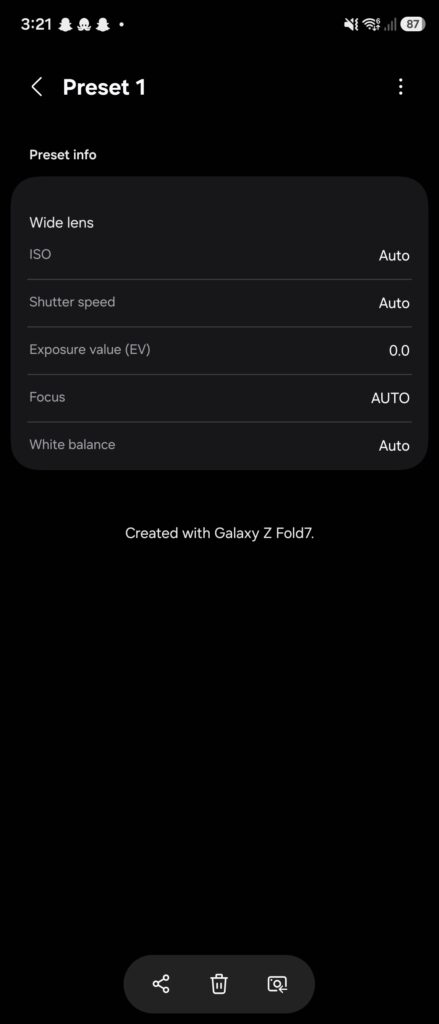
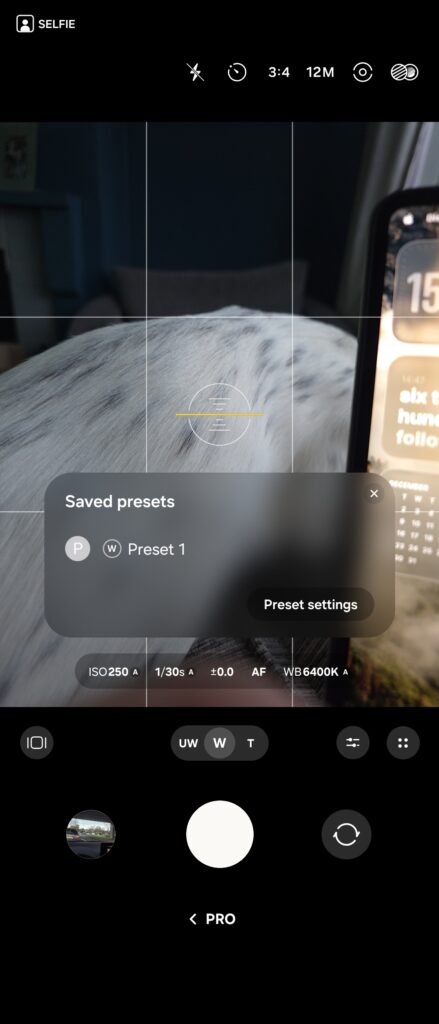
You can now finally create and even share preset camera configurations for Pro mode. You can import from currently set values in the camera app, or values from a photo you’ve previously taken. You can share these using Quick Share, or jump directly to the camera to start shooting. You can also switch presets on the fly with a new button that appears in Pro mode.
Important to note, these presets do not apply to Pro Video mode, only the Pro photo mode. That’s something we discussed earlier today.
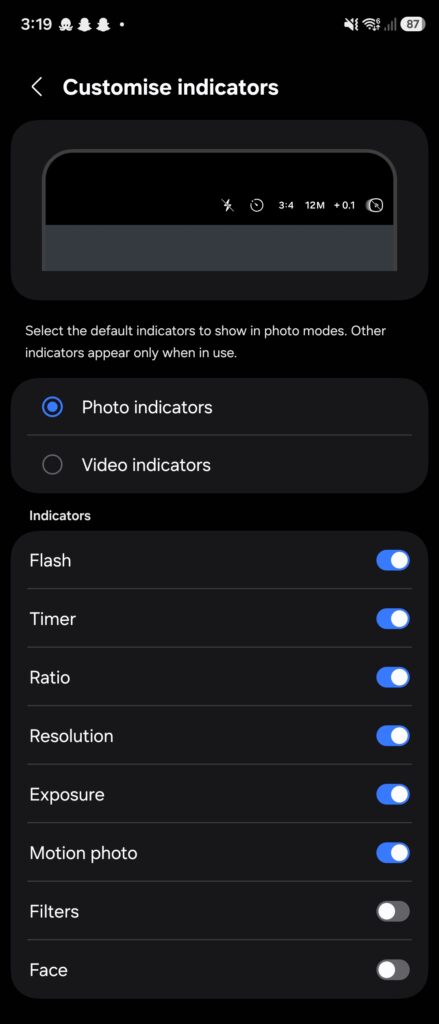
Customize indicators
You can now customize the buttons that appear on the top of the camera app, with independent options for photo and video modes. So you can hide the face effects and filters, and show exposure controls. Great for those who want either a functional or minimal camera experience.
Dual Recording and Single Take are back!
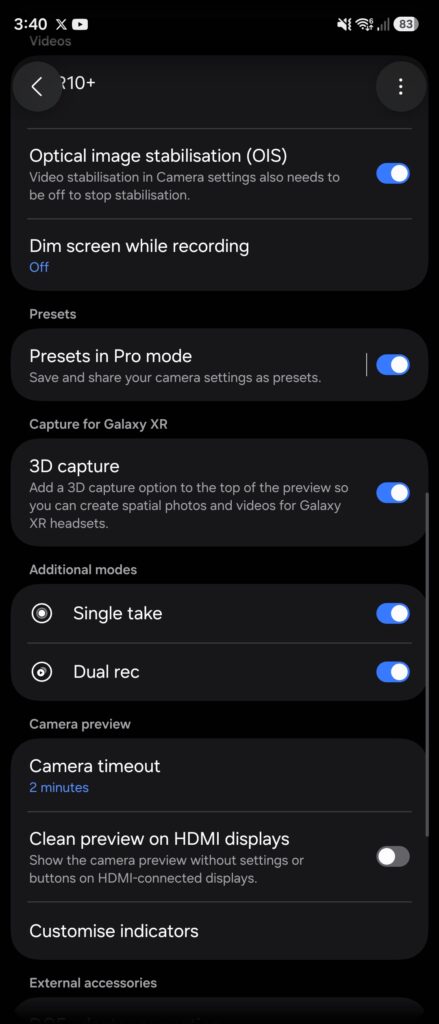
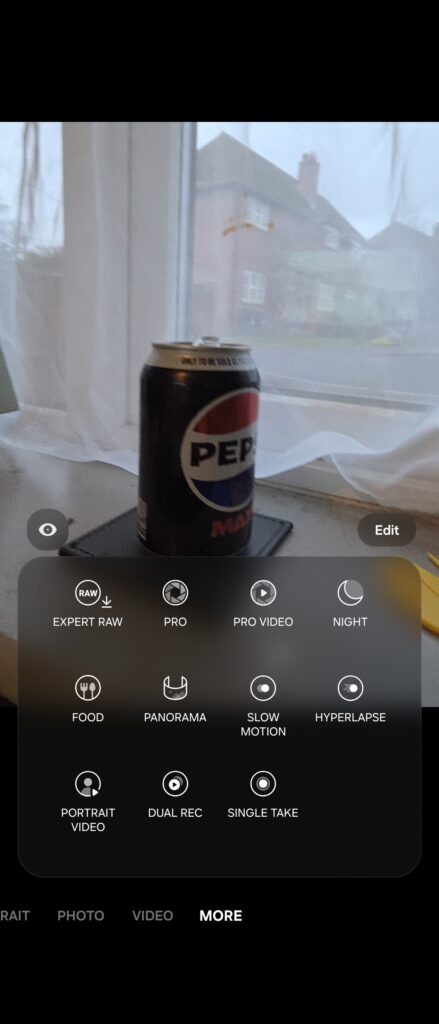
You read that right, these fan favorite features have returned! You can now record using multiple cameras simultaneously on One UI 8.5, or you can switch them off if you don’t use those modes. You get the choice.
Customize focus peaking
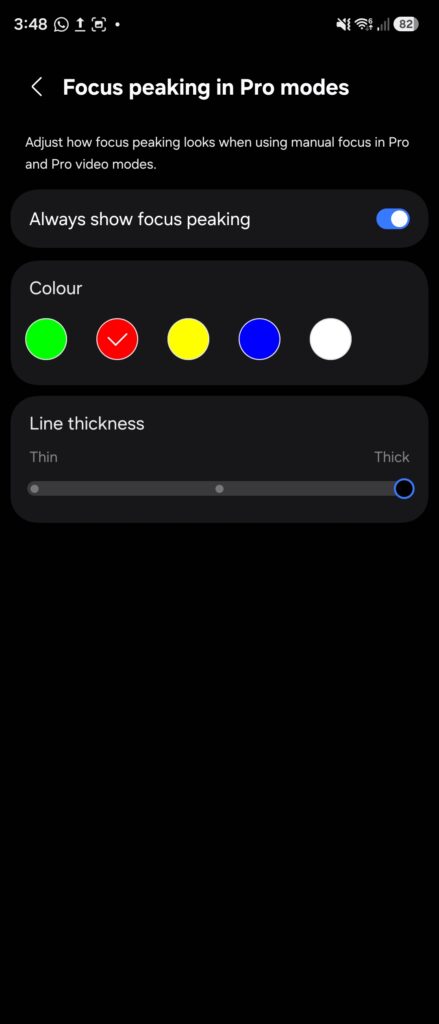
You can customize how focus peaking looks in both Pro and Pro Video modes. This helps you identify what part of your subject is in focus. You can change the color and thickness of this effect, which can be helpful when framing objects that would otherwise clash with the chosen color.
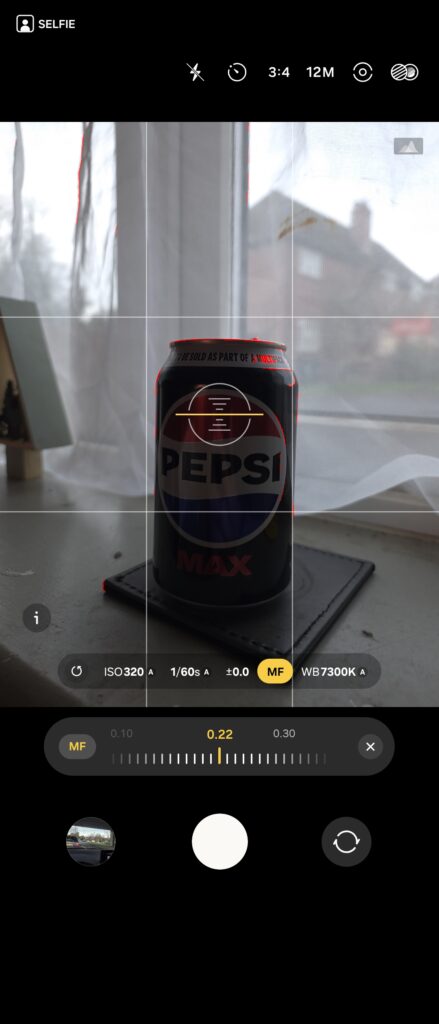
Camera Assistant for One UI 8.5 is a huge update, bringing along features, both new and returning. If you’re running One UI 8.5 on a Galaxy S25 device, you can sign up for the app’s beta program here. Alternatively, you can install the APK from here.

Written by
Josh SkinnerJosh is a freelance writer, graphic and user interface designer, and content creator. He has a sizable following on Twitter/X, with his deep insights, extensive knowledge and design skills attracting audiences. He also loves lego, video games and tech as a whole.

Follow us on Google Discover & set us as a preferred source in Google News
Share this Post
___________________________


New Blog Posts
___________________________

First Set of Pixel 11 Pro XL Renders Are Here
Pixel 11 Pro XL CAD renders show minimal design changes

Is Samsung Preparing One UI 8.5 Beta for Galaxy Z Fold 5 and Flip 5?
Samsung may launch a One UI 8.5 beta program for its 2023 foldables

Galaxy S25 One UI 8.5 Beta May Run Longer Than Expected
Galaxy S25 series’ One UI 8.5 beta may stretch to 10 rounds







