
Blackmagic Camera adds Samsung Log to Galaxy Z Fold 7 and Flip 7, Improves 8K Recording
SammyGuru is reader-supported. We have affiliate and sponsored partnerships, so we may earn a commission when you buy through links on our site — at no extra cost to you. Learn more.
A few weeks ago, Blackmagic Camera received a major update with several new features for Samsung users. A fresh update is now rolling out with additional optimizations and bug fixes for Galaxy devices. Version 3.1.2 of this popular camera app also adds Samsung Log support to the Galaxy Z Flip 7 and Fold 7.
Blackmagic Camera’s latest update focuses on performance improvements for Samsung devices
Blackmagic Camera is one of the most powerful third-party mobile camera apps. With its previous update, the app gained Samsung Log LUTs for the Galaxy S25 Ultra and other compatible models. Now, this release extends the feature to Samsung’s latest foldables. Samsung Log allows filmmakers to shoot in a flat color profile, capturing a wider dynamic range that can later be color graded for cinematic results.
The update also addresses 8K video recording stability for the Galaxy S25 series. It resolves previous issues that caused frame drops or overheating during extended shoots. Alongside these fixes, Blackmagic notes general optimization for Samsung devices, ensuring smoother operation, faster processing, and improved reliability when shooting in high resolutions or complex lighting conditions.
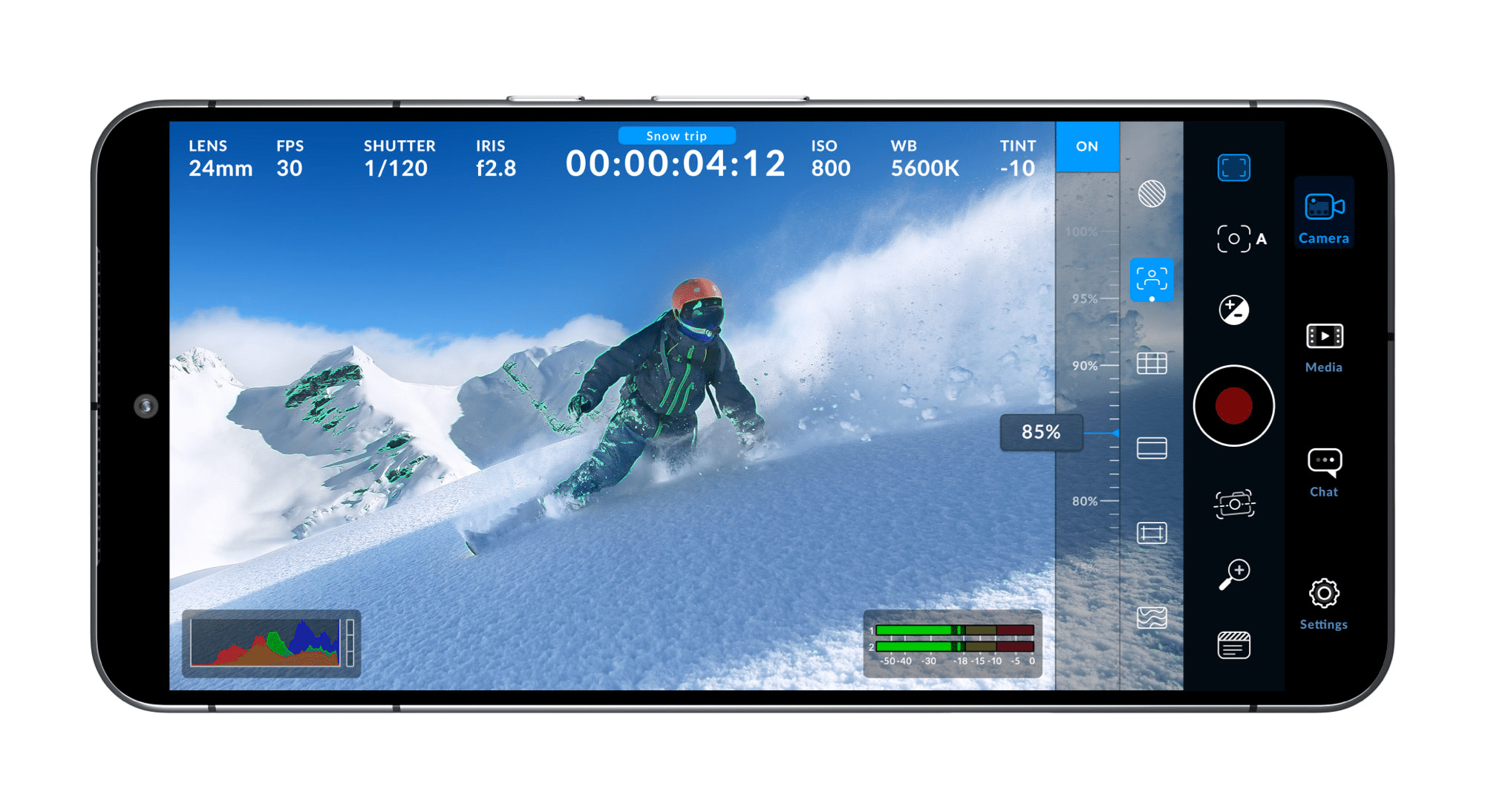
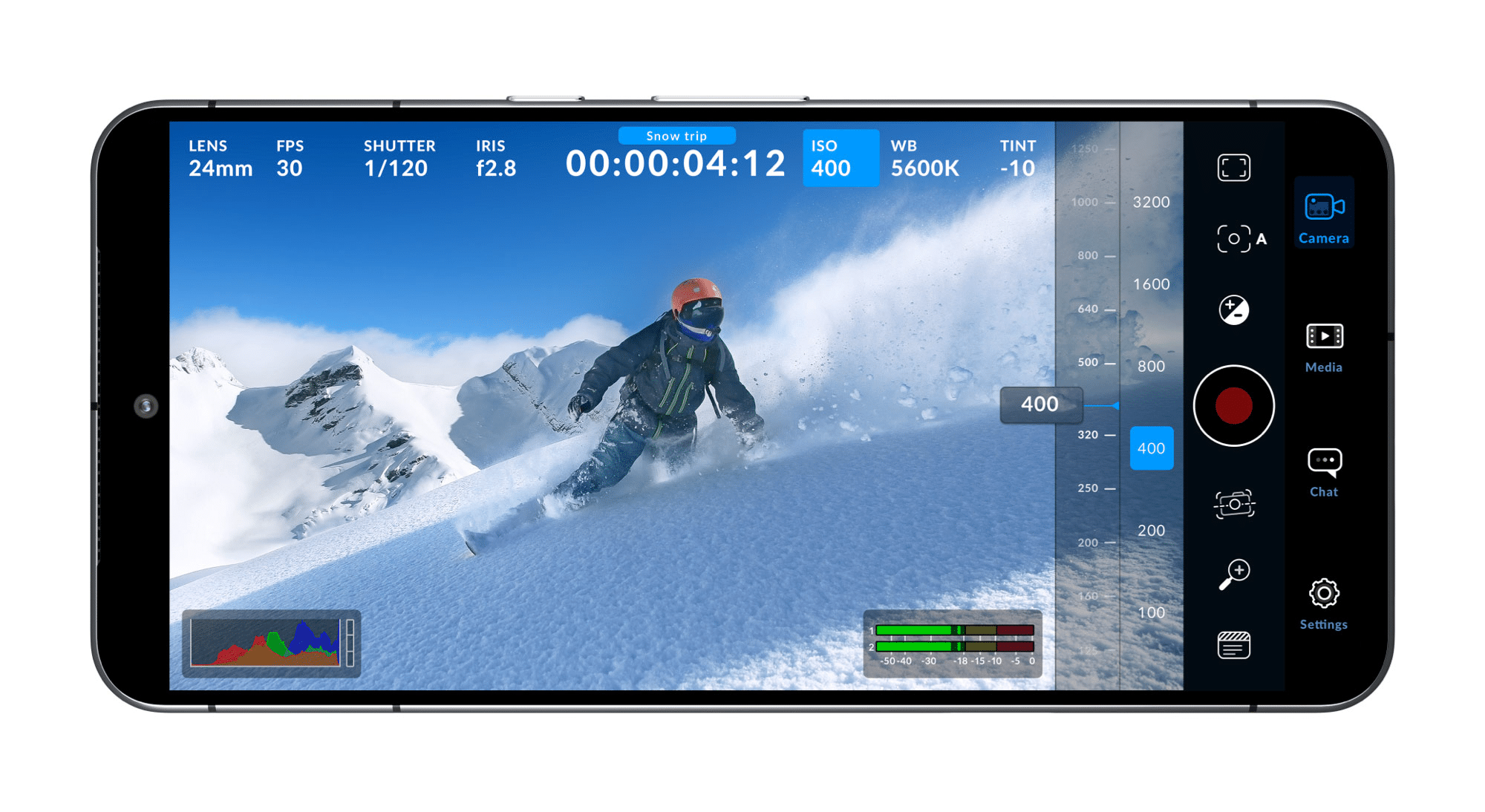
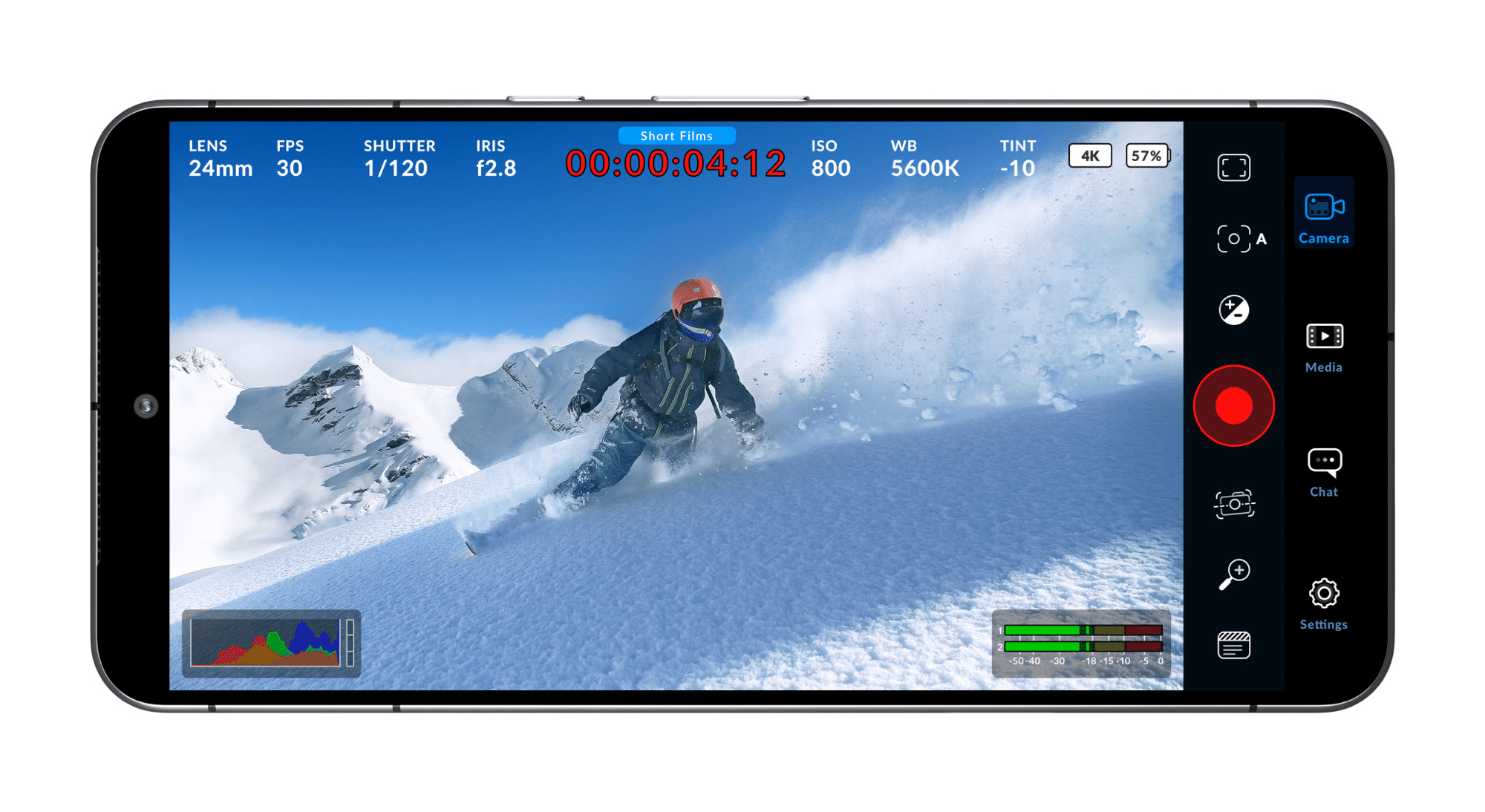
For those unfamiliar, the Blackmagic Camera app transforms your Galaxy smartphone into a digital film camera. It offers advanced controls like adjustable frame rates, shutter angles, ISO, and white balance, all within a clean, professional interface. The app supports resolutions up to 8K and lets users save clips directly to Blackmagic Cloud for instant collaboration.
Earlier updates added features like aspect ratio selection, open gate recording, false color, zebra, and remote HDMI monitoring, making Blackmagic Camera one of the most powerful mobile filmmaking tools available today. If you already use the app, simply update it via the Google Play Store. New users can check device compatibility and download it from the same page to get started.

Written by
Sumit AdhikariSumit, a life-long Samsung user, is passionate about technology and has been professionally writing on tech since 2017. He’s a mathematics graduate by education and enjoys teaching basic mathematics tricks to school kids in his spare time. Sumit believes in artificial intelligence and dreams of a fully open, intelligent and connected world.

Follow us on Google Discover & set us as a preferred source in Google News
Share this Post
___________________________


New Blog Posts
___________________________

First Set of Pixel 11 Pro XL Renders Are Here
Pixel 11 Pro XL CAD renders show minimal design changes

Is Samsung Preparing One UI 8.5 Beta for Galaxy Z Fold 5 and Flip 5?
Samsung may launch a One UI 8.5 beta program for its 2023 foldables

Galaxy S25 One UI 8.5 Beta May Run Longer Than Expected
Galaxy S25 series’ One UI 8.5 beta may stretch to 10 rounds







