
PENUP Update v3.9.21.14 Expands Creative Tools with New Brush Styles
SammyGuru is reader-supported. We have affiliate and sponsored partnerships, so we may earn a commission when you buy through links on our site — at no extra cost to you. Learn more.
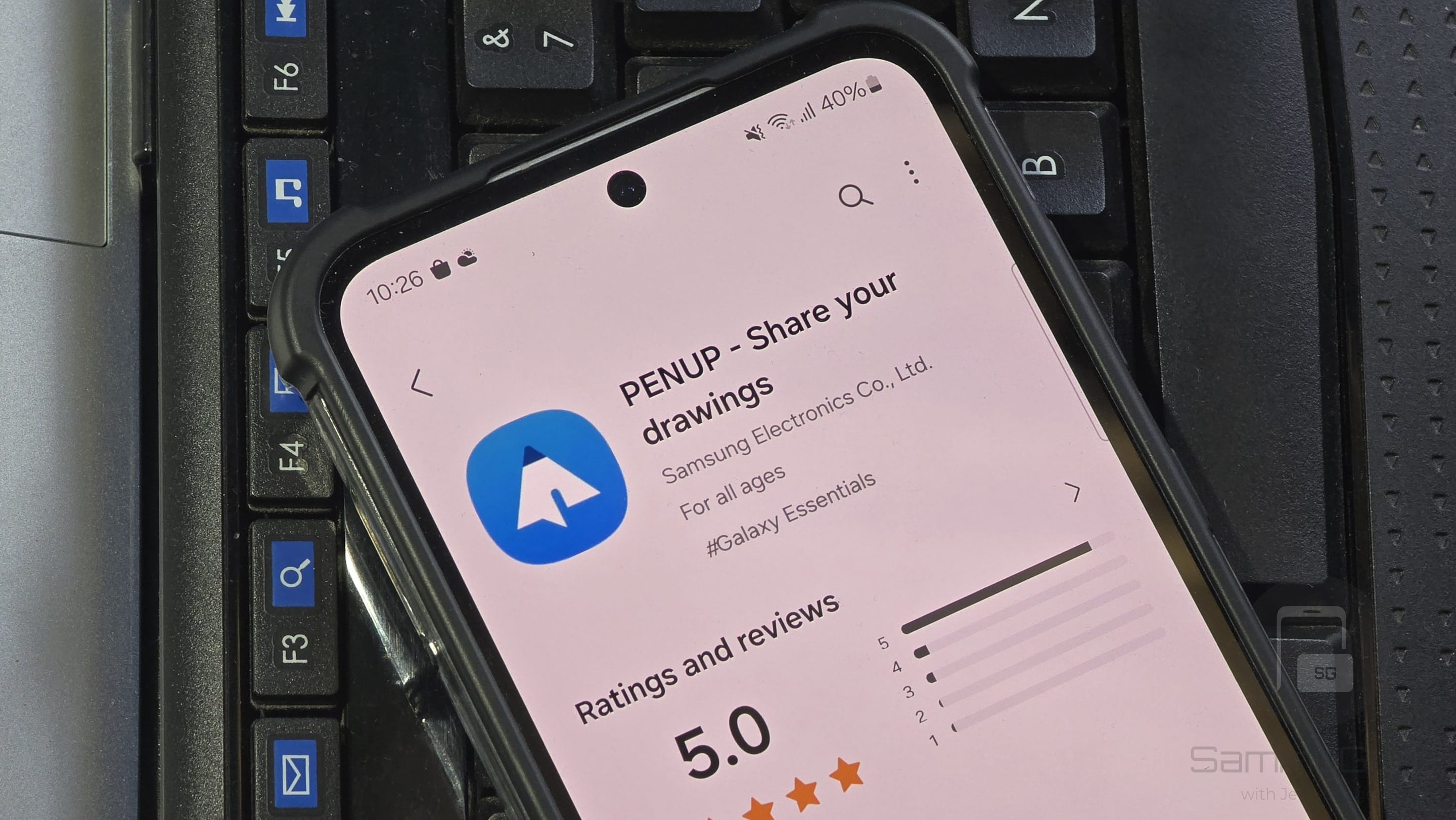
Samsung is rolling out a fresh update for its PENUP app, a digital drawing and coloring platform for Galaxy users. The latest release brings enhanced compatibility with One UI 8 devices and introduces new brush styles. The update (version 3.9.21.14) is rolling out widely via the Galaxy Store.
Fresh PENUP update adds new brush styles
PENUP allows Galaxy users to sketch, paint, and create digital artwork with precision. It has built-in coloring templates, making it beginner-friendly for those who simply want to relax and explore their creativity without starting from scratch. For expert artists and painters, PENUP has a strong community where they can share their artwork, follow other creators, and even join themed challenges that encourage regular practice and improvement.
The app also features a “Live Drawing” mode, where artists can watch replays of how others created their illustrations step by step, offering inspiration and learning opportunities. Devices that support the S Pen let users take full advantage of its pressure sensitivity to create realistic artwork, though the app also works on other Galaxy models.
Samsung frequently rolls out new updates to PENUP, enhancing stability and adding new features. The latest release ensures smooth functioning on One UI 8. On top of this, Samsung added five new brush styles, including a heart outline pattern, two heart-shaped stamps, and two star-shaped stamps.
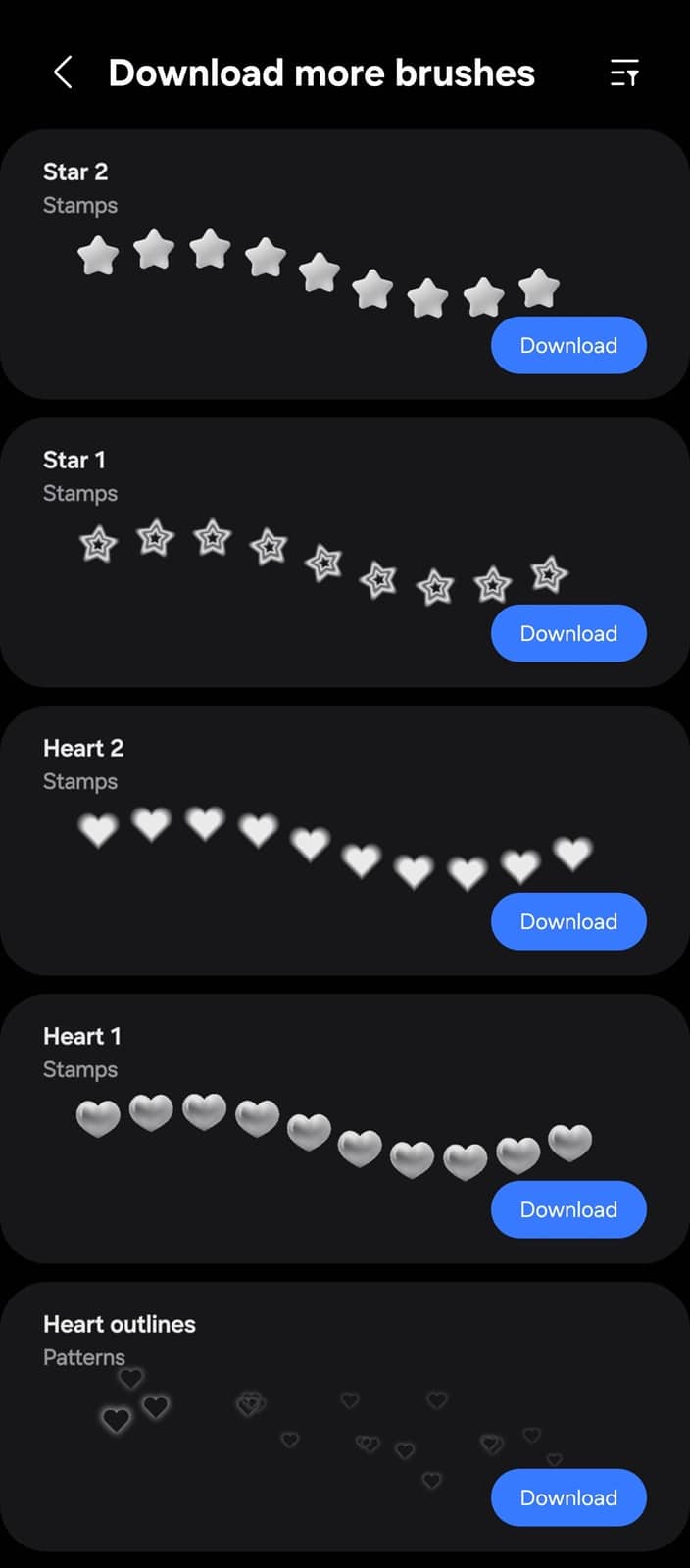
These brush styles are available as optional downloads when creating a new art. Samsung already offers more than 80 built-in brush styles for PENUP users, with nearly 120 more downloadable styles, taking the total options to over 200.
To install the latest PENUP update, go to the Galaxy Store and navigate to Menu > Updates. Here, you should see all available updates for Samsung apps. Tap the “Update” icon next to an app to download the new version. You can also manually search for PENUP on the Galaxy Store or use this link.

Written by
Sumit AdhikariSumit, a life-long Samsung user, is passionate about technology and has been professionally writing on tech since 2017. He’s a mathematics graduate by education and enjoys teaching basic mathematics tricks to school kids in his spare time. Sumit believes in artificial intelligence and dreams of a fully open, intelligent and connected world.

Follow us on Google Discover & set us as a preferred source in Google News
Share this Post
___________________________


New Blog Posts
___________________________

First Set of Pixel 11 Pro XL Renders Are Here
Pixel 11 Pro XL CAD renders show minimal design changes

Is Samsung Preparing One UI 8.5 Beta for Galaxy Z Fold 5 and Flip 5?
Samsung may launch a One UI 8.5 beta program for its 2023 foldables

Galaxy S25 One UI 8.5 Beta May Run Longer Than Expected
Galaxy S25 series’ One UI 8.5 beta may stretch to 10 rounds







