
WhatsApp Now Rolling Out Message Translation for Android and iOS
SammyGuru is reader-supported. We have affiliate and sponsored partnerships, so we may earn a commission when you buy through links on our site — at no extra cost to you. Learn more.
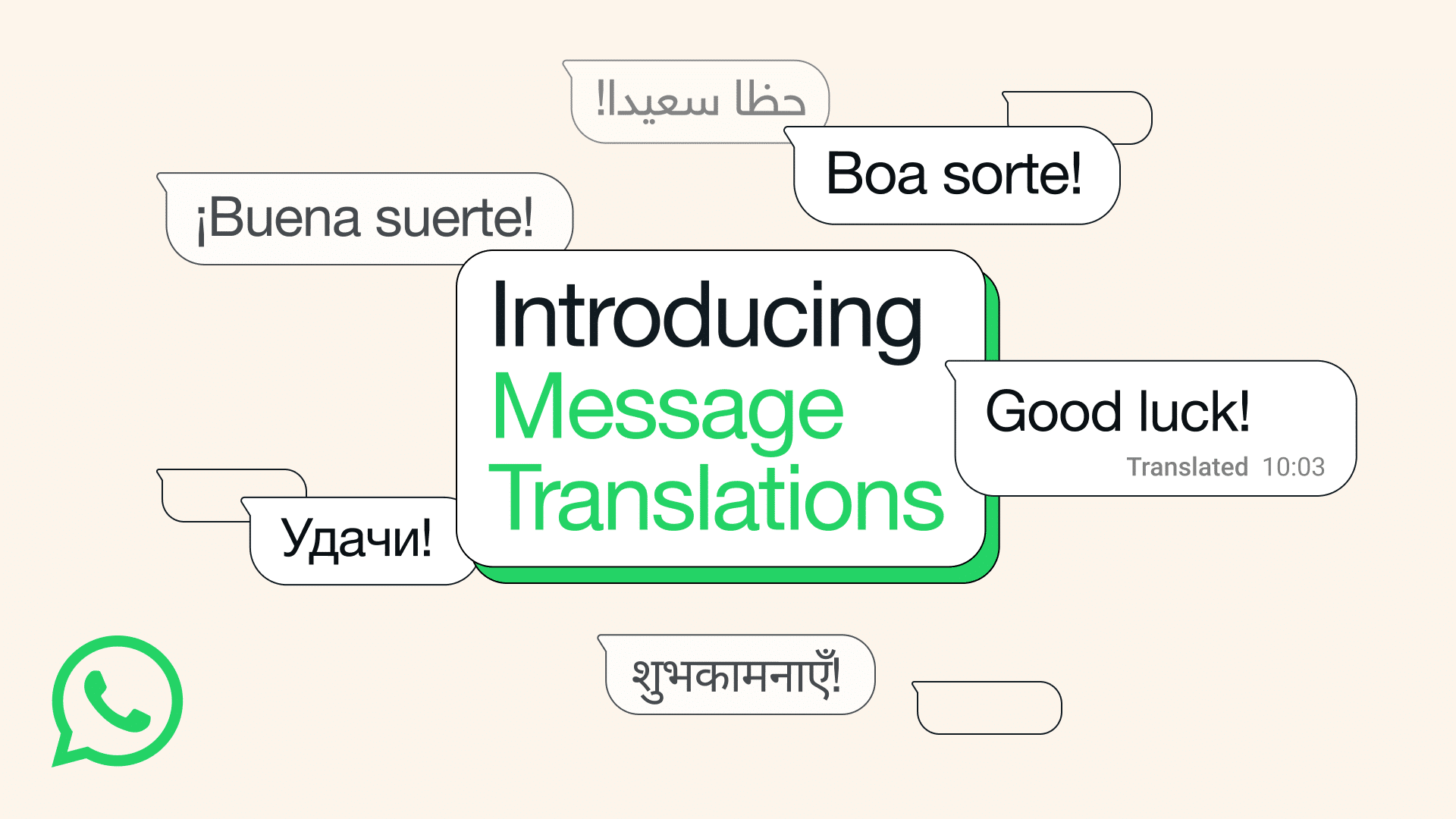
It’s been a long time since WhatsApp began testing automatic message translation. Now the feature is ready, and Mark Zuckerberg has announced it on his WhatsApp channel and in a blog post.
WhatsApp is finally rolling out long-awaited message translation feature
WhatsApp is rolling out its long-awaited message translation for Android and iPhone users. You can translate text directly in WhatsApp by long-pressing a message and selecting the new Translate option.
“With more than 3 billion users in over 180 countries, we’re always working to keep our users closely connected, no matter where they are in the world. But we understand that sometimes language can be a barrier to getting things done or expressing how you truly feel. That’s why we’re excited to bring message translations to WhatsApp,” WhatsApp says, in a blog post.
On Android, the feature launches with support for six languages: English, Spanish, Hindi, Portuguese, Russian, and Arabic. iPhone users get broader coverage, with more than 19 languages available from the start. WhatsApp plans to add more languages over time.
WhatsApp says translation occurs fully on-device
What makes this feature especially impressive is how it works. All translations happen on the user’s device. WhatsApp downloads language packs locally, so messages are never sent to its servers. End-to-end encryption is preserved, meaning neither your original message nor the translation can be accessed by WhatsApp.
The rollout is especially welcome for Galaxy users without access to Galaxy AI smarts. Since the feature relies on WhatsApp’s translation packs rather than device AI, any Android phone with the latest WhatsApp update can use it. Even mid-range or entry-level devices without advanced AI tools can enjoy.
WhatsApp has also added an option for Android users to enable automatic translation for entire chat threads. Once switched on, all incoming messages in that conversation are translated instantly, without needing to tap each one.

Written by
Abhinav AnandAbhinav Anand is the News Editor at SammyGuru and a technology journalist based in New Delhi. Before joining SammyGuru, he contributed to numerous outlets, including Android Headlines, ExtremeTech, The Mac Observer, Financial Express, Economic Times, iGeeksBlog, KnowTechie, PhonesWiki, SlashGear, and more. You can reach him at abhinav@sammyguru.com.

Follow us on Google Discover & set us as a preferred source in Google News
Share this Post
___________________________


New Blog Posts
___________________________

First Set of Pixel 11 Pro XL Renders Are Here
Pixel 11 Pro XL CAD renders show minimal design changes

Is Samsung Preparing One UI 8.5 Beta for Galaxy Z Fold 5 and Flip 5?
Samsung may launch a One UI 8.5 beta program for its 2023 foldables

Galaxy S25 One UI 8.5 Beta May Run Longer Than Expected
Galaxy S25 series’ One UI 8.5 beta may stretch to 10 rounds







