
WhatsApp Revamps About Feature With Improved Visibility and New Controls
SammyGuru is reader-supported. We have affiliate and sponsored partnerships, so we may earn a commission when you buy through links on our site — at no extra cost to you. Learn more.
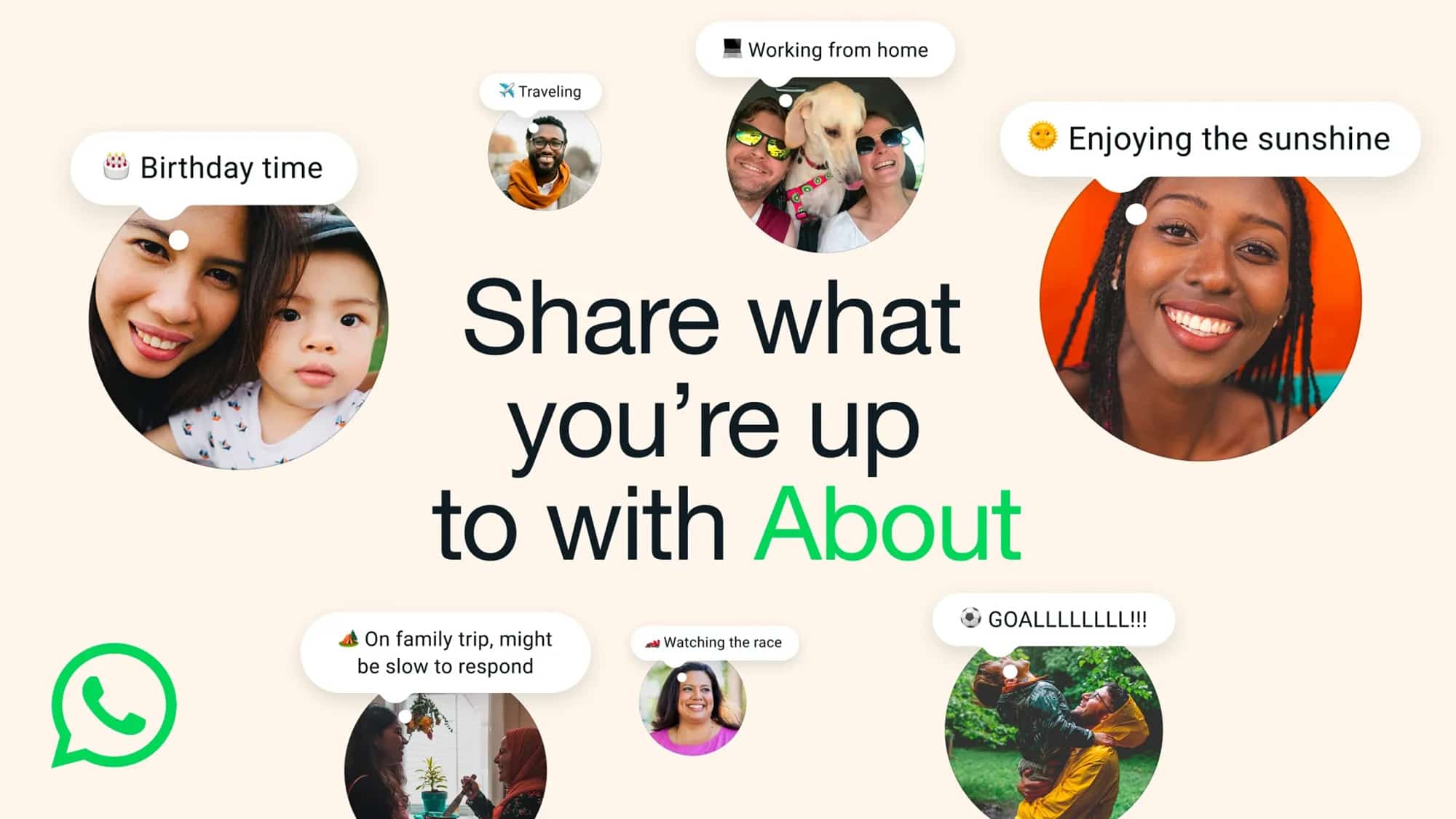
WhatsApp continues to refine its core features to give users a modern messaging experience. The company has made a major upgrade to its About section, allowing users to share quick updates about their availability with improved visibility. It is currently rolling out to mobile users around the world, so make sure to keep your app updated to the latest version.
WhatsApp introduces a major overhaul to its Classic About feature
The About feature has been part of WhatsApp since its early days, where the messaging platform allowed users to write short messages about what they were doing. It served as a simple way to tell others if you were busy or away from your phone. Now, WhatsApp has revamped that idea with a refreshed design alongside new tools to make it more useful in day-to-day conversations.
One of the biggest changes is improved visibility, as About now shows up at the top of one-on-one chats and on a user’s profile. The goal is to make it easier for your close contacts to notice easily your current status without needing to ask. “For those days when you’re free one minute but busy the next, About can tell others why you can’t talk or what you do want to talk about with just an emoji and a short phrase,” WhatsApp wrote in its blog post.
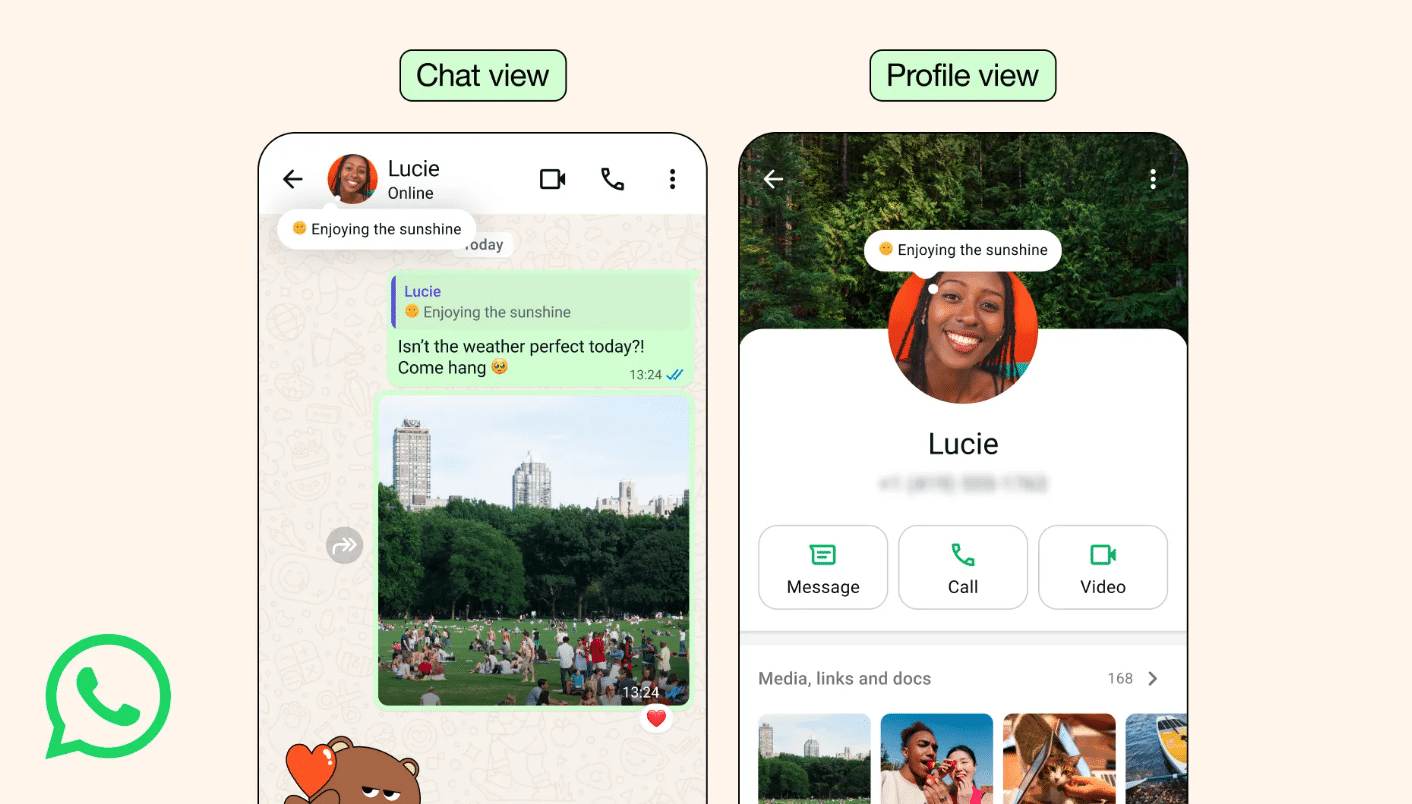
When your contacts see your availability directly in the chat screen, it helps them understand whether it’s the right time to message you. This eliminates the need to send a separate text to explain why you might not reply quickly. Furthermore, contacts can simply tap on your About in a chat to send a direct reply.
To set an About update, go to the Settings page, and you’ll see your current default status below your name. Now, tap on it to edit your About or pick from preset options like “Free to chat” or “Slow to respond.” Besides, you can set how long your About will remain active by selecting a duration such as one hour, one day, or a custom time.

Written by
Binay KonwarBinay Konwar started his blogging journey in 2014 and has since written plenty of tech articles. At present, he is working as a News Writer at SammyGuru, covering everything about Samsung. He holds a Master's degree in Mathematics, but his real passion lies in tech and writing. In his free time, he enjoys playing chess and watching movies.

Follow us on Google Discover & set us as a preferred source in Google News
Share this Post
___________________________


New Blog Posts
___________________________

First Set of Pixel 11 Pro XL Renders Are Here
Pixel 11 Pro XL CAD renders show minimal design changes

Is Samsung Preparing One UI 8.5 Beta for Galaxy Z Fold 5 and Flip 5?
Samsung may launch a One UI 8.5 beta program for its 2023 foldables

Galaxy S25 One UI 8.5 Beta May Run Longer Than Expected
Galaxy S25 series’ One UI 8.5 beta may stretch to 10 rounds







