
Samsung’s Reminder App Gets a Fresh Look with UI Overhaul in One UI 8
SammyGuru is reader-supported. We have affiliate and sponsored partnerships, so we may earn a commission when you buy through links on our site — at no extra cost to you. Learn more.
One UI 8 beta is just around the corner, as hinted by early clues in the Samsung Members app. It’s still a while before you can enjoy the full One UI 8 experience. But you can already get a sneak peek. In fact, the updated version of the Reminder app, set to debut with One UI 8, has already leaked. This gives us an early look on the refreshed design and exciting new features ahead of the official rollout.
One UI 8’s Reminder app is already here, with a huge overhaul
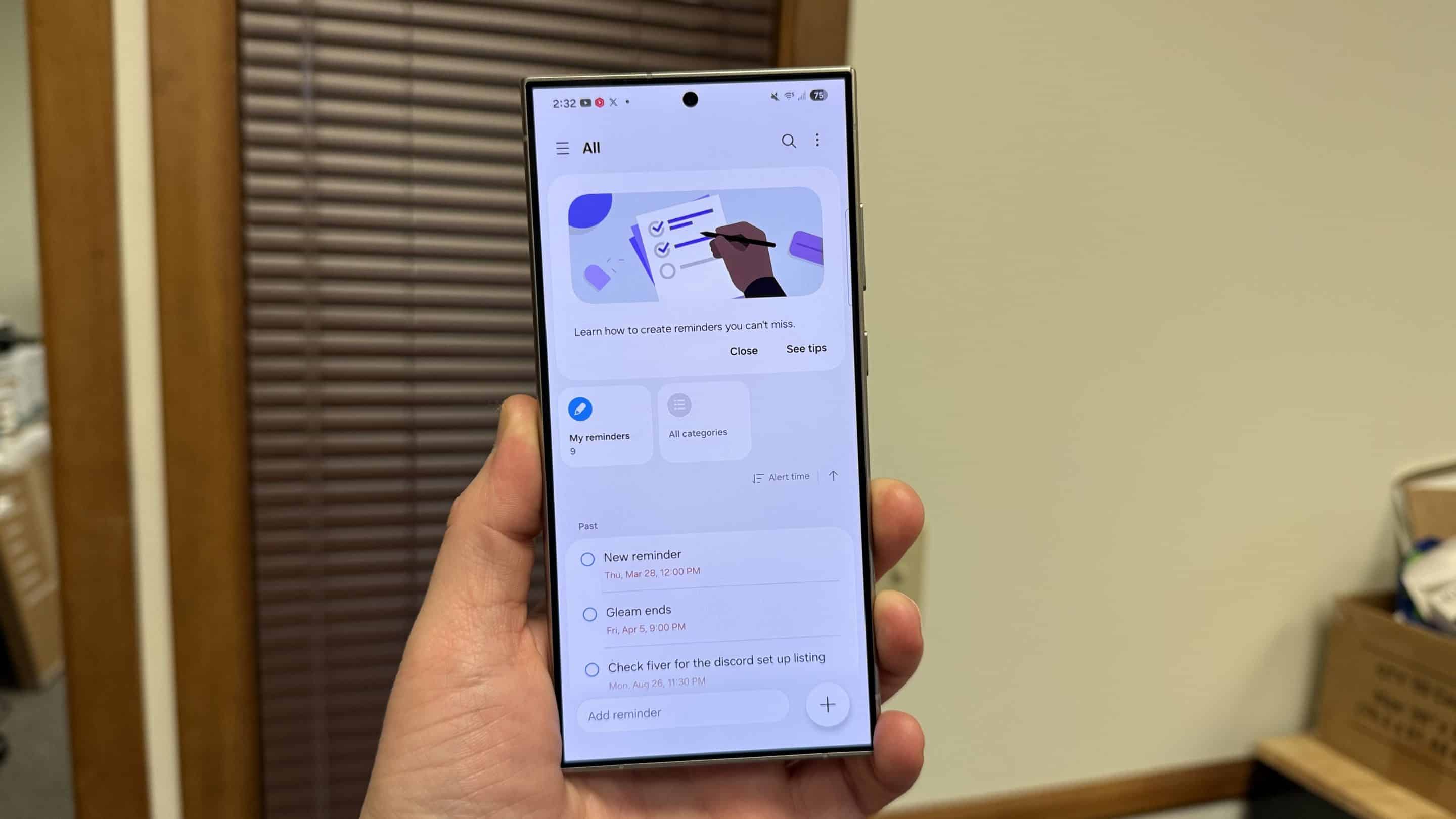
Spotted and shared by @Theordysm on X, Samsung’s updated Reminder app appears to feature a refreshed user interface (UI) that’s a step up from the current version. It’s noticeably more detailed and refined. First off, you can see a side-by-side comparison of how it looks now versus the Reminder app on One UI 7.
-
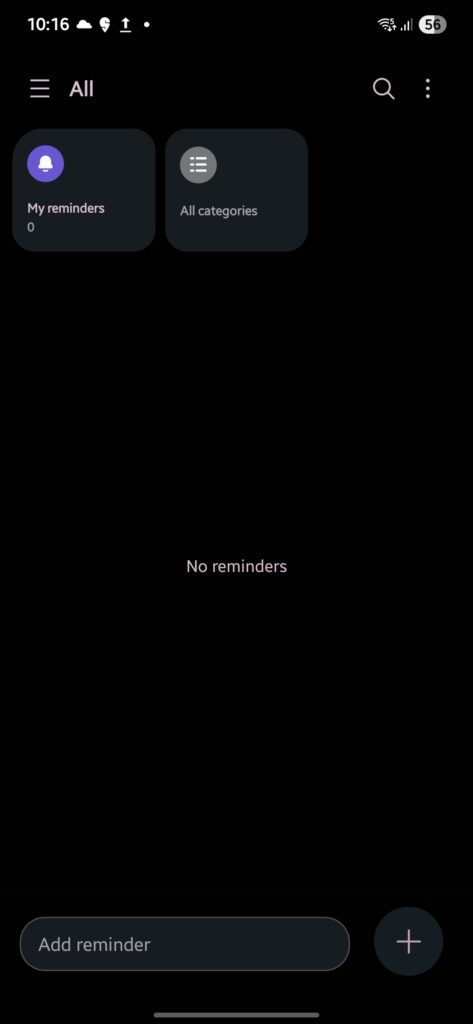
- One UI 7
-
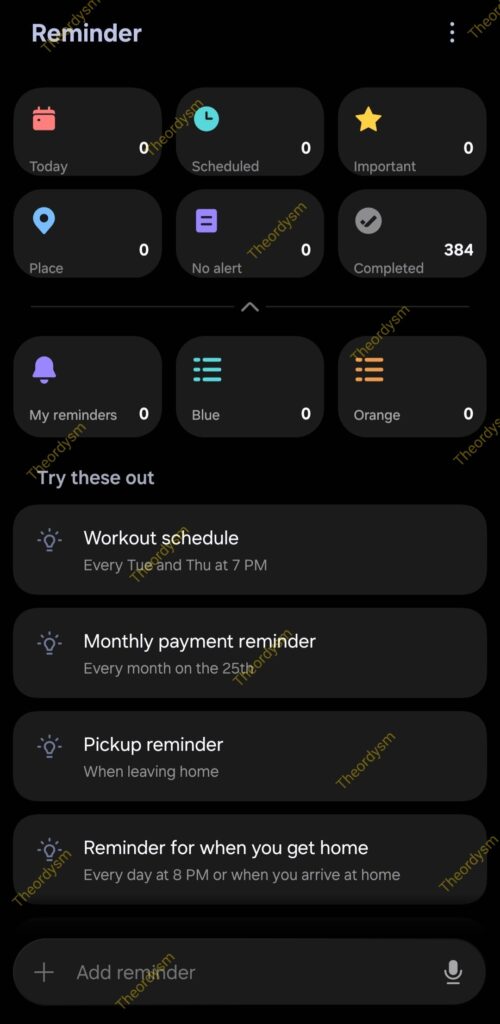
- One UI 8
One UI 8 introduces a much more streamlined layout. The top section now has six smaller tiles: Today, Scheduled, Important, Place, No alert, and Completed. Each tile displays the number of reminders it contains, giving you a clear snapshot of what’s on your plate. Notably, the Reminder app in One UI 8 ditches the old hamburger menu on the top left, opting for a cleaner design.
Below this, there’s a “Try these out” section, packed with smart suggestions like Workout schedule or Pickup reminder. These even come with pre-filled details, such as times and locations, so you can hit the ground running.
At the bottom, the “Add Reminder” bar now includes a voice command button on the right. That might let you set reminders hands-free. I’m guessing you can simply speak your reminder, and the app will take care of the rest. What hasn’t changed is the three-dot menu in the top right, along with most of the core features you already know and love.

Written by
Abhinav AnandAbhinav Anand is the News Editor at SammyGuru and a technology journalist based in New Delhi. Before joining SammyGuru, he contributed to numerous outlets, including Android Headlines, ExtremeTech, The Mac Observer, Financial Express, Economic Times, iGeeksBlog, KnowTechie, PhonesWiki, SlashGear, and more. You can reach him at abhinav@sammyguru.com.

Follow us on Google Discover & set us as a preferred source in Google News
Share this Post
___________________________


New Blog Posts
___________________________

First Set of Pixel 11 Pro XL Renders Are Here
Pixel 11 Pro XL CAD renders show minimal design changes

Is Samsung Preparing One UI 8.5 Beta for Galaxy Z Fold 5 and Flip 5?
Samsung may launch a One UI 8.5 beta program for its 2023 foldables

Galaxy S25 One UI 8.5 Beta May Run Longer Than Expected
Galaxy S25 series’ One UI 8.5 beta may stretch to 10 rounds







