
Samsung to Fix LockStar Widget Disappearing Issue in Future Update
SammyGuru is reader-supported. We have affiliate and sponsored partnerships, so we may earn a commission when you buy through links on our site — at no extra cost to you. Learn more.
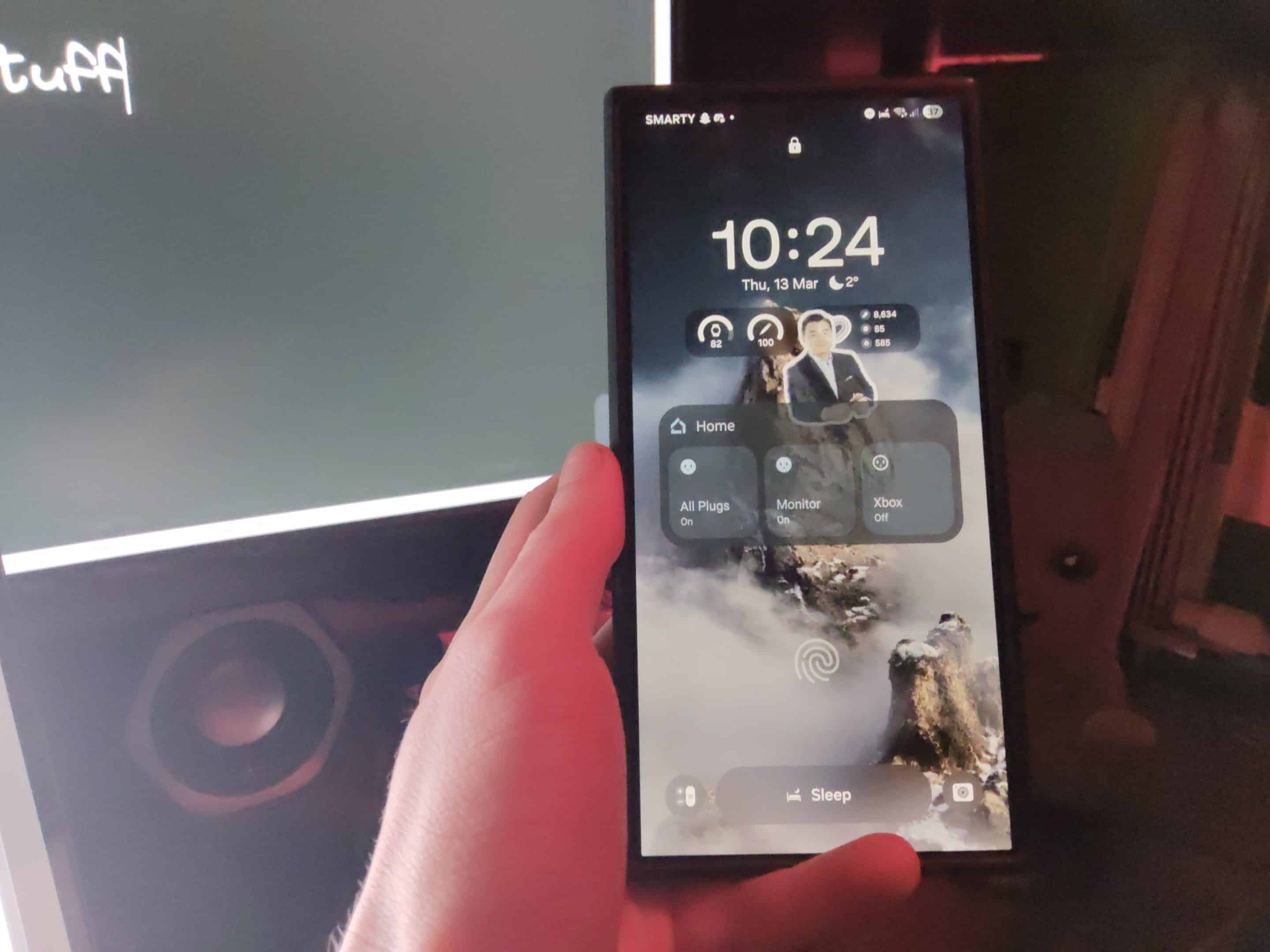
It looks like a bug within the LockStar app is causing widgets to disappear when you restart your Galaxy device. This is quite frustrating for users who use LockStar to customize their lock screen. Thankfully, Samsung is aware of the issue and is preparing a software update to fix it.
Samsung acknowledges a frustrating LockStar app bug, promises a fix
LockStar is one of the popular modules within the Good Lock suite. It lets you customize the lock screen on your Galaxy device, such as changing clock styles and widget placement. However, some users have recently noticed an issue with lock screen widgets enabled by LockStar.
One affected user took to the Samsung Korea community forum and wrote, “Currently, when I display an app widget on the lock screen with Rockstar, it keeps disappearing and I have to change it in the settings every time, which is inconvenient.” In response, a Samsung community moderator acknowledged the problem and confirmed that it is a known bug.
The moderator wrote, “There was an issue where the lock screen widget set in LockStar was not updated after rebooting. Please note that this will be improved through a future LockStar app update.” So, unless you restart your Galaxy device, the widget won’t disappear from the lock screen.
However, if you do restart it, you will have to set up the widget again, which is understandably frustrating. While the moderator confirmed that the company will address the bug through a software update, they did not specify the rollout timeline. For now, the only way to keep LockStar widgets is to avoid restarting your device. We will let you know when the said fix arrives.
In related news, Samsung is rapidly updating its Good Lock modules to make them compatible with One UI 8. It’s almost done updating them all, with the remaining ones expected to gain One UI 8 support in the coming weeks.

Written by
Binay KonwarBinay Konwar started his blogging journey in 2014 and has since written plenty of tech articles. At present, he is working as a News Writer at SammyGuru, covering everything about Samsung. He holds a Master's degree in Mathematics, but his real passion lies in tech and writing. In his free time, he enjoys playing chess and watching movies.

Follow us on Google Discover & set us as a preferred source in Google News
Share this Post
___________________________


New Blog Posts
___________________________

First Set of Pixel 11 Pro XL Renders Are Here
Pixel 11 Pro XL CAD renders show minimal design changes

Is Samsung Preparing One UI 8.5 Beta for Galaxy Z Fold 5 and Flip 5?
Samsung may launch a One UI 8.5 beta program for its 2023 foldables

Galaxy S25 One UI 8.5 Beta May Run Longer Than Expected
Galaxy S25 series’ One UI 8.5 beta may stretch to 10 rounds







