
Samsung Revamps Galaxy Enhance-X in One UI 8.5
SammyGuru is reader-supported. We have affiliate and sponsored partnerships, so we may earn a commission when you buy through links on our site — at no extra cost to you. Learn more.
Samsung has already made design tweaks to a bunch of its first-party apps in One UI 8.5. A fresh report now suggests the company is giving the Galaxy Enhance-X app a major revamp with a new interface and powerful media editing tools. The company could push the changes with version 16.3.00.31.
Galaxy Enhance-X gets a major overhaul with new features
For the uninitiated, Samsung’s Galaxy Enhance-X is an app with advanced AI tools that improve photos and videos. The app can automatically analyze content and enhance the quality, such as brightening photos captured in low-light conditions. On top of that, it lets you remove unwanted blur and reflections. For videos, you can take advantage of features like Single Take and Long Exposure to make professional-looking clips.
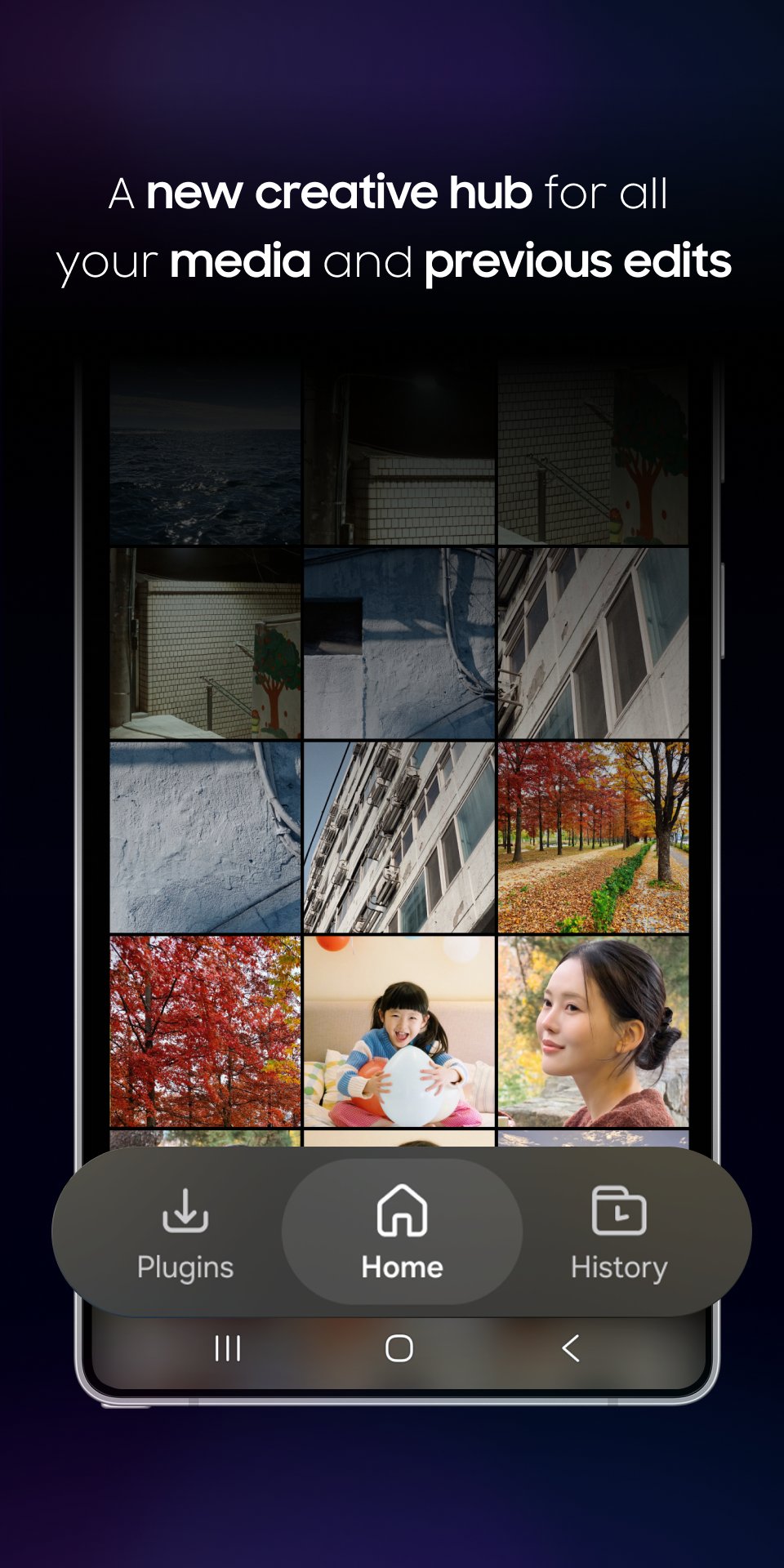
Tipster @GalaxyTechie has today shared what Samsung is cooking for the Galaxy Enhance-X in One UI 8.5. The new software could debut alongside the Galaxy S26 series (it is currently in the beta channel for S25 users). In the latest version, the app gets a brand-new user interface with three main tabs: Plugins, Homepage, and History.
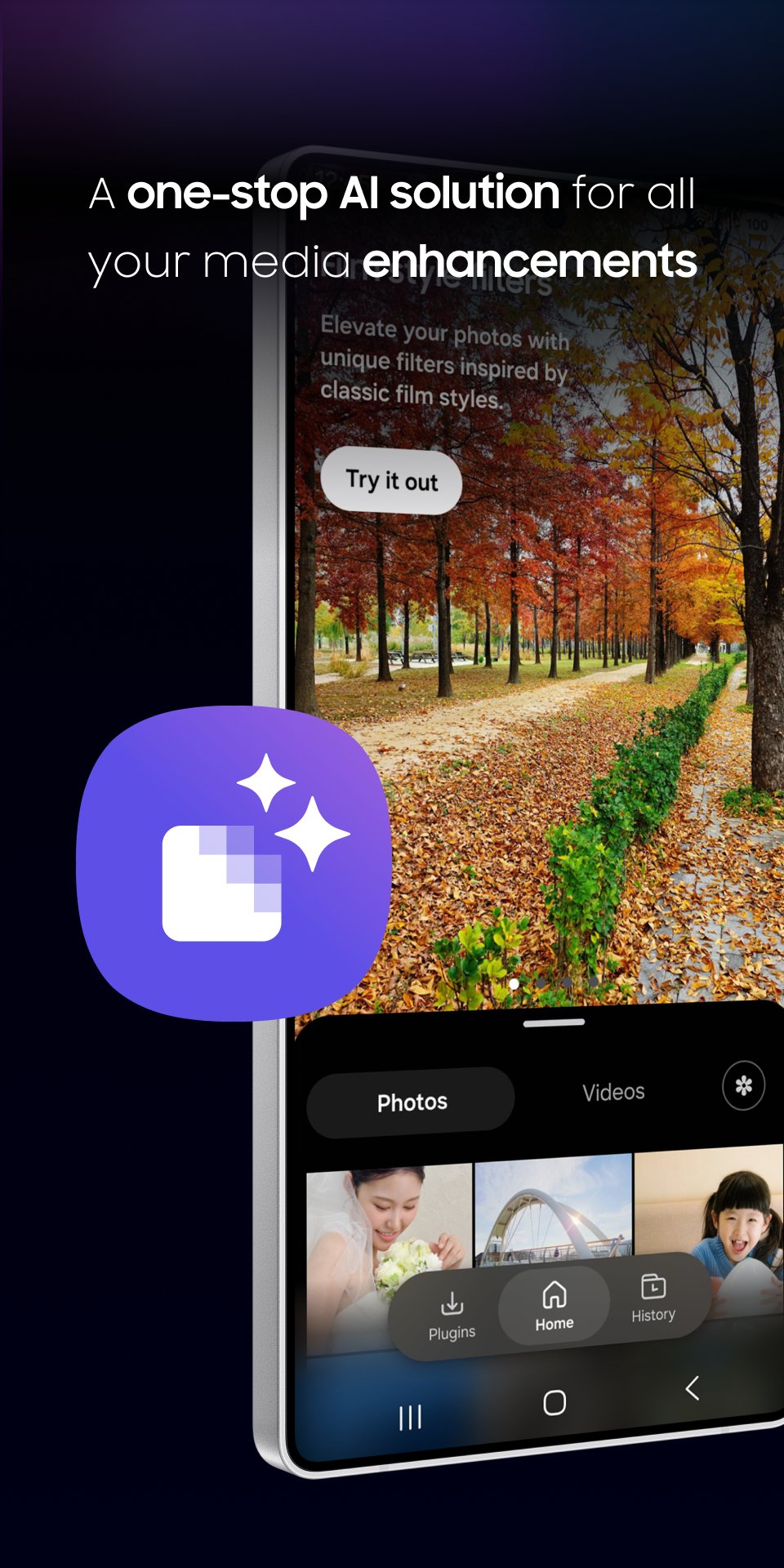
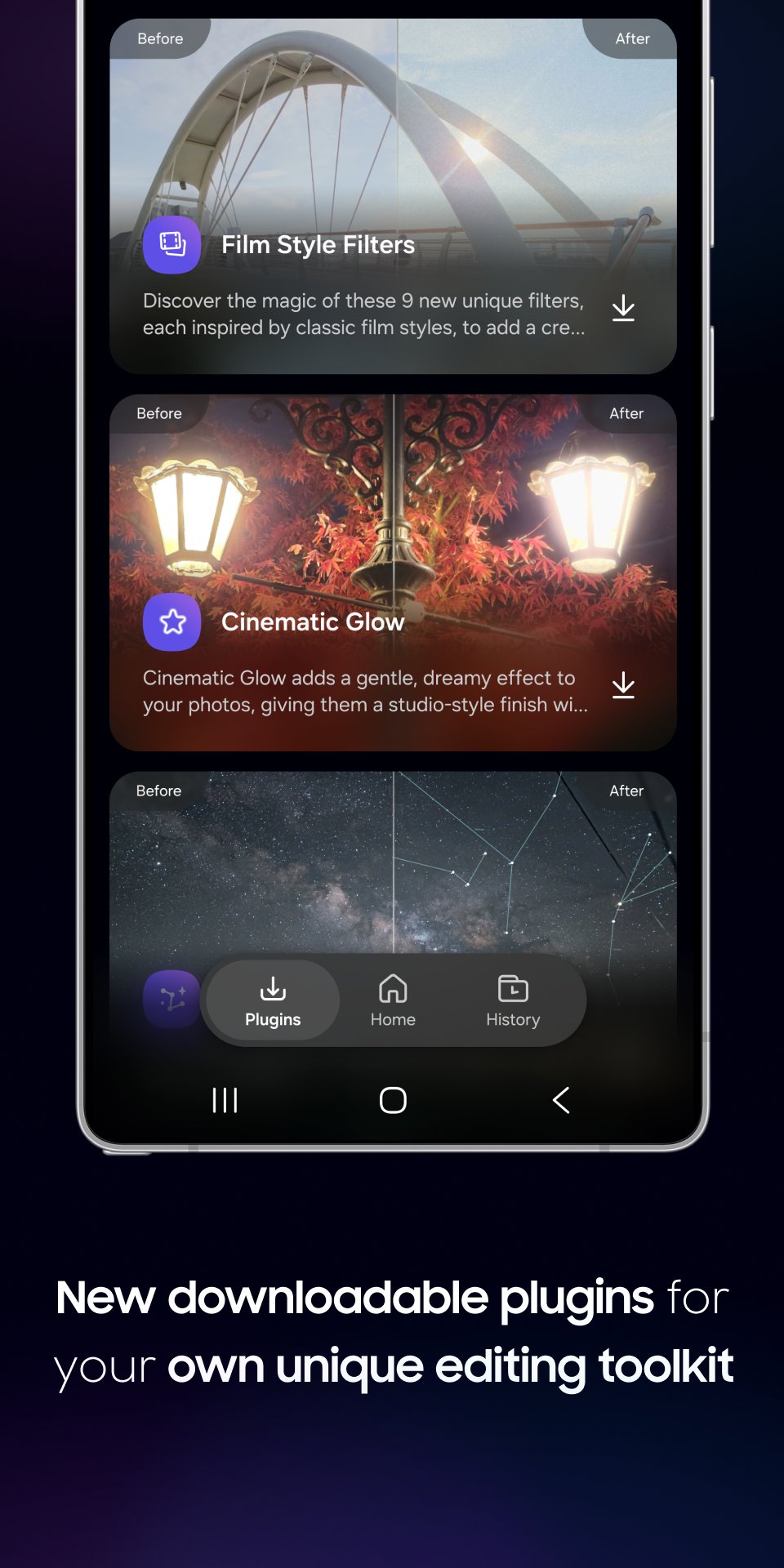
Plugins act like an in-app store where users can view and install features. For example, you can install the two latest features: Cinematic Glow and Film Style Filters. The former gives photos a cinematic, professional look while the latter offers nine new artistic options.
Speaking of Homepage, the tab works as the creative hub, letting you access photo, document, and video editing tools. You can select multiple photos or videos and apply improvements in a single session. Likewise, History keeps a record of all your saved edits, categorized by clips, videos, and documents, making searching effortless.
Furthermore, the latest version of the Galaxy Enhance-X app brings improvements for document editing. You can crop and enhance scanned documents with annotation and translation capabilities. Once done, you can convert them to PDF or JPEG format. We’ll let you know when Samsung begins pushing the update.

Written by
Binay KonwarBinay Konwar started his blogging journey in 2014 and has since written plenty of tech articles. At present, he is working as a News Writer at SammyGuru, covering everything about Samsung. He holds a Master's degree in Mathematics, but his real passion lies in tech and writing. In his free time, he enjoys playing chess and watching movies.

Follow us on Google Discover & set us as a preferred source in Google News
Share this Post
___________________________


New Blog Posts
___________________________

First Set of Pixel 11 Pro XL Renders Are Here
Pixel 11 Pro XL CAD renders show minimal design changes

Is Samsung Preparing One UI 8.5 Beta for Galaxy Z Fold 5 and Flip 5?
Samsung may launch a One UI 8.5 beta program for its 2023 foldables

Galaxy S25 One UI 8.5 Beta May Run Longer Than Expected
Galaxy S25 series’ One UI 8.5 beta may stretch to 10 rounds







