
Samsung Never Told Us the Galaxy Z TriFold Could Do This
SammyGuru is reader-supported. We have affiliate and sponsored partnerships, so we may earn a commission when you buy through links on our site — at no extra cost to you. Learn more.
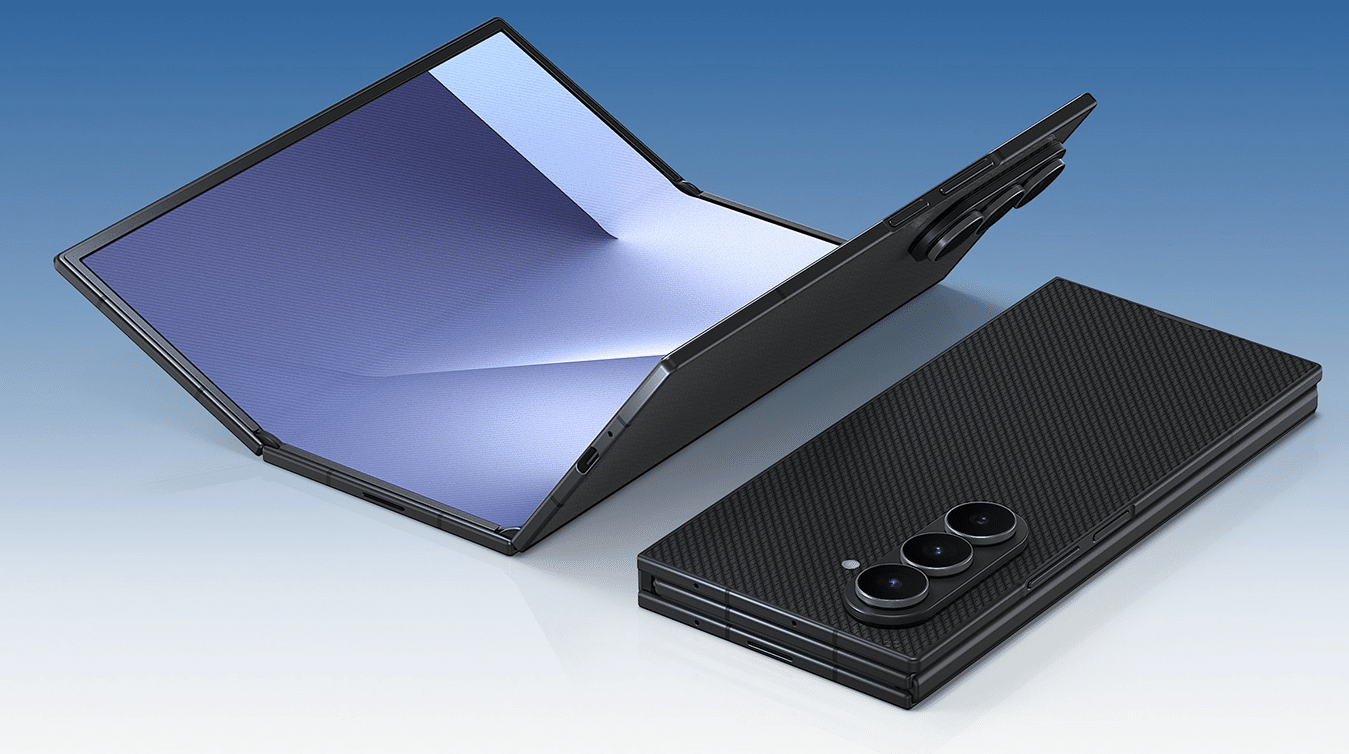
The Galaxy Z TriFold is now available in two key markets, China and Korea. Samsung has already confirmed plans to bring the tri-fold to the US later on. This newest form factor in the Galaxy Z lineup also gives the company plenty of room to experiment, especially with a screen size it is already familiar with. As a result, it can run DeX natively without requiring an external display. But there is one more nifty feature Samsung did not mention at all.
You can use Galaxy Z TriFold as second screen for your Windows PC
Reddit user FragmentedChicken spotted that the Galaxy Z TriFold also supports Second Screen, via Android Authority. It is one of those features that had previously been limited to flagship Galaxy tablets. Second Screen allows the Galaxy Z TriFold to act as a wireless external monitor using Miracast. This means users can extend their Windows desktop to the TriFold without needing any cables. As long as the Second Screen page is active on the phone, nearby PCs can detect it for connection.
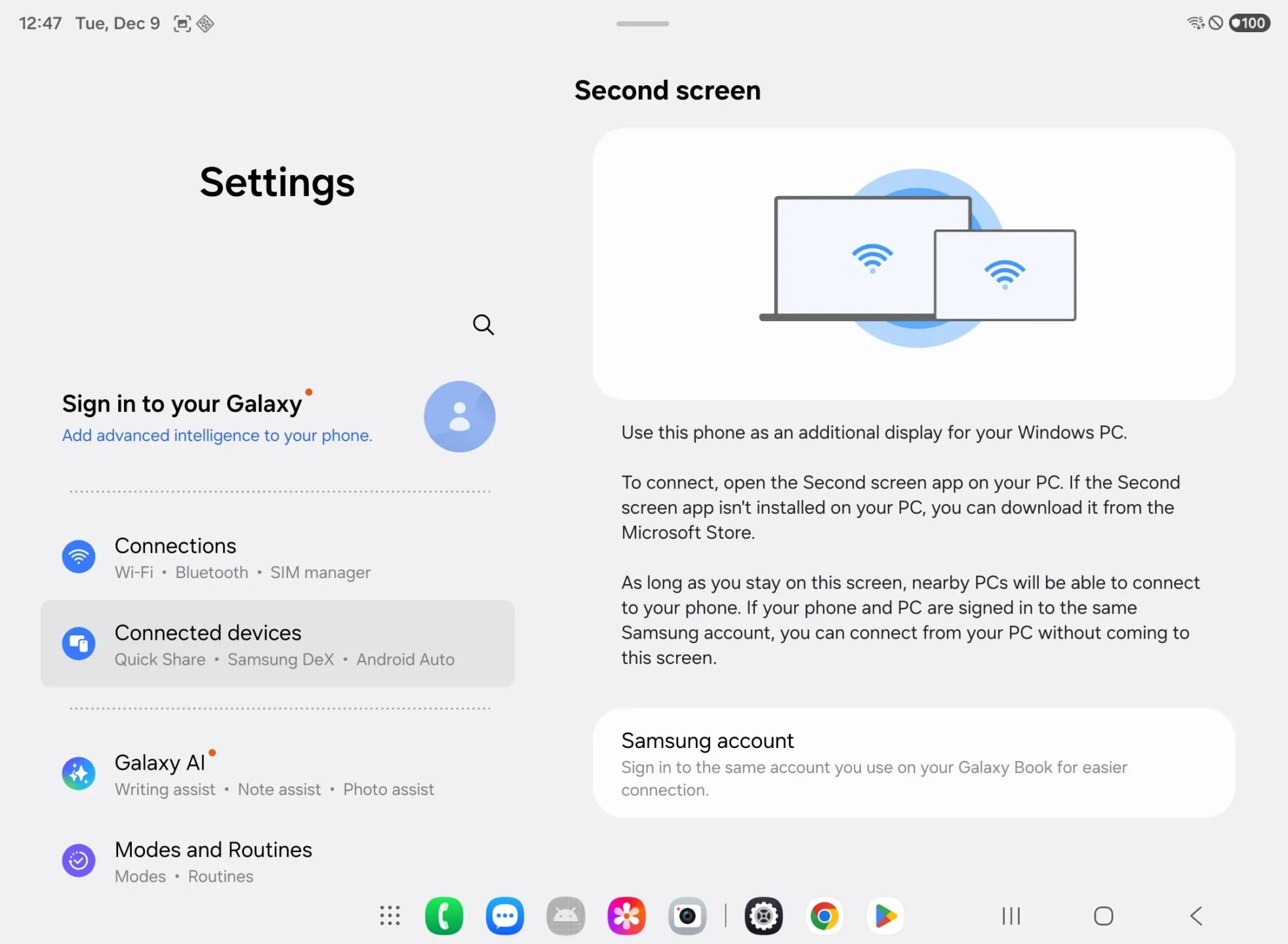
Android Authority adds more context and explains how to get started. Mishaal suggests that users open Display settings on a Windows PC and choose the option to connect to a wireless display. The Windows + K shortcut also brings up the cast menu instantly. Once connected, the TriFold functions like any other secondary monitor, making it useful for tasks such as document editing, chat windows, or tool panels while working on a primary display.
Samsung also offers a Second Screen app for Windows that adds a few extra controls, including aspect ratio options, power syncing, and automatic reconnection. These are not required, but they make the experience smoother for frequent use. Hopefully, we’ll be able to show this feature in action when we have the Galaxy Z TriFold here. Stay tuned.

Written by
Abhinav AnandAbhinav Anand is the News Editor at SammyGuru and a technology journalist based in New Delhi. Before joining SammyGuru, he contributed to numerous outlets, including Android Headlines, ExtremeTech, The Mac Observer, Financial Express, Economic Times, iGeeksBlog, KnowTechie, PhonesWiki, SlashGear, and more. You can reach him at abhinav@sammyguru.com.

Follow us on Google Discover & set us as a preferred source in Google News
Share this Post
___________________________


New Blog Posts
___________________________

First Set of Pixel 11 Pro XL Renders Are Here
Pixel 11 Pro XL CAD renders show minimal design changes

Is Samsung Preparing One UI 8.5 Beta for Galaxy Z Fold 5 and Flip 5?
Samsung may launch a One UI 8.5 beta program for its 2023 foldables

Galaxy S25 One UI 8.5 Beta May Run Longer Than Expected
Galaxy S25 series’ One UI 8.5 beta may stretch to 10 rounds







