
Galaxy Z TriFold Doesn’t Need an External Display to Run DeX
SammyGuru is reader-supported. We have affiliate and sponsored partnerships, so we may earn a commission when you buy through links on our site — at no extra cost to you. Learn more.
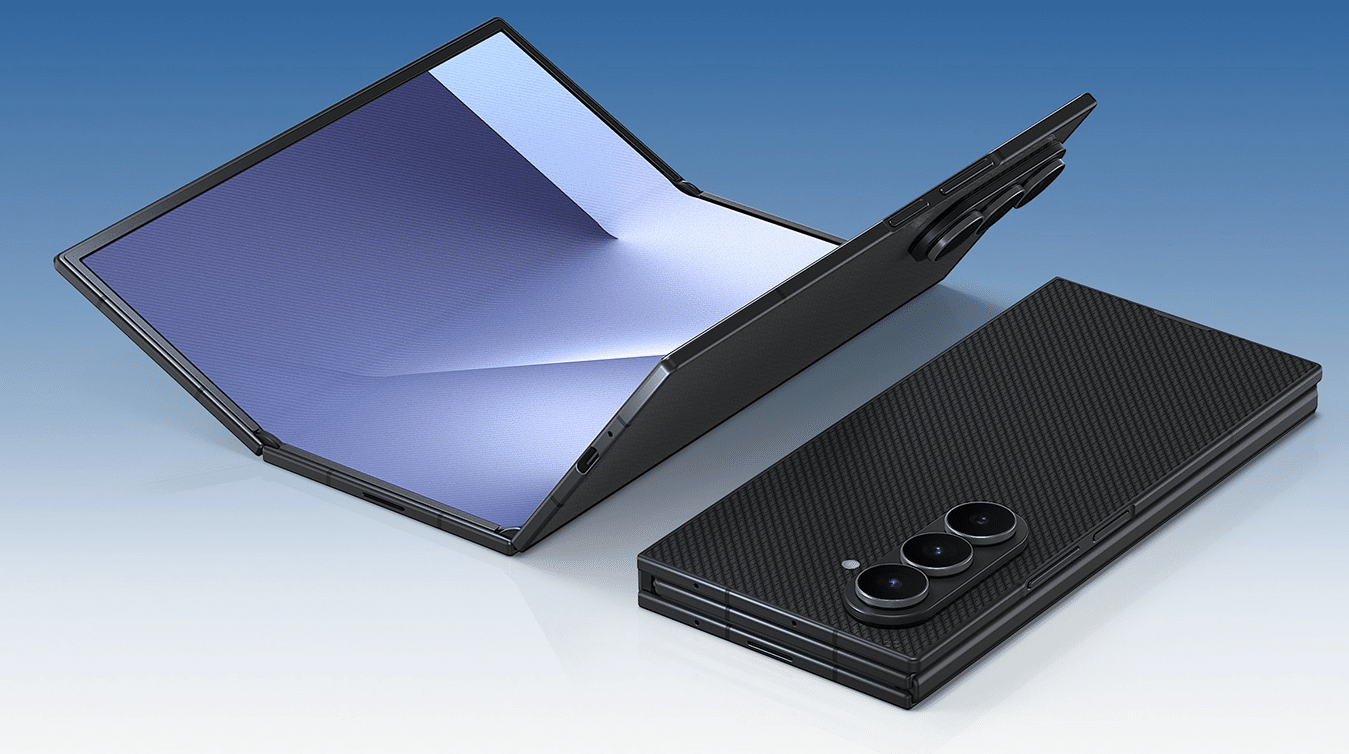
The time has come, and Samsung has officially announced the Galaxy Z TriFold, which will be releasing in South Korea on December 12. A US launch will take place next year. The device comes in a sleek package that unfolds into a large 10-inch, tablet-like display and includes all the bells and whistles. However, there is something even more important about the Galaxy Z TriFold, which is its on-device DeX support.
You don’t need external display(s) to use DeX on Galaxy Z TriFold
None of Samsung’s current phones support on-device DeX. And I am impressed that Samsung is making full use of the available screen space. You can use DeX on the Galaxy Z TriFold without connecting it to an external display, whether wirelessly or through a cable. Its 10-inch screen size works well, and since Samsung has had plenty of time to refine software for this form factor, DeX looks well optimized.
A lot of this comes from the updated DeX that arrives with One UI 8, which is what the Galaxy Z TriFold will run. In this version, Samsung rebuilt DeX on top of Android 16’s Desktop Mode, making it more capable overall. You can now use up to four virtual desktops, each running up to five apps. DeX also adds widget support, and you can resize them however you like.
Since DeX now lines up with a built-in Android feature, apps work better without extra work from developers. They no longer have to fine-tune their apps just for Samsung’s desktop setup. Because of that, the whole desktop experience feels smoother and more reliable.
We can’t wait to get our hands on the Galaxy Z TriFold. You can subscribe to our two YouTube channels, SammyGuru and Jeff Springer, to stay updated. We’ll let you know as soon as our early impressions and deep-dive video are ready, and they will show up there first.

Written by
Abhinav AnandAbhinav Anand is the News Editor at SammyGuru and a technology journalist based in New Delhi. Before joining SammyGuru, he contributed to numerous outlets, including Android Headlines, ExtremeTech, The Mac Observer, Financial Express, Economic Times, iGeeksBlog, KnowTechie, PhonesWiki, SlashGear, and more. You can reach him at abhinav@sammyguru.com.

Follow us on Google Discover & set us as a preferred source in Google News
Share this Post
___________________________


New Blog Posts
___________________________

First Set of Pixel 11 Pro XL Renders Are Here
Pixel 11 Pro XL CAD renders show minimal design changes

Is Samsung Preparing One UI 8.5 Beta for Galaxy Z Fold 5 and Flip 5?
Samsung may launch a One UI 8.5 beta program for its 2023 foldables

Galaxy S25 One UI 8.5 Beta May Run Longer Than Expected
Galaxy S25 series’ One UI 8.5 beta may stretch to 10 rounds







