
Samsung Music Introduces Easier Album Management in Latest Update
SammyGuru is reader-supported. We have affiliate and sponsored partnerships, so we may earn a commission when you buy through links on our site — at no extra cost to you. Learn more.
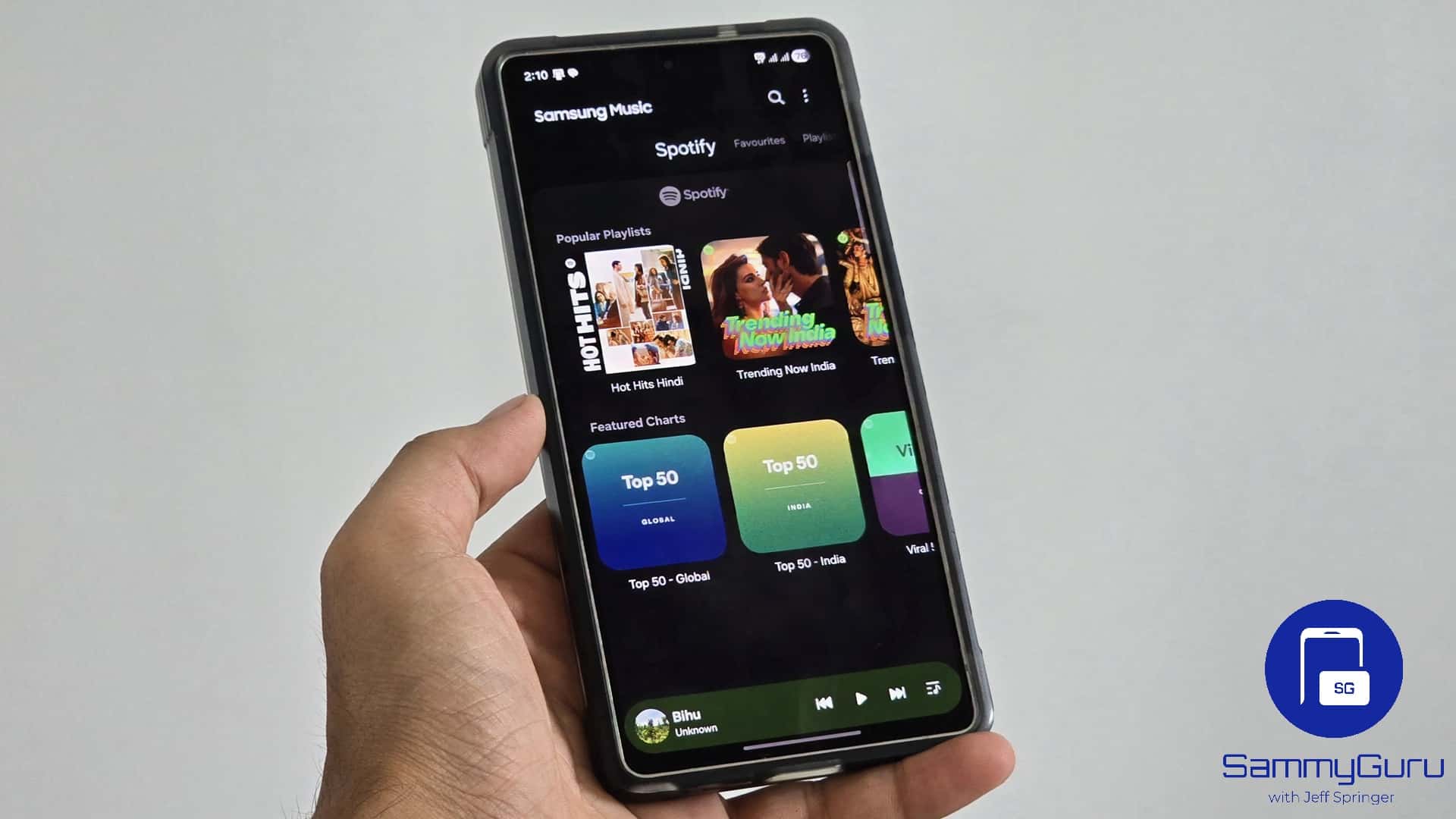
Samsung Music is a solid choice for local music playback, offering a clean and intuitive interface, broad support for various audio formats, and a range of useful features. It even integrates with Spotify, providing song recommendations and a built-in option to search tracks directly on the platform. Samsung just rolled out a new update for its Music app, introducing subtle yet meaningful improvements to enhance the overall user experience.
New Samsung Music update says goodbye to the 4×2 widget
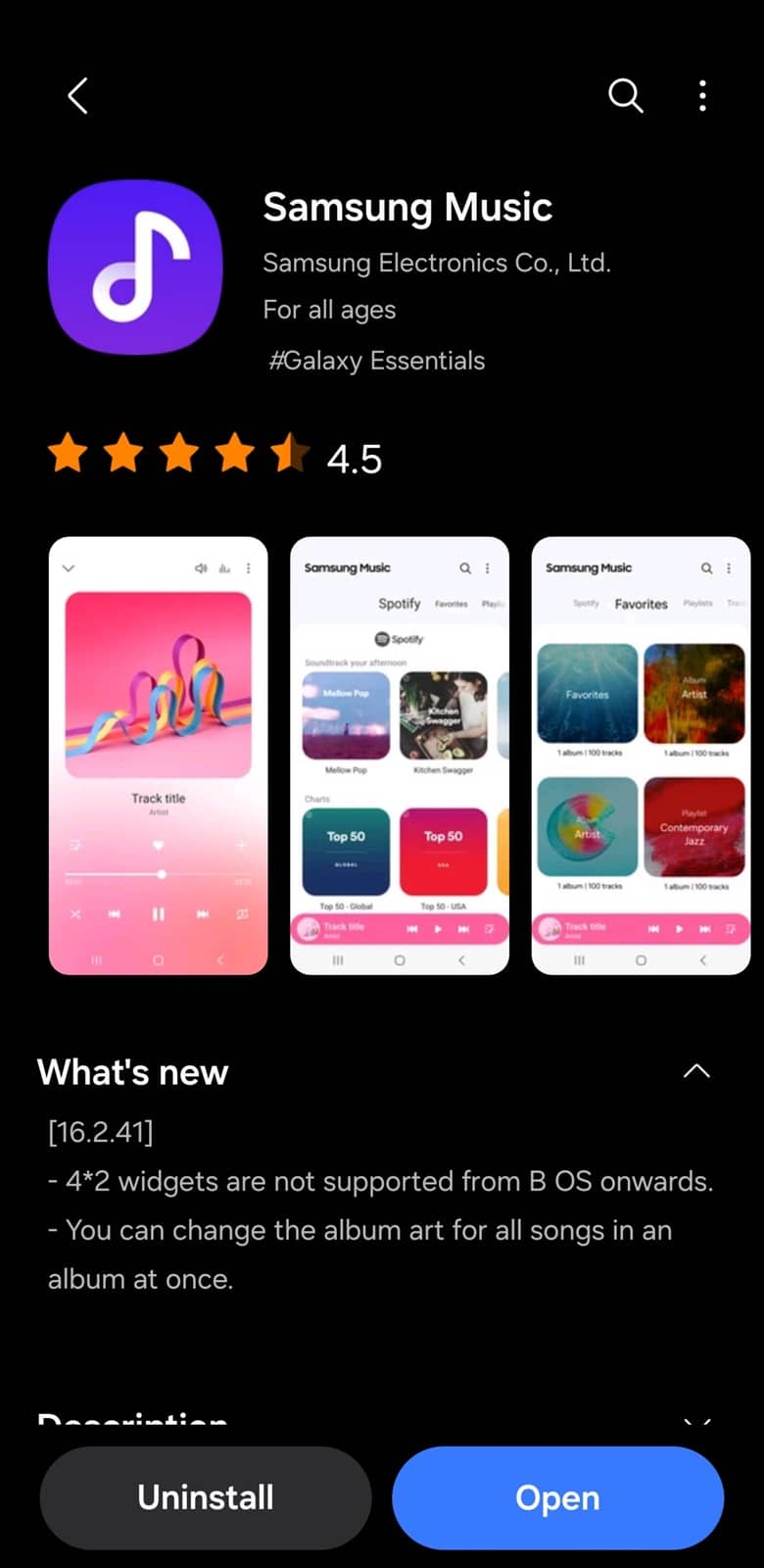
The latest update (version 16.2.41) for Samsung Music focuses on smoother performance and better library management. Rolling out via the Galaxy Store, the new version makes it easier to personalize album artwork. Users can now change the album cover for all tracks within an album at once, eliminating the need to update each song individually. This can be a major timesaver for those who frequently curate or edit their music library.
Another notable change in this Samsung Music update is the removal of the 4×2 home screen widget. If you rely on this widget for quick access to playback controls from the home screen, you must now opt for a different widget size. While some users might find this disappointing, the move likely aligns with updated Android design guidelines and performance optimizations. Samsung appears to be phasing out outdated UI elements.
Besides these two key changes, the new version of Samsung Music may bring general performance tweaks aimed at making the app run more smoothly. While Samsung hasn’t detailed every technical improvement, users should expect a more responsive interface and improved stability during playback and navigation. These kinds of updates often address minor bugs that might be affecting the app’s stability.
If you use Samsung Music, go to the Galaxy Store and update the app to the latest version. You can find all pending updates in the Menu tab (Updates section). Note that the new version may not be available to everyone immediately. Some users may have to wait a few days before the update shows up on their device.

Written by
Sumit AdhikariSumit, a life-long Samsung user, is passionate about technology and has been professionally writing on tech since 2017. He’s a mathematics graduate by education and enjoys teaching basic mathematics tricks to school kids in his spare time. Sumit believes in artificial intelligence and dreams of a fully open, intelligent and connected world.

Follow us on Google Discover & set us as a preferred source in Google News
Share this Post
___________________________


New Blog Posts
___________________________

First Set of Pixel 11 Pro XL Renders Are Here
Pixel 11 Pro XL CAD renders show minimal design changes

Is Samsung Preparing One UI 8.5 Beta for Galaxy Z Fold 5 and Flip 5?
Samsung may launch a One UI 8.5 beta program for its 2023 foldables

Galaxy S25 One UI 8.5 Beta May Run Longer Than Expected
Galaxy S25 series’ One UI 8.5 beta may stretch to 10 rounds







