
Samsung Food App Now Lets You Add Recipes from Photos
SammyGuru is reader-supported. We have affiliate and sponsored partnerships, so we may earn a commission when you buy through links on our site — at no extra cost to you. Learn more.
If you love planning your meals through Samsung Food, we have good news for you. The app recently received an update to version 2.46.0, making meal planning even smarter and more personalized. The latest version is rolling out globally and should reach your Galaxy device in the coming weeks.
What’s new in the latest Samsung Food app update?
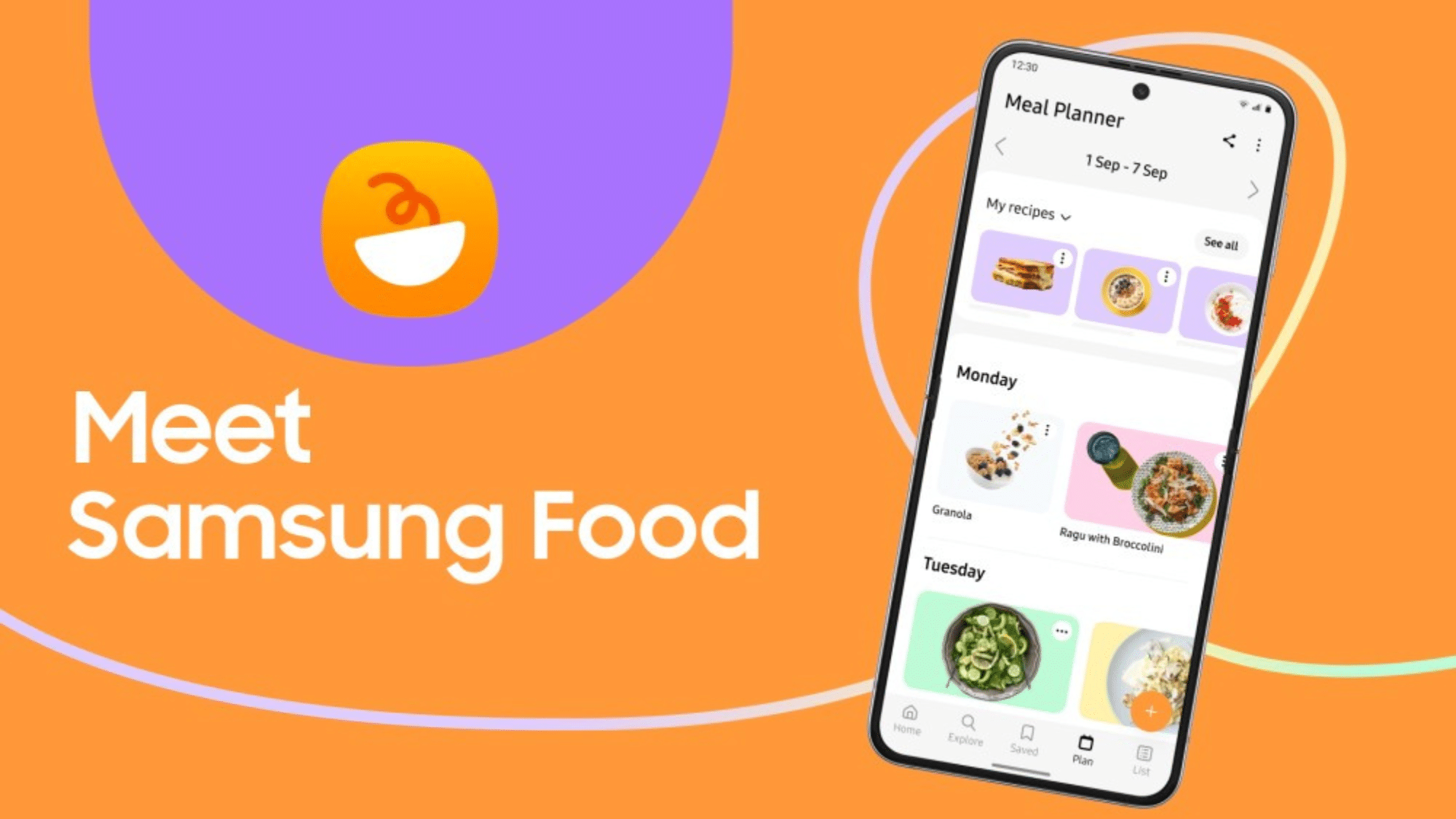
Samsung Food is an AI-powered food and recipe app that helps you discover new dishes from available recipes within the platform. You get all the food information so you can cook tasty and healthy meals. The app brings everything you need into one place — including recipe saver, organizer, automatic shopping lists, nutritional insights, cooking inspiration, guided cooking tools, smart ingredient search, and recipe reviews. Furthermore, the platform lets you connect with other foodie where you can share and receive cooking tips and kitchen tricks.
With the latest version, Samsung Food takes convenience to the next level. It brings the ability to add recipes from photos or cookbooks. This means the app can now convert a page from a cookbook, a handwritten note, or a screenshot from the internet into a digital recipe. You no longer need to type recipes manually, making the process quite convenient.
However, the app’s release notes mention: “Available for Food+ users — or try it free with up to 3 saved recipes.” This means that the new photo-to-recipe feature is available for Food+ subscribers. If you are on the free tier, you can save only up to three recipes using this feature. If you are unfamiliar, Samsung also has Food+ premium tier that offers more smart ways to personalize meal plans.
To update to the latest version, head over to the Galaxy Store and search for Samsung Food. Note that not all Galaxy users may get the update simultaneously, so you may need to wait for a few days to explore the features.

Written by
Binay KonwarBinay Konwar started his blogging journey in 2014 and has since written plenty of tech articles. At present, he is working as a News Writer at SammyGuru, covering everything about Samsung. He holds a Master's degree in Mathematics, but his real passion lies in tech and writing. In his free time, he enjoys playing chess and watching movies.

Follow us on Google Discover & set us as a preferred source in Google News
Share this Post
___________________________


New Blog Posts
___________________________

First Set of Pixel 11 Pro XL Renders Are Here
Pixel 11 Pro XL CAD renders show minimal design changes

Is Samsung Preparing One UI 8.5 Beta for Galaxy Z Fold 5 and Flip 5?
Samsung may launch a One UI 8.5 beta program for its 2023 foldables

Galaxy S25 One UI 8.5 Beta May Run Longer Than Expected
Galaxy S25 series’ One UI 8.5 beta may stretch to 10 rounds







