
Samsung Adds Privacy Display Shortcut to Good Lock
SammyGuru is reader-supported. We have affiliate and sponsored partnerships, so we may earn a commission when you buy through links on our site — at no extra cost to you. Learn more.
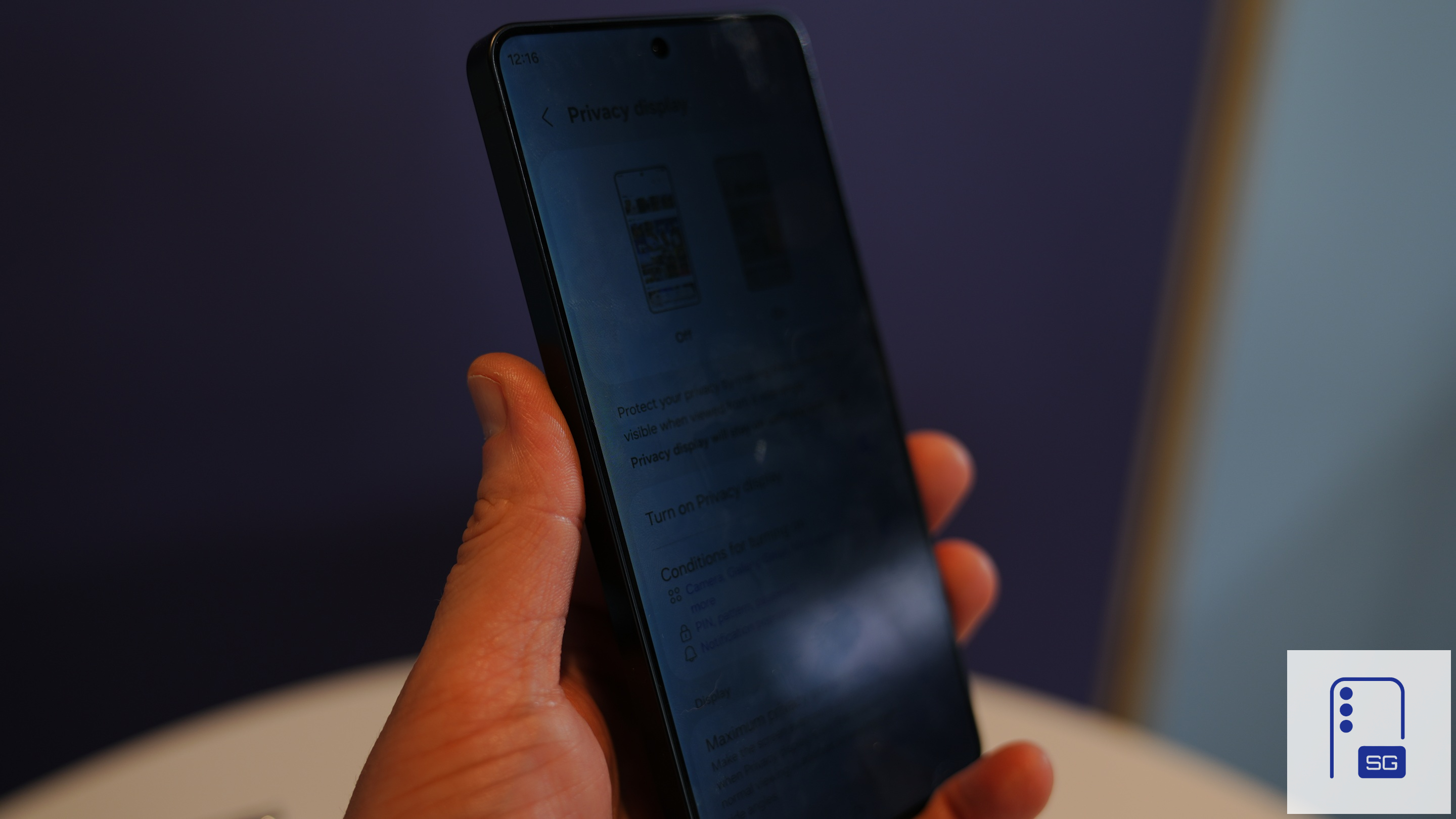
Privacy Display is one of the standout features of the Galaxy S26 Ultra. The hardware-level display technology helps prevent people nearby from viewing sensitive content on the screen, making it useful when using the phone in public spaces. Samsung is now bringing Privacy Display customization to Good Lock. A recent update for One Hand Operation+ adds a Privacy Display action for quick access.
If you are considering buying a Galaxy S26, S26+, or S26 Ultra in the US, you can still take advantage of our Mystery Box program. You get a free 65W charger, as well as a bunch of accessories at no additional cost. Simply pre-order a Galaxy S26 using our affiliate link and receive a free box of accessories.
Privacy Display integration arrives in Good Lock via One Hand Operation+
One Hand Operation+ is a Good Lock module for creating custom gesture handles along the edges of the screen. You can assign certain tasks or actions to each swipe gesture. The latest update for this app (version 8.7.11) allows Galaxy S26 Ultra users to assign a Privacy Display action, making it easier to activate the privacy-focused technology in everyday use. Privacy Display can already be enabled from Quick Settings.
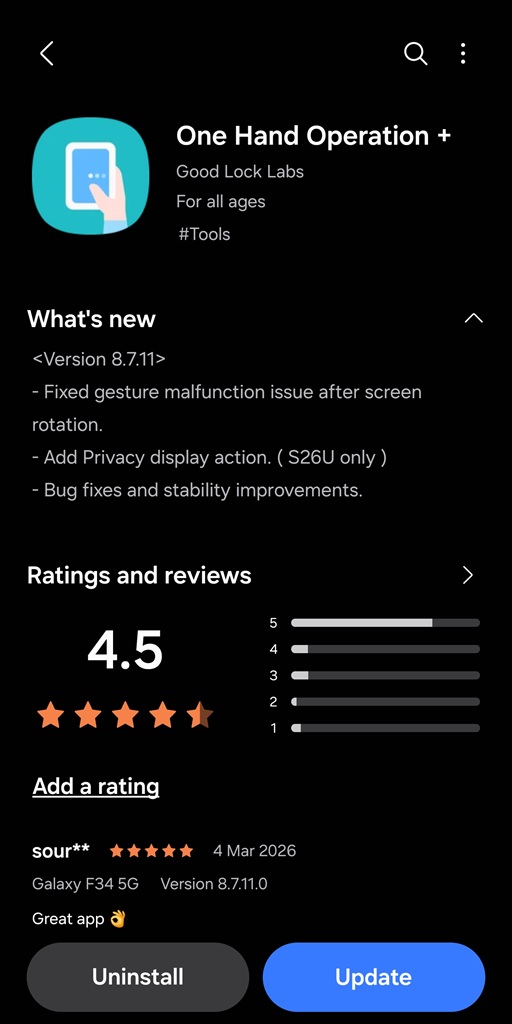
Additionally, this One Hand Operation+ update addresses a known issue affecting gestures during screen rotation. Some users reported gesture malfunctions when the display orientation changed, and the new version resolves that problem. Samsung says the release also includes additional bug fixes and performance optimizations aimed at improving the overall reliability of the plugin.
The new version of One Hand Operation+ will gradually make it to more Galaxy users worldwide. Of course, the Privacy Display action will be only available on the S26 Ultra (this display technology is embedded into hardware and remains exclusive to the new Ultra). However, other bug fixes and stability improvements should roll out to all devices. You can check for updates from Good Lock or the Galaxy Store.

Written by
Sumit AdhikariSumit, a life-long Samsung user, is passionate about technology and has been professionally writing on tech since 2017. He’s a mathematics graduate by education and enjoys teaching basic mathematics tricks to school kids in his spare time. Sumit believes in artificial intelligence and dreams of a fully open, intelligent and connected world.

Follow us on Google Discover & set us as a preferred source in Google News
Share this Post
___________________________


New Blog Posts
___________________________

First Set of Pixel 11 Pro XL Renders Are Here
Pixel 11 Pro XL CAD renders show minimal design changes

Is Samsung Preparing One UI 8.5 Beta for Galaxy Z Fold 5 and Flip 5?
Samsung may launch a One UI 8.5 beta program for its 2023 foldables

Galaxy S25 One UI 8.5 Beta May Run Longer Than Expected
Galaxy S25 series’ One UI 8.5 beta may stretch to 10 rounds







