
Latest Instagram Update Might Fix Your One UI 7 Battery Drain Issue
SammyGuru is reader-supported. We have affiliate and sponsored partnerships, so we may earn a commission when you buy through links on our site — at no extra cost to you. Learn more.
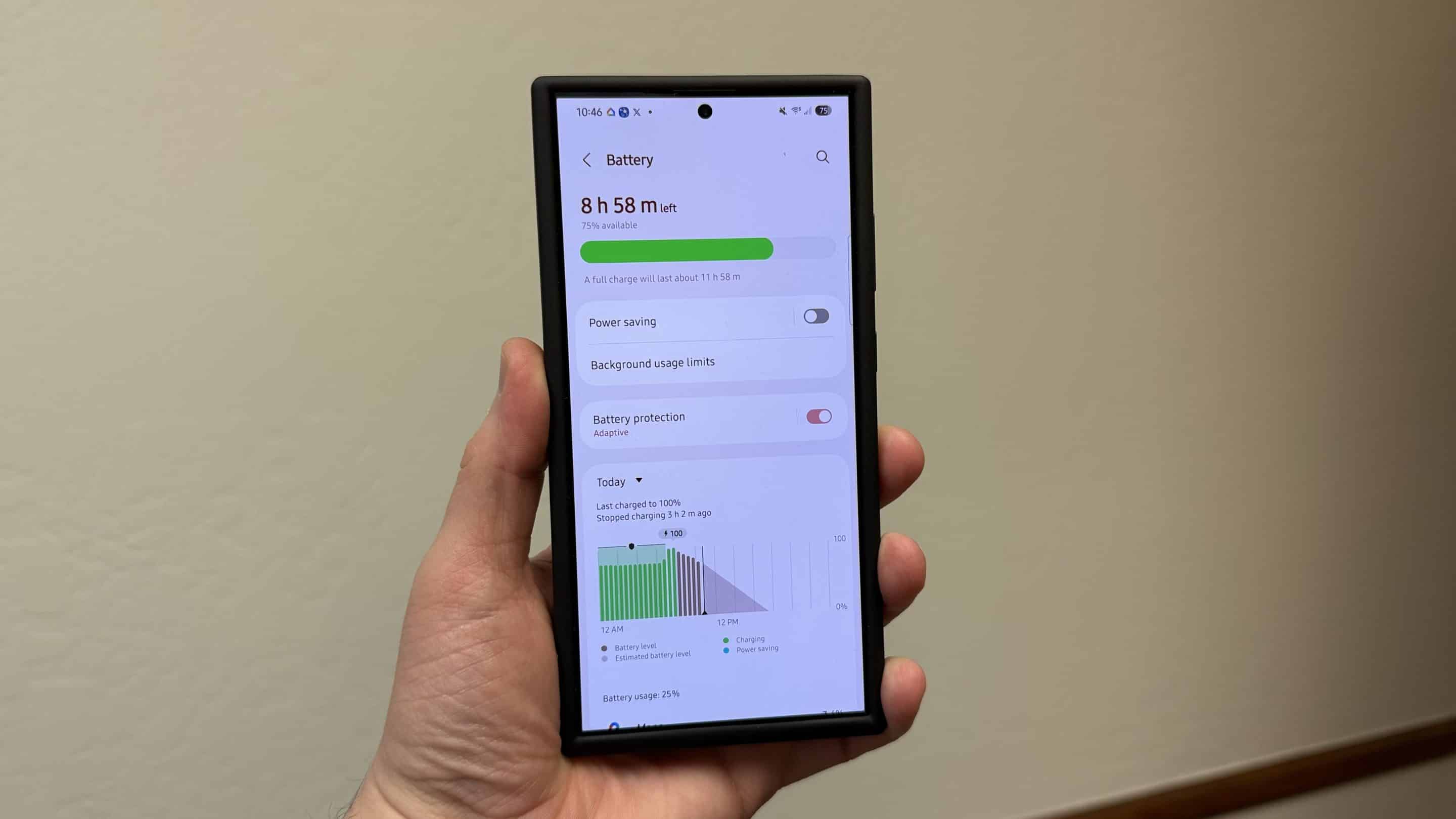
For the past couple of weeks, several Galaxy device users running One UI 7 have been complaining about quick battery drain issues. While the stable build may have some bugs, there’s also another possible cause. Google recently confirmed that the Instagram app has been draining the battery on several Android devices. The good news is that updating to the latest Instagram build should solve the issue.
Instagram might be the culprit for the One UI 7 battery drain issue
Several Android users recently took to Reddit, saying that the Instagram app is the culprit for battery drain. A Galaxy A53 user wrote, “If I go on a charge without using Instagram, I can easily squeeze out 6 hours on 60%. No clue what’s going on with the app, but it clearly needs some optimization in place.”
Thankfully, Google has now acknowledged the problem and issued an advisory titled “Battery drain on Android devices” on the official Android Help Community. The company wrote, “Starting today, Instagram is rolling out an updated app that should fix a battery drain issue on Android devices. Please make sure you have the latest version of the Instagram app (build 382.0.0.49.84) to resolve this issue.”
If you use Instagram on your Galaxy device, you should update to the latest version as soon as possible, even if you are not actively using it. To update, go to the Google Play Store and then search for Instagram. Users who have already installed the new version have confirmed fixes for battery drain issues.
When a device gets a major software update, it usually causes battery drain for a few days. The reason is that the system often needs some time to complete several backend processes. However, even after a couple of weeks, Samsung Galaxy users who have installed One UI 7 are still facing the issue.
Up until now, you have either been waiting for Samsung to release a fix or trying to solve the issue yourself by adjusting power-saving settings. Now, there’s another workaround you can try — updating your Instagram app. Unless the One UI 7 build itself has underlying bugs, this workaround should fix the problem.

Written by
Binay KonwarBinay Konwar started his blogging journey in 2014 and has since written plenty of tech articles. At present, he is working as a News Writer at SammyGuru, covering everything about Samsung. He holds a Master's degree in Mathematics, but his real passion lies in tech and writing. In his free time, he enjoys playing chess and watching movies.

Follow us on Google Discover & set us as a preferred source in Google News
Share this Post
___________________________


New Blog Posts
___________________________

First Set of Pixel 11 Pro XL Renders Are Here
Pixel 11 Pro XL CAD renders show minimal design changes

Is Samsung Preparing One UI 8.5 Beta for Galaxy Z Fold 5 and Flip 5?
Samsung may launch a One UI 8.5 beta program for its 2023 foldables

Galaxy S25 One UI 8.5 Beta May Run Longer Than Expected
Galaxy S25 series’ One UI 8.5 beta may stretch to 10 rounds








