
Google Starts Rolling Out Gemini AI to Android Auto Users
SammyGuru is reader-supported. We have affiliate and sponsored partnerships, so we may earn a commission when you buy through links on our site — at no extra cost to you. Learn more.
Earlier this year, Google confirmed that it will bring Gemini AI to Android Auto, replacing Google Assistant. The company has now reportedly begun rolling out its AI chatbot to the smart driving companion, letting users enjoy a next-gen assistant on the road. However, for now, it seems that only those who are part of the Android Auto beta program are getting access.
Gemini AI arrives on Android Auto, bringing a next-gen in-car experience
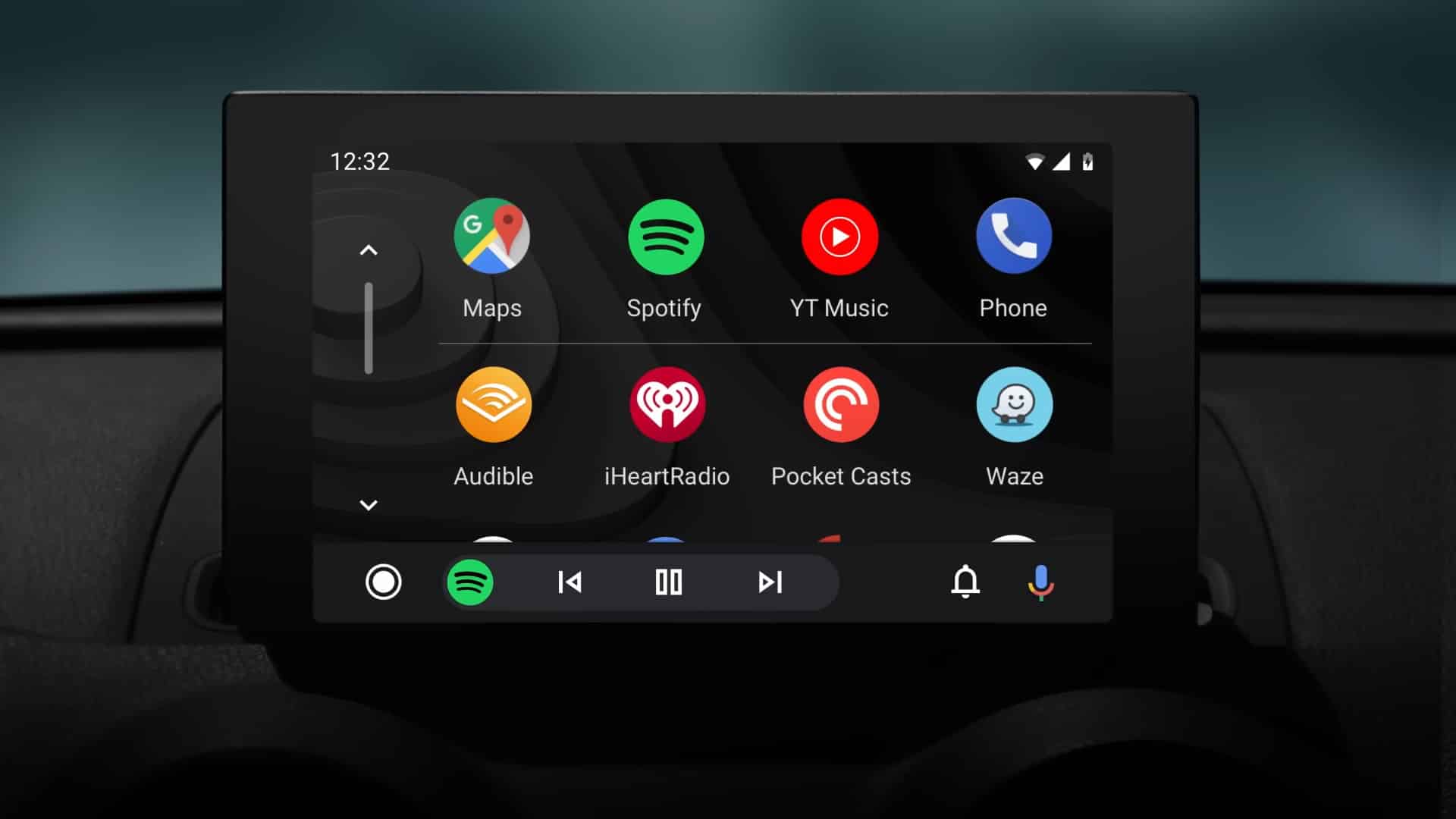
For years, Google Assistant on Android Auto has been helping you with directions, messages, and music while on the road. Now with Gemini AI, Google takes this in-car experience to the next level.
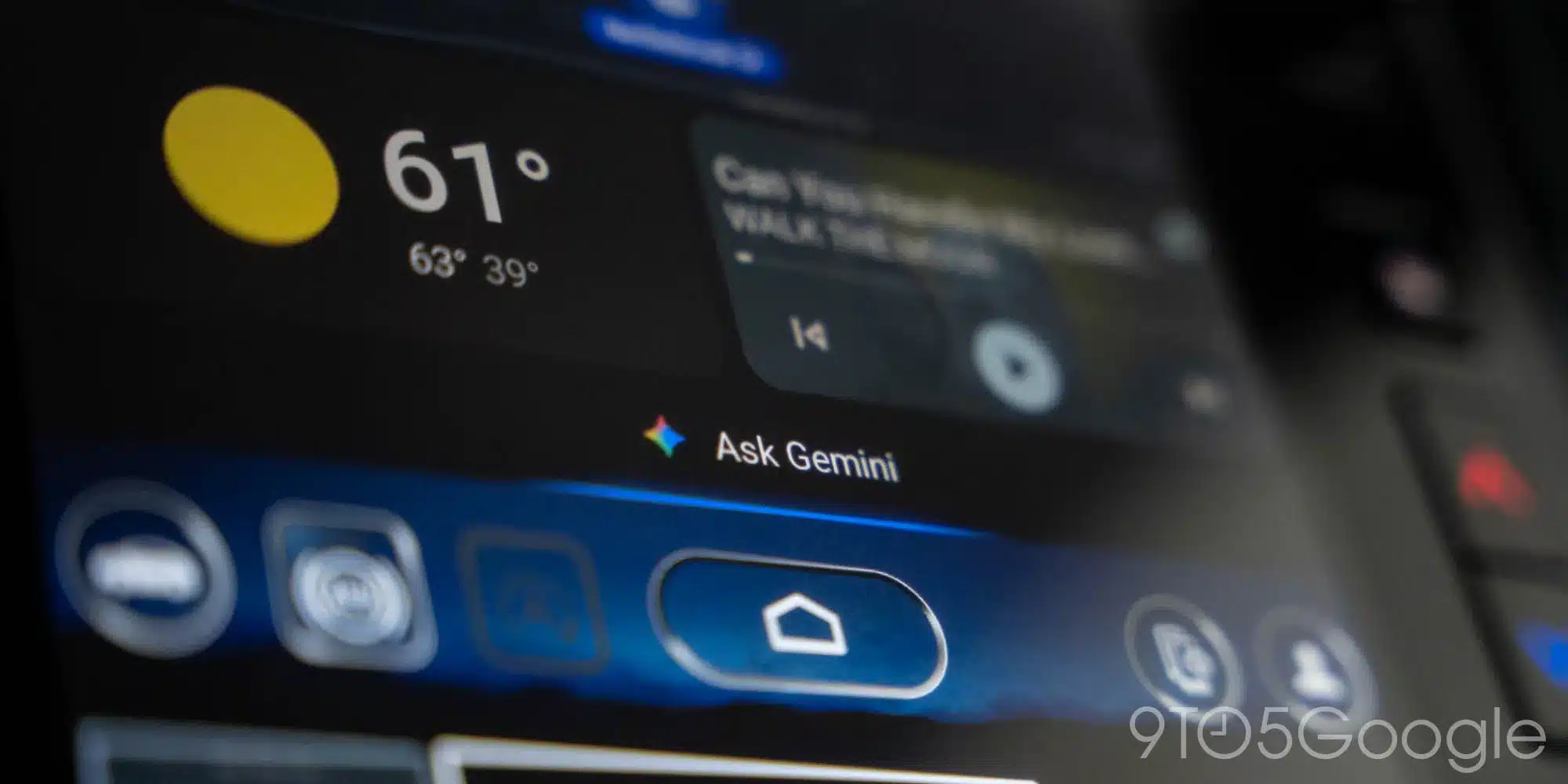
According to user posts on Reddit and reports from 9to5Google, the AI assistant has started showing up in Android Auto beta versions 15.6 and 15.7. Due to the feature’s availability across multiple versions, the publication expects that this is a server-side rollout. Once it reaches the stable channel, Google might announce this big change through an official blog post.
While Gemini on cars works much like Google Assistant, it feels smarter and more conversational. It still responds to the familiar Hey Google hotword, meaning you can give voice commands without taking your hands off the wheel. Thanks to Gemini Live, you now get real-time conversations with the AI. If you say Let’s talk live, the dashboard’s media widget switches to a Live interface. The AI assistant can also automatically translate text in both incoming and outgoing messages.
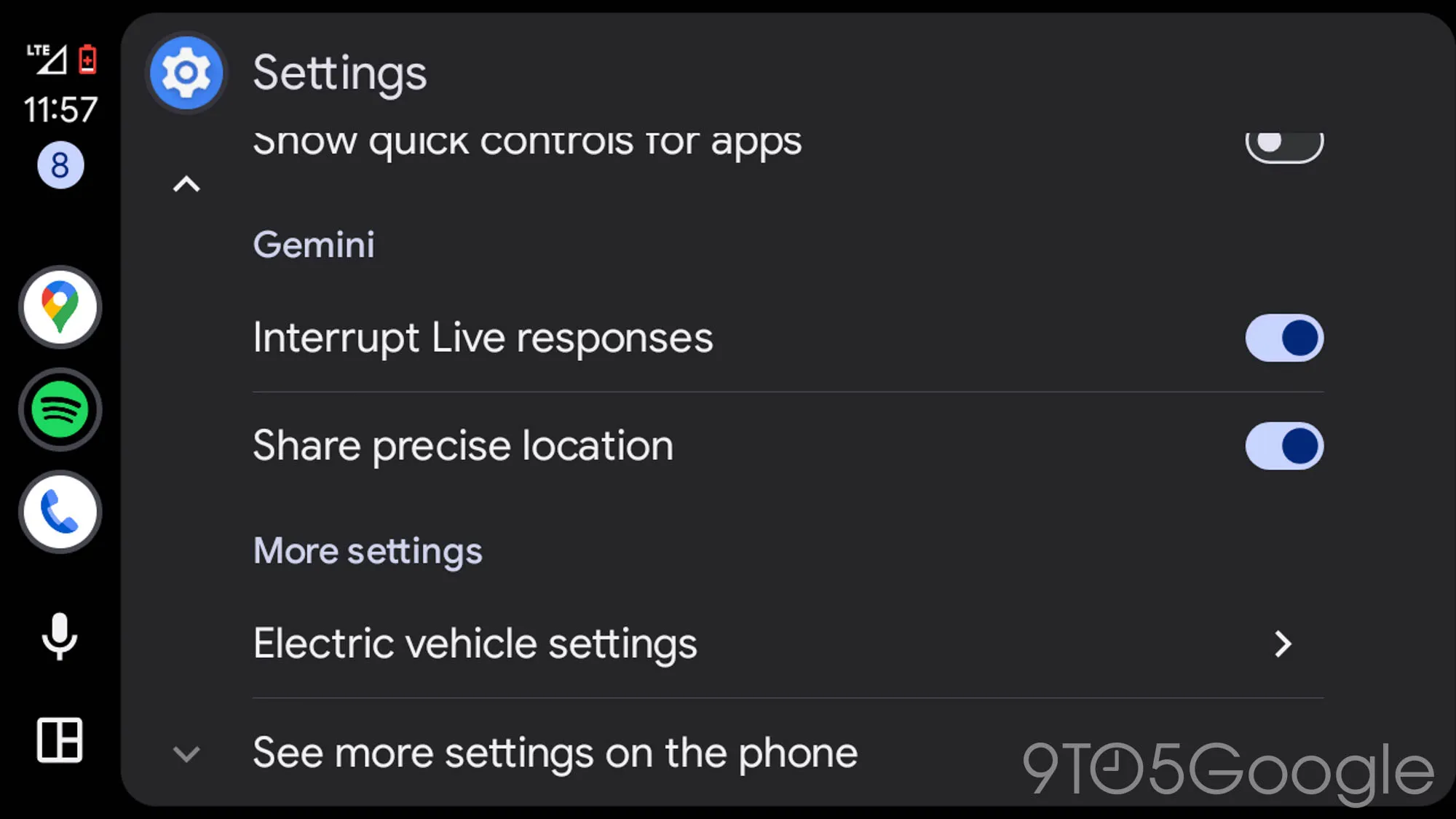
In the Android Auto settings menu, you will now see two options: Interrupt Live responses and Share precise location. Both are enabled by default, but you can toggle them off at any time. However, not everything from Google Assistant has made its way to Gemini. One feature that’s currently missing is the ability to use nicknames for contacts.
If you want to try the Gemini experience in your car early, you can join the Android Auto beta program. To join, head over to the Android Auto beta opt-in page > Become a tester and then update your Android Auto app through the Google Play Store.

Written by
Binay KonwarBinay Konwar started his blogging journey in 2014 and has since written plenty of tech articles. At present, he is working as a News Writer at SammyGuru, covering everything about Samsung. He holds a Master's degree in Mathematics, but his real passion lies in tech and writing. In his free time, he enjoys playing chess and watching movies.

Follow us on Google Discover & set us as a preferred source in Google News
Share this Post
___________________________


New Blog Posts
___________________________

First Set of Pixel 11 Pro XL Renders Are Here
Pixel 11 Pro XL CAD renders show minimal design changes

Is Samsung Preparing One UI 8.5 Beta for Galaxy Z Fold 5 and Flip 5?
Samsung may launch a One UI 8.5 beta program for its 2023 foldables

Galaxy S25 One UI 8.5 Beta May Run Longer Than Expected
Galaxy S25 series’ One UI 8.5 beta may stretch to 10 rounds







