
Google Play Helps Spot Watch Faces That Drain Galaxy Watch Battery
SammyGuru is reader-supported. We have affiliate and sponsored partnerships, so we may earn a commission when you buy through links on our site — at no extra cost to you. Learn more.
If you prefer using third-party watch faces on your Galaxy Watch but worry about battery drain, we have good news. Google will now warn you before you download a watch face app from the Play Store if it consumes a lot of battery. The company will roll out this feature with Play Store version 47.7, which should arrive on eligible Galaxy devices in the coming days.
Play Store now flags battery-draining watch faces
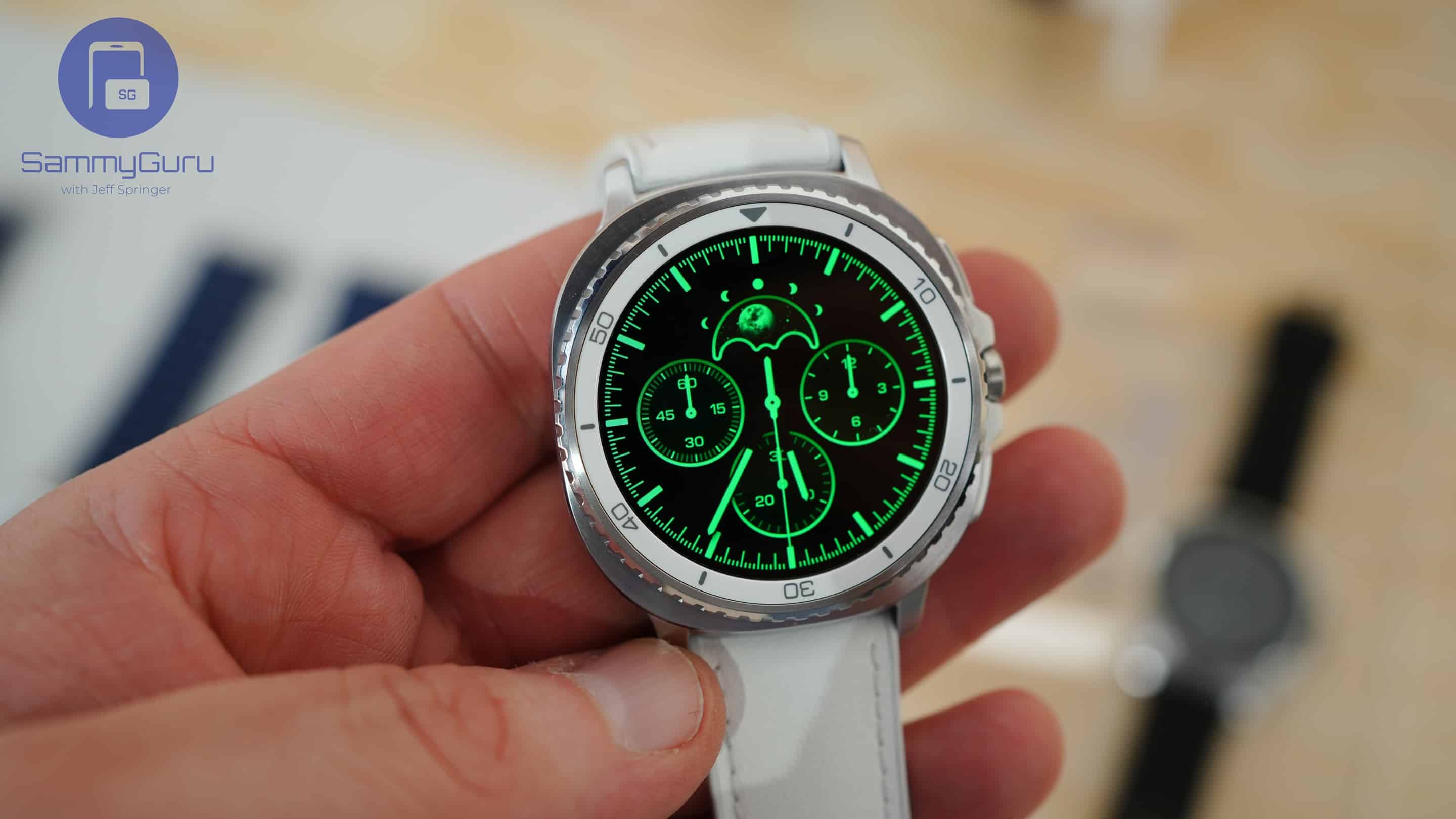
While custom watch faces give users the freedom to customize their Galaxy Watch with unique designs, some may quickly drain the battery as well. The reason is that these watch faces usually display heavy animations and dynamic data, which require more processing power. Now, Google will help you identify those watch face apps before you download them.
The Play Store version 47.7 will show you warning messages on the detail pages of watch face apps that drain battery. This is a welcome move, as developers will now need to optimize their watch faces by reducing excessive animations or background processes. Otherwise, Google will show a battery drain warning alert on the app’s page, meaning most people won’t install it.
Meanwhile, if your Galaxy Watch is running Wear OS 6-based One UI 8 Watch, you can access the popular watch face app Facer. Its extensive library of watch faces offers enhanced smartwatch customization. The app supports Google’s new Watch Face Format (WFF) — it keeps battery use low by limiting animation and code on your watch face. Furthermore, Facer has introduced a Power Impact feature that helps users pick the right balance of design and battery life.
As of now, Samsung is rolling out the August 2025 security update for several Galaxy Watches, including the Watch 6, 7, 8, and Ultra. This latest update focuses on improving device reliability, stability, and security. You can check if the update is available for your smartwatch through the Galaxy Wearable app on the connected smartphone.

Written by
Binay KonwarBinay Konwar started his blogging journey in 2014 and has since written plenty of tech articles. At present, he is working as a News Writer at SammyGuru, covering everything about Samsung. He holds a Master's degree in Mathematics, but his real passion lies in tech and writing. In his free time, he enjoys playing chess and watching movies.

Follow us on Google Discover & set us as a preferred source in Google News
Share this Post
___________________________


New Blog Posts
___________________________

First Set of Pixel 11 Pro XL Renders Are Here
Pixel 11 Pro XL CAD renders show minimal design changes

Is Samsung Preparing One UI 8.5 Beta for Galaxy Z Fold 5 and Flip 5?
Samsung may launch a One UI 8.5 beta program for its 2023 foldables

Galaxy S25 One UI 8.5 Beta May Run Longer Than Expected
Galaxy S25 series’ One UI 8.5 beta may stretch to 10 rounds







