
Google Photos Adds Custom Prompts and Audio to Photo to Video Feature
SammyGuru is reader-supported. We have affiliate and sponsored partnerships, so we may earn a commission when you buy through links on our site — at no extra cost to you. Learn more.
Last year, Google introduced a new feature in Google Photos called “Photo to Video”. This tool allows you bring static images from your library to life by turning them into six-second clips. You had 2 options to choose from: “Subtle movement” and “I’m feeling lucky”. As first reported by 9to5Google, Google is now rolling out new features to Photo to Video in Google Photos.
Google upgrades Photo to Video with prompts and post-editing
Just like the Gemini app, Google Photos now lets you to enter custom prompts when generating videos. You can describe the desired style, type of movement, or type of effect you want, instead of relying only on preset options. Furthermore, the new interface will also suggest prompts to the users. You have the ability to edit after generation, which allows for quick refinements without starting from scratch.
For example, you could type “make it look like the camera is slowly moving closer” or “add a little movement like the person is shifting” instead of picking a random effect and hoping it looks right. Of course, these are only examples, and you can do much more probably.
Generated videos may now include audio by default, which should make clips feel more complete when shared. One more important thing to note is that text prompts are limited to users aged 18 and over, and availability still depends on region. These are safeguards that Google is applying to ensure minors don’t mess up with the feature.
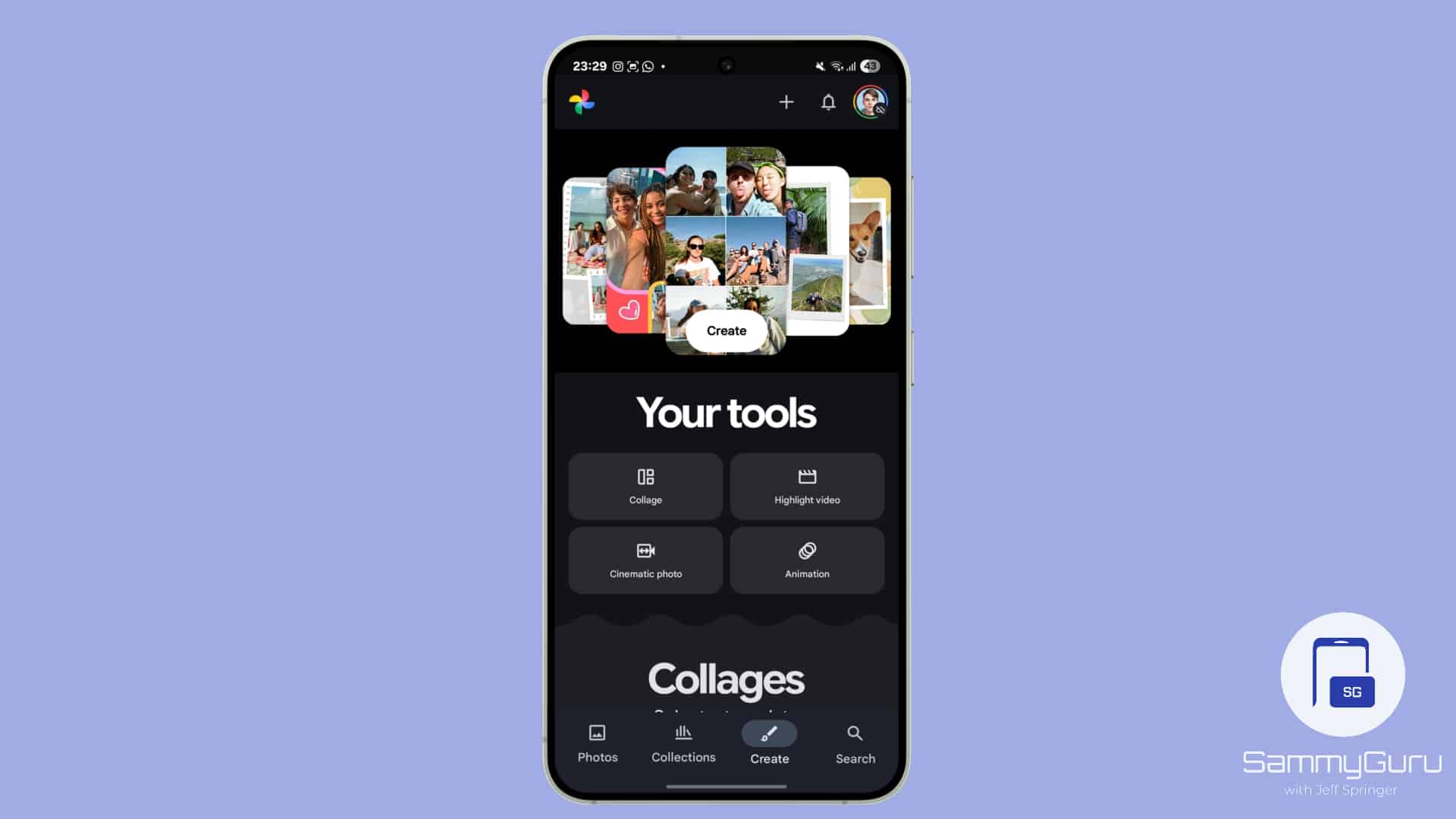
These new features have started rolling out today, but it might not be available yet for your device. As usual, rollouts may take days or weeks to reach all users. Photo to Video feature is available in Google Photos, under the Create tab. Additionally, users get a limited number of video generations per day. And of course, if you have already subscribed to Google AI Pro or AI Ultra, you’ll see higher limits than others.


Follow us on Google Discover & set us as a preferred source in Google News
Share this Post
___________________________


New Blog Posts
___________________________

First Set of Pixel 11 Pro XL Renders Are Here
Pixel 11 Pro XL CAD renders show minimal design changes

Is Samsung Preparing One UI 8.5 Beta for Galaxy Z Fold 5 and Flip 5?
Samsung may launch a One UI 8.5 beta program for its 2023 foldables

Galaxy S25 One UI 8.5 Beta May Run Longer Than Expected
Galaxy S25 series’ One UI 8.5 beta may stretch to 10 rounds







