
Galaxy Tab S11, Tab A11, Tab S6 Lite Grab February 2026 Security Update
SammyGuru is reader-supported. We have affiliate and sponsored partnerships, so we may earn a commission when you buy through links on our site — at no extra cost to you. Learn more.
We’re in March, and Samsung has also outlined the changes that the March 2026 security update will bring to its devices. For now, though, Samsung has been pushing the February 2026 security update faster, probably to make up for the delay. In the latest rollout, it is now expanding the security patch to some Galaxy tablets.
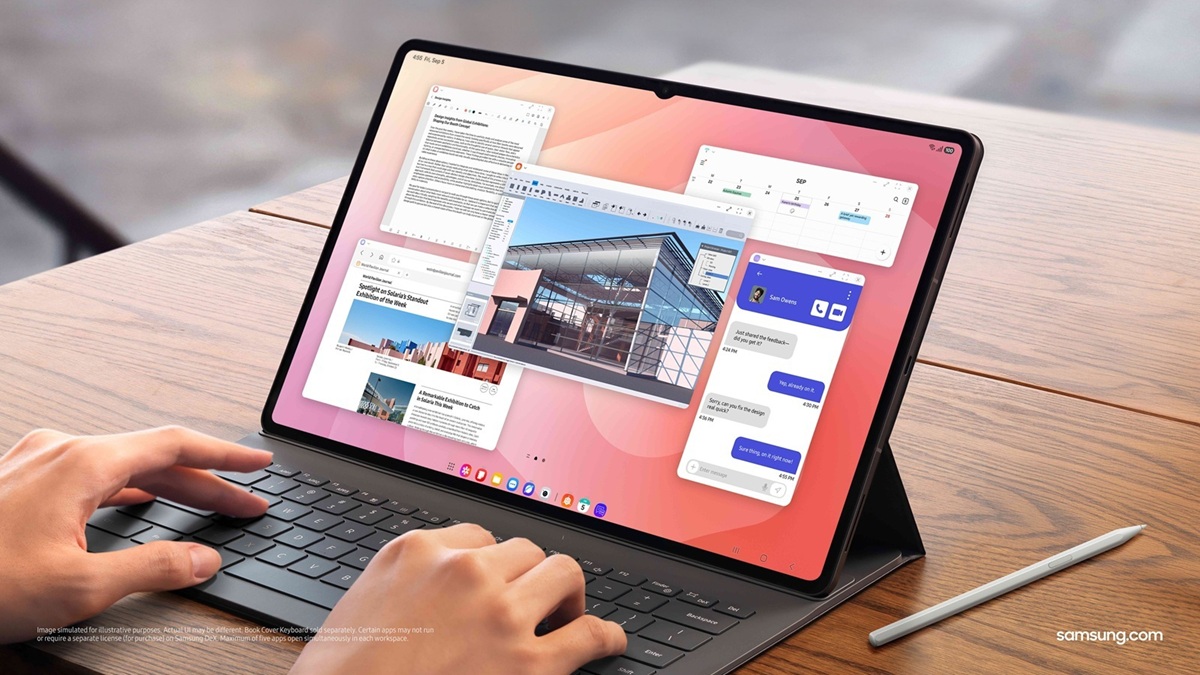
Check your Galaxy Tab S11, Tab A11, and Tab S6 Lite for the February 2026 security update!
As spotted by SammyGuru’s Mohammed Khatri, Samsung is now rolling out the February 2026 security update to the Galaxy Tab S11 and Galaxy Tab S11 Ultra. Moreover, the company is also pushing the latest patch to the Galaxy Tab A11 and Galaxy Tab A11+, as well as the Galaxy Tab S6 Lite.
As far as the Galaxy Tab S11 series and Galaxy Tab A11 series go, they are receiving the February 2026 security update in Korea. Meanwhile, the Galaxy Tab S6 Lite is getting the latest available security update in Malaysia, Vietnam, Thailand, and the Philippines.
Below, you can check the respective build versions for each model:
- Galaxy Tab S11: X730XXS5AZB8
- Galaxy Tab S11 Ultra: X930XXS5AZB8
- Galaxy Tab A11: X135NKOS4BZB8
- Galaxy Tab A11+: X230XXS3AZB7
- Galaxy Tab S6 Lite: P625XXS9CZB6
As usual, if you happen to own any of these devices and live in the mentioned regions, you’ll want to make sure you have updated to the latest security patch. It brings fixes for more than 37 vulnerabilities. Of these, 27 are high-severity Android issues, while the rest are Samsung-specific SVEs.
To update your Galaxy Tab to the February 2026 security update, head to Settings > Software update > Download and install. Once the update is downloaded on your device, tap Install now. The installation will take some time to complete, after which your device will boot up running the latest security update.

Written by
Abhinav AnandAbhinav Anand is the News Editor at SammyGuru and a technology journalist based in New Delhi. Before joining SammyGuru, he contributed to numerous outlets, including Android Headlines, ExtremeTech, The Mac Observer, Financial Express, Economic Times, iGeeksBlog, KnowTechie, PhonesWiki, SlashGear, and more. You can reach him at abhinav@sammyguru.com.

Follow us on Google Discover & set us as a preferred source in Google News
Share this Post
___________________________


New Blog Posts
___________________________

First Set of Pixel 11 Pro XL Renders Are Here
Pixel 11 Pro XL CAD renders show minimal design changes

Is Samsung Preparing One UI 8.5 Beta for Galaxy Z Fold 5 and Flip 5?
Samsung may launch a One UI 8.5 beta program for its 2023 foldables

Galaxy S25 One UI 8.5 Beta May Run Longer Than Expected
Galaxy S25 series’ One UI 8.5 beta may stretch to 10 rounds







