
Galaxy Devices That Received One UI 8 This Week (Oct 27-Nov 2)
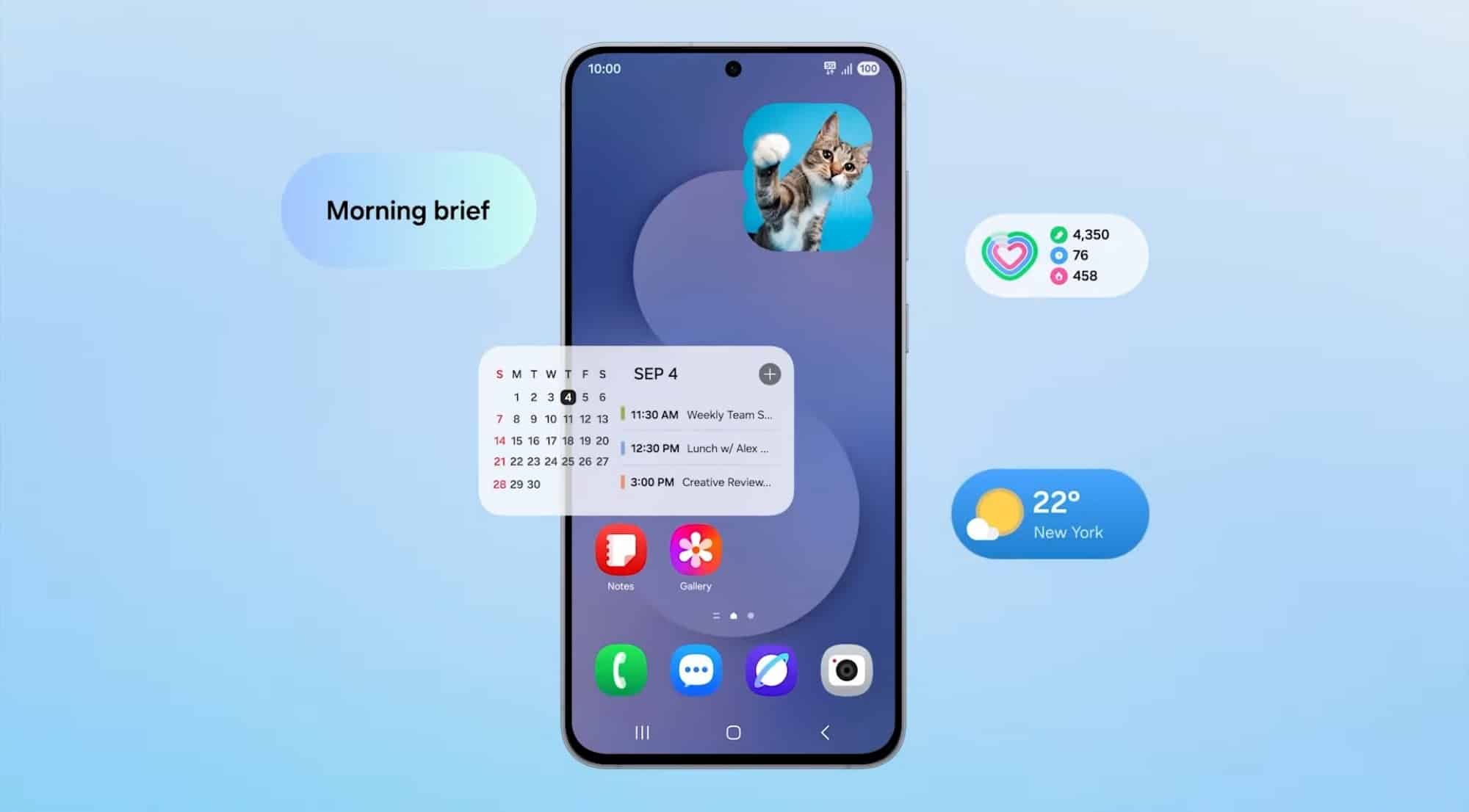
Samsung released the One UI 8 update for several Galaxy devices this week, following a brief slowdown in rollout activity last week. Many smartphones ranging from the premium Galaxy S series to affordable M and F series have now received the latest software. With this, Samsung has now almost completed the One UI 8 rollout, and only a few eligible models are left to get it. Last updated on October 31.
So, which Galaxy devices received One UI 8 update this week?
This week was quite busy for Samsung, at least in terms of One UI 8 updates. The week began with the Galaxy Tab S8 series picking up the One UI 8 update in Korea, followed by a bunch of A and M series smartphones like the Galaxy M55, M33, A33, and A53 joining the list. Later, more budget-friendly Galaxy devices were updated to One UI 8. Below is a summary of the Galaxy devices that received the update this week.
S series
- Galaxy S21 FE Exynos (India, Nepal, Brazil)
A series
- Galaxy A07 (Vietnam, Malaysia, Indonesia)
- Galaxy A06 4G (Vietnam, Malaysia, Thailand)
- Galaxy A33 (India, Singapore, Indonesia)
- Galaxy A53 (India, Sri Lanka, Brazil)
M series
- Galaxy M55 (India, Europe, Vietnam)
- Galaxy M55s (India)
- Galaxy M15 (India, Europe, Turkey)
- Galaxy M33 (India, Europe, Turkey)
- Galaxy M53 (Korea, Vietnam, Malaysia)
Galaxy F series
- Galaxy F55 (India)
- Galaxy F15 (India)
Galaxy Tab
- Galaxy Tab S6 Lite (Europe, USA, Canada)
- Galaxy Tab Active 5 Pro (Europe, Indonesia, Malaysia)
- Galaxy Tab S8 (India, Europe, Korea)
- Galaxy Tab S8+ (India, Europe, Korea)
- Galaxy Tab S8 Ultra (India, Europe, Korea)

The One UI 8 update brings several new features such as smoother animations, refreshed clock styles, and a redesigned Weather app that looks more modern. Samsung has also improved the Now Bar, which now supports more apps like Zomato and displays real-time updates in a cleaner way. With One UI 8, users can enjoy better multitasking with the 90:10 split-screen ratio, improved performance, and enhanced stability. Compared to One UI 8, One UI 8.5 appears to be an even bigger upgrade, bringing a major overhaul to the overall UI and the design of several system apps.
Some Galaxy devices, like the Galaxy M15 and Galaxy F15, didn’t have Google’s Circle to Search feature before, but they’ve now received it with this update. Long pressing the navigation bar activates Circle to Search, while long pressing the side button launches Gemini.
If you own any of these Galaxy devices, you can check for the update by going to Settings > Software update > Download and install. Tap Install now once the download is complete, and your Galaxy will reboot running the latest One UI 8 software.

Follow us on Google Discover & set us as a preferred source in Google News
Share this Post
___________________________


New Blog Posts
___________________________

First Set of Pixel 11 Pro XL Renders Are Here
Pixel 11 Pro XL CAD renders show minimal design changes

Is Samsung Preparing One UI 8.5 Beta for Galaxy Z Fold 5 and Flip 5?
Samsung may launch a One UI 8.5 beta program for its 2023 foldables

Galaxy S25 One UI 8.5 Beta May Run Longer Than Expected
Galaxy S25 series’ One UI 8.5 beta may stretch to 10 rounds


