
ClockFace Just Got Better on One UI 8 — Update Rolling Out
SammyGuru is reader-supported. We have affiliate and sponsored partnerships, so we may earn a commission when you buy through links on our site — at no extra cost to you. Learn more.
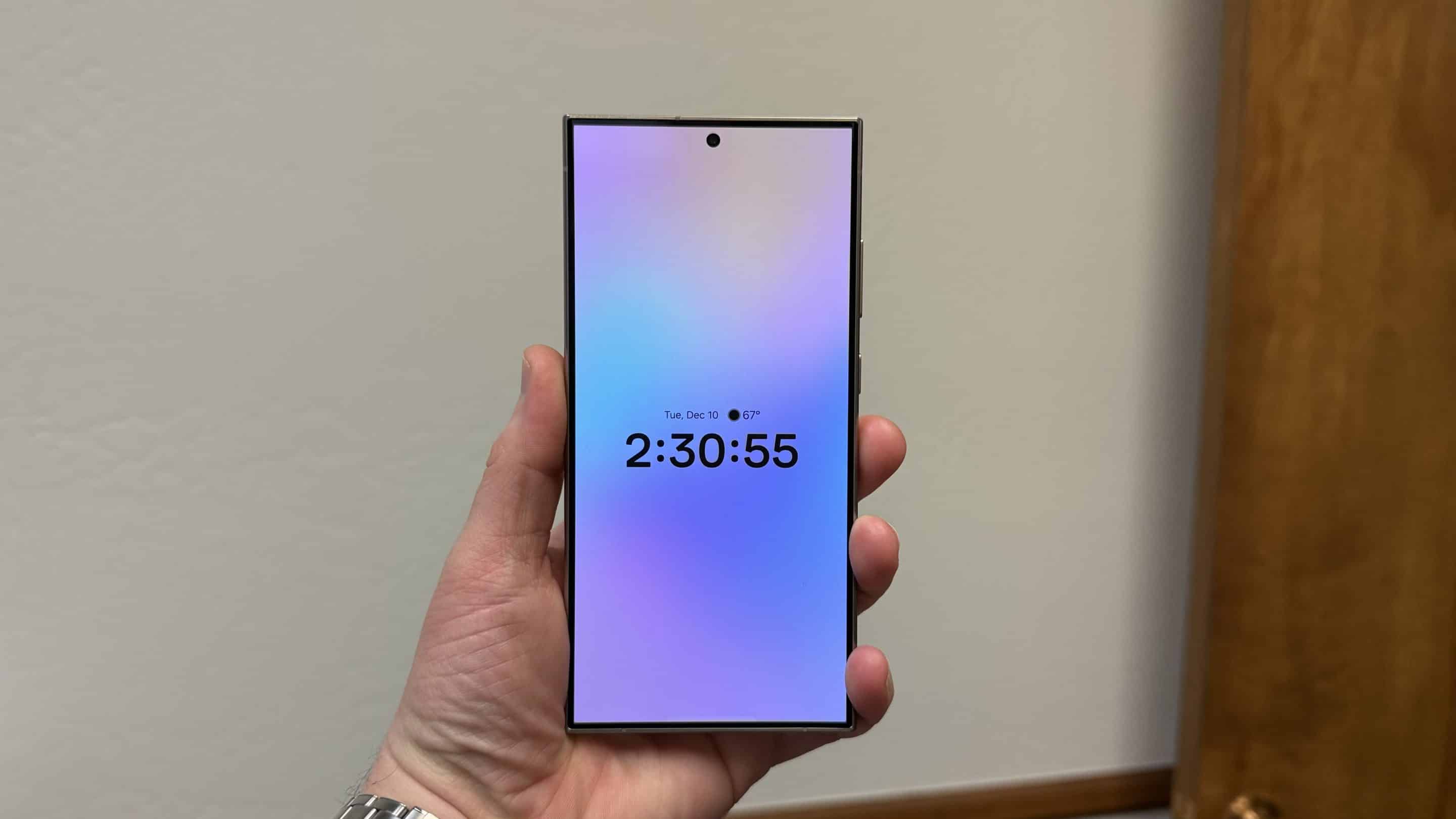
Samsung has rolled out an update for its ClockFace app, officially introducing One UI 8 support. While the app already worked on One UI 8, the latest release addresses some minor compatibility issues. Version 3.4.00.4 of ClockFace also brings a couple of noteworthy improvements for users who love customizing their lock screen and Always-On Display clocks.
ClockFace for One UI 8 rolls out with two key changes
The One UI 8 version of Samsung’s ClockFace app, a Good Lock module for customizing the lock screen clock, enhances some existing clock styles with subtle visual tweaks. While Samsung hasn’t detailed exactly which designs were updated, you may notice minor refinements in layout, spacing, or animation for a refreshed look.
Additionally, the app now includes a built-in exception to Android’s battery optimization settings. This should help ClockFace function more reliably, especially when applying custom clock styles without being restricted by power-saving features. Of course, this could draw more power, affecting the battery life. But it’s a great addition for anyone not concerned about the battery life and wanting flawless clock customizations.
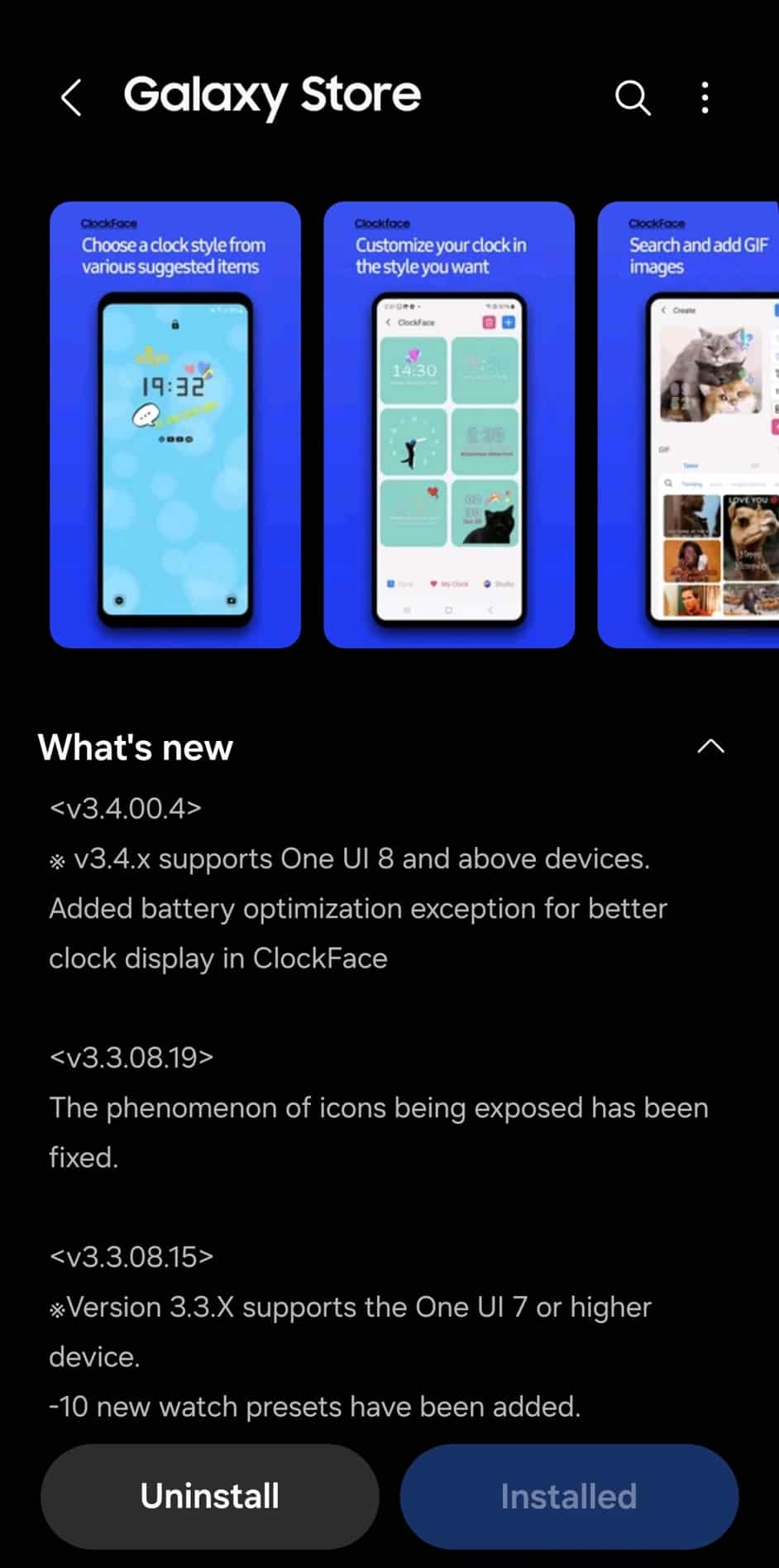
This update is only available for Galaxy devices running One UI 8, so most Galaxy users won’t see it anytime soon. So far, One UI 8 is officially available on the Galaxy Z Fold 7, Flip 7, and Flip 7 FE. Additionally, a beta version is available for the Galaxy S25, S25+, and S25 Ultra in select markets. Samsung is gearing up to widely roll out its Android 16-based update for eligible Galaxy devices starting later this month.
If you use Good Lock to personalize your Galaxy device, you’ll love this update. Besides ClockFace, One UI 8 brings major functional upgrades and new features to several other modules, including Home Up, LockStar, NavStar, Theme Park, MultiStar, Routines+, and more. Some Good Lock modules are yet to receive their One UI 8 updates.

Written by
Sumit AdhikariSumit, a life-long Samsung user, is passionate about technology and has been professionally writing on tech since 2017. He’s a mathematics graduate by education and enjoys teaching basic mathematics tricks to school kids in his spare time. Sumit believes in artificial intelligence and dreams of a fully open, intelligent and connected world.

Follow us on Google Discover & set us as a preferred source in Google News
Share this Post
___________________________


New Blog Posts
___________________________

First Set of Pixel 11 Pro XL Renders Are Here
Pixel 11 Pro XL CAD renders show minimal design changes

Is Samsung Preparing One UI 8.5 Beta for Galaxy Z Fold 5 and Flip 5?
Samsung may launch a One UI 8.5 beta program for its 2023 foldables

Galaxy S25 One UI 8.5 Beta May Run Longer Than Expected
Galaxy S25 series’ One UI 8.5 beta may stretch to 10 rounds







