
Beeper Just Got Smarter with On-Device Messaging and a New Plus Plan
SammyGuru is reader-supported. We have affiliate and sponsored partnerships, so we may earn a commission when you buy through links on our site — at no extra cost to you. Learn more.
If you want to manage all your messaging apps from one interface, Beeper offers this convenience. The multi-service messaging app has now introduced an on-device messaging option and a Beeper Plus plan. This brings a big security upgrade while allowing access to more accounts through the premium tier.
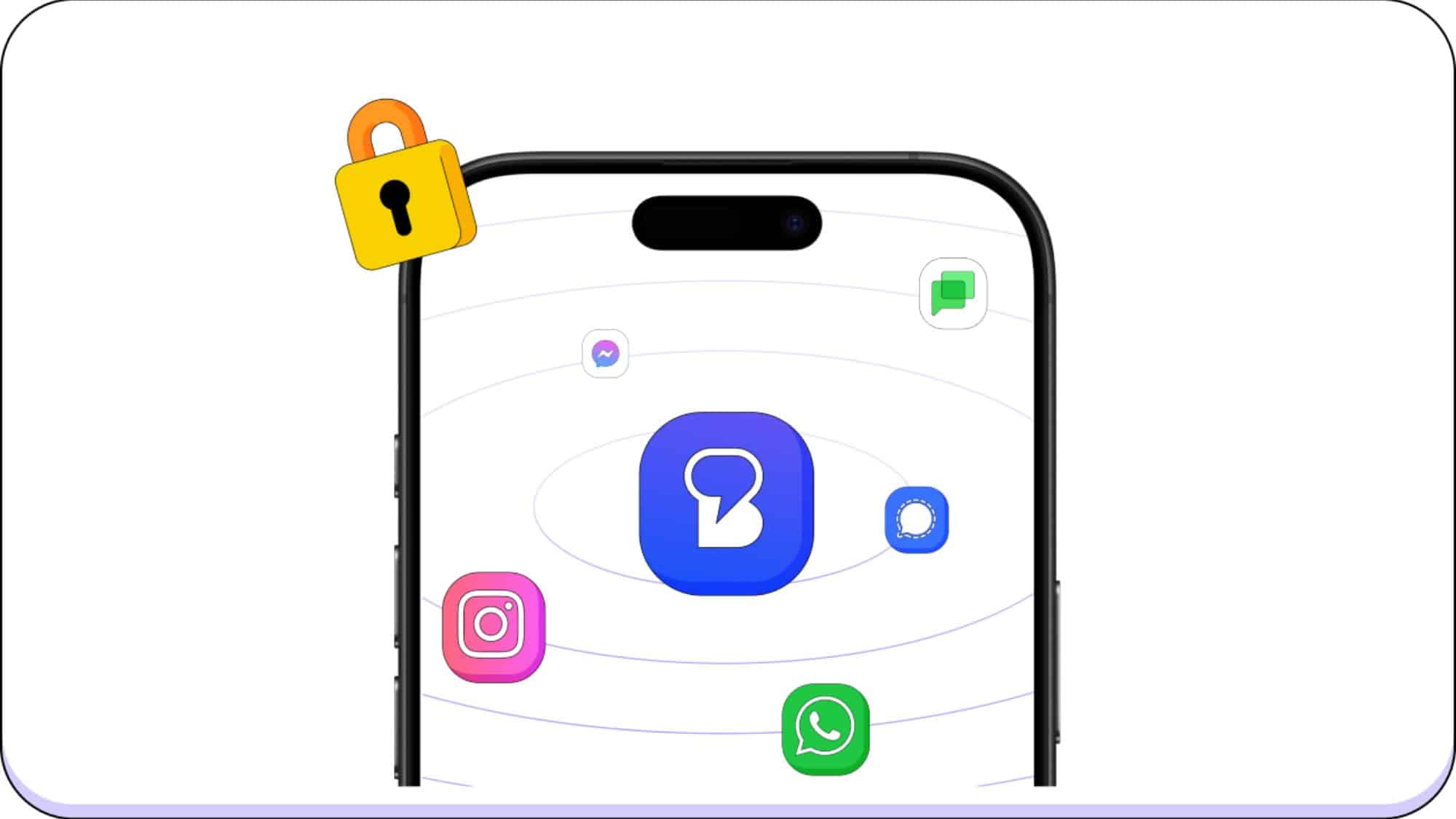
You can now manage all your chats with Beeper’s new secure on-device messaging platform
With the increasing number of messaging apps, users often find it overwhelming to keep up with conversations across different platforms. Beeper aims to solve this problem and has recently made some much-needed improvements to its platform. It supports a bunch of popular messaging apps, including WhatsApp, Instagram, Messenger, Discord, LinkedIn, Matrix, Slack, Google Chat, X, Telegram, Signal, and Google Messages (SMS/RCS).
Until now, Beeper relied on the cloud — when you connect your messaging apps, the service first routes them through its own cloud servers before reaching the messaging networks. With the new version, you now have the ability to connect directly to messaging services from your device. More importantly, you get end-to-end encryption for all networks if the original messaging service supports it.
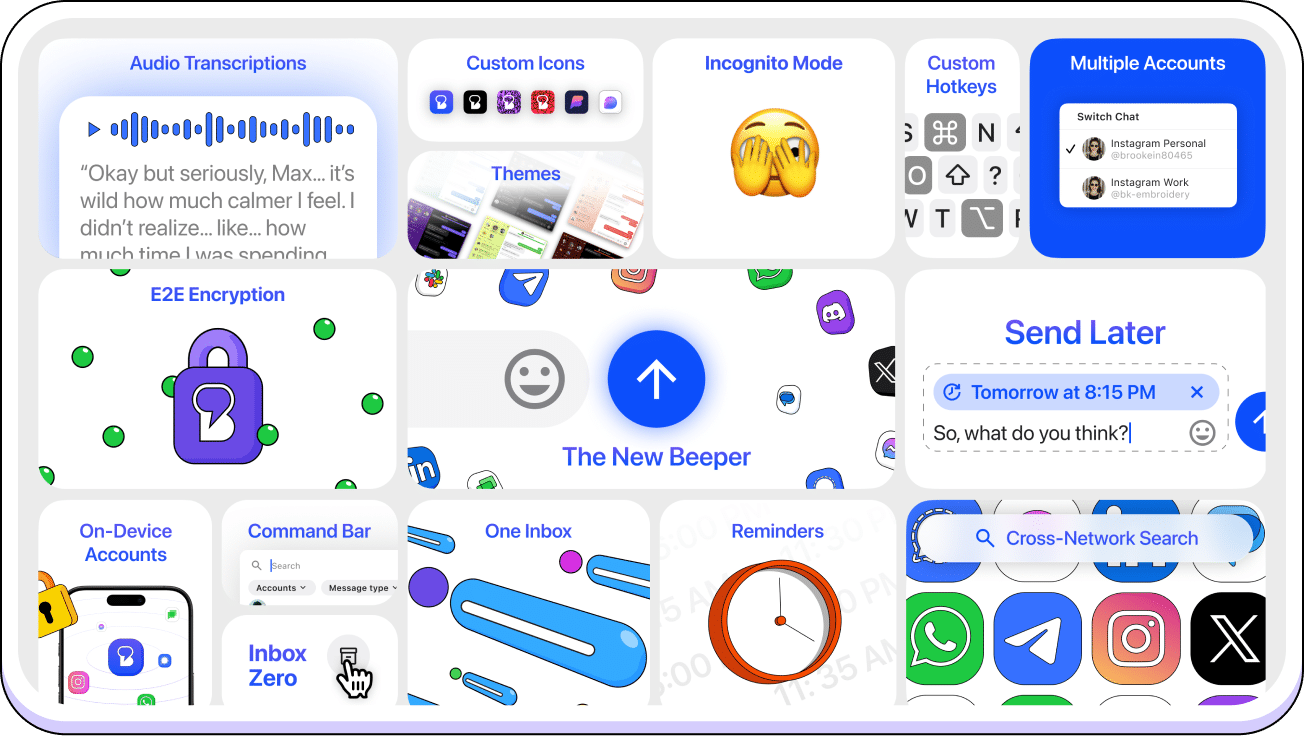
Furthermore, Beeper has now launched a Beeper Plus tier that starts at $9.99 per month. Note that it still offers a free tier, but the Plus subscription offers some additional benefits. You can connect up to 10 accounts, including up to 3 accounts from the same network (Beeper On-Device only). In comparison, the free tier allows you to connect only 5 accounts, so the Plus plan gives you more flexibility.
One of the most notable premium features is the ability to send messages later. You can schedule messages across any network to send them at hours that make sense. On top of that, you receive a reminder of a chat at a preferred time, helping you follow up on an important conversation. Incognito mode lets you read messages without sending read receipts. Its AI-powered voice note transcriptions feature lets you read the voice message. You can download the app from the official website.

Written by
Binay KonwarBinay Konwar started his blogging journey in 2014 and has since written plenty of tech articles. At present, he is working as a News Writer at SammyGuru, covering everything about Samsung. He holds a Master's degree in Mathematics, but his real passion lies in tech and writing. In his free time, he enjoys playing chess and watching movies.

Follow us on Google Discover & set us as a preferred source in Google News
Share this Post
___________________________


New Blog Posts
___________________________

First Set of Pixel 11 Pro XL Renders Are Here
Pixel 11 Pro XL CAD renders show minimal design changes

Is Samsung Preparing One UI 8.5 Beta for Galaxy Z Fold 5 and Flip 5?
Samsung may launch a One UI 8.5 beta program for its 2023 foldables

Galaxy S25 One UI 8.5 Beta May Run Longer Than Expected
Galaxy S25 series’ One UI 8.5 beta may stretch to 10 rounds







