
APV Codec on Galaxy S26 Ultra: Do You Really Need 1TB Storage?
SammyGuru is reader-supported. We have affiliate and sponsored partnerships, so we may earn a commission when you buy through links on our site — at no extra cost to you. Learn more.
When the APV video codec appeared on the Samsung Galaxy S26 Ultra, one reaction came up repeatedly: “Those files are massive. You probably need the 1TB model to use it.”
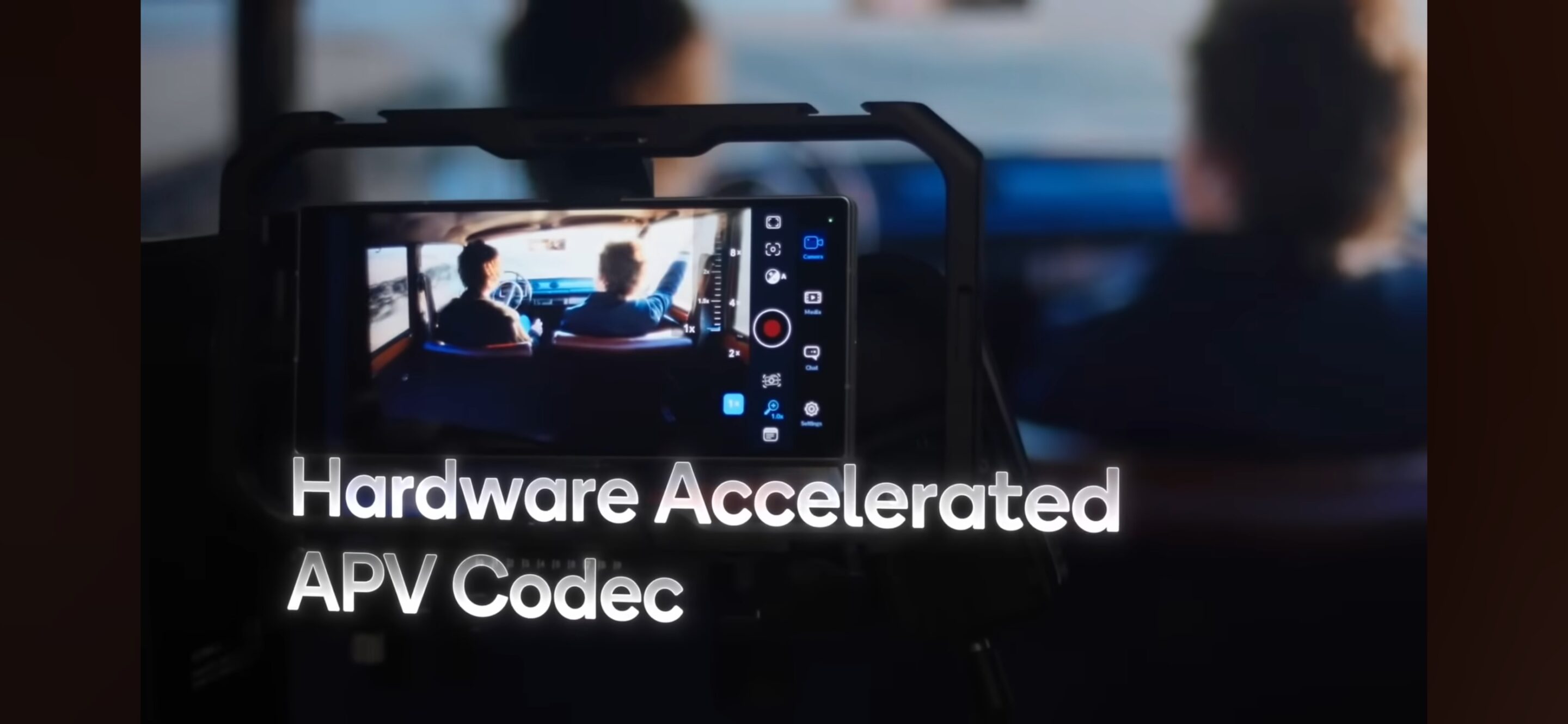
At first glance, that assumption makes sense. APV is designed as a high-quality video codec, capturing far more image information than standard smartphone formats. Larger files are the natural result. But here’s the key point many people miss: You don’t need to keep those huge files to benefit from APV. Samsung built a workflow that allows even average users to take advantage of the codec without permanently filling their storage.
A Quick Reminder: What APV Is
APV is a high-fidelity video codec designed for advanced color workflows. Its goal is simple: capture as much visual information as possible from the camera sensor before heavy compression is applied. That means:
- richer color data
- more flexible dynamic range
- better tolerance for color grading
In our previous article on the smartphone photography chain, we explored the technical pipeline behind codecs like APV and how they fit into modern mobile imaging systems. But there’s one obvious downside: File size. One minute of APV 422 HQ footage can reach around 1.5 GB or more. For professional production workflows, that’s normal. For everyday smartphone storage, it sounds intimidating. But there’s more to the story.
Capture Codec vs Delivery Codec
One important distinction in video production is the difference between a capture codec and a delivery codec. A capture codec focuses on preserving as much image data as possible directly from the camera sensor. File size is secondary because the priority is image quality and editing flexibility. A delivery codec, on the other hand, is optimized for efficient storage and sharing.
APV on the Galaxy S26 Ultra effectively works as a capture format. It records maximum image information first, before the system converts the video into something easier to store or share. The smaller HEVC file you export later becomes the delivery format. Understanding this difference explains why APV can be useful even if you don’t intend to store large files long-term.
The Professional Use Case
For professional creators, the role of APV is straightforward. Creators can record high-quality footage on the Galaxy S26 Ultra and transfer it to external storage or editing systems. From there, it fits naturally into professional editing software such as:
- DaVinci Resolve
- Adobe Premiere Pro
In those workflows, large files are expected because they preserve maximum color and tonal information for post-production. Editors can then apply detailed grading, exposure adjustments, and cinematic color treatments. But Samsung didn’t design APV only for professionals.
How Average Users Can Still Benefit
Most smartphone users don’t want to edit massive video files. They simply want great image quality and something easy to share. Samsung addressed this by integrating an on-device conversion workflow directly in the Gallery app. When you record a video in APV Log, the Gallery allows you to convert the footage immediately.
During the conversion process, you can apply a LUT (Look-Up Table), a color transformation that converts the flat Log image into a finished cinematic look. Samsung currently includes several LUT styles:
- Standard
- Blockbuster
- Romance
- Coming-of-Age
- Thriller
Once the LUT is applied, the system exports the video as HEVC, dramatically reducing the file size.
Another useful detail is that the viewfinder can preview the selected LUT while recording, allowing you to visualize the final look as you frame the scene, even though the LUT can still be applied later during conversion. The result is a ready-to-share video, available in either HDR or SDR, depending on your preference. At that point, you can simply delete the original APV file and keep the smaller HEVC version to free up storage space.
-
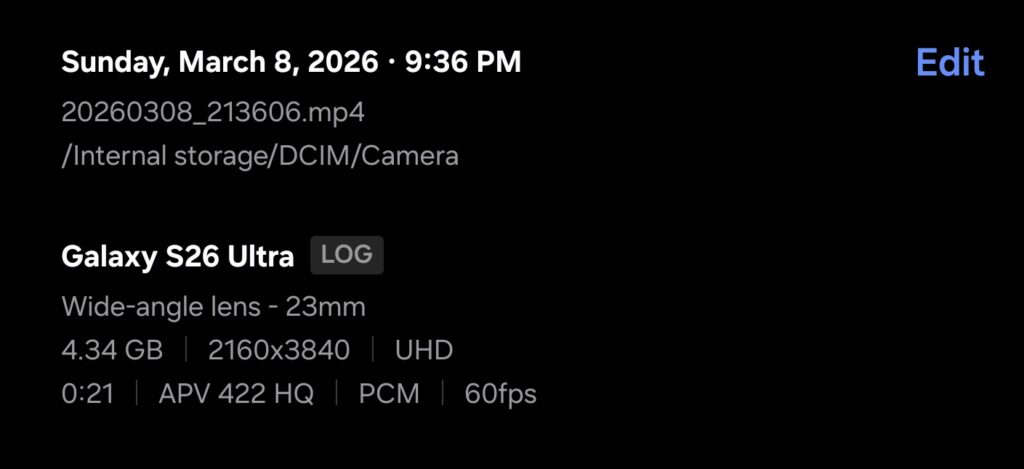
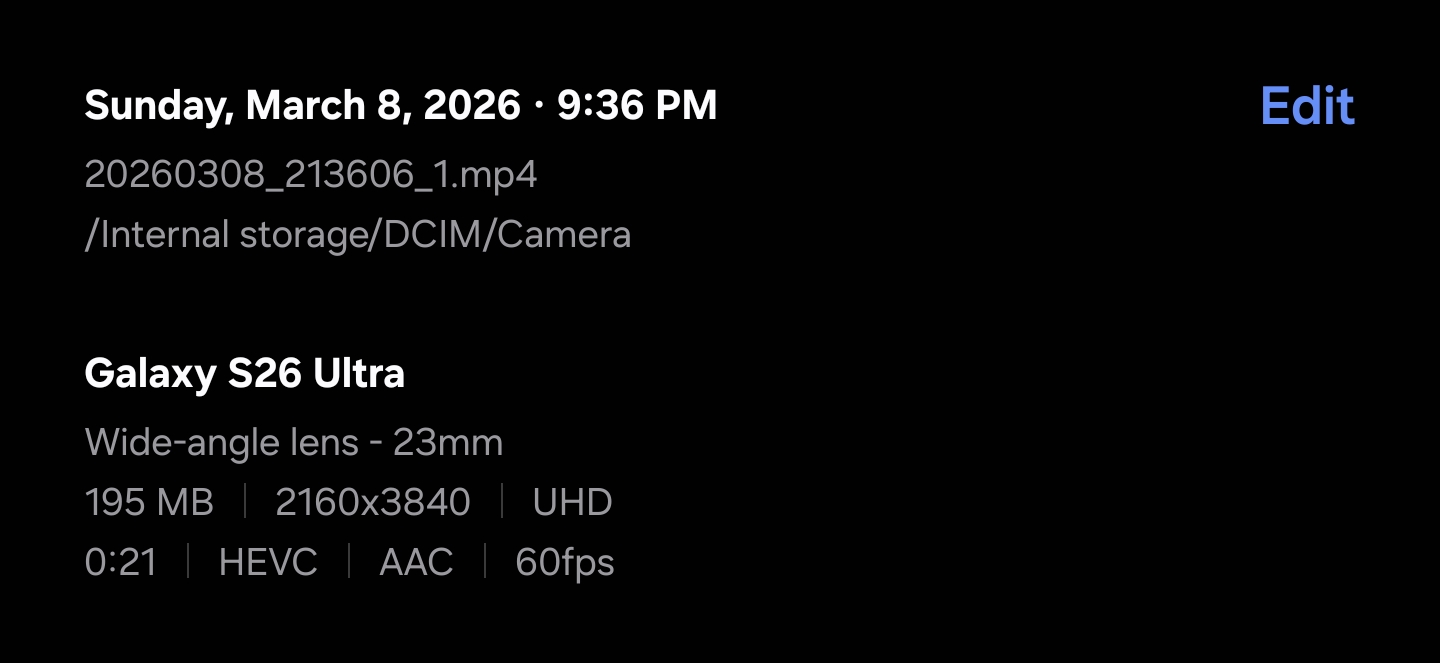
- APV 422 HQ Log
-
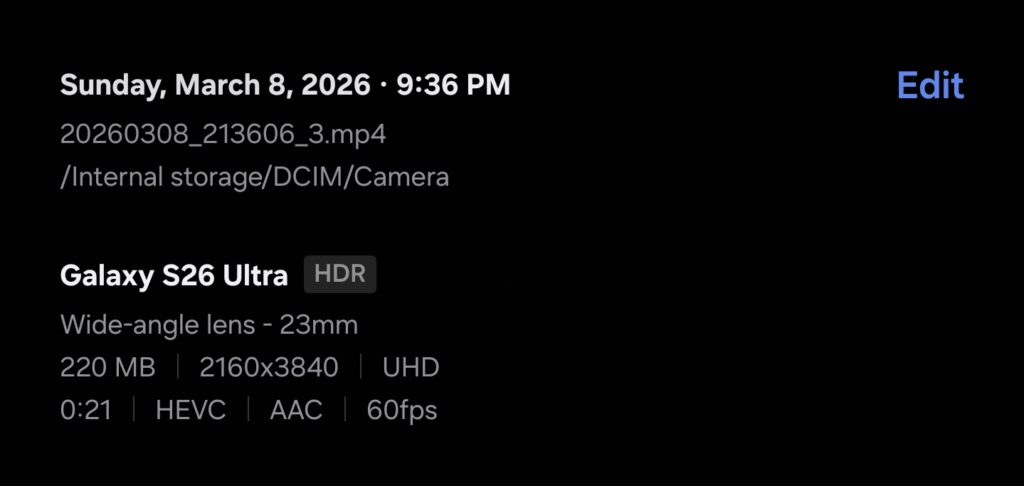
- APV to HEVC HDR
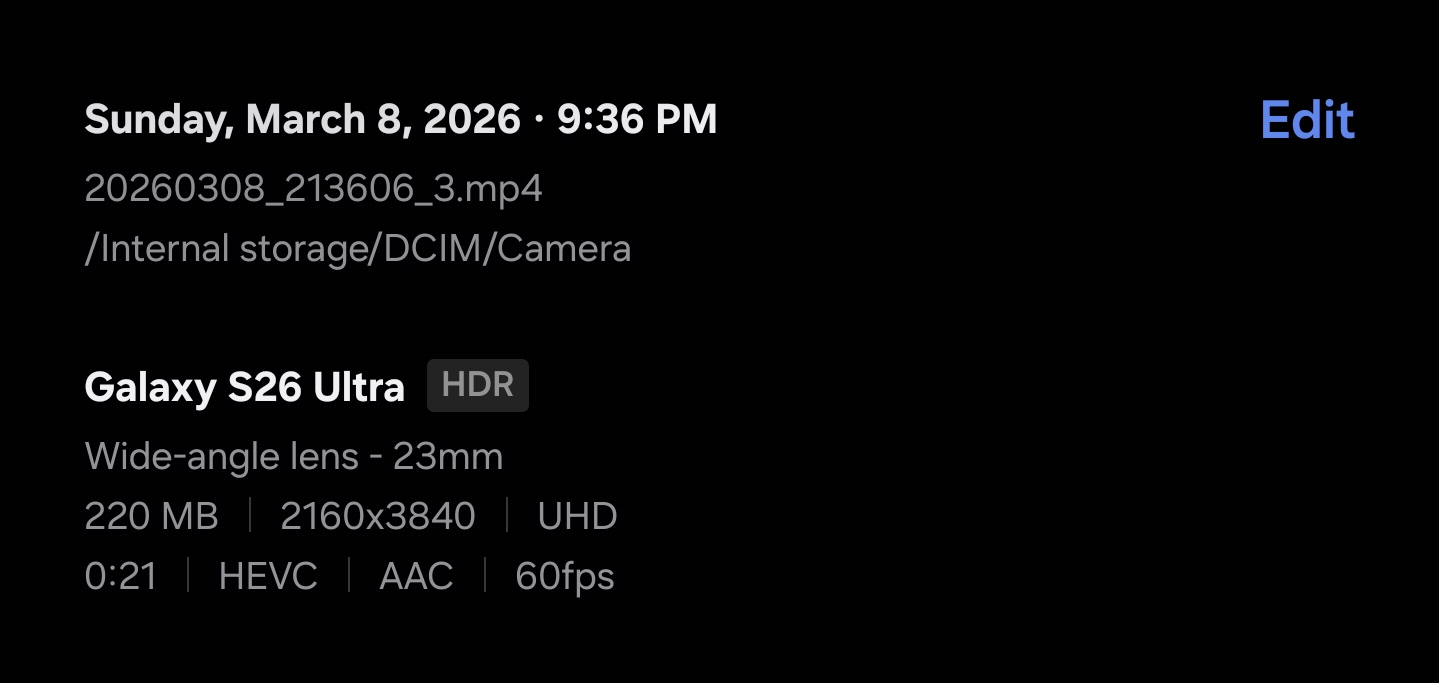
-
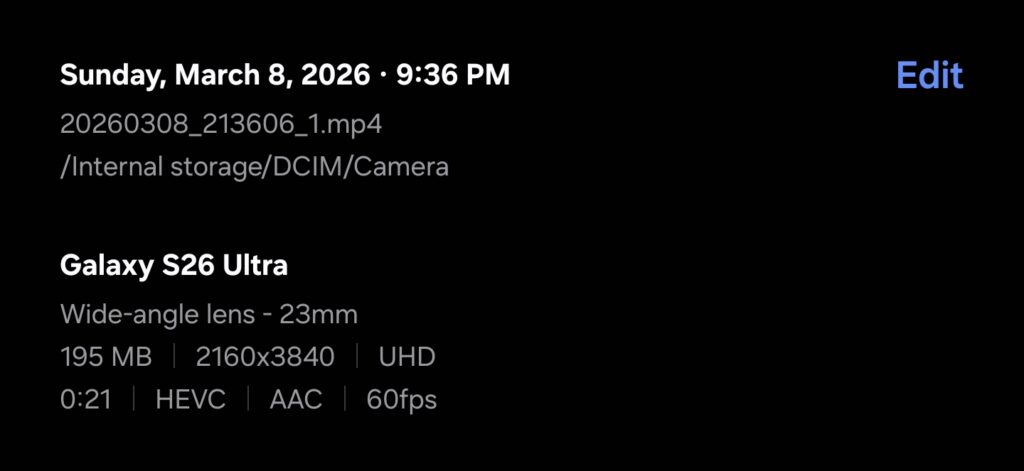
- APV to HEVC SDR
Why Capturing in APV First Can Improve Your Final Video
At first, it might seem unnecessary to record a large APV file only to convert it into a smaller HEVC video. But technically, this workflow can actually improve the final result. When the Galaxy S26 Ultra records in APV Log, the camera captures significantly more color and dynamic range information than standard compressed formats. Because of that extra information, the system has more data available when applying a LUT and exporting the final file.
Instead of compressing a finished image immediately, the camera captures a high-information intermediate file first, then performs the color transformation before generating the final HEVC output. In practice, this approach can preserve:
- smoother highlight transitions
- more consistent color after grading
- better shadow recovery
Even though the final file is smaller, the image pipeline had access to richer source data during processing. This workflow mirrors professional video production, where cameras often record high-quality intermediate formats before exporting compressed versions for distribution. In this sense, APV acts as a high-quality intermediate step in the smartphone video pipeline, not just a large recording format.
A Different Approach to Apple’s Workflow
Apple offers a professional recording format as well: Apple ProRes, ProRes RAW. ProRes delivers excellent image quality, but the workflow typically assumes that footage will be transferred to external editing software for conversion and processing.
Samsung’s APV approach introduces something slightly different. Because the conversion process, including LUT application and HEVC export, can happen directly inside the Gallery, users can complete the entire workflow on the device itself. For everyday users, that makes the format far more accessible.
At first glance, APV on the Samsung Galaxy S26 Ultra might appear to be a feature aimed strictly at professional creators. But the built-in conversion workflow changes that perception. By allowing users to capture high-quality Log footage, apply cinematic LUTs, and export a smaller HEVC file directly in the Gallery, Samsung turns APV into something broader than a professional recording format. It becomes a high-quality capture stage in the smartphone video pipeline.
So do you need 1TB of storage to benefit from APV? Not really. You just need to understand how the workflow works.
Author’s Note: This article is part of my ongoing Galaxy S26 Ultra camera analysis series, where I explore how modern smartphone imaging systems operate across the entire pipeline from capture to processing to display. Because in modern mobile photography and videography, image quality is no longer defined by the sensor alone. It’s defined by the entire imaging chain.


Follow us on Google Discover & set us as a preferred source in Google News
Share this Post
___________________________


New Blog Posts
___________________________

First Set of Pixel 11 Pro XL Renders Are Here
Pixel 11 Pro XL CAD renders show minimal design changes

Is Samsung Preparing One UI 8.5 Beta for Galaxy Z Fold 5 and Flip 5?
Samsung may launch a One UI 8.5 beta program for its 2023 foldables

Galaxy S25 One UI 8.5 Beta May Run Longer Than Expected
Galaxy S25 series’ One UI 8.5 beta may stretch to 10 rounds







