
NavStar Update Brings Customization and Privacy Improvements
SammyGuru is reader-supported. We have affiliate and sponsored partnerships, so we may earn a commission when you buy through links on our site — at no extra cost to you. Learn more.
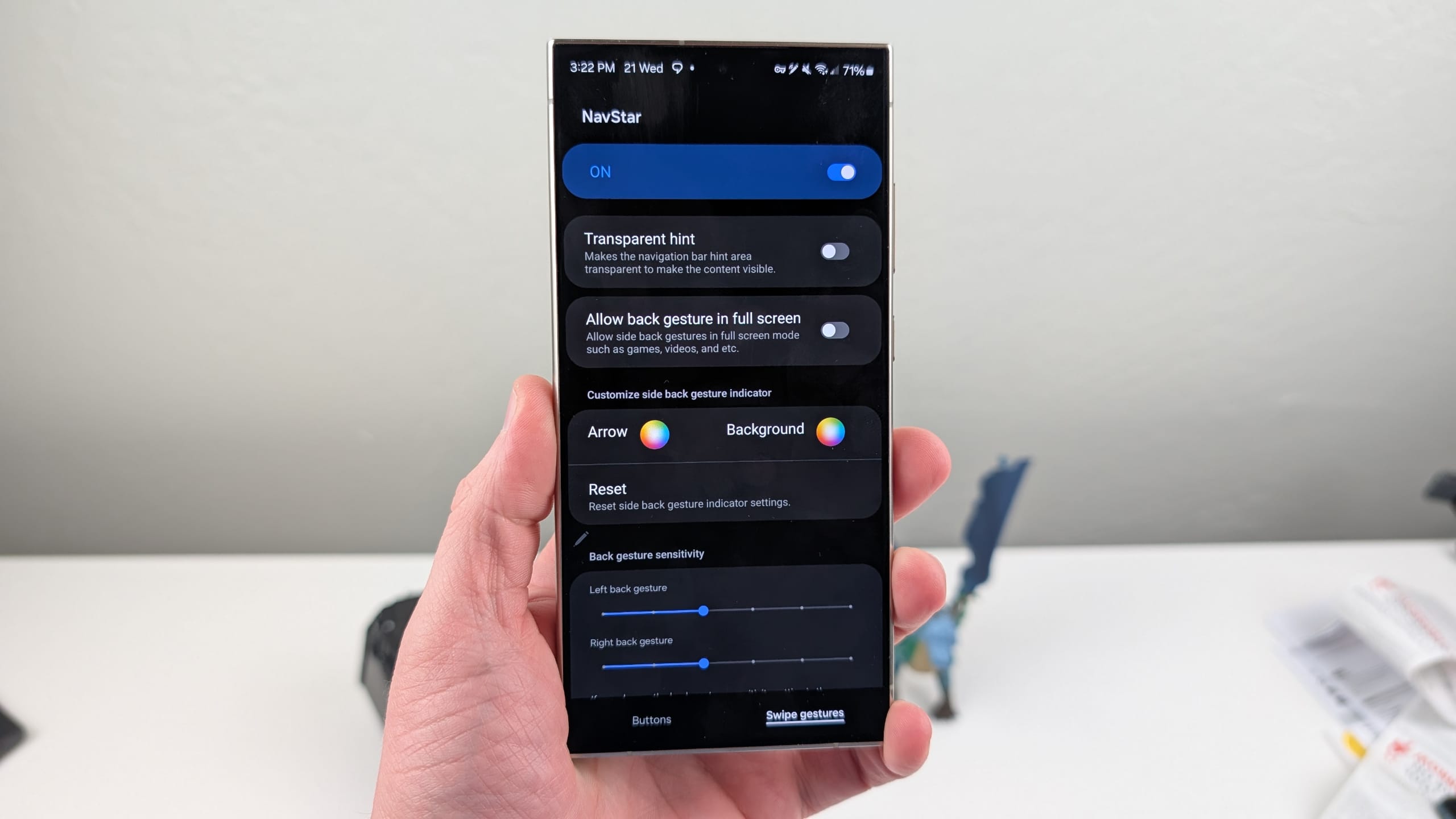
If you love customizing the navigation bar on your Galaxy phone with NavStar, Samsung is making your experience better. The company has rolled out a new update for the app with version 8.0.00.69, introducing a handful of useful improvements. The update makes the Good Lock module more practical, more secure, and more stable for everyday use.
NavStar gets useful improvements with its latest update
NavStar is one of the most popular modules in Samsung’s Good Lock suite. It gives Galaxy users deeper control over navigation bar buttons and gesture navigation, allowing layouts and visual elements that go far beyond the default options. With this new update, Samsung is expanding those customization tools even further.
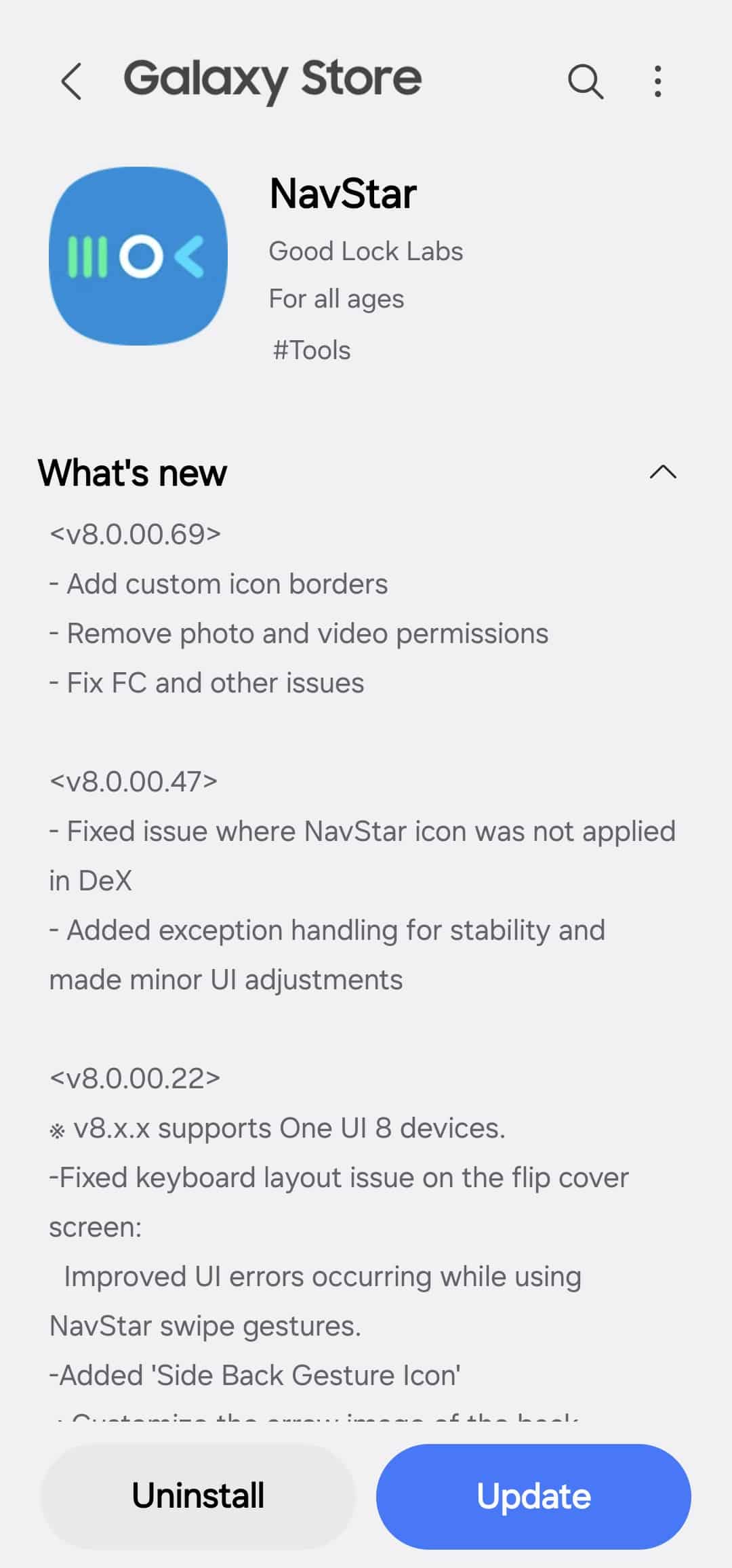
One of the key changes in this update involves the option to add custom borders to navigation bar icons. Users can now outline their navigation buttons, making them stand out more clearly against the background. This is especially useful for those who prefer bold visuals or want their navigation bar to better match custom themes and wallpapers. The added flexibility gives users more control over both usability and aesthetics.
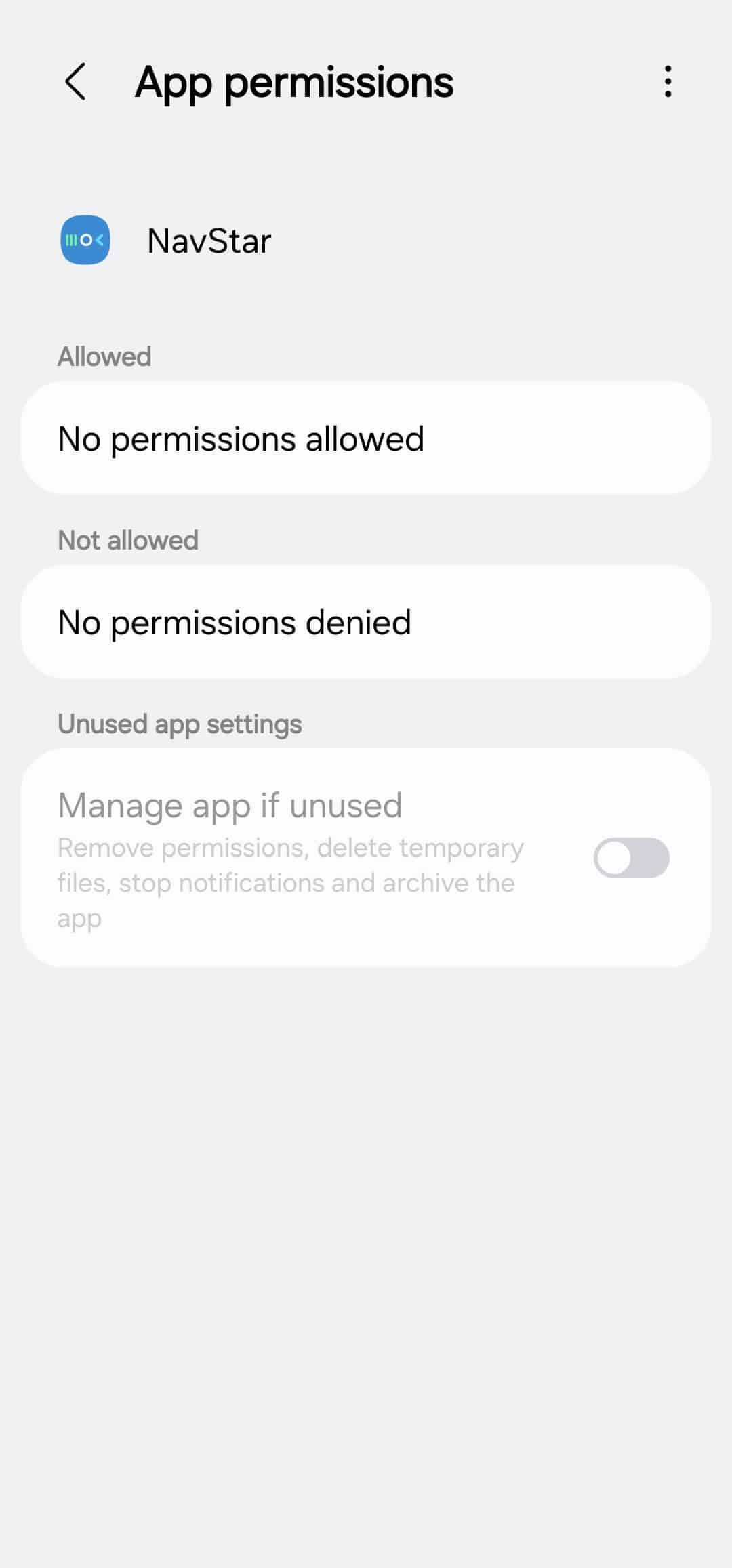
Samsung has also addressed privacy concerns with this update. NavStar no longer requests access to photos and videos, permissions that were unnecessary for the app’s core functionality. Well, the app does let you set custom icons using photos saved on your device, but it no longer requires permission access to photos and videos.
In addition to visual and privacy changes, this NavStar update includes fixes for force close issues and other bugs reported by users. These improvements help the app run more smoothly, reducing crashes and improving overall reliability during daily use. The new version is available through the Galaxy Store. The update can also be downloaded directly from within the Good Lock app.

Written by
Sumit AdhikariSumit, a life-long Samsung user, is passionate about technology and has been professionally writing on tech since 2017. He’s a mathematics graduate by education and enjoys teaching basic mathematics tricks to school kids in his spare time. Sumit believes in artificial intelligence and dreams of a fully open, intelligent and connected world.

Follow us on Google Discover & set us as a preferred source in Google News
Share this Post
___________________________


New Blog Posts
___________________________

First Set of Pixel 11 Pro XL Renders Are Here
Pixel 11 Pro XL CAD renders show minimal design changes

Is Samsung Preparing One UI 8.5 Beta for Galaxy Z Fold 5 and Flip 5?
Samsung may launch a One UI 8.5 beta program for its 2023 foldables

Galaxy S25 One UI 8.5 Beta May Run Longer Than Expected
Galaxy S25 series’ One UI 8.5 beta may stretch to 10 rounds







