
Adaptive Clock Not Working in One UI 8? Updating LockStar May Help
SammyGuru is reader-supported. We have affiliate and sponsored partnerships, so we may earn a commission when you buy through links on our site — at no extra cost to you. Learn more.
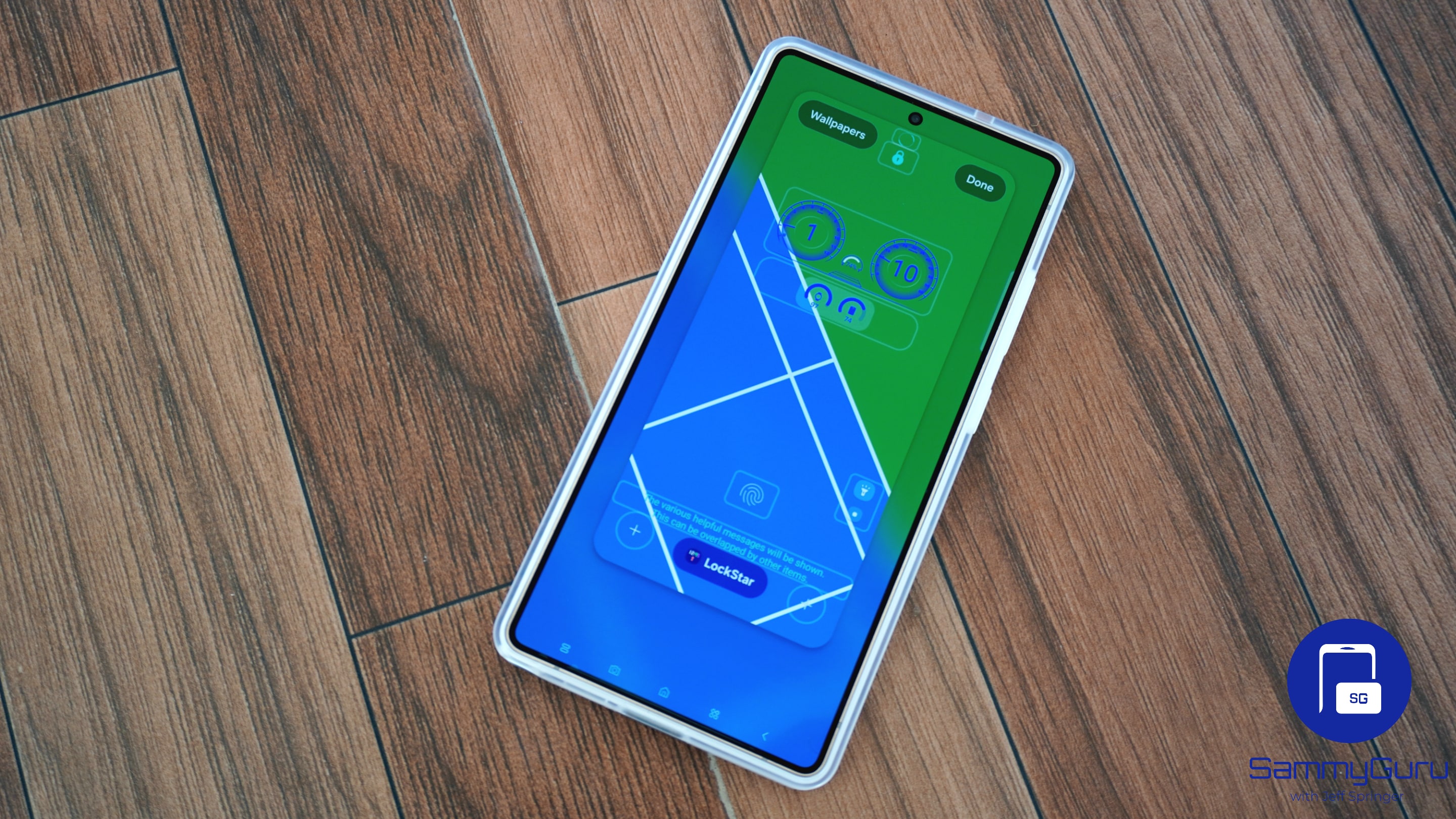
Samsung’s One UI 8 update brought several refinements, but one of the most talked-about additions is the new Adaptive Clock. This dynamic lockscreen clock style intelligently adjusts to your wallpaper, resizing itself based on the objects in the background. Samsung has now issued a reminder to users: to ensure Adaptive Clock functions as intended, you must update Good Lock’s LockStar module to version 7.0.1.10.
Update LockStar to ensure the proper functioning of Adaptive Clock
When Adaptive Clock is enabled, each number can shrink or stretch independently, ensuring the clock never awkwardly covers a person, animal, or prominent subject in the wallpaper. The feature works impressively well, but only if your device has the correct LockStar version installed. Without this update, the lockscreen layout cannot properly interpret the new dynamic behavior introduced in One UI 8.
Note that LockStar v7.0.1.10 isn’t new; it was released back in August. However, those who haven’t updated yet may be experiencing compatibility issues without realizing the cause. The outdated module simply cannot support the more advanced resizing and layout logic that Adaptive Clock relies on, potentially causing mismatched elements, overlapping numbers, distorted shapes, or improper alignment.
Updating LockStar is simple. Just open Good Lock, switch to the Plugins tab, and look for the Update button next to LockStar (and any other modules with pending updates). Alternatively, you can head to the Galaxy Store, tap the hamburger menu in the top left corner, choose Updates, and install the available updates. Once LockStar is on the latest version, Adaptive Clock should begin working properly again.
It’s also worth noting that Adaptive Clock doesn’t support every wallpaper. The wallpaper must contain a clear subject with a well-defined outline that the phone can detect. While it may work on certain objects, the most reliable results come from wallpapers featuring humans or animals. So, try switching wallpapers if Adaptive Clock doesn’t work as intended.

Written by
Sumit AdhikariSumit, a life-long Samsung user, is passionate about technology and has been professionally writing on tech since 2017. He’s a mathematics graduate by education and enjoys teaching basic mathematics tricks to school kids in his spare time. Sumit believes in artificial intelligence and dreams of a fully open, intelligent and connected world.

Follow us on Google Discover & set us as a preferred source in Google News
Share this Post
___________________________


New Blog Posts
___________________________

First Set of Pixel 11 Pro XL Renders Are Here
Pixel 11 Pro XL CAD renders show minimal design changes

Is Samsung Preparing One UI 8.5 Beta for Galaxy Z Fold 5 and Flip 5?
Samsung may launch a One UI 8.5 beta program for its 2023 foldables

Galaxy S25 One UI 8.5 Beta May Run Longer Than Expected
Galaxy S25 series’ One UI 8.5 beta may stretch to 10 rounds







