
Google Is Adding a Toggle to Get Rid of Background Blur in Android 16
SammyGuru is reader-supported. We have affiliate and sponsored partnerships, so we may earn a commission when you buy through links on our site — at no extra cost to you. Learn more.
Blur has become a defining trait of Google’s new Material 3 Expressive design. It shows up in the notification shade, the lock screen, the Quick Settings panel, and even the recent apps menu. The goal is to soften the background and keep focus on the foreground. But not everyone is a fan. Some say the frosted-glass effect makes text harder to read. Others think it is simply overdone.
Google will soon let you disable blur across Android
A Google executive confirmed that Android will soon include a setting to turn off background blur everywhere it appears. Mindy Brooks, Google’s VP of product management for Android, told Android Faithful (via Android Authority) that the design team added blur to “minimize distraction,” but admitted it does not work for everyone. To address that, Google is building a new, easy-to-find toggle that disables the effect across the system.
Android has technically had a developer option to disable blur for years, but it was buried deep in settings and mostly used by power users. The new toggle is meant to be polished, accessible, and consistent. That requires Google to decide where it belongs in the interface, test how apps respond, and make sure the change works across devices.
There is also a practical benefit. Blur is not free. Rendering frosted layers takes extra GPU work. The impact is not huge, but Android’s battery saver mode already shuts it off automatically. A global switch could give users a small boost in performance and battery life, especially on older phones.
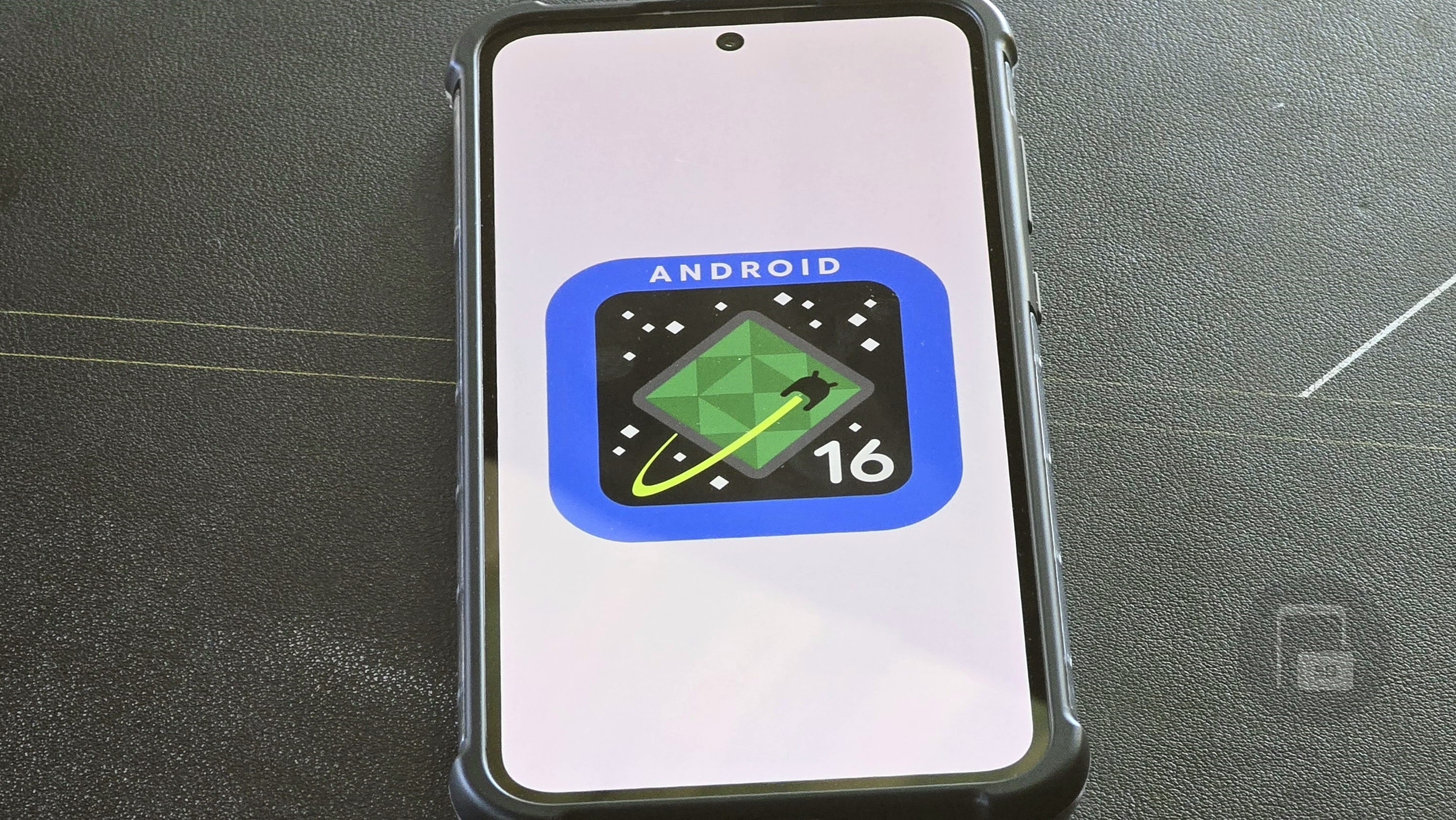
Google has not said exactly when the toggle will ship. It’s expected in an upcoming Android 16 quarterly release. Pixel phones will likely get it first, while manufacturers like Samsung will decide whether to include it in their own builds of Android. What’s your take?

Written by
Abhinav AnandAbhinav Anand is the News Editor at SammyGuru and a technology journalist based in New Delhi. Before joining SammyGuru, he contributed to numerous outlets, including Android Headlines, ExtremeTech, The Mac Observer, Financial Express, Economic Times, iGeeksBlog, KnowTechie, PhonesWiki, SlashGear, and more. You can reach him at abhinav@sammyguru.com.

Follow us on Google Discover & set us as a preferred source in Google News
Share this Post
___________________________


New Blog Posts
___________________________

First Set of Pixel 11 Pro XL Renders Are Here
Pixel 11 Pro XL CAD renders show minimal design changes

Is Samsung Preparing One UI 8.5 Beta for Galaxy Z Fold 5 and Flip 5?
Samsung may launch a One UI 8.5 beta program for its 2023 foldables

Galaxy S25 One UI 8.5 Beta May Run Longer Than Expected
Galaxy S25 series’ One UI 8.5 beta may stretch to 10 rounds







