
Samsung DeX Is Unofficially Back on PC with One UI 8 — Here’s How to Enable it
SammyGuru is reader-supported. We have affiliate and sponsored partnerships, so we may earn a commission when you buy through links on our site — at no extra cost to you. Learn more.
If you’re a Galaxy user who missed the convenience of Samsung DeX on a PC, there’s good news: DeX now works on computers again — but with a twist. Although the company no longer officially supports the old “DeX for PC” app, One UI 8 brings a clever workaround. With the help of a popular third-party tool, the feature is usable again on Windows, macOS, and even Linux machines.
Samsung DeX for PC is gone, but there’s a workaround in One UI 8
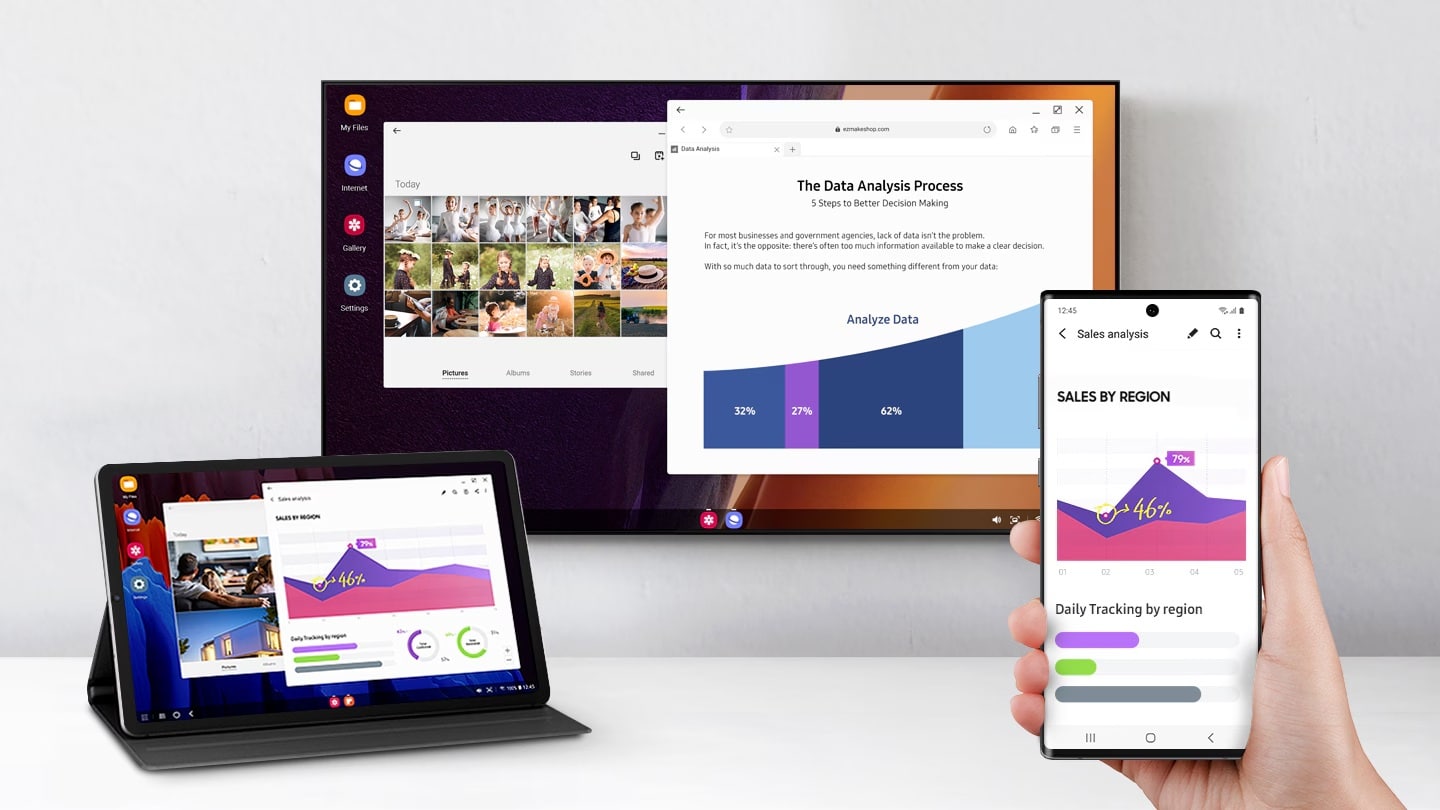
DeX has long been a fan-favorite feature for Galaxy power users. It turns your phone into a desktop-like experience when connected to an external display, letting you use mobile apps in resizable windows and multitask like on a computer.
Previously, Samsung offered an official DeX for PC app, which let users run DeX in a window on their laptop or desktop. But with the launch of Android 15-based One UI 7, the company discontinued the app and began pushing users toward Microsoft’s Phone Link service. While Phone Link mirrors apps and syncs notifications, it lacks the full-blown DeX interface, leaving many fans disappointed.
With One UI 8, Samsung has rebuilt DeX using Android 16’s native Desktop Mode, which introduces a significant change — support for virtual displays. This shift opens the door for DeX to run not just on physical monitors, but on virtual ones as well, including a window on your PC screen. More importantly, this allows you to bring DeX back to your computer using the open-source tool scrcpy.
How to set up and use this tool?
Scrcpy is a free and lightweight screen mirroring tool that works via USB or wireless ADB. With One UI 8’s virtual display support, scrcpy can now open a full DeX window right on your computer (Windows, macOS, or Linux), complete with keyboard and mouse input, clipboard sharing, and screen capture support. All you need is a Galaxy device running One UI 8 or later. Here’s how to get it working:
- Set up ADB (Android Debug Bridge) on your computer
- Set up Scrcpy on your computer
- Open a terminal or command prompt on your computer
- Run the following command:
scrcpy --new-display=1920x1080/284(You can replace the resolution and DPI with your own values)
The DeX interface should now launch in a window on your computer. This workaround brings back what many consider the best part of Samsung DeX — desktop multitasking from your phone on your computer screen. While it’s not as plug-and-play as the original DeX for PC app, this scrcpy-based method gives DeX a second life for users who need more than what Phone Link offers.

Written by
Sumit AdhikariSumit, a life-long Samsung user, is passionate about technology and has been professionally writing on tech since 2017. He’s a mathematics graduate by education and enjoys teaching basic mathematics tricks to school kids in his spare time. Sumit believes in artificial intelligence and dreams of a fully open, intelligent and connected world.

Follow us on Google Discover & set us as a preferred source in Google News
Share this Post
___________________________


New Blog Posts
___________________________

First Set of Pixel 11 Pro XL Renders Are Here
Pixel 11 Pro XL CAD renders show minimal design changes

Is Samsung Preparing One UI 8.5 Beta for Galaxy Z Fold 5 and Flip 5?
Samsung may launch a One UI 8.5 beta program for its 2023 foldables

Galaxy S25 One UI 8.5 Beta May Run Longer Than Expected
Galaxy S25 series’ One UI 8.5 beta may stretch to 10 rounds







