
Galaxy Z Flip 7 Gets New Cover Screen Tweaks with MultiStar Update
SammyGuru is reader-supported. We have affiliate and sponsored partnerships, so we may earn a commission when you buy through links on our site — at no extra cost to you. Learn more.
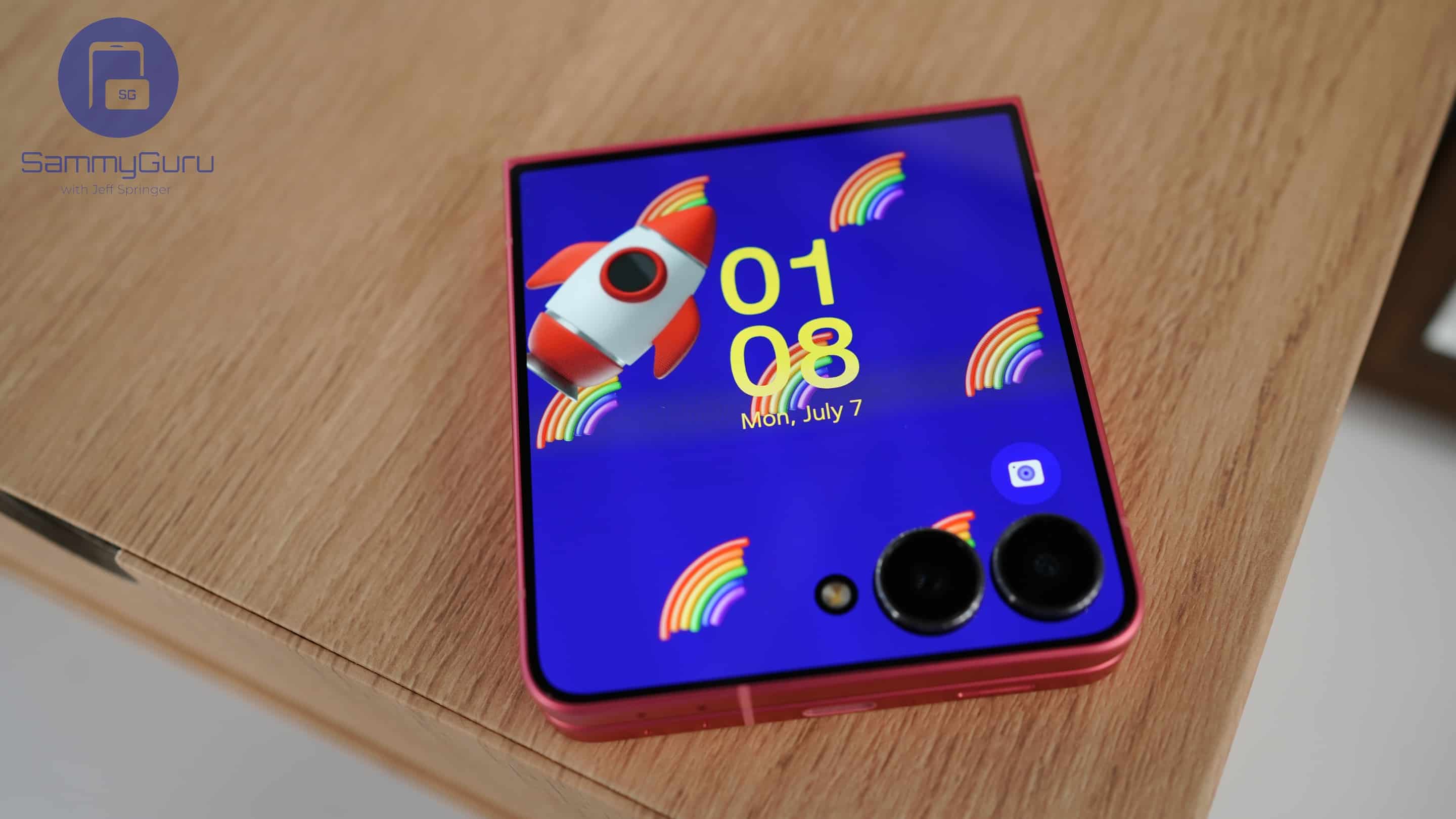
Just days after adding One UI 8 support and a useful new feature for Flip series foldables, Samsung has rolled out another update to its MultiStar app, a Good Lock module. The latest version brings even more cover screen customization options for the Galaxy Z Flip 7.
MultiStar v10.0.32 update brings more Flip 7 cover screen customizations
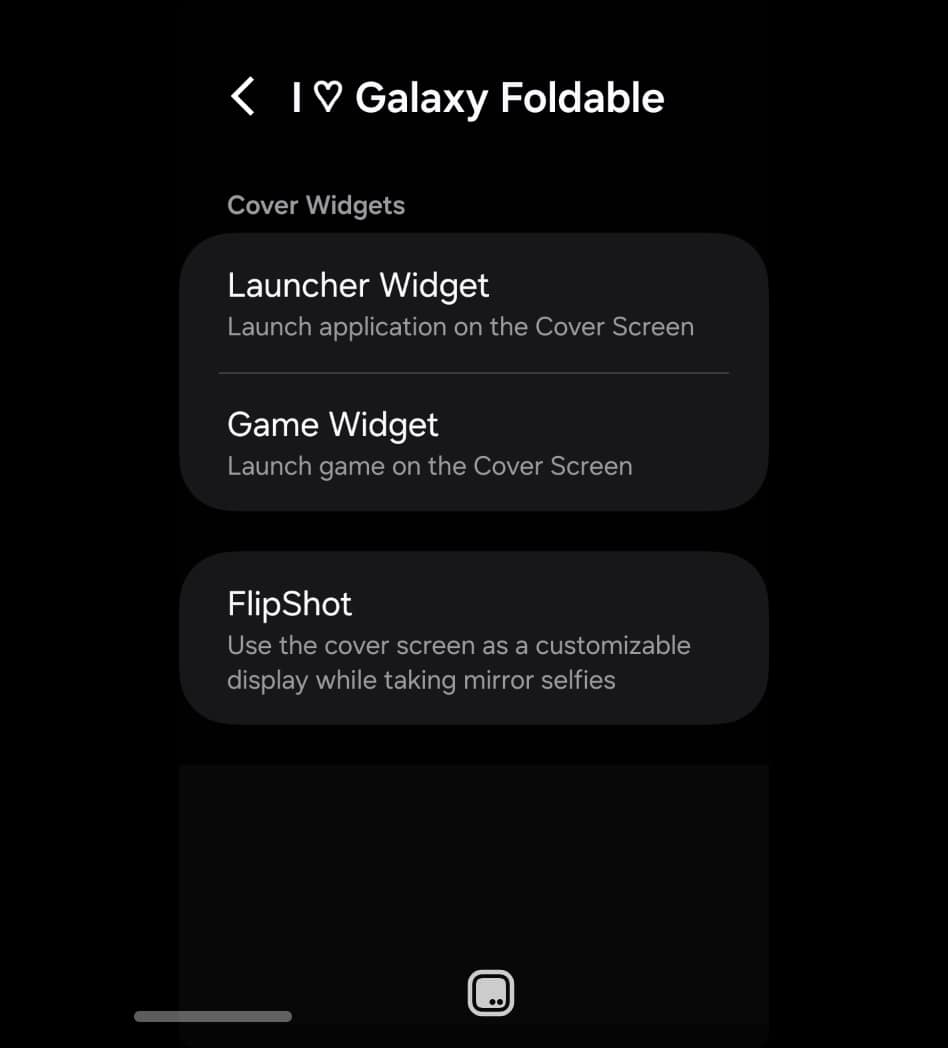
With the last update (v10.0.23), MultiStar added a feature called FlipShot to the Z Flip lineup. It lets you show fun stickers, photos, or stylized text messages on the cover screen when using the rear cameras to snap a mirror selfie. The cover screen faces the mirror, so your message will add something extra to your photos. That update also officially made MultiStar compatible with One UI 8 devices.
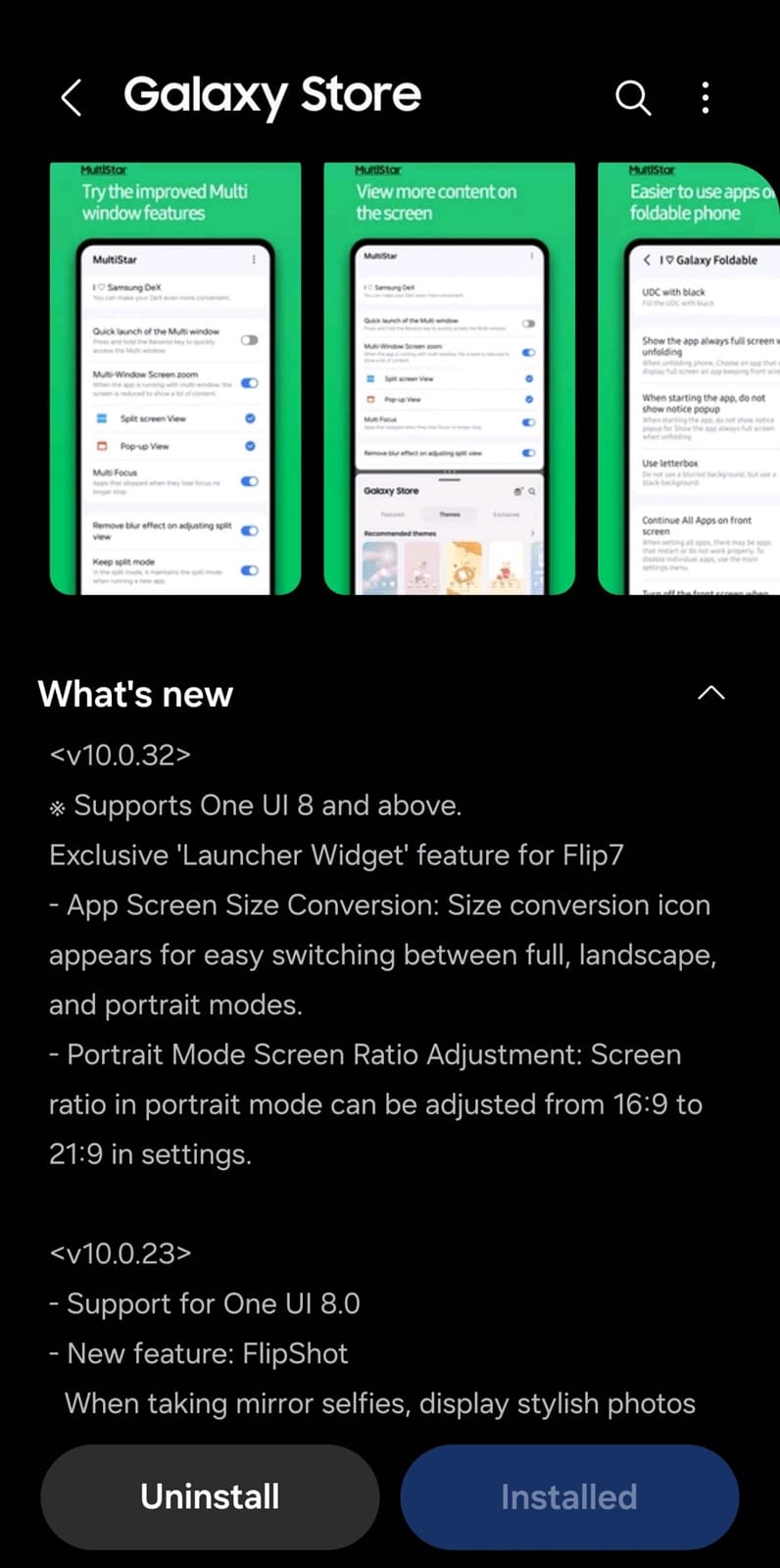
Samsung is now rolling out a fresh MultiStar update (v10.0.32), with more new tools for the Galaxy Z Flip 7. When you open an app on the cover screen via Launcher Widget, you can now quickly switch between multiple aspect ratios. Users can switch between full, landscape, and portrait views using a new on-screen size conversion icon at the bottom of the screen.
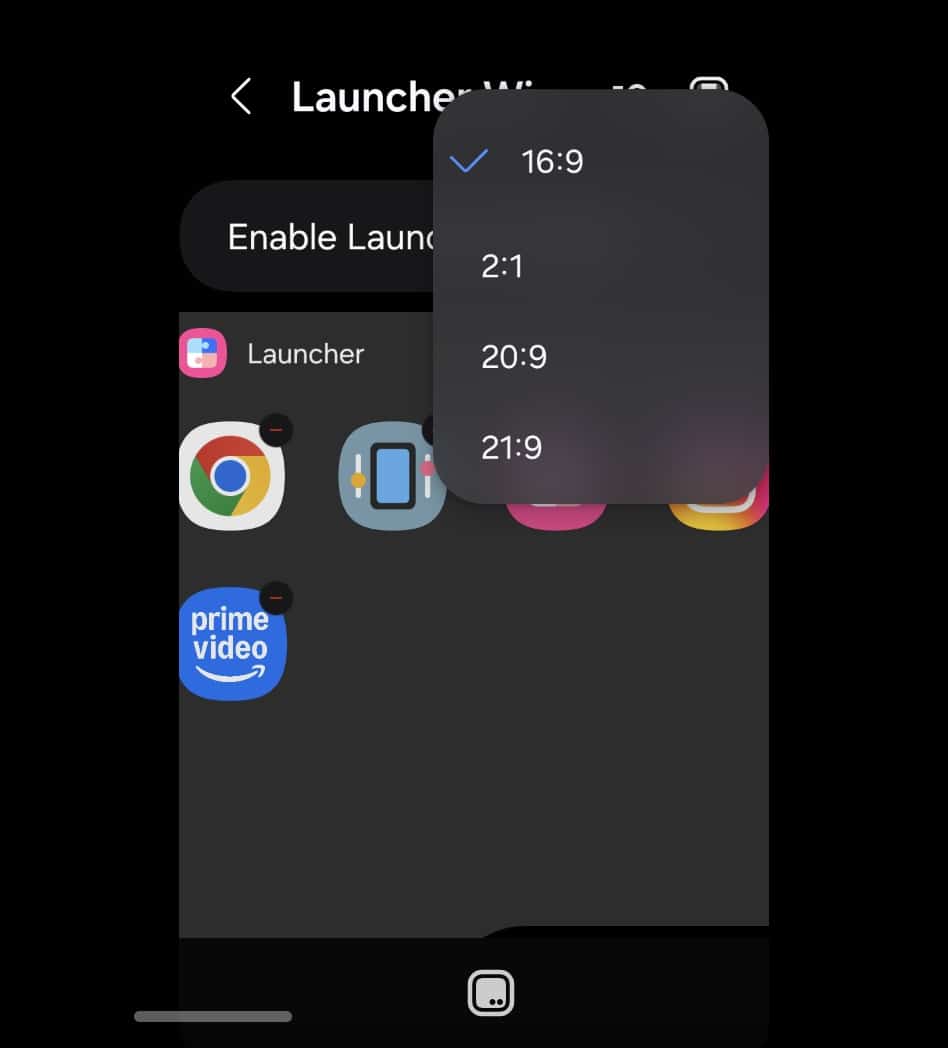
Additionally, Samsung now lets Flip 7 users tweak the screen ratio in portrait mode, with four different options to pick from: 16:9, 2:1, 20:9, and 21:9. This feature adds a more personalized feel to the Flip experience. While the new display tools are Flip 7-specific, this MultiStar update also delivers performance improvements and added reliability for a seamless experience on other Galaxy devices on One UI 8.
Samsung has already begun delivering early Galaxy Z Flip 7 pre-orders. If you have received your new Flip, make sure to install the latest version of MultiStar (v10.0.32) for additional cover screen customization options. You can update the app through the Galaxy Store or directly from Good Lock’s Plugin tab. Note that you may have to wait a few days before the update shows up.

Written by
Sumit AdhikariSumit, a life-long Samsung user, is passionate about technology and has been professionally writing on tech since 2017. He’s a mathematics graduate by education and enjoys teaching basic mathematics tricks to school kids in his spare time. Sumit believes in artificial intelligence and dreams of a fully open, intelligent and connected world.

Follow us on Google Discover & set us as a preferred source in Google News
Share this Post
___________________________


New Blog Posts
___________________________

First Set of Pixel 11 Pro XL Renders Are Here
Pixel 11 Pro XL CAD renders show minimal design changes

Is Samsung Preparing One UI 8.5 Beta for Galaxy Z Fold 5 and Flip 5?
Samsung may launch a One UI 8.5 beta program for its 2023 foldables

Galaxy S25 One UI 8.5 Beta May Run Longer Than Expected
Galaxy S25 series’ One UI 8.5 beta may stretch to 10 rounds







