
Samsung Blesses Display Assistant with New Update, Adds One UI 8 Support
SammyGuru is reader-supported. We have affiliate and sponsored partnerships, so we may earn a commission when you buy through links on our site — at no extra cost to you. Learn more.
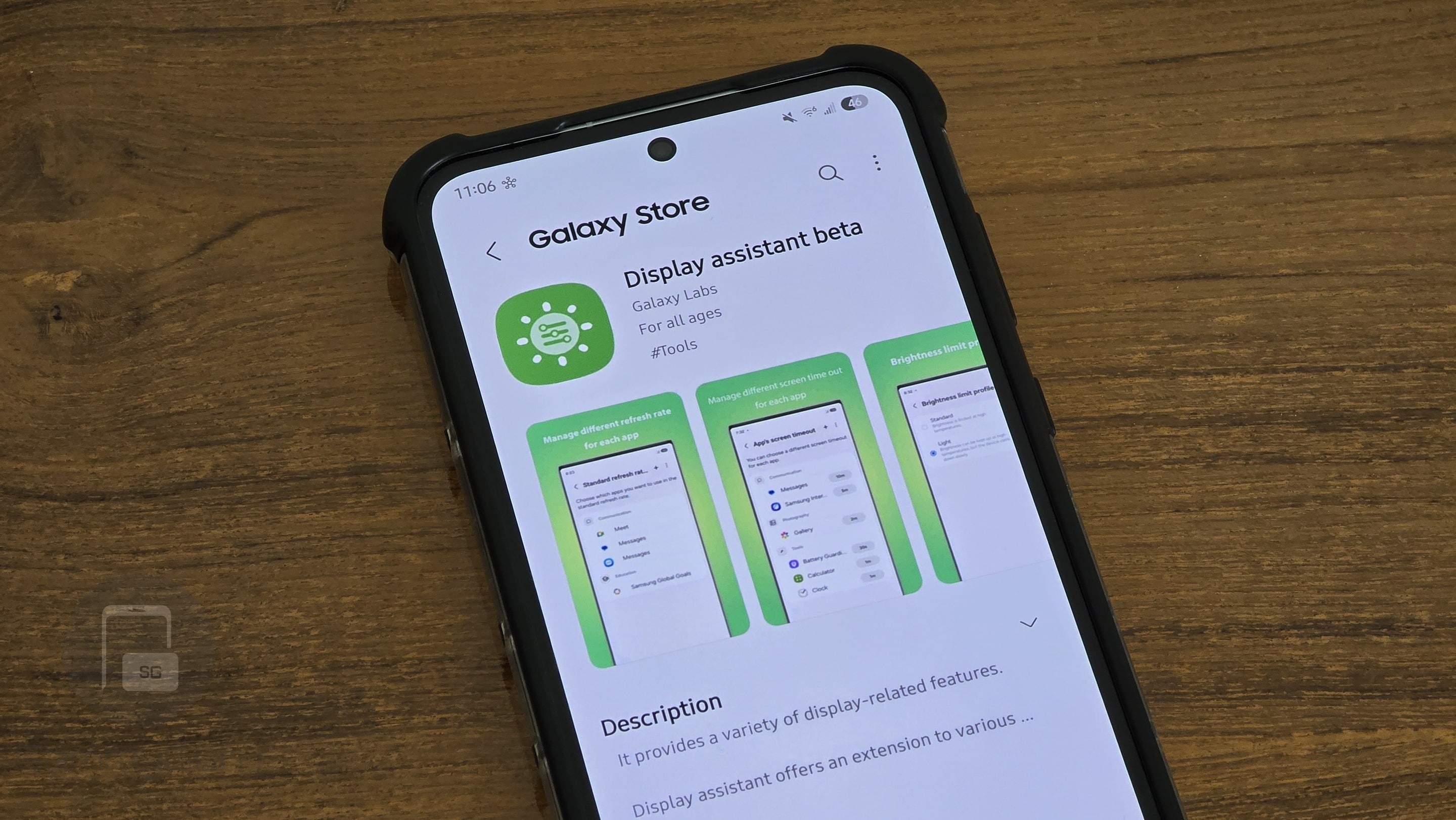
Good Lock and its modules are arguably the best part of using One UI. Samsung frequently updates the suite and occasionally rolls out new modules that let you tweak system settings and behavior to suit your preferences. As we inch closer to the stable launch of One UI 8, Samsung has now refreshed the Display Assistant module.
Display Assistant is now One UI 8 ready!
Samsung has rolled out a new update for the Display Assistant module, part of its popular Good Lock customization suite (via SammyFans). With version 8.0.13, Display Assistant is now fully compatible with One UI 8, which debuts soon alongside the Galaxy Z Fold 7, Flip 7, and Flip 7 FE.
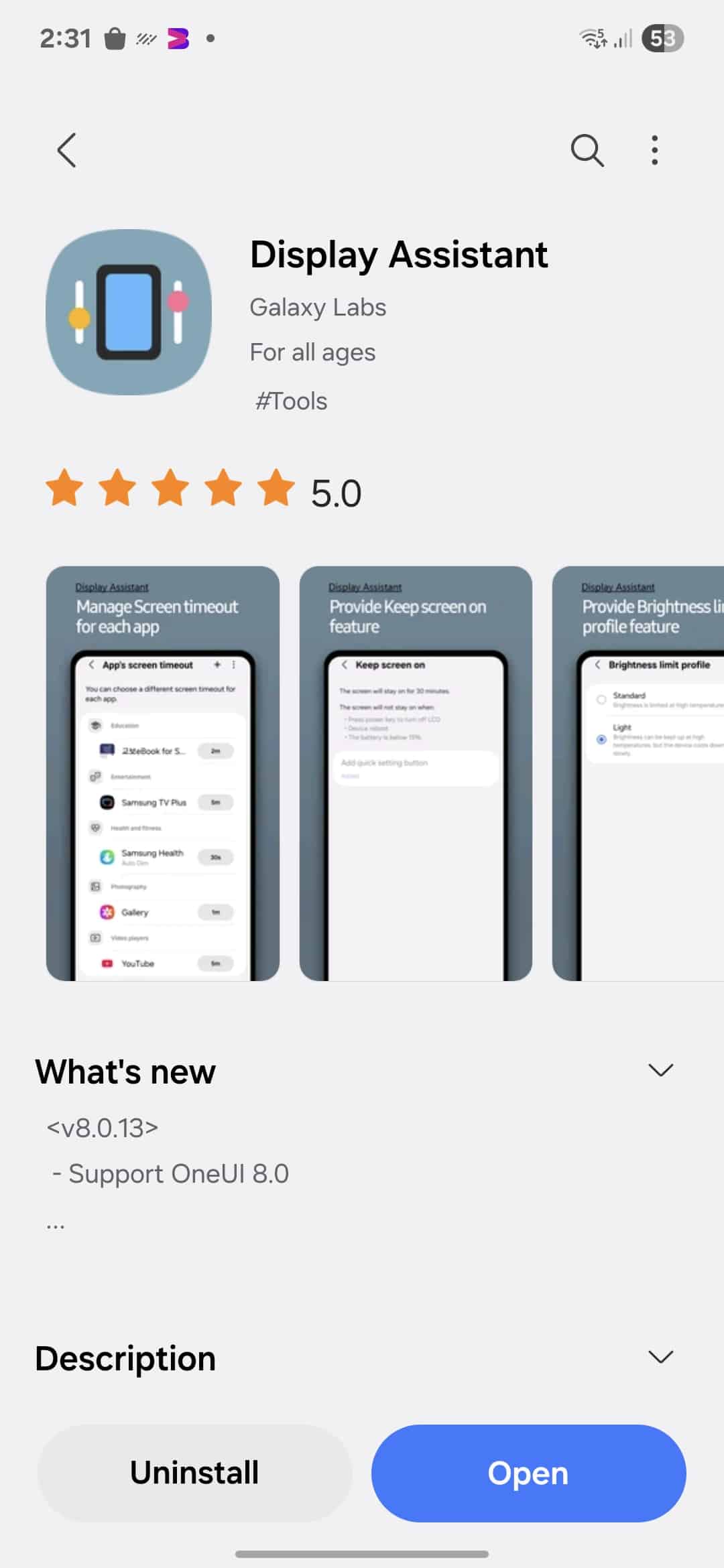
For those unaware, Display Assistant gives users advanced control over screen behavior, offering much more flexibility than the default system settings. It allows you to adjust screen timeout durations, manage brightness more intelligently. As well as fine-tune various display options to better match your preferences.
The latest update focuses mainly on ensuring compatibility with One UI 8. Although the changelog only mentions “Support for One UI 8.0,” we can expect some under the hood improvements as well.
To install or update Display Assistant, open the Galaxy Store on your Samsung device, search for “Display Assistant”. Tap either Update or Install. You can also access it through the Good Lock app, where the module is listed among the available tools.
Once updated, you’ll be able to take full advantage of Display Assistant’s features on devices running One UI 8. You’ll notice a more reliable experience and improved control over screen settings, without the glitches some users encountered before the update.

Written by
Abhinav AnandAbhinav Anand is the News Editor at SammyGuru and a technology journalist based in New Delhi. Before joining SammyGuru, he contributed to numerous outlets, including Android Headlines, ExtremeTech, The Mac Observer, Financial Express, Economic Times, iGeeksBlog, KnowTechie, PhonesWiki, SlashGear, and more. You can reach him at abhinav@sammyguru.com.

Follow us on Google Discover & set us as a preferred source in Google News
Share this Post
___________________________


New Blog Posts
___________________________

First Set of Pixel 11 Pro XL Renders Are Here
Pixel 11 Pro XL CAD renders show minimal design changes

Is Samsung Preparing One UI 8.5 Beta for Galaxy Z Fold 5 and Flip 5?
Samsung may launch a One UI 8.5 beta program for its 2023 foldables

Galaxy S25 One UI 8.5 Beta May Run Longer Than Expected
Galaxy S25 series’ One UI 8.5 beta may stretch to 10 rounds







