
Good Lock 3.0.12.2 Update Brings Smoother and Smarter Experience
SammyGuru is reader-supported. We have affiliate and sponsored partnerships, so we may earn a commission when you buy through links on our site — at no extra cost to you. Learn more.
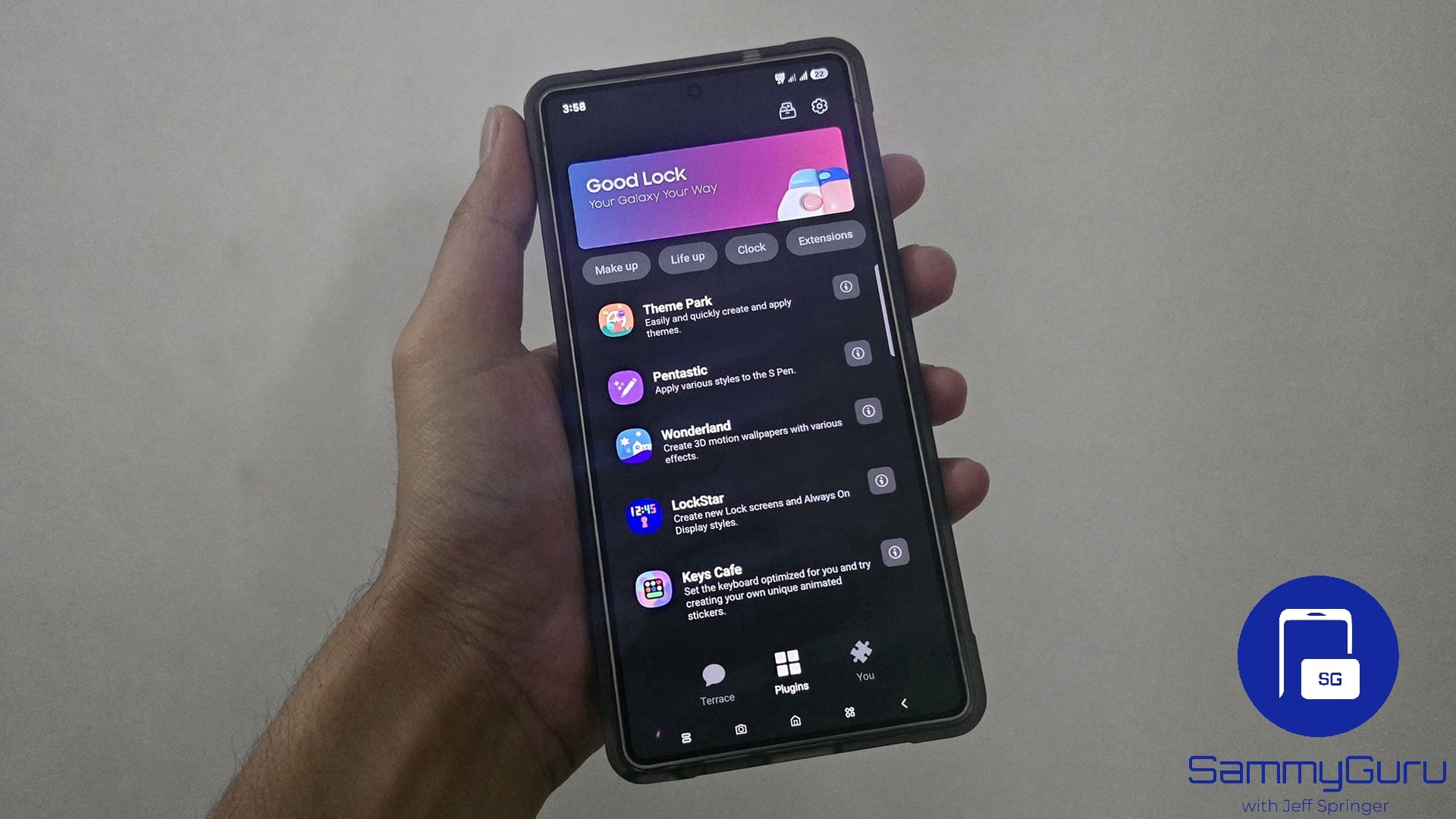
Samsung’s Good Lock app has received a fresh update, version 3.0.12.2. While it isn’t a massive overhaul, the new version does bring a couple of neat improvements. The latest update should be available to Galaxy users worldwide via the Galaxy Store in the coming weeks. Go ahead — update and keep your Galaxy phone feeling fresh and personalized.
Good Lock gets a minor update to version 3.0.12.2 — see what’s new
If you’re a Galaxy user who enjoys personalizing your phone, then you’re likely no stranger to Good Lock. It is a powerful customization suite packed with modules to tweak your device’s interface and functionality. Version 3.0.12.2 of the app focuses on making it more intuitive and stable.
One of the key changes is the improved visibility of updated modules. Good Lock includes various modules like Home Up, LockStar, QuickStar, NavStar, ClockFace, and others, each offering its own customization options. With the new update, it’s now easier to identify which modules have recently been updated, so you can quickly explore new features without second-guessing.
This enhancement might seem minor, but for regular users who rely on multiple modules, it’s a big time-saver. Samsung has also addressed some bugs to improve app stability. This should mean fewer crashes, loading delays, and performance issues. Whether you’re customizing your lock screen or keyboard, everything should now feel more fluid and responsive.
In short, this isn’t a feature-packed release, but it’s a quality-of-life update that makes Good Lock easier and more pleasant to use. Updating Good Lock to the latest version is simple. Open the Galaxy Store, tap the Menu option, go to Updates, and install Good Lock version 3.0.12.2. Alternatively, you can search for the app in the Galaxy Store. Sideloading the APK from third-party sources is another option, but we do not recommend this.

Written by
Sumit AdhikariSumit, a life-long Samsung user, is passionate about technology and has been professionally writing on tech since 2017. He’s a mathematics graduate by education and enjoys teaching basic mathematics tricks to school kids in his spare time. Sumit believes in artificial intelligence and dreams of a fully open, intelligent and connected world.

Follow us on Google Discover & set us as a preferred source in Google News
Share this Post
___________________________


New Blog Posts
___________________________

First Set of Pixel 11 Pro XL Renders Are Here
Pixel 11 Pro XL CAD renders show minimal design changes

Is Samsung Preparing One UI 8.5 Beta for Galaxy Z Fold 5 and Flip 5?
Samsung may launch a One UI 8.5 beta program for its 2023 foldables

Galaxy S25 One UI 8.5 Beta May Run Longer Than Expected
Galaxy S25 series’ One UI 8.5 beta may stretch to 10 rounds







