
One Hand Operation+ Updated with New Features for One UI 8
SammyGuru is reader-supported. We have affiliate and sponsored partnerships, so we may earn a commission when you buy through links on our site — at no extra cost to you. Learn more.
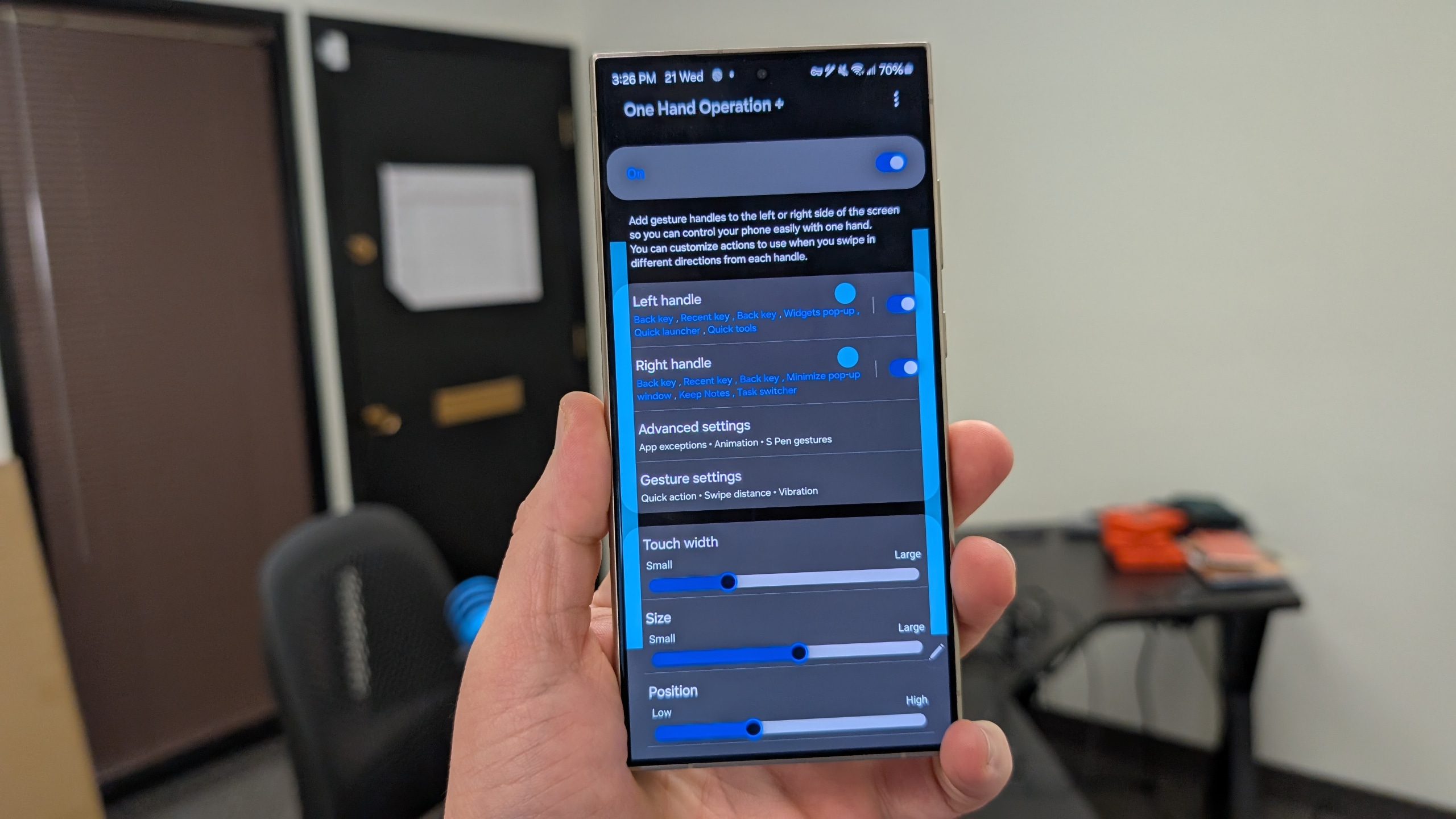
With every major One UI release, Samsung refreshes Good Lock modules with new features and improvements. Now that One UI 8 beta is here, we’re beginning to see updates roll out across the Good Lock suite. Tipster @Theordysm recently spotted a new version of One Hand Operation+ for devices running One UI 8. The update brings two practical features that enhance in-app navigation and make handling customization more seamless and intuitive.
One Hand Operation+ gets new features in One UI 8
With the new update, Samsung has added dedicated “Add Handle” and “Delete Handle” buttons to streamline how users customize edge handles. These buttons make it faster and more intuitive to tweak gestures — ideal for users who frequently switch between apps or need precise control with one-handed use.
The next standout addition is the new “System back gesture” toggle. Once enabled, users can trigger the system back navigation gesture even outside the One Hand Operation+ handle area. This makes it easier to use the phone’s native navigation without conflicting with gesture zones set by the plugin — another thoughtful improvement from Samsung.
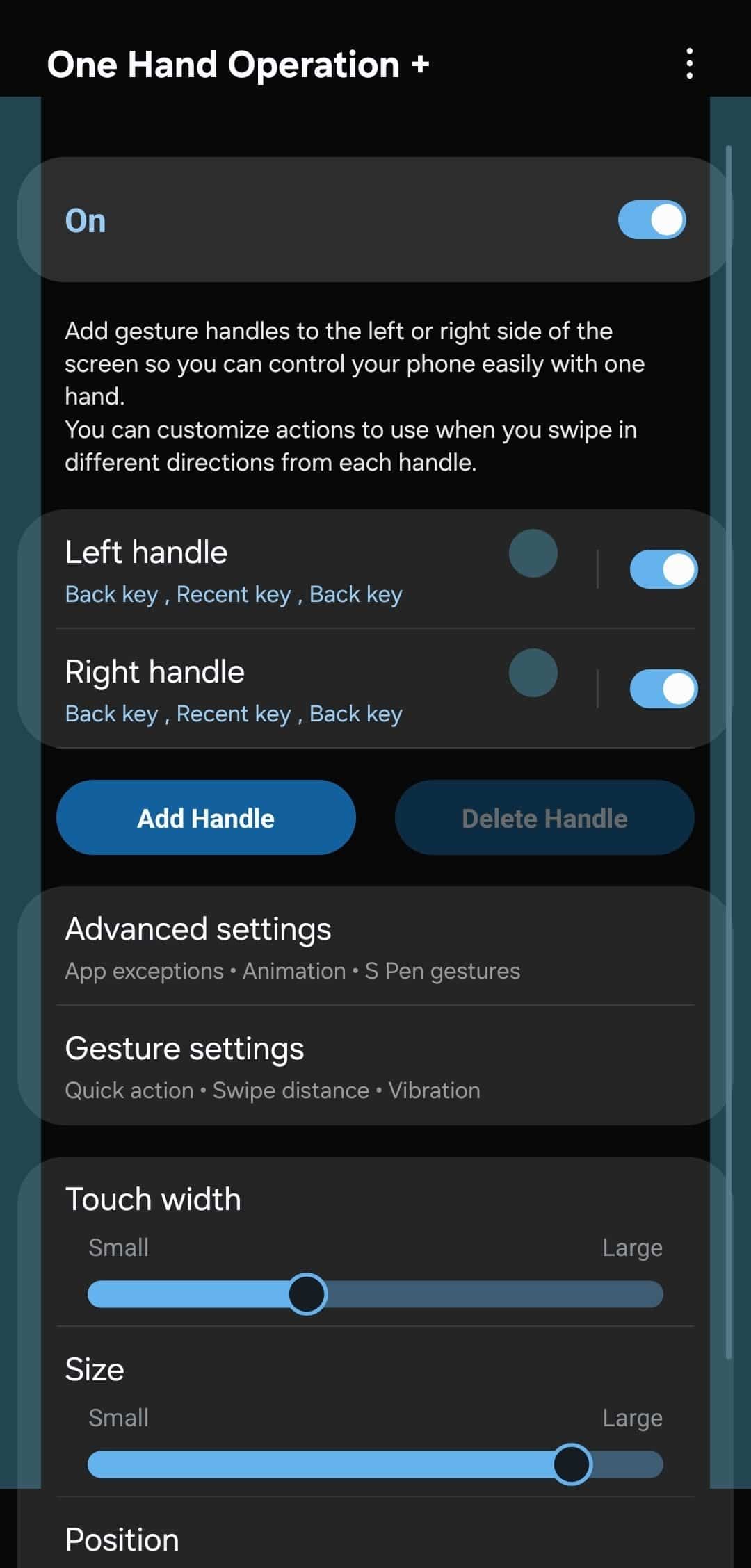
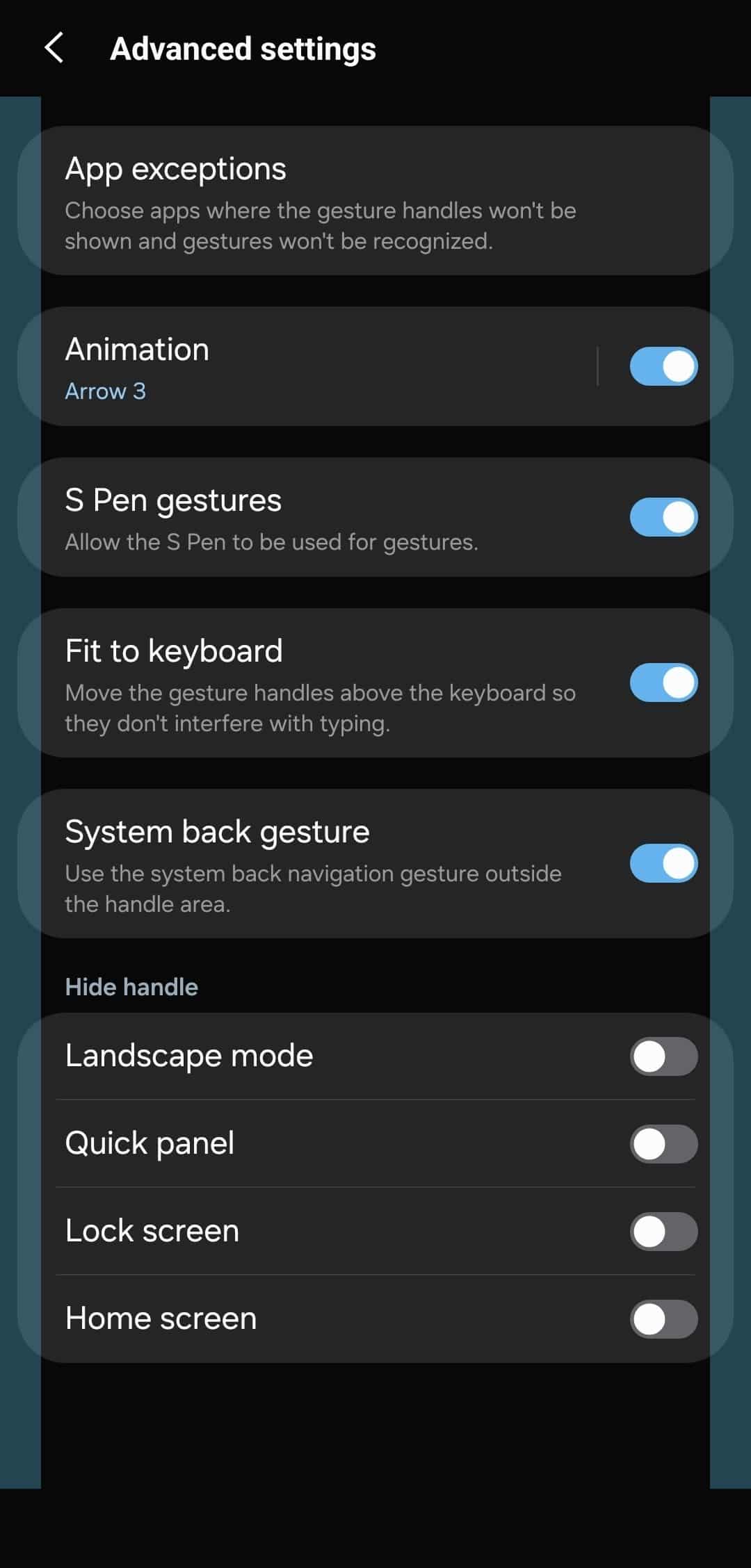
These upgrades mark a step toward a more seamless experience between Samsung’s gesture plugins and the OS-level gestures introduced in One UI 7. This updated One Hand Operation+ version is currently available for Galaxy S25 users running One UI 8 beta. Users on One UI 7 may be able to sideload the APK to test some of the new features. However, functionality is not guaranteed, and unexpected bugs or crashes may occur.
It’s best to wait until Samsung officially rolls out One UI 8 for your phone. The stable version is set to debut in July, with a wider rollout expected in August. The company should update more Good Lock modules with these kinds of meaningful enhancements in the coming weeks.

Written by
Sumit AdhikariSumit, a life-long Samsung user, is passionate about technology and has been professionally writing on tech since 2017. He’s a mathematics graduate by education and enjoys teaching basic mathematics tricks to school kids in his spare time. Sumit believes in artificial intelligence and dreams of a fully open, intelligent and connected world.

Follow us on Google Discover & set us as a preferred source in Google News
Share this Post
___________________________


New Blog Posts
___________________________

First Set of Pixel 11 Pro XL Renders Are Here
Pixel 11 Pro XL CAD renders show minimal design changes

Is Samsung Preparing One UI 8.5 Beta for Galaxy Z Fold 5 and Flip 5?
Samsung may launch a One UI 8.5 beta program for its 2023 foldables

Galaxy S25 One UI 8.5 Beta May Run Longer Than Expected
Galaxy S25 series’ One UI 8.5 beta may stretch to 10 rounds







