
Your Galaxy Tab S11’s S Pen Has Hidden Shortcut for Changing Styles
SammyGuru is reader-supported. We have affiliate and sponsored partnerships, so we may earn a commission when you buy through links on our site — at no extra cost to you. Learn more.
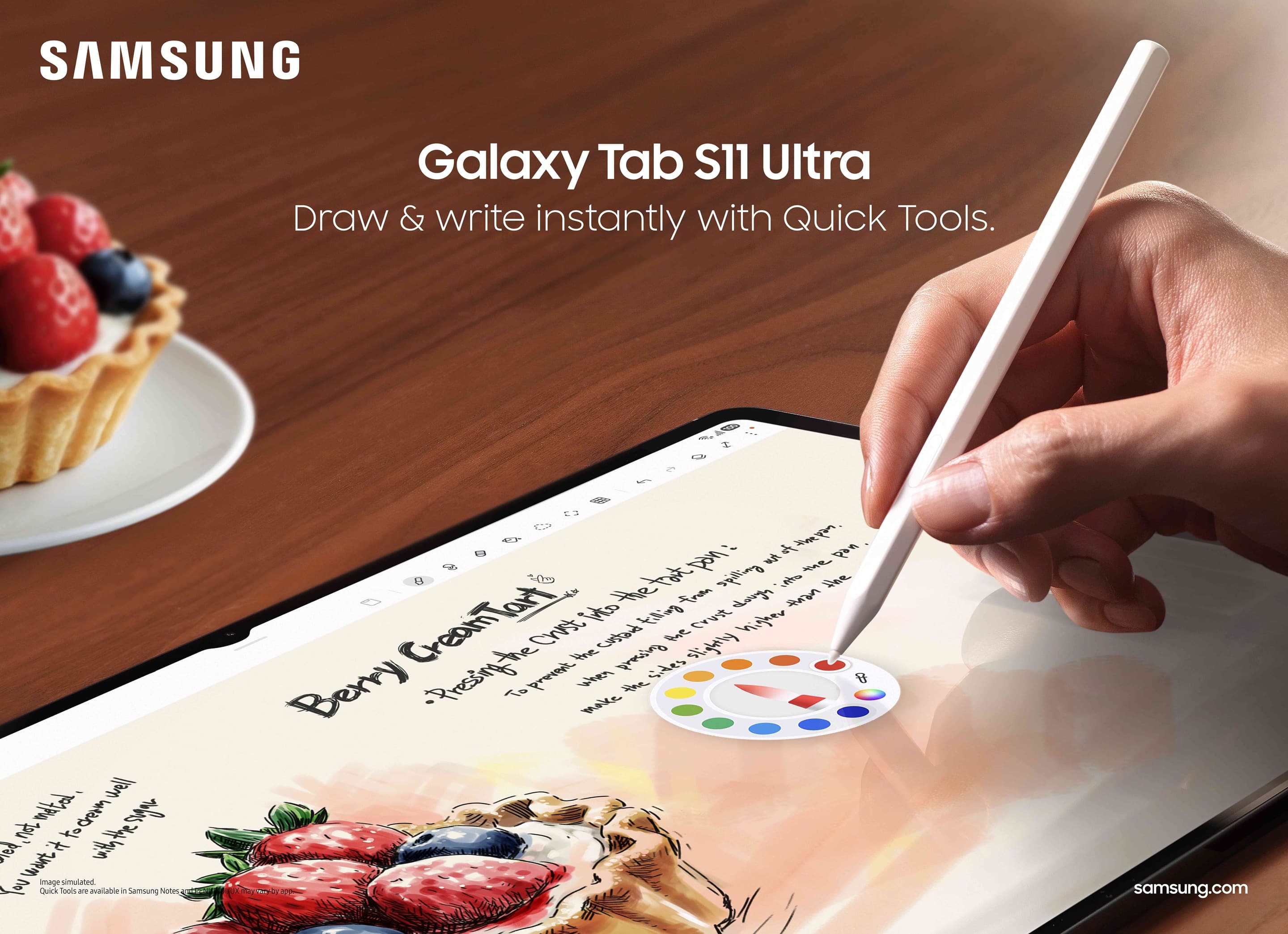
If you’ve just unboxed your Galaxy Tab S11 or Tab S11 Ultra — or are thinking of getting one — here’s a neat S Pen trick worth knowing. Whether you’re jotting down notes, building a presentation, or sketching artwork, you can instantly swap pen styles without digging through menus. This simple shortcut keeps you focused and in the flow.
You don’t need to pause your creativity to change S Pen styles
Samsung’s S Pen makes it easy to switch between different pen tools on your Galaxy Tab S11. When creating a new note, hover the pen over the note and press the button on its side. A circular menu pops up right where you are. From there, you can quickly choose a new pen style, color, or thickness — or even pick a Galaxy AI tool to enhance your notes.
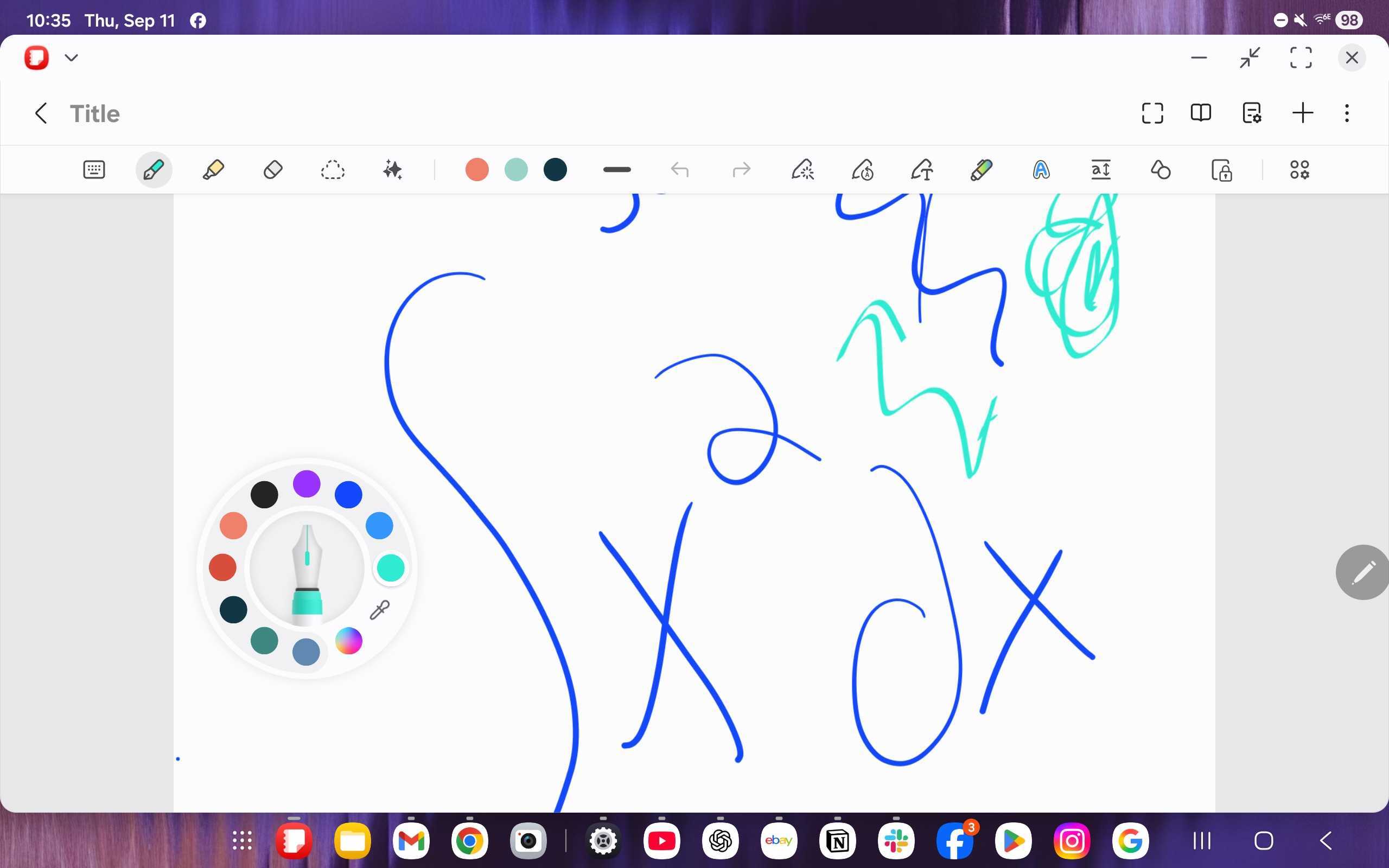
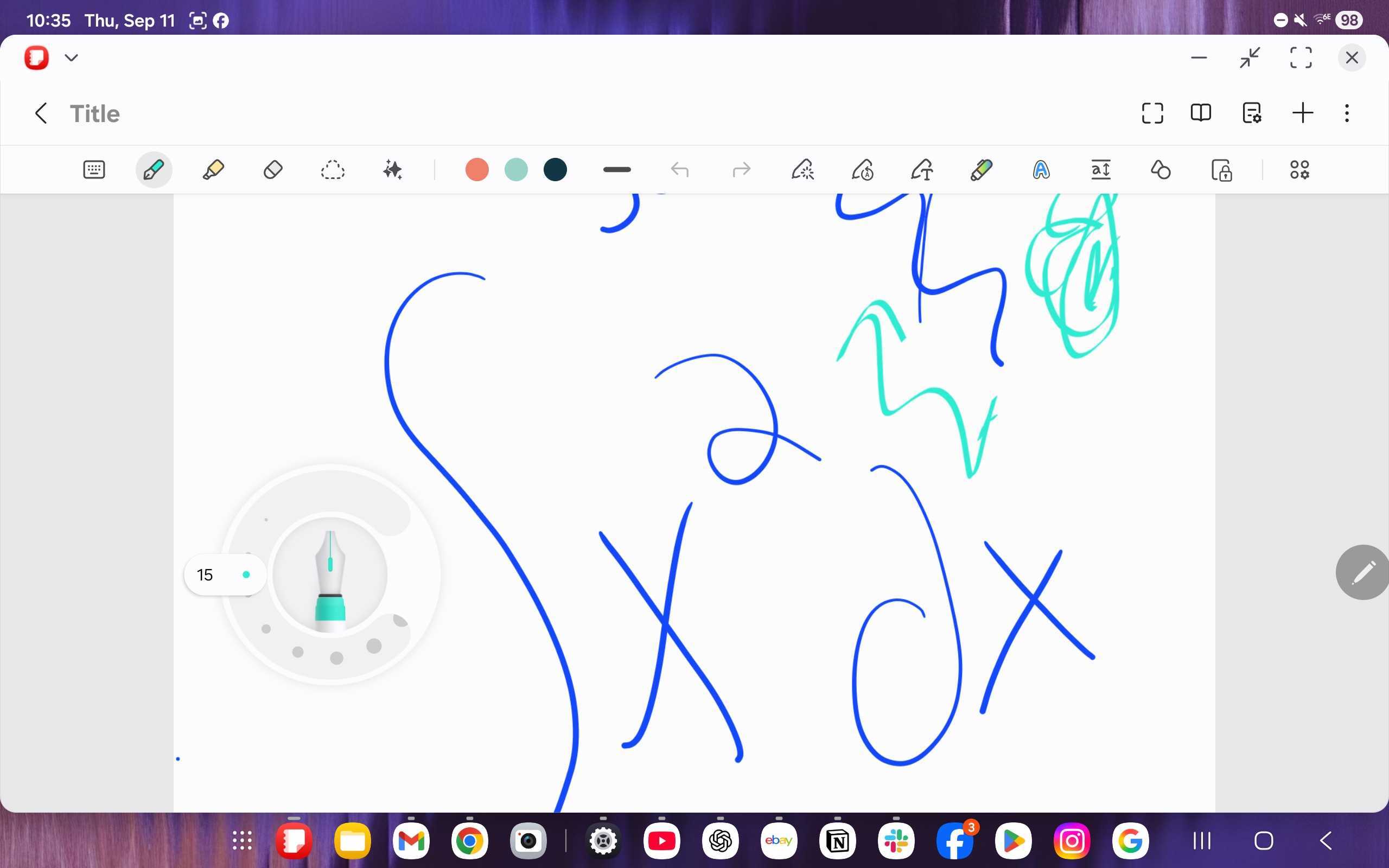
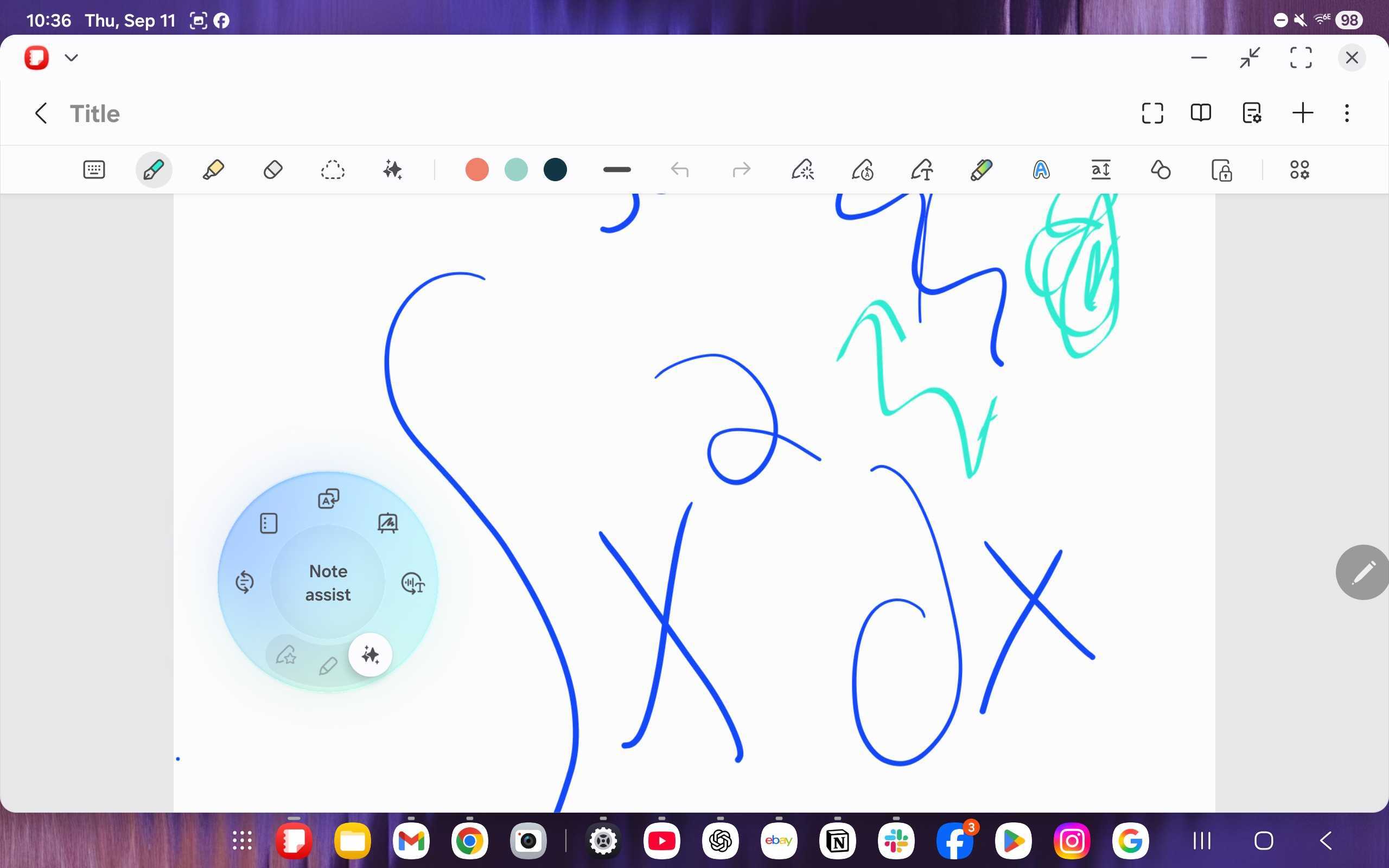
All of this happens in one flow, without breaking your rhythm. You can sketch, annotate, or write without ever leaving the page you’re working on. This small but clever feature is perfect for artists, students, and professionals who switch between writing styles or tools often. It’s the kind of productivity boost that makes the S Pen a creative assistant that adapts to how you work.
Samsung’s new, hexagonal S Pen introduced with the Galaxy Tab S11 series further enhances productivity with a sturdier grip, wider tilt support, improved accuracy, and smarter features. The redesigned pen is more versatile than ever, making it the perfect tool to keep up with your creativity.
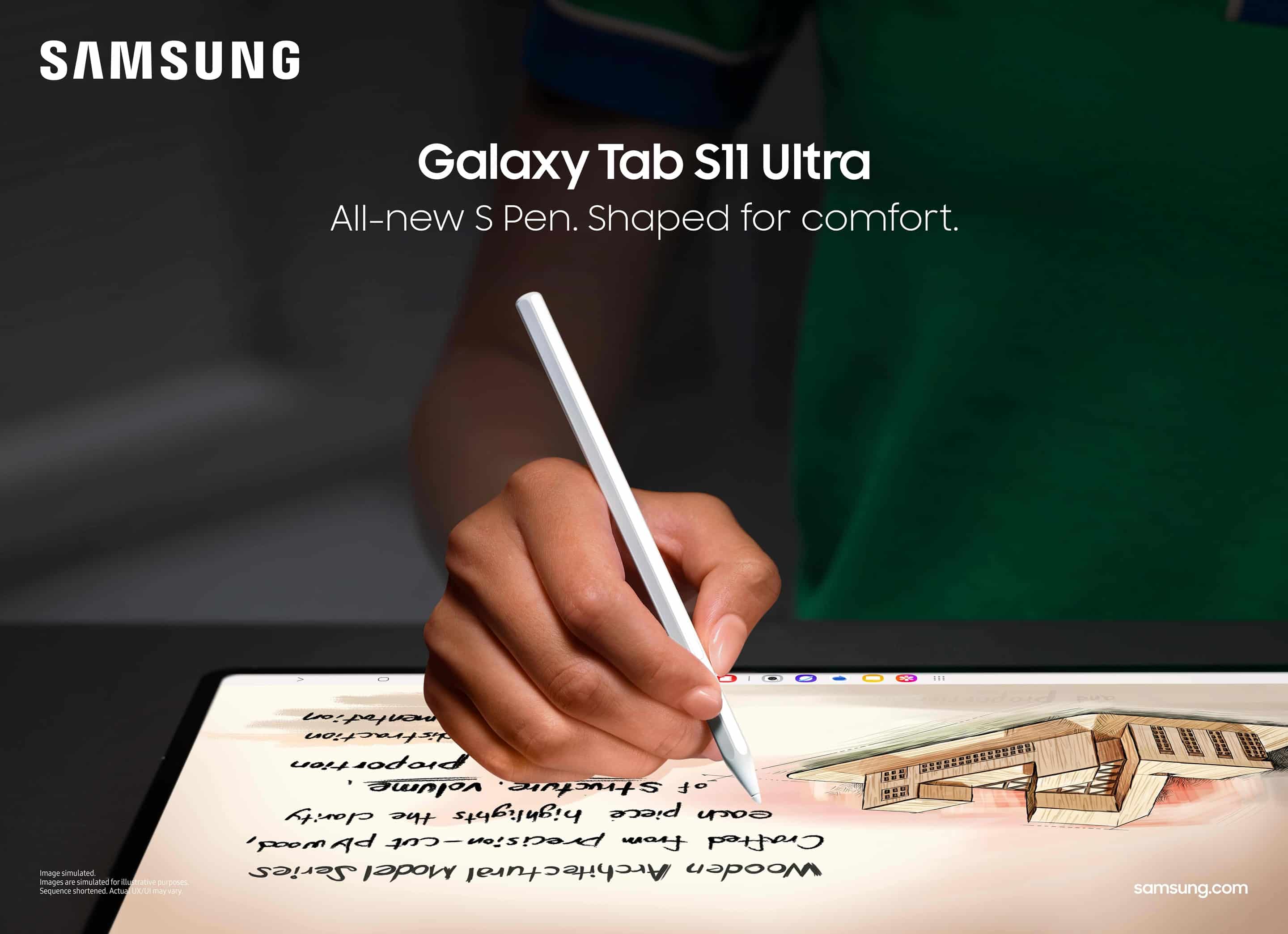
The redesigned S Pen comes bundled with the Galaxy Tab S11 and Tab S11 Ultra, which are priced at $799 and $1,199, respectively. Samsung is currently offering a free storage upgrade on both models, making the deal sweeter. The pen is also compatible with older Galaxy tablets, and you can buy it separately for $64.99.

Written by
Sumit AdhikariSumit, a life-long Samsung user, is passionate about technology and has been professionally writing on tech since 2017. He’s a mathematics graduate by education and enjoys teaching basic mathematics tricks to school kids in his spare time. Sumit believes in artificial intelligence and dreams of a fully open, intelligent and connected world.

Follow us on Google Discover & set us as a preferred source in Google News
Share this Post
___________________________


New Blog Posts
___________________________

First Set of Pixel 11 Pro XL Renders Are Here
Pixel 11 Pro XL CAD renders show minimal design changes

Is Samsung Preparing One UI 8.5 Beta for Galaxy Z Fold 5 and Flip 5?
Samsung may launch a One UI 8.5 beta program for its 2023 foldables

Galaxy S25 One UI 8.5 Beta May Run Longer Than Expected
Galaxy S25 series’ One UI 8.5 beta may stretch to 10 rounds







