
WhatsApp Brings Strict Account Settings for Maximum Security
SammyGuru is reader-supported. We have affiliate and sponsored partnerships, so we may earn a commission when you buy through links on our site — at no extra cost to you. Learn more.
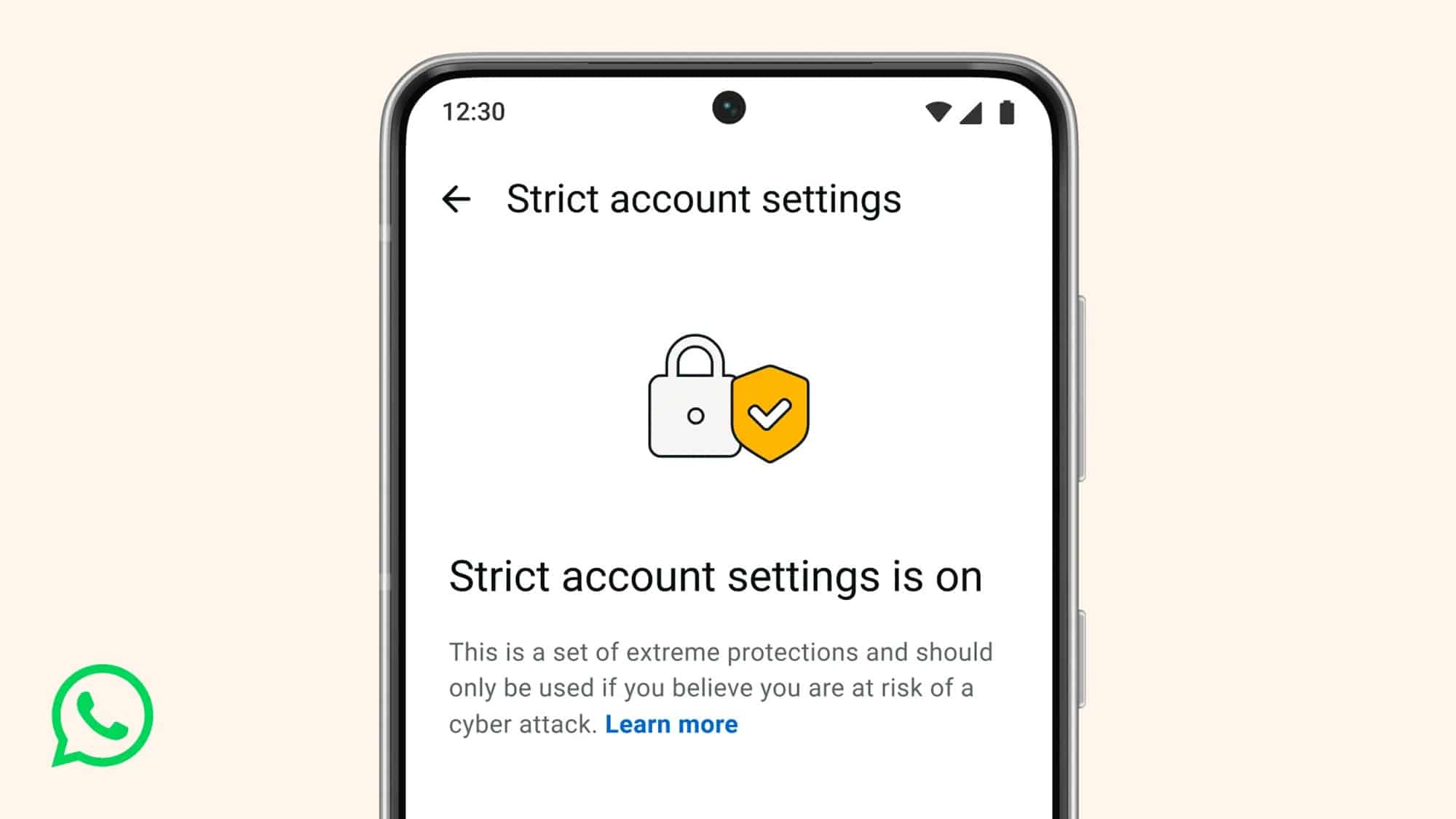
WhatsApp has launched a new advanced feature for maximum security and privacy. Dubbed Strict Account Settings, this feature offers safeguards to users against highly sophisticated cyber attacks. The company is rolling out the new protection gradually, so you may not see it immediately.
WhatsApp now lets you turn on lockdown-style account security
WhatsApp says that everyone should be able to have a private conversation online, just like in real life. While most people are safe with the app’s standard security, some users, like journalists and public figures, may face sophisticated cyber attacks. Strict Account Settings now offer extra protection against rare but serious threats.
The new security feature basically works like a lockdown mode for your account. It changes certain settings to the most secure options and limits chats with others outside your contacts. For example, it blocks attachments and media from people who are not in your contacts.
Furthermore, the app turns on two-step verification for an extra layer of protection. The feature also encourages the use of end-to-end encrypted backups to keep chat data safe. It also disables link previews while silencing calls from unknown numbers. Your IP address remains hidden during calls, making it difficult for attackers to trace you.
The feature also limits last seen, online status, profile photo, about details, and links (on your profile) to contacts or a pre-established list of people. Likewise, only known contacts or pre-established people can add you to groups, reducing risky interactions. The company says you should only turn this feature on if you think you may be a target of a sophisticated cyber campaign.
To turn on Strict Account Settings, you need to navigate to this route: tap three dots> Settings> Privacy> Advanced. Note that you can only turn it on or off from your primary device. Once enabled, you can see all locked settings via Strict account settings > View locked settings.

Written by
Binay KonwarBinay Konwar started his blogging journey in 2014 and has since written plenty of tech articles. At present, he is working as a News Writer at SammyGuru, covering everything about Samsung. He holds a Master's degree in Mathematics, but his real passion lies in tech and writing. In his free time, he enjoys playing chess and watching movies.

Follow us on Google Discover & set us as a preferred source in Google News
Share this Post
___________________________


New Blog Posts
___________________________

First Set of Pixel 11 Pro XL Renders Are Here
Pixel 11 Pro XL CAD renders show minimal design changes

Is Samsung Preparing One UI 8.5 Beta for Galaxy Z Fold 5 and Flip 5?
Samsung may launch a One UI 8.5 beta program for its 2023 foldables

Galaxy S25 One UI 8.5 Beta May Run Longer Than Expected
Galaxy S25 series’ One UI 8.5 beta may stretch to 10 rounds







